


Filament plugin to change users without having to leave the panel
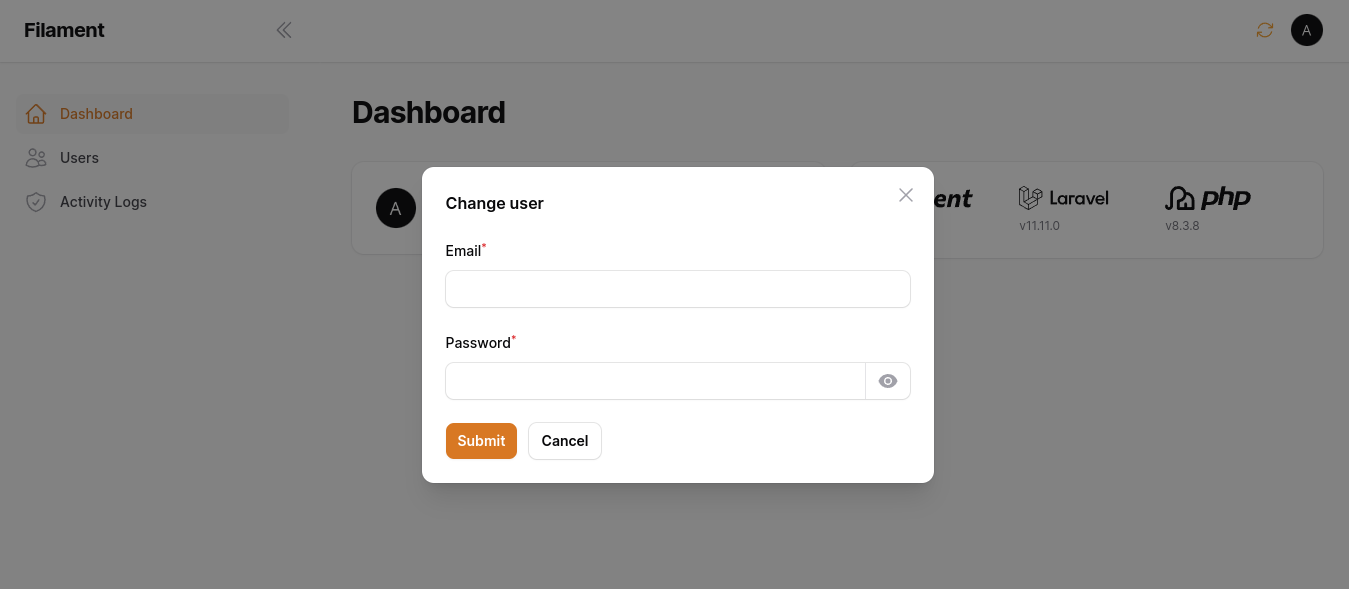
Change User Plugin is translated for :
- 🇧🇷 Brazilian Portuguese
- 🇺🇸 English
- 🇪🇸 Spanish
You can install the package via composer:
composer require rmsramos/change-userOptionally, you can publish the views using
php artisan vendor:publish --tag="change-user-views"In your Panel ServiceProvider (App\Providers\Filament) active the plugin
Add the Rmsramos\ChangeUser\ChangeUserPlugin to your panel config
use Rmsramos\ChangeUser\ChangeUserPlugin;

public function panel(Panel $panel): Panel
{
    return $panel
        ->plugins([
            ChangeUserPlugin::make(),
        ]);
}
If you would like to prevent certain users from accessing the change user, you should add a showButton() callback in the ChangeUserPlugin chain.
use Rmsramos\ChangeUser\ChangeUserPlugin;

public function panel(Panel $panel): Panel
{
    return $panel
        ->plugins([
            ChangeUserPlugin::make()
                ->showButton(fn () => auth()->user()->id === 1),
        ]);
}
You can swap out the modal heading used by updating the setModalHeading() value.
use Rmsramos\ChangeUser\ChangeUserPlugin;

public function panel(Panel $panel): Panel
{
    return $panel
        ->plugins([
            ChangeUserPlugin::make()
                ->setModalHeading('Another modal heading'),
        ]);
}
You can swap out the modal icon used by updating the setIcon() value.
use Rmsramos\ChangeUser\ChangeUserPlugin;

public function panel(Panel $panel): Panel
{
    return $panel
        ->plugins([
            ChangeUserPlugin::make()
                ->setIcon('heroicon-o-finger-print'),
        ]);
}use Rmsramos\ChangeUser\ChangeUserPlugin;
public function panel(Panel $panel): Panel
{
return $panel
->plugins([
ChangeUserPlugin::make()
->showButton(fn () => auth()->user()->id === 1)
->setModalHeading('Another modal heading')
->setIcon('heroicon-o-finger-print'),
]);
}composer testPlease see CHANGELOG for more information on what has changed recently.
Please see CONTRIBUTING for details.
Please review our security policy on how to report security vulnerabilities.
The MIT License (MIT). Please see License File for more information.