BLENDER v3.2 IS SUPPOSED TO FIX THE UDIM BAKE ISSUE SO THIS SCRIPT WILL NOT BE NEEDED FOR THAT VERSION AND ABOVE.
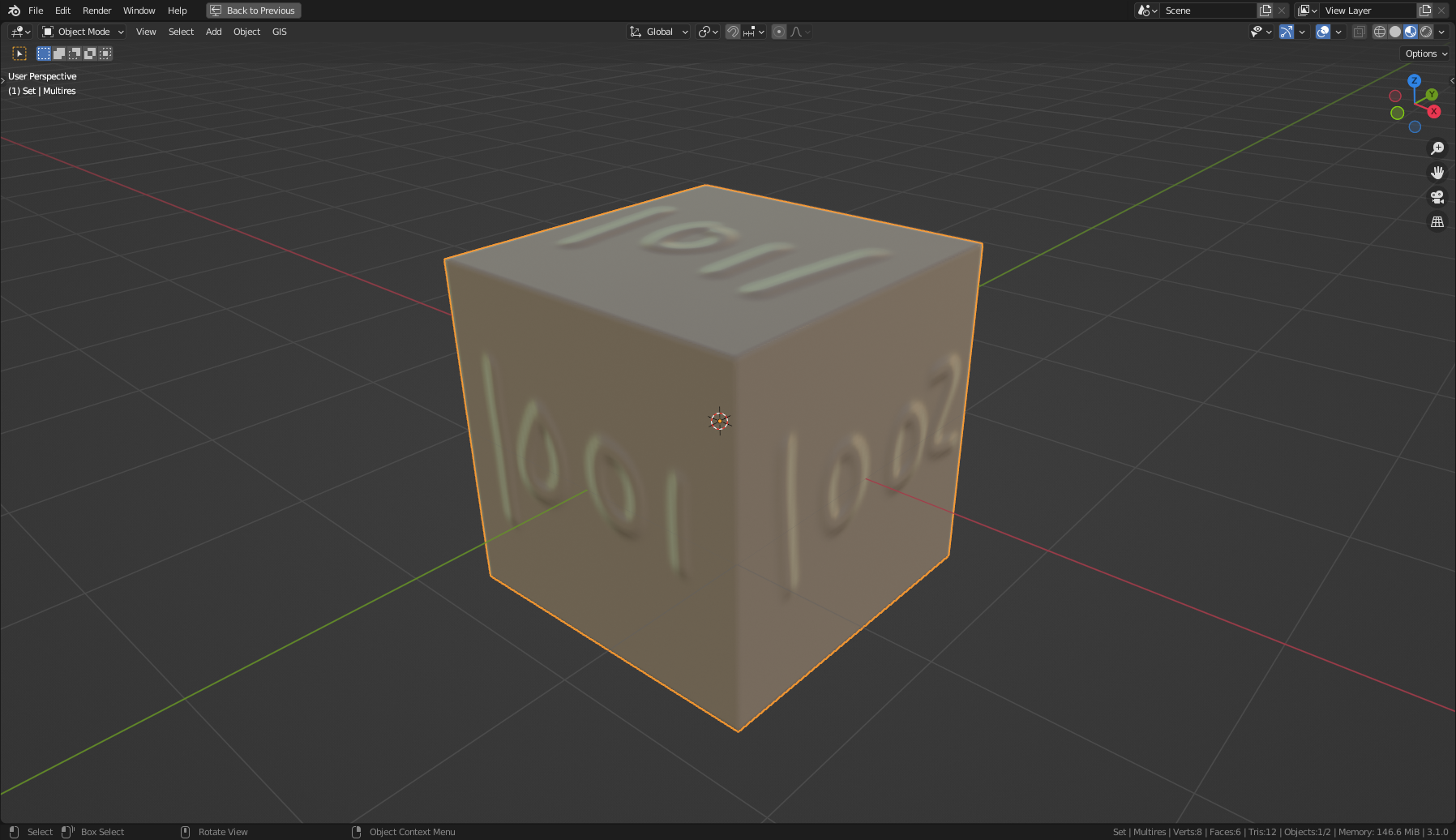
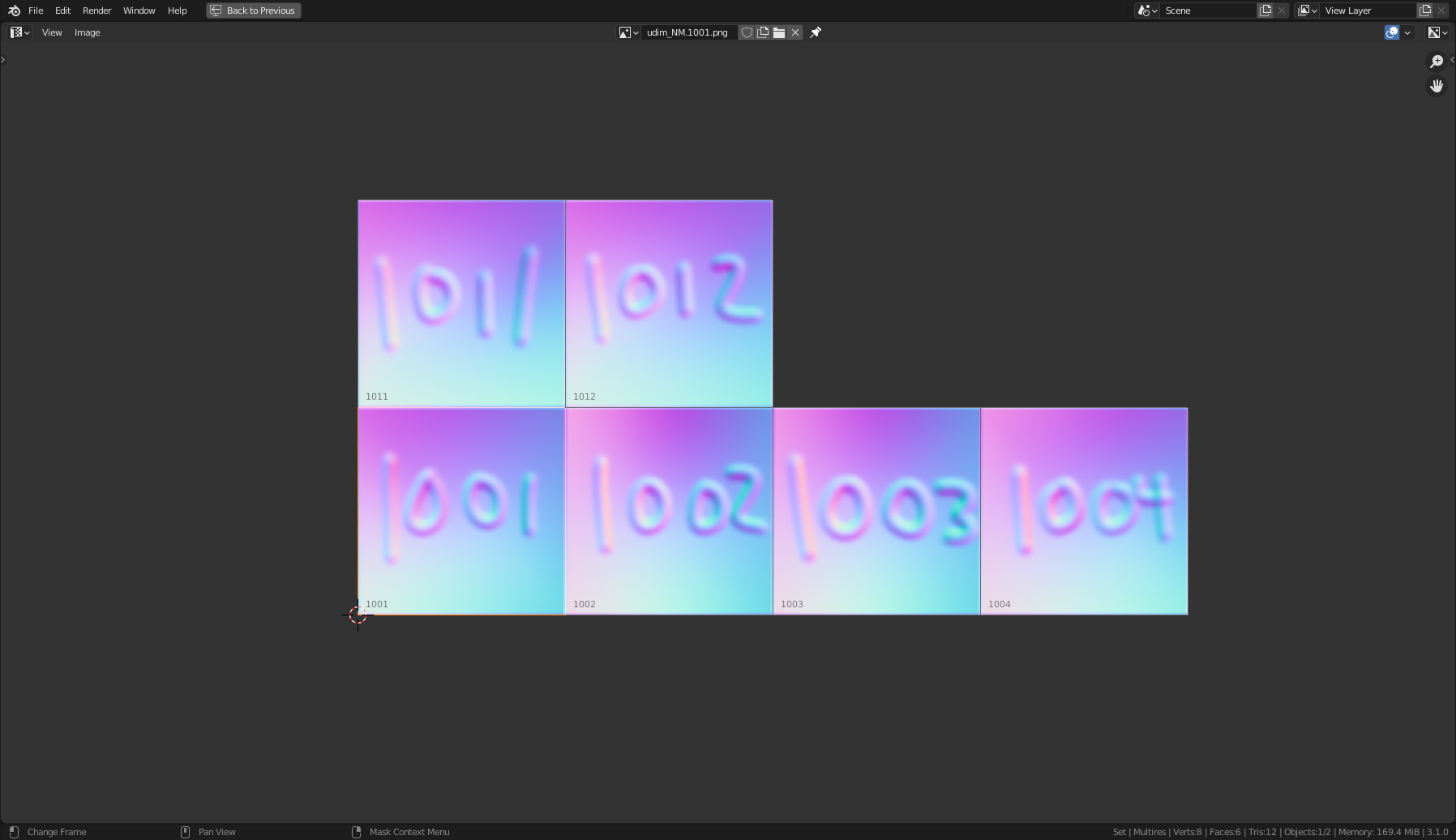
Blender script that will bake all the tiles of a UDIM texture.
Currenly Blender is not able to bake UDIM tiles, only the first tile will bake. There is a manual way to overcome this but it's very time consuming and prone to human error. The UDIM Bake script automates this process.
Tested for Blender v3.1.2. May not work on earlier versions due to changes made in the bake calls. The plugin has been tested for both multires and source/target objects using normals maps. It should work on all other types but has not been tested fully. Any problems that you encounter should be reported so it can be fixed.
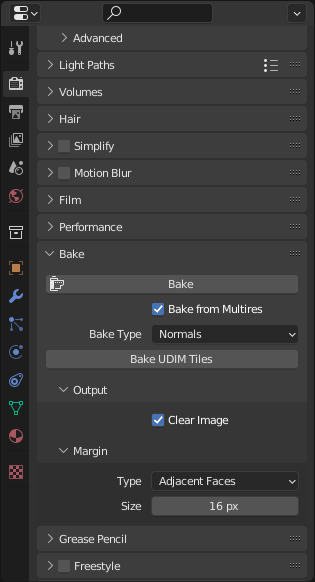
Copy the udim_bake.py into the blender/scripts/addons/ folder. In Blender, go to the Preferences and enable the UDIM Bake addon. A 'Bake UDIM Tiles' button will appear in the Bake section of the Render Properties panel. This button will only be used for UDIM texture nodes; all other images will use the normal 'Bake' button.
To bake on a MultiRes object you should not have your MultRes modifier on your rigged character. This will cause Blender to give you an error message saying that the object is not a MultiRes object when it is. To fix this issue you just need to make a copy of the object and strip off all the other modifiers till you only have your MultiRes modifier attached.
If you want to get a bake that matches the MultiRes you should set the render level of the modifier to the max value and the viewer level to what your subdivision modifier (on the rendered object) is set to for rendering.
If the script does fail, for any reason, be sure to delete any image texture nodes and UV map nodes created by the script in the Shader Graph. Also delete any UV maps created by the script in mesh (except for the UV maps you created). This will happen because the script was not able to finish so it was not able to do the cleanup process where it removes all these items.