This branch is with firebase, Check the 'fake-json-server' branch to see tests and the custom hook.
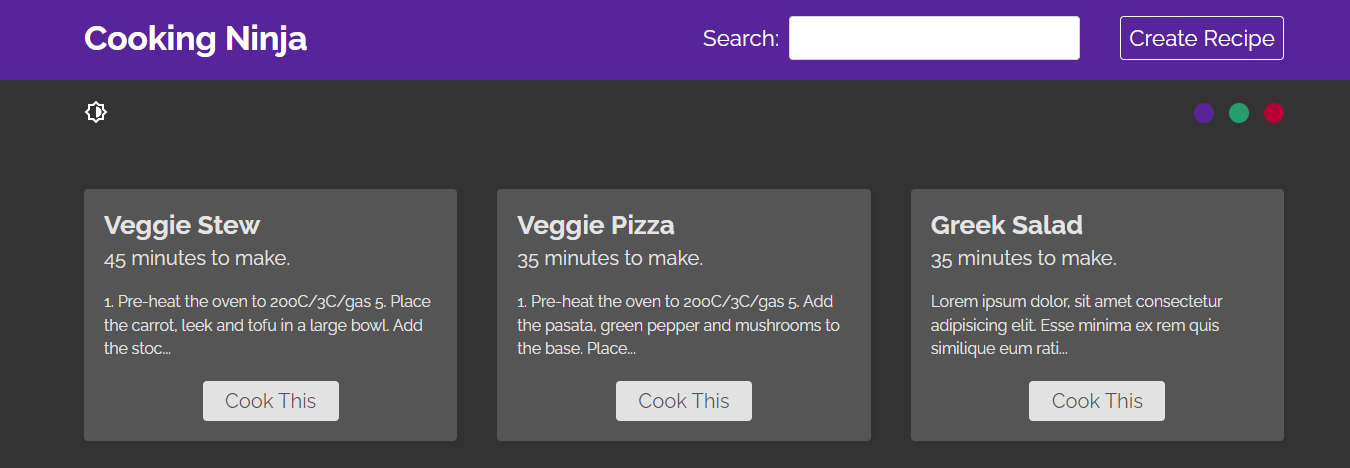
- Recipe app is a CRUD React app built following The Net Ninja tutorial.
- Users can read (fetch) recipes from a
fake-JSON-server, add recipes to it, and delete them. - I wrote all tests suit myself using jest and React-Testing-Library.
- This app is styled with CSS stylesheets.
I learned a lot of things while building this is an app, but here is the most important stuff:
- the
useFetchhook has 4 states:data: where to store the response when we get it from the server.isLoading: to indicate the process of fetching data.- error: in Which we store if there is any Error.
- options: to hold the post options.
- Inside a
useEffectwe have afetchData()function that updates the states depending on thetry catchblock response. - This hook accepts two arguments, the URL and the method. depending on the method it decides to
POSTorGETdata. - It checks what is the the second argument (method). If it's
POST, it call thefetchData()with theoptionsstate. - It makes use of the JavaScript
AbortControllerobject, inside a cleanup function, to abort the async task (fetching) once the component is unmounted.
- Recipe App has two global states that need to be shared/used in different components:
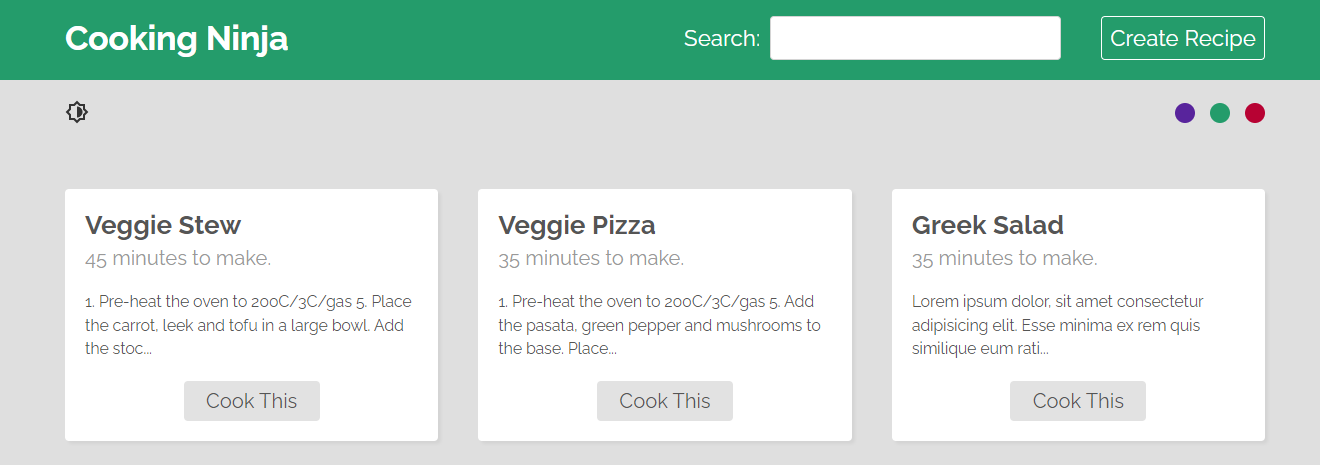
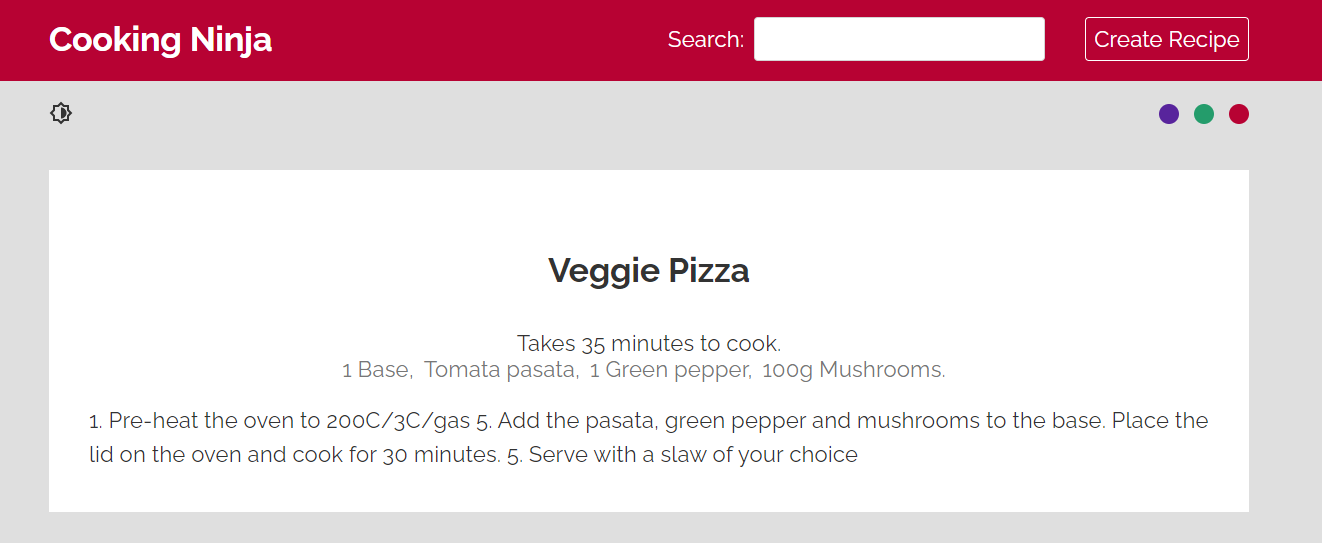
modeandcolor. Themodestate is to decide whether to use dark or light mode, and thecolorstate to change theNavbarcolor. - To avoid props drilling we use the React Context.
- Inside
ThemeContext.jswe created aThemeContextusingcreateContext(), and then created a custom Provider<ThemeProvider>that will wrap the children it may have and pass the value prop so that all the nested components will be able to get access to it. - The
<ThemeProvider>will also encapsulate all the logic that can update the value prop we passing. - The value prop passed is an object that contain our
statereturned from theuseReducer()and also the functions that can update the state.
- use
npm installto install all the dependencies. - This app uses fake server, so first of all run
JSON-server --watch ./data/db.json - then start the development server
npm start. - use
npm run testto run all the test suits - Enjoy playing around
- for more information please refer to react-app