
Command-line tool to execute most common actions with a docker container via docker ps and fzf
$ brew tap rcruzper/homebrew-tools
$ brew install dps
or
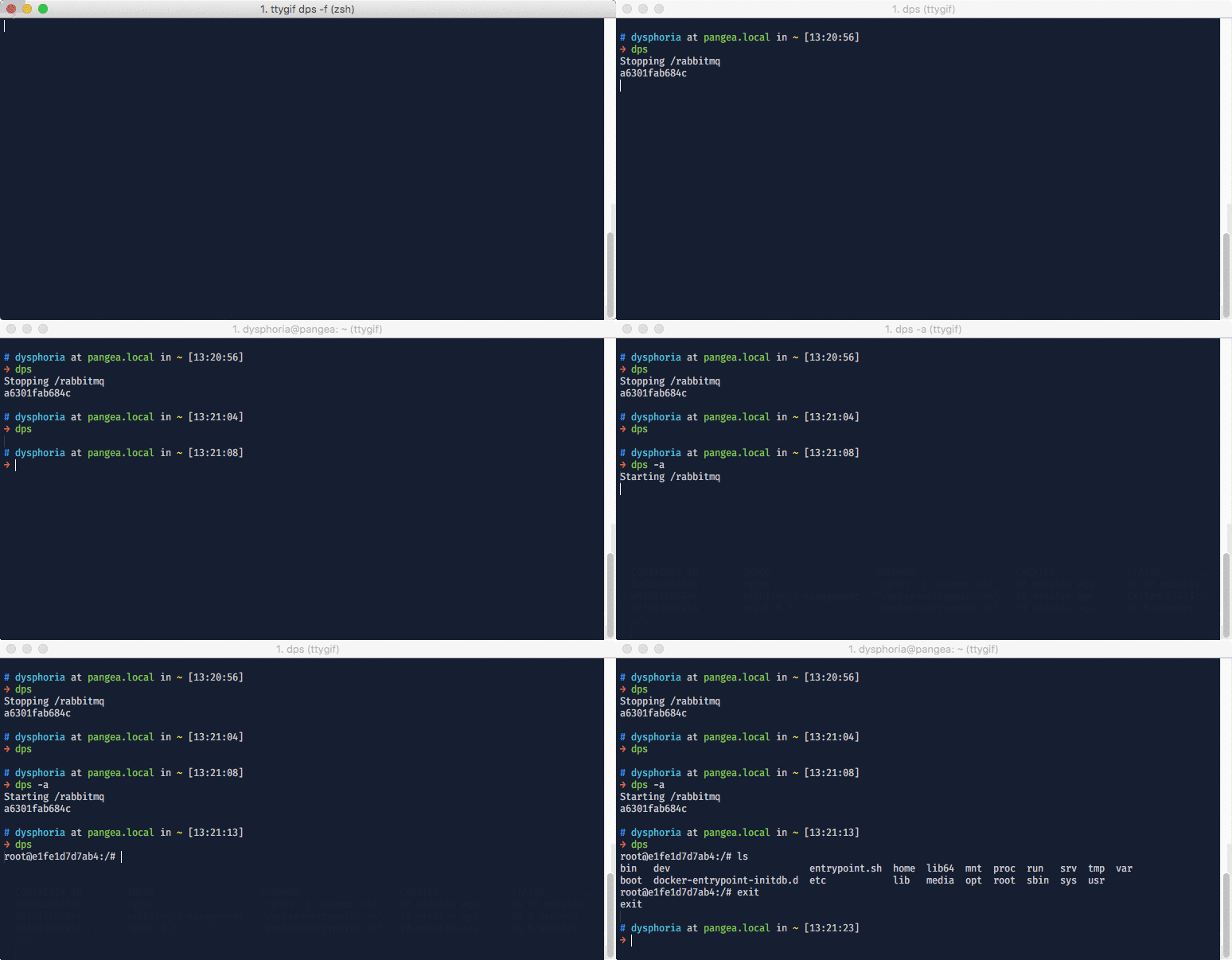
$ brew install rcruzper/homebrew-tools/dpsdps accepts all docker ps params (i.e. dps -a -n 5 will show the last 5 containers with any status)
dps allows to execute those actions on each container:
CTRL-iinspects the containerCTRL-sstops the containerCTRL-xstarts the containerCTRL-lshows container logsCTRL-eopens a terminal into a containerEntercopies container id into the clipboard