This project is in active development

# yarn
yarn add @quarks-css/quarks

# npm
npm install @quarks-css/quarksA setup call with the provided setup function needs to be made on the entry file of your project.
import { setup } from '@quarks-css/quarks';

const MyApp: AppType = ({ Component, pageProps }) => {
  setup();

  // ... rest of app
};Import quark from @quarks-css/quarks and pass it any valid HTML element string to create a quark!
import quark from '@quarks-css/quarks';

const Div = quark('div');
const H1 = quark('h1');

export default function Home() {
  return (
    <main>
      <Div $backgroundColor="primary-900" $color="common-white" $padding="16px 24px" $borderRadius="8px">
        <H1 $textAlign="center" $fontSize="32px">
          My first Quark!
        </H1>
      </Div>
    </main>
  );
}Quarks are React components, but with all valid CSS properties available as props. They use Goober to inject styles either statically or dynamically as needed.
- Many CSS-in-JS libraries rely on tagged template literals to create component styles, sometimes offering object syntax as an alternative. However, template literals forego the benefits of Typescript since the contents of template literals are not evaluated. This allows for mistakes to go unchecked. With Quarks type-safety is always enforced.
- Most CSS-in-JS libraries provide access to a theme via a prop argument in a callback. But lazy or inexperienced developers usually don't take advantage of that and instead either import theme values or hard-code style values because it's easier 😱. One of quarks' main goals is to make referencing theme values easier than hard-coding styles, ensuring that your application's theme is consistently followed and easy to change.
- Nearly all CSS-in-JS libraries allow for conditional styling via custom props. Having to name and keep track of all of these props is a needless hassle that leads to poor naming and confusing code 🍝. Since your components' state, props, or other variables are already available to quarks via props, this is never a problem.
- Most CSS-in-JS libraries require each styled element to be declared as a separate React component. That means having to come up with (yet another) descriptive name for every element. This wastes time and can lead to confusion when elements inevitably have similar or convoluted names. Since each quark is only unique in its element tag name, it's always clear what each quark represents and there's never a need to spend time trying to uniquely name them.
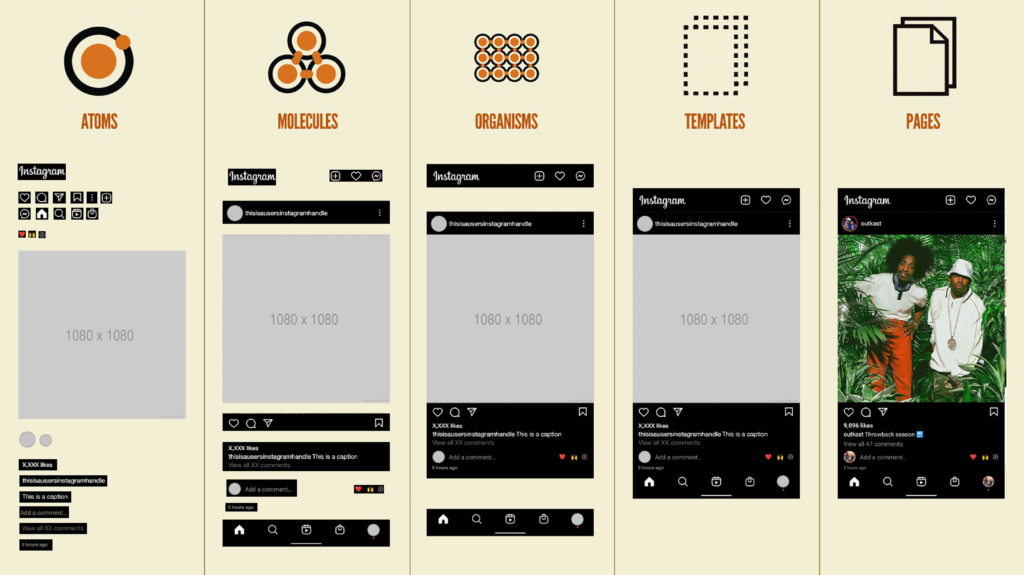
It's a reference to Brad Frost's Atomic Design Methodology. If atoms are your smallest design element that make up buttons, icons, text, etc., then what make up atoms? Quarks of course!