QiTech Control is an open-source framework designed to bring modern software paradigms to certified industrial hardware.
It frees developers from proprietary, license-heavy PLC ecosystems and rigid "point-and-click" workflows that are no longer adequate for today's complex automation challenges.
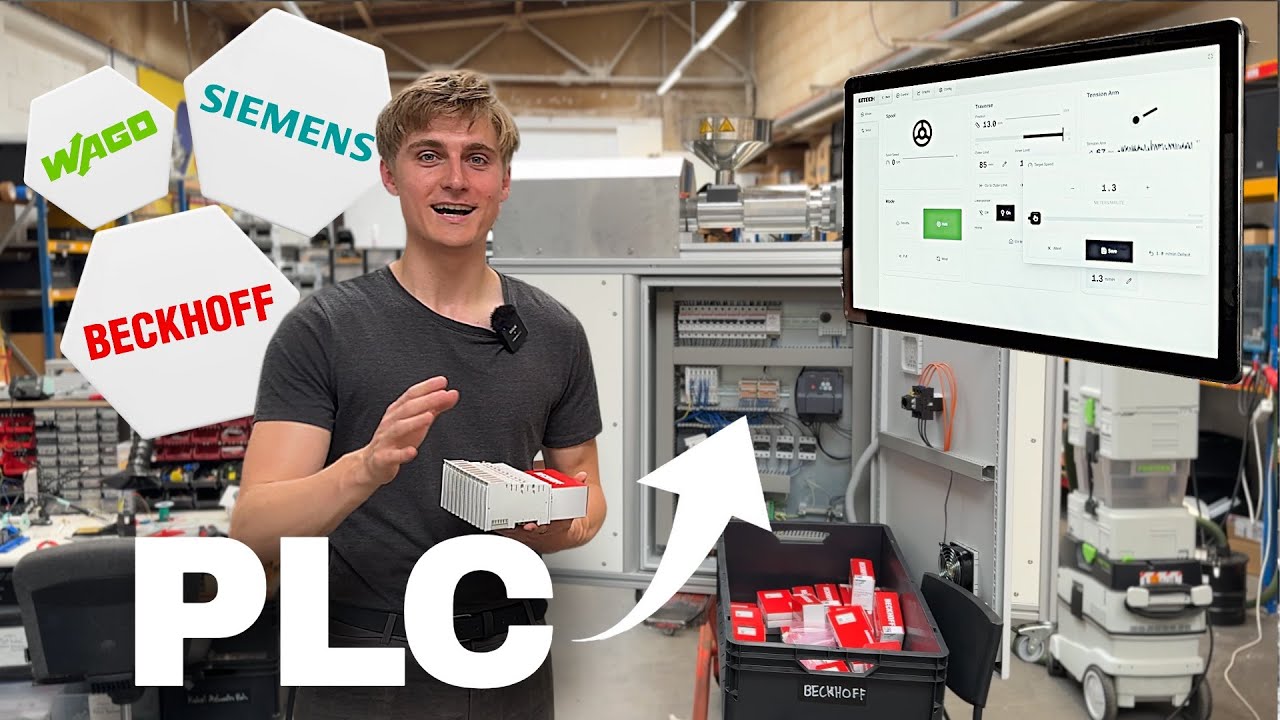
QiTech Control combines the modularity and reliability of standard EtherCAT terminals (e.g., WAGO, Beckhoff) with the power of a modern Rust & React stack.
Frontend
/electron: Frontend code for the control software built with React and Electron.
Backend
/server: Glue between Beckhoff and Electron. Implements machine logic./ethercat-hal: Hardware abstraction layer for Beckhoff (and possibly other EtherCat) devices and protocols./ethercat-hal-derive: Macros forethercat-hal/control-core: Core control logic for the server.
Operating System
/nixos: Custom Linux with realtime kernel & preconfigured for touchscreens.
Other
/docs: Documentation for the project.
To interface with Beckhoff and other EtherCAT devices we need an EtherCAT master software. Possibilities are PySOEM (Python), SOEM (C) and Ethercrab (Rust). For realtime operation only C and Rust are suitable. We chose Rust because of safety and confidence in the written code.
SocketIO was chosen for performant event driven communication from the backend to the server. But we still use REST with axum for the communication thet benefits from the request/response model.
We use Smol for EtherCAT IO in the control loop for it's performance and Tokio for server IO because of it's ecosystem and maturity.
We could combine the code of the frontend and backend using Doxius but it lacks good Linux support. We chose Electron with React for it's maturity and ecosystem. For the UI we use Shadcn components and Tailwind for styling. For routing we use TanStack Router.
-> Backend
- Rust stable 1.86^ toolchain (install via rustup)
rust-analyzerextension for VSCode- Set your interface in
server/src/ethercat/init.rslikeen10 - Connect a Beckhoff EK1100 to your interface
- run
cd server && cargo runto start the server (localhost:3001)
-> Frontend
- nodejs and npm installed
- run
cd electron && npm i && npm run startto start the frontend
For complete step-by-step tutorials on setting up your first hardware, including wiring diagrams and software configuration, see the Getting Started Guide.
| Machine Name | Description | Machine ID | Implemented | Video | Docs |
|---|---|---|---|---|---|
| Winder V1 | Winding Filaments & Similar | 1 | Legacy | Video | - |
| Winder V2 | Winding Filaments & Similar | 2 | Yes | Video | |
| XL Winder V1 | Large Scale Winder | 3 | Yes | Video | - |
| Buffer V1 | Filament buffering system | 4 | In Progress | Video | - |
| Extruder V1 | Single Screw Extruder | 5 | Legacy | Video | - |
| Extruder V2 | Single Screw Extruder | 6 | Yes | Video | |
| Waterway V1 | Filament Water Cooling | 7 | In Progress | Video | |
| Laser V1 | Diameter Measuring Laser | 8 | Yes | Video | |
| 2-Axis-Laser V1 | Dual Axis Laser | 9 | Yes | Video | - |
| Mock | Mock Machine for Testing | 10 | Yes | - | |
| Extruder V3 | Single Screw Extruder | 11 | Yes | Video | |
| Mini Schredder V1 | mini plastic crusher | 12 | Legacy | Video | - |
| Pro Schredder V1 | large plastic crusher | 13 | Legacy | Video | - |
| Dryer V1 | polymer dryer | 14 | Reserved | Video | - |
| Pelletizier V1 | Filament chopper | 15 | Reserved | - |