Creating a Note
To create a note, just start typing your notes on the text area or try inserting an image. Once done, just click the Save button to save your note and the changes on it.
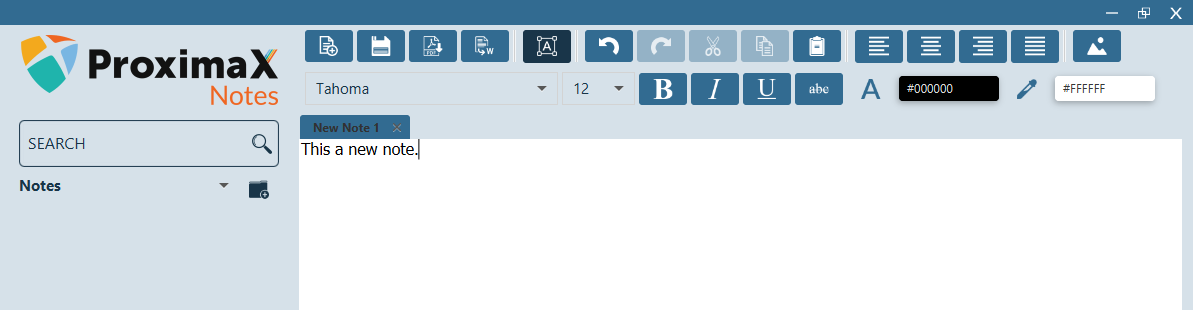
Creating a new note
Once saved, your new note will appear on the left panel. All the notes that you will be creating will be saved in here. If you have multiple notes, just click on the one that you wish to open.
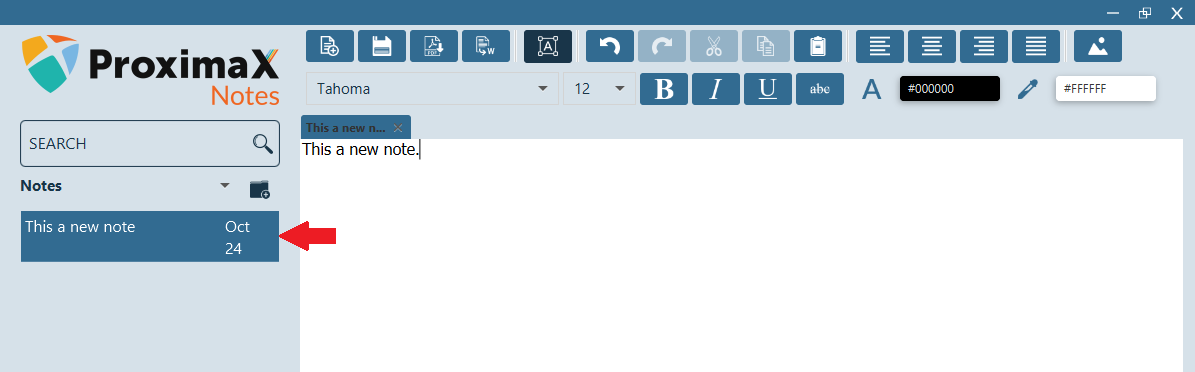
Saved note