- Description of the Tool
- Installation
- Method to Run
- Demo Video
- Screenshots
Data smells are like code smells, but for data. They're indicators of potential problems or issues in the data that could cause errors, anomalies, or incorrect results. Examples of data smells include missing values, outliers, inconsistencies, and duplicates. To get the summary of the Literature that is referred to make the project, check this Document
Click here for detailed PPT of SniffCSV.
Click here for report of Release 1.
Click here for the demo video of SniffCSV 1.0
The traditional approach of data quality assurance relied on manual testing, which was a time-consuming and error-prone process. With the increasing demand for data quality, automated data quality assurance tools have gained popularity. Our goal was to design a tool that identifies data smells, which can then be fixed to improve the overall quality of data.
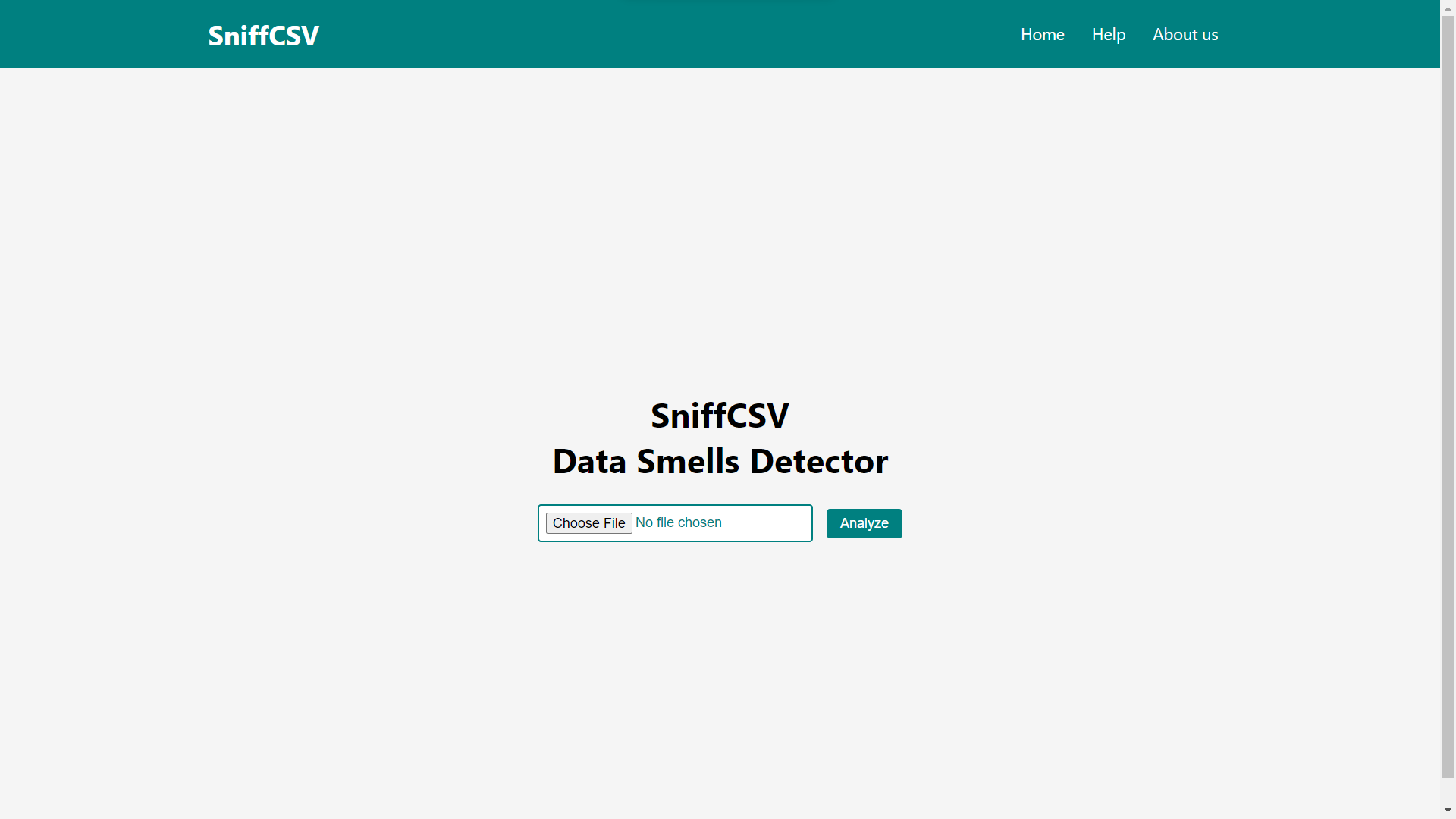
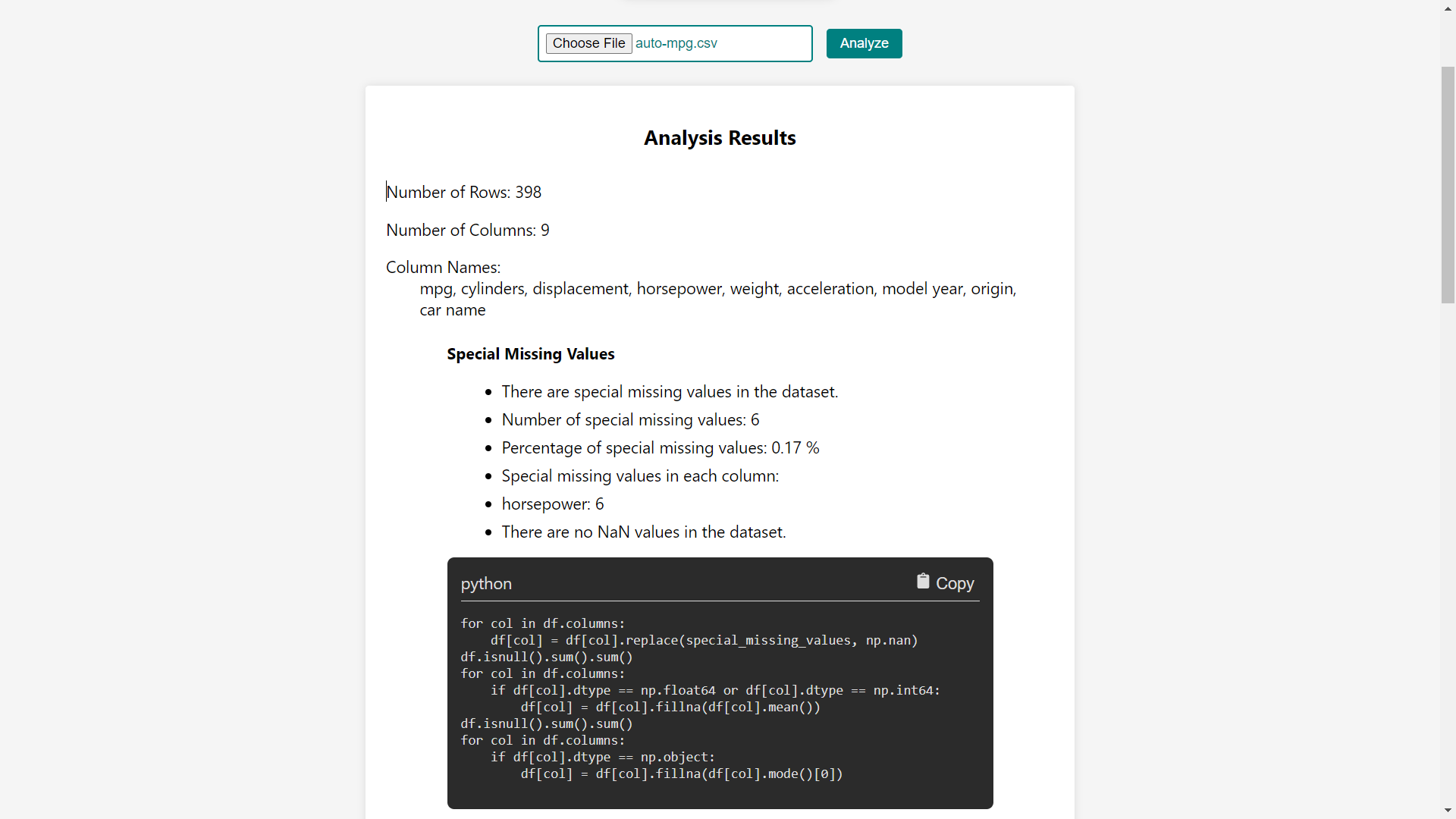
Our tool is a Flask-React-based web application that scans CSV files for data smells and generates a report of the issues it finds. It uses a combination of statistical analysis, machine learning, and rule-based methods to identify potential problems in the data. It also provides suggestions for correcting the data smells detected.
Client: React, BootStrap
Server: Flask, Python
- Regular Expressions: Used for pattern matching and rule creation
- Data Mining: Used for identifying complex patterns in the data
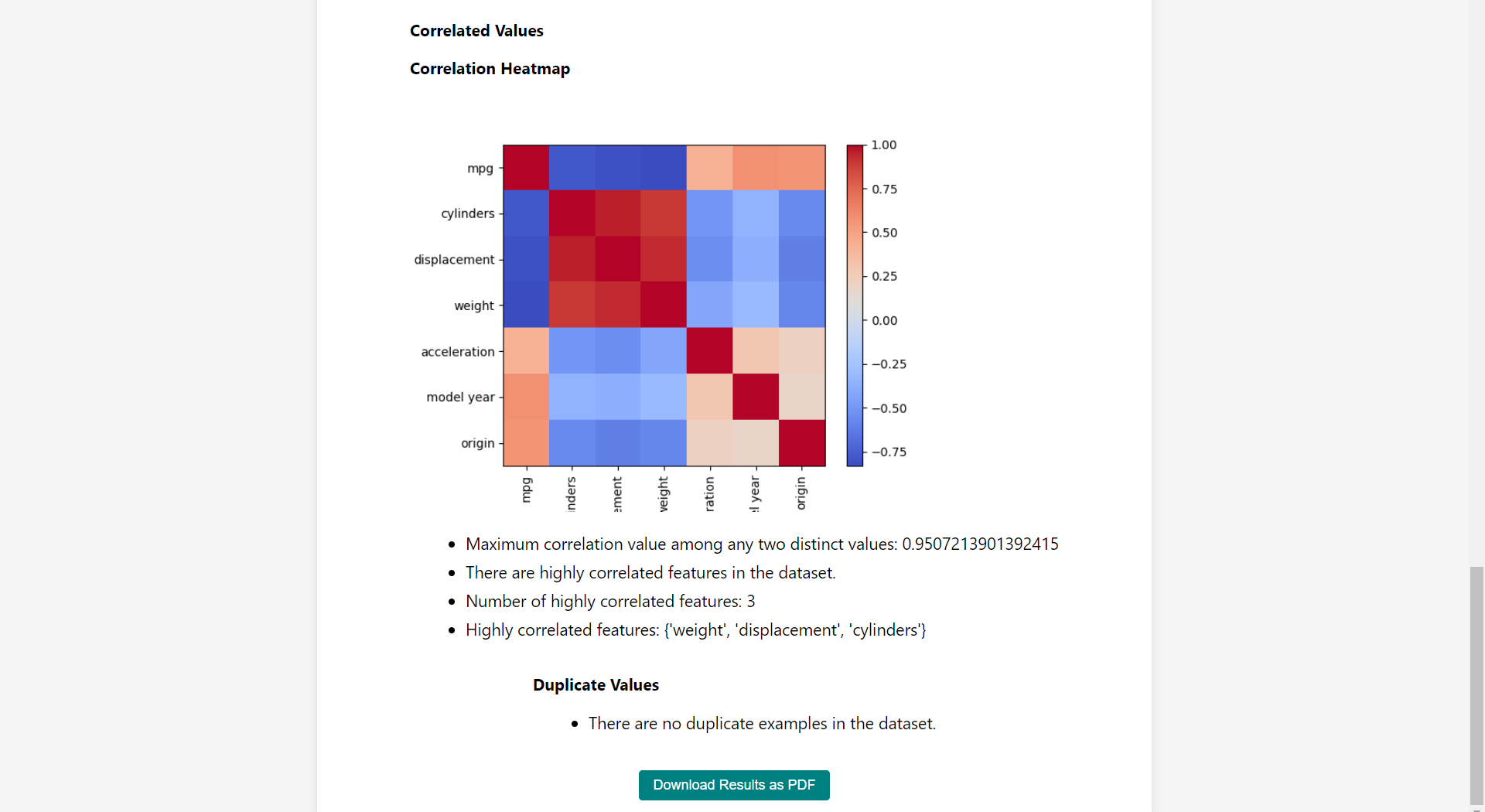
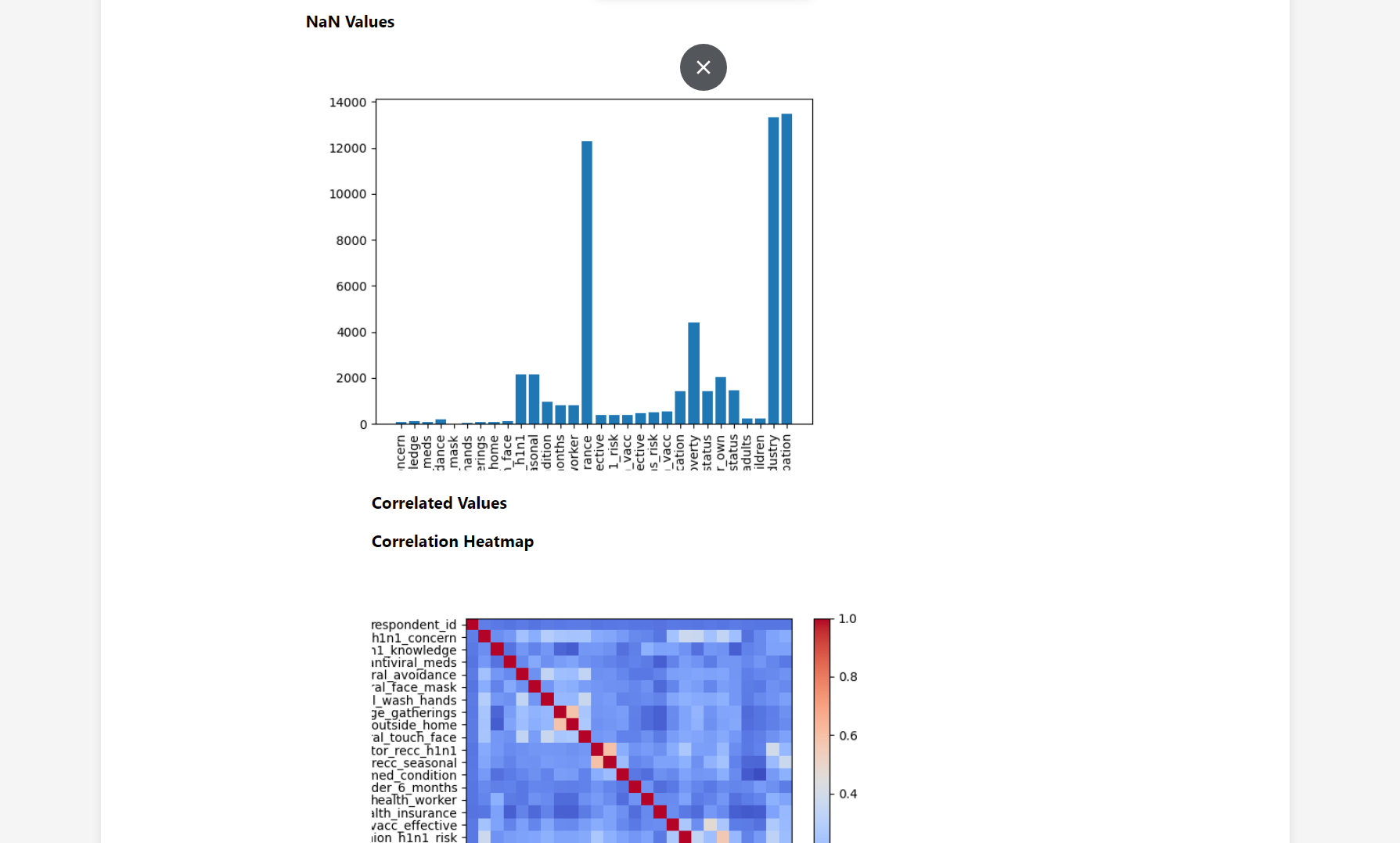
- Data Visualization: Used for presenting detected Data Smells in a clear and concise manner
- Automatic detection of Data Smells in CSV files
- Support for a wide range of Data Smells
- User-friendly interface for easy use
- Ability to customize the detection rules
- Quick detection and report generation
- Suggesting refactored data
- Python
- Node JS
- npm
- Git
- Clone the repository:
git clone https://github.com/pranavsutar/tool_dev.git
- Set up the backend environment:
cd backend
python -m venv myenv
cmd
.\myenv\Scripts\activate   # This command will not work in VS Code Terminal, but in cmd
pip install -r requirements.txt
- Install the frontend dependencies:
cd ../frontend
npm install
- Start the Flask server:
- On a new Terminal,
cd backend
python app.py
- Start the React development server:
- On another terminal
cd frontend
npm start
- Open your web browser and navigate to http://localhost:3000 to view the application.
Note: Make sure you have Python, Flask, and Node.js installed on your system before following the above installation steps.
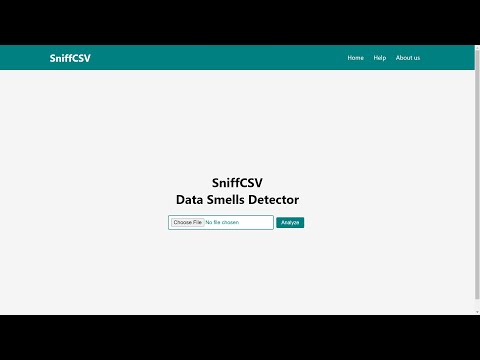
- This is a demo video of the project