





App for formatting pings for Discord in Alliance Auth
This app has been discontinued in favor of AA Fleet Pings and this Repository has been archived.
Important: This app is a plugin for Alliance Auth. If you don't have Alliance Auth running already, please install it first before proceeding. (see the official AA installation guide for details)
Make sure you are in the virtual environment (venv) of your Alliance Auth installation. Then install the latest version:
pip install aa-discord-ping-formatterConfigure your AA settings (local.py) as follows:
- Add
'discordpingformatter',toINSTALLED_APPS
Copy static files and run migrations
python manage.py collectstaticpython manage.py migrateRestart your supervisor services for AA
Now you can setup permissions in Alliance Auth for your users. Add discordpingformatter | aa discord ping formatter | Can access this app to the states and/or groups you would like to have access.
To update your existing installation of AA Discord Ping Formatter first enable your virtual environment.
Then run the following commands from your AA project directory (the one that contains manage.py).
pip install -U aa-discord-ping-formatterpython manage.py collectstaticpython manage.py migrateFinally restart your AA supervisor services.
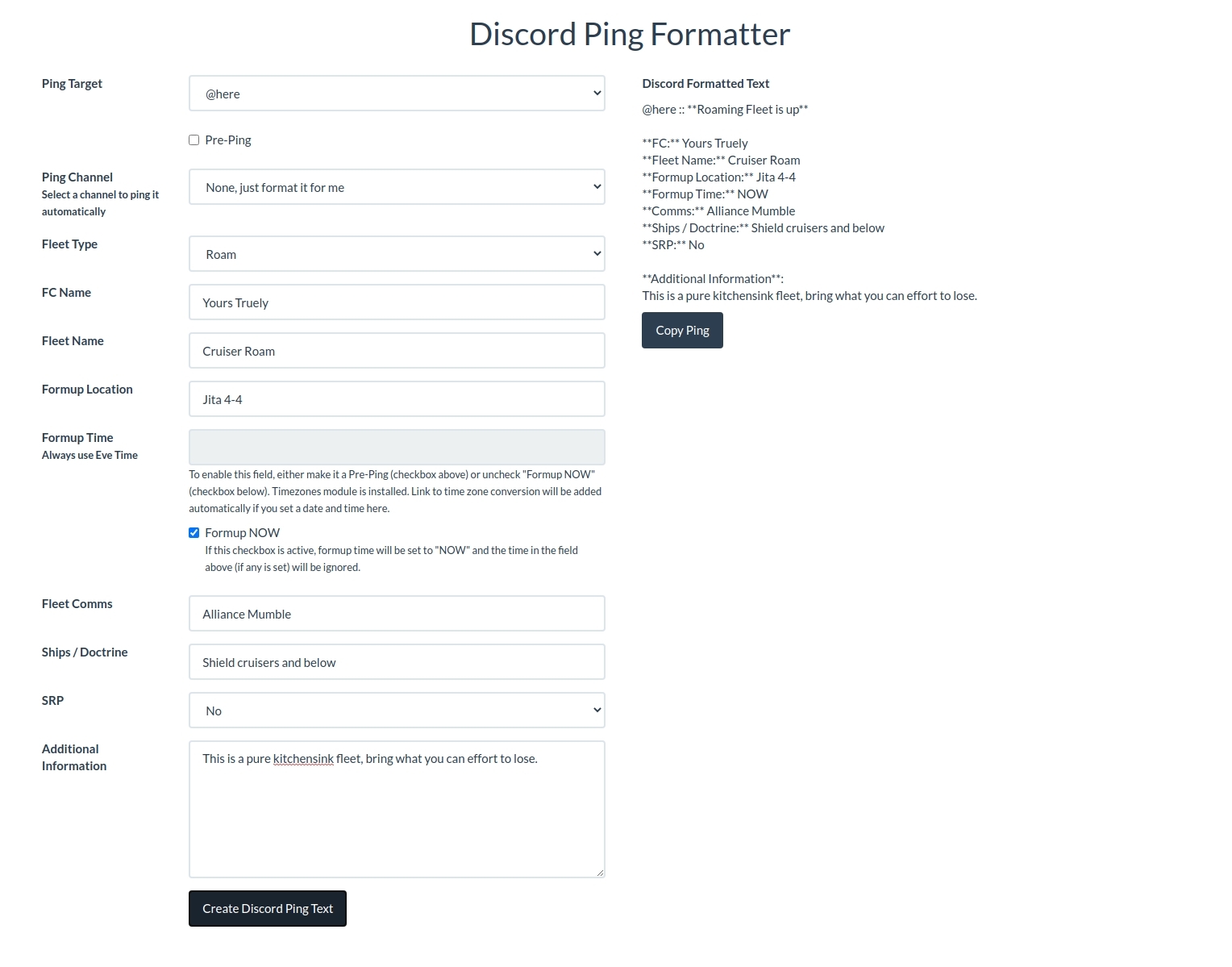
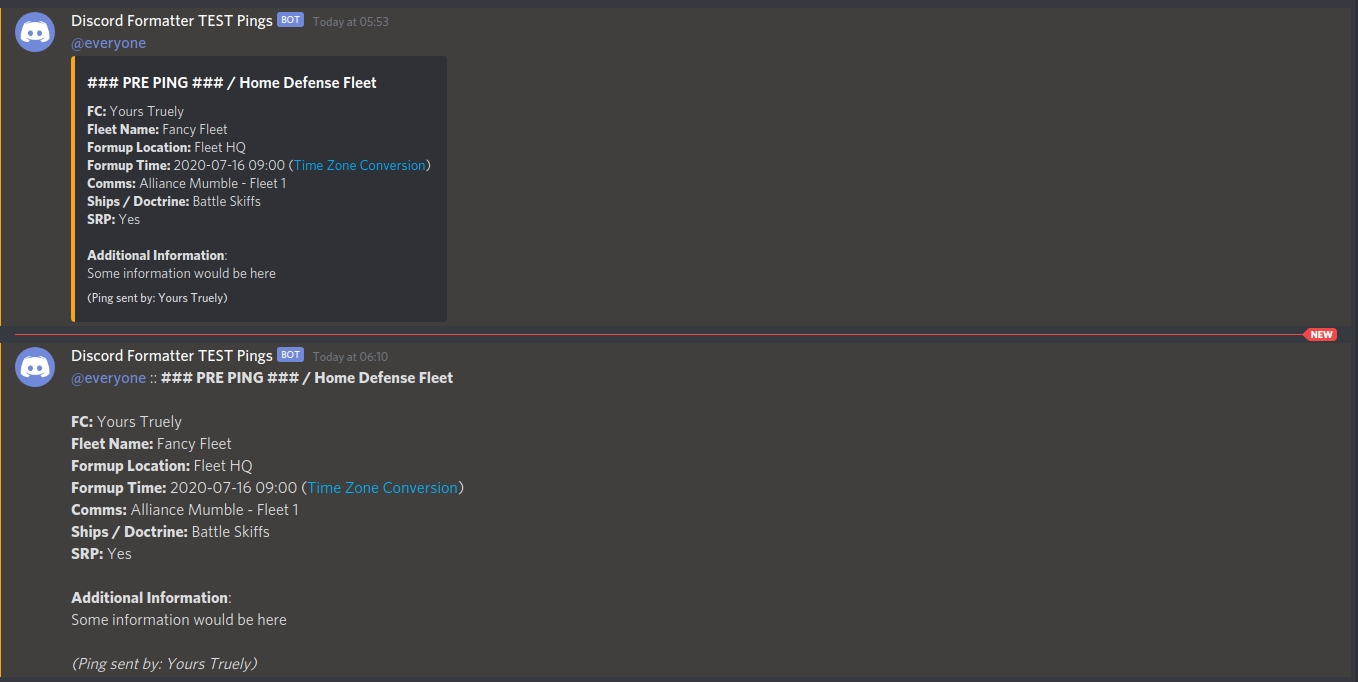
(Example for embedded ping (top) and non embedded ping (bottom))
Don't worrie, I don't judge and you still can use this module. It supports also pings to Slack. Simply add the following to your local.py.
## AA Fleet Ping Formatter
AA_FLEETPINGFORMATTER_USE_SLACK = True
Although you cannot use your Auth groups as targets for pings with Slack.