

This little package will help you add an indicator for grabbable objects. It is made for the Unity XR Interaction Toolkit as a small addition to its functionality.
This package depends on the Unity XR Interaction Toolkit!
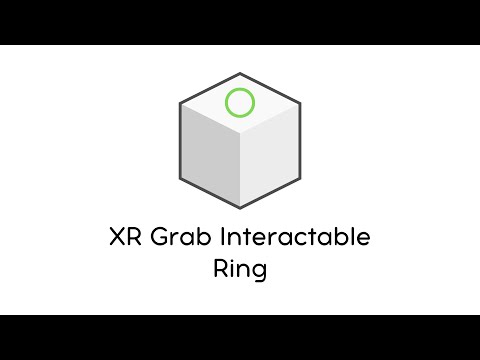
- Install XR Interaction Toolkit from Unity Package Manager
- Install XR-Plugin Management
- Customize your project for the target VR
- Download asset from releases on github
- Add component XRGrabInteractableRing on your interactable object
| Name | Value |
|---|---|
| Model Prefab | Ring model from Prefabs folder or your custom model |
| Color | Model color |
| Transform type | Self: The ring will be placed in the center of the object. Custom: Custom attach transform |
| Attach Transform | The transform that is used as the attach point for Interactables. Only for Custom transform type. |
| Show On Selected | Show on selected object or not |
| Layer Mask | Layer Mask for raycast |
| Threshold Distance | Maximum distance to display the ring |
| Min Scale | Minimum scale model |
| Max Scale | Maximum scale model |
| Speed | Speed animation |
| Duration | Duration animation |
| Event OnShow | Called when the model appears on the object |
| Event OnHide | Called when the model disappears on the object |