This app is a variation of the classic rock-paper-scissors game, but instead of choosing rock, paper, or scissorts, players choose philosophers. The user plays as the human player and the program makes random chances as the computer player. There are two editions of the game: 'Classical' and 'Existentialism'. The classical edition offers three choices: Socrates, Plato, and Aristotle. The existentialism edition offers five choices: Fyodor Dostoevsky, Jean-Paul Sartre, Søren Kierkegaard, Friedrich Nietzsche, and Albert Camus.
You can view the deployed site and play the game here.
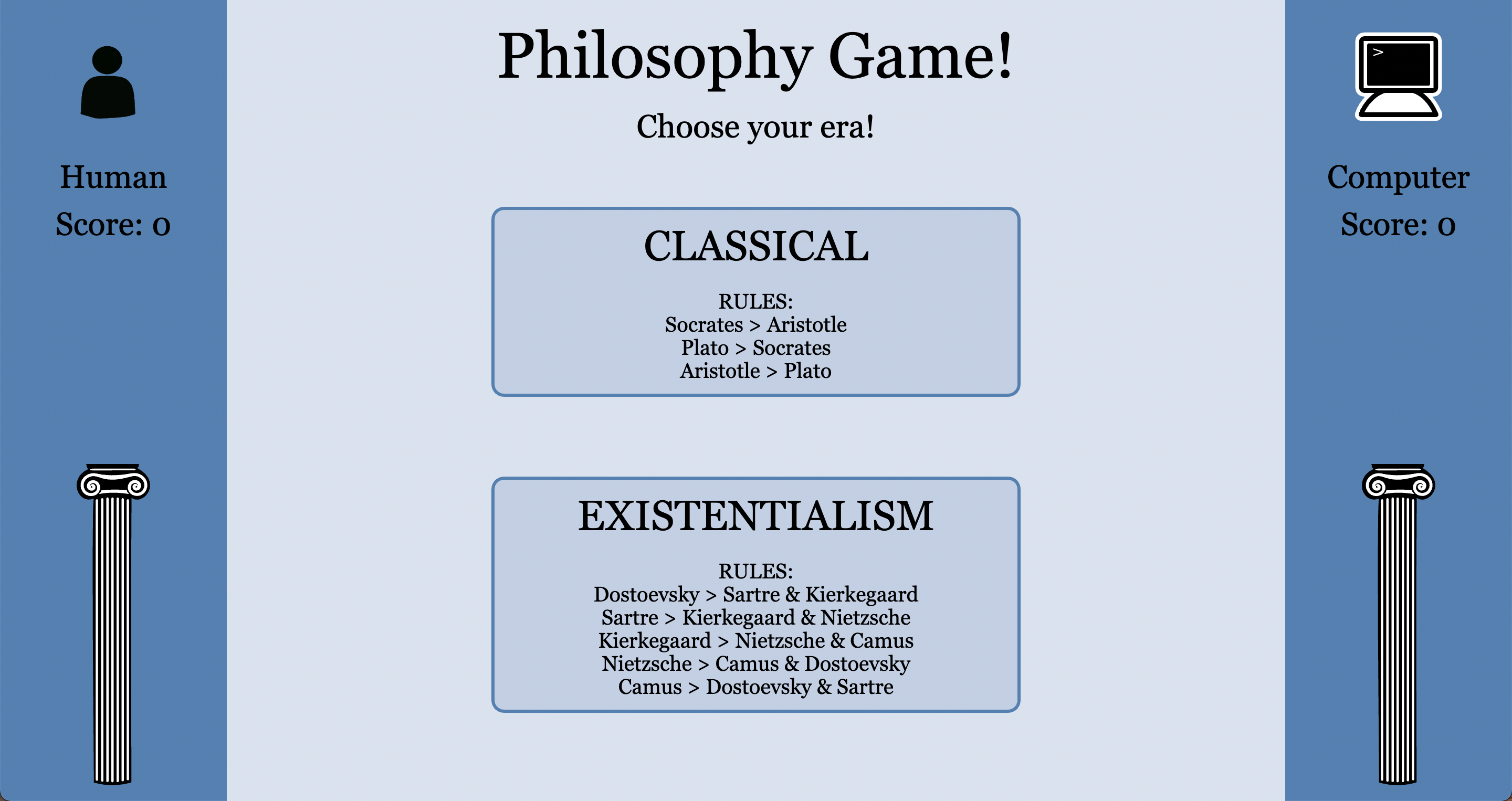
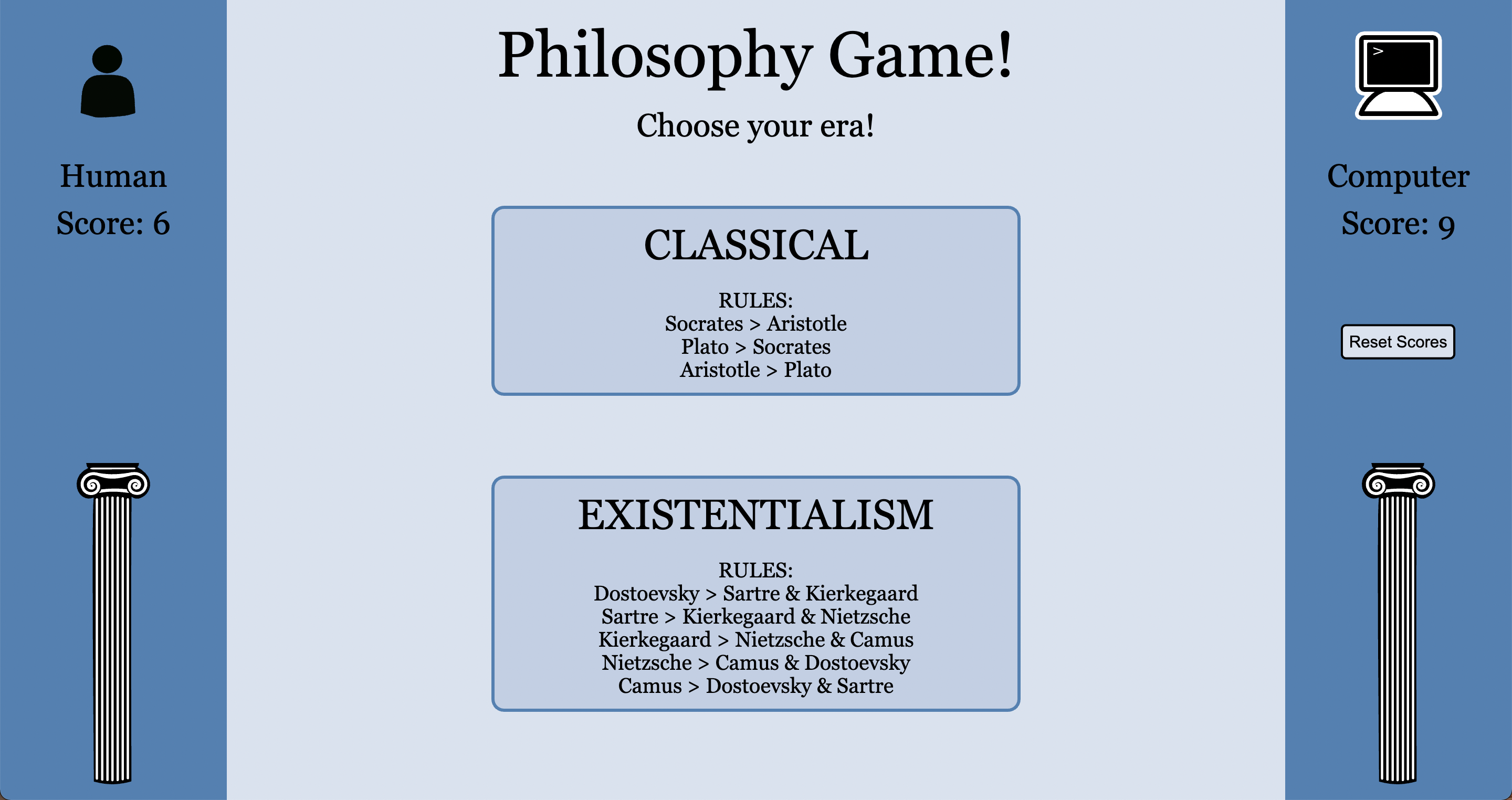
- When the app loads, two large buttons appear in the middle of the screeen. The user is prompted to choose which edition to play. The rules for each edition are displayed on the buttons.
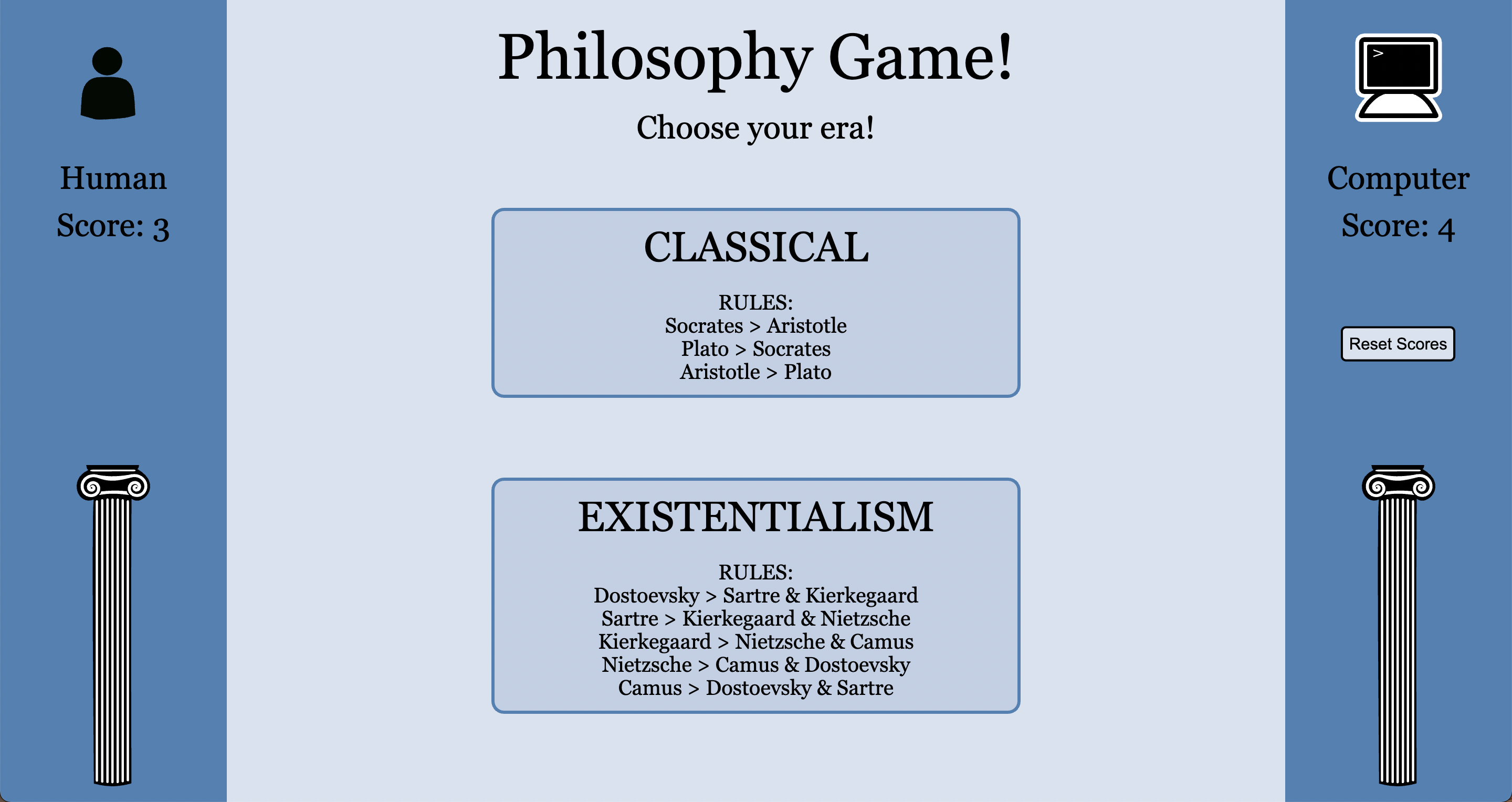
- If the user has played the game before, and has not cleared local storage, previous wins are displayed upon page load.
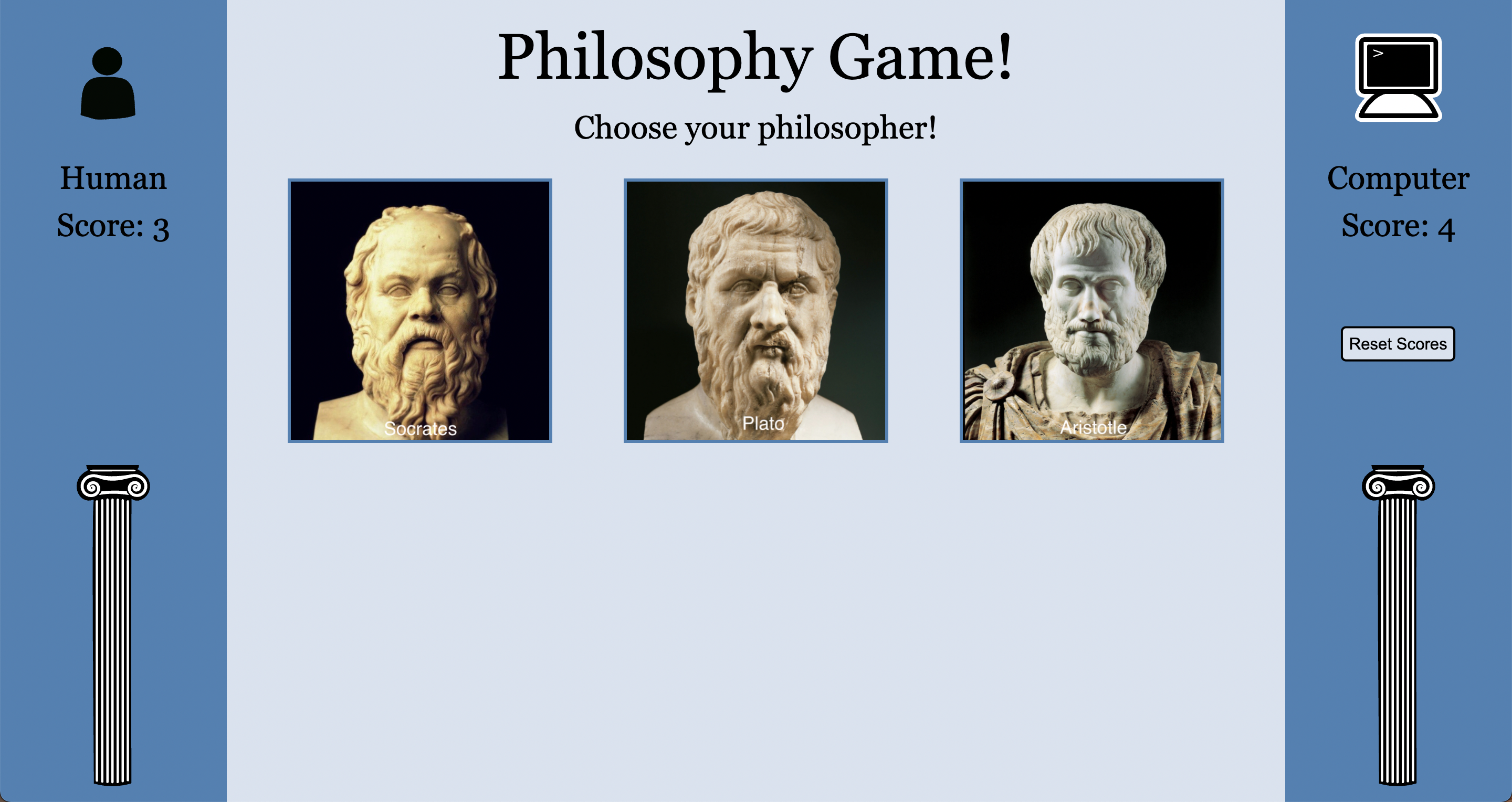
- Once the user selects an edition to play, portraits of each philosopher are displayed in the middle of the screen. The user is now prompted to choose a philosopher. When the user hovers over the available choices, the portrait enlarges slightly, and the cursor changes to a pointer to entice the user to click one of the choices.
-
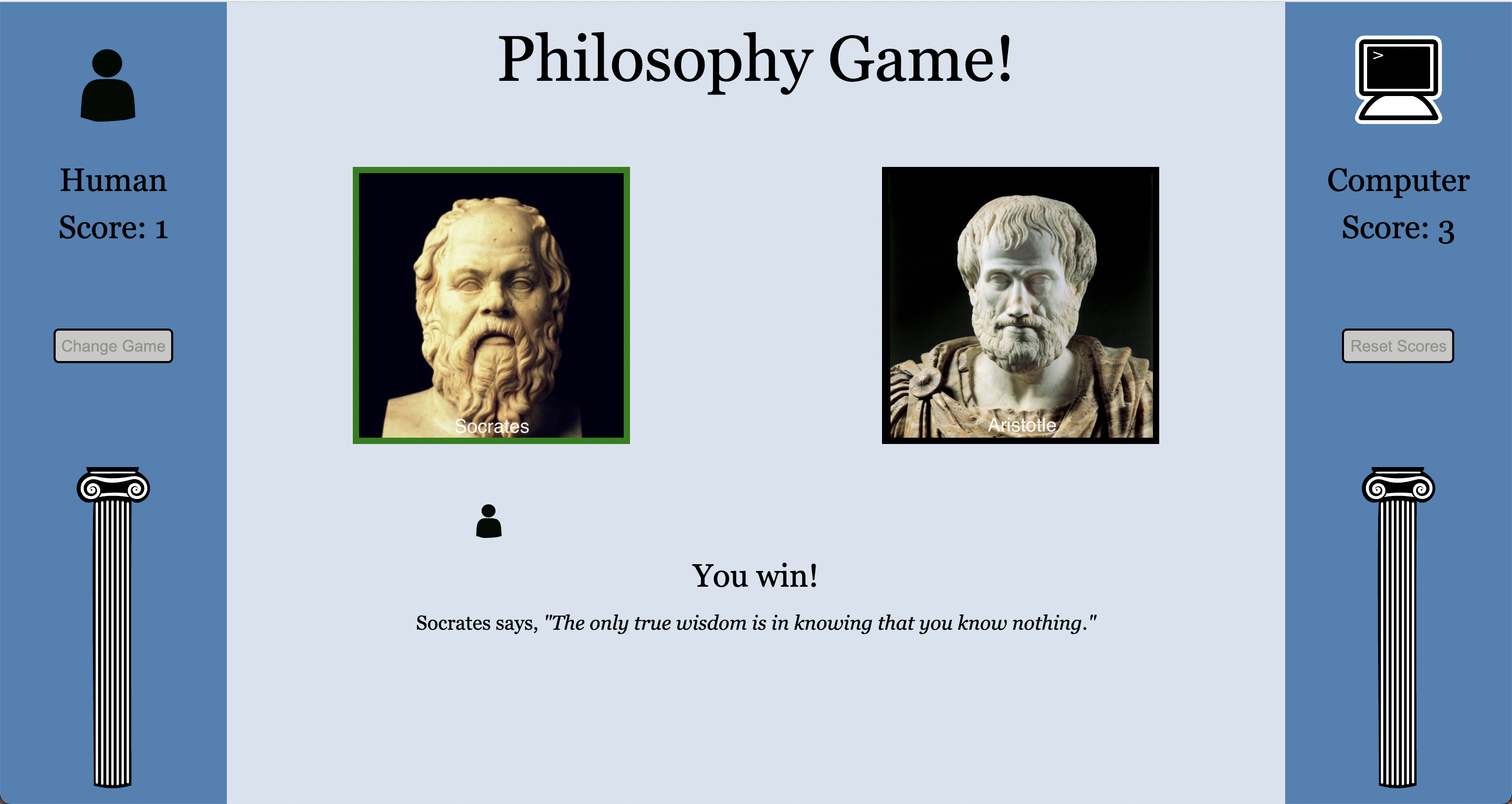
Once the user makes a selection, the buttons go away and the results are dipslayed. The user's choice is diplsayed on the left, while the computer's is displayed on the right, which correspond to the sides of the screen the player's scores are displayed.
-
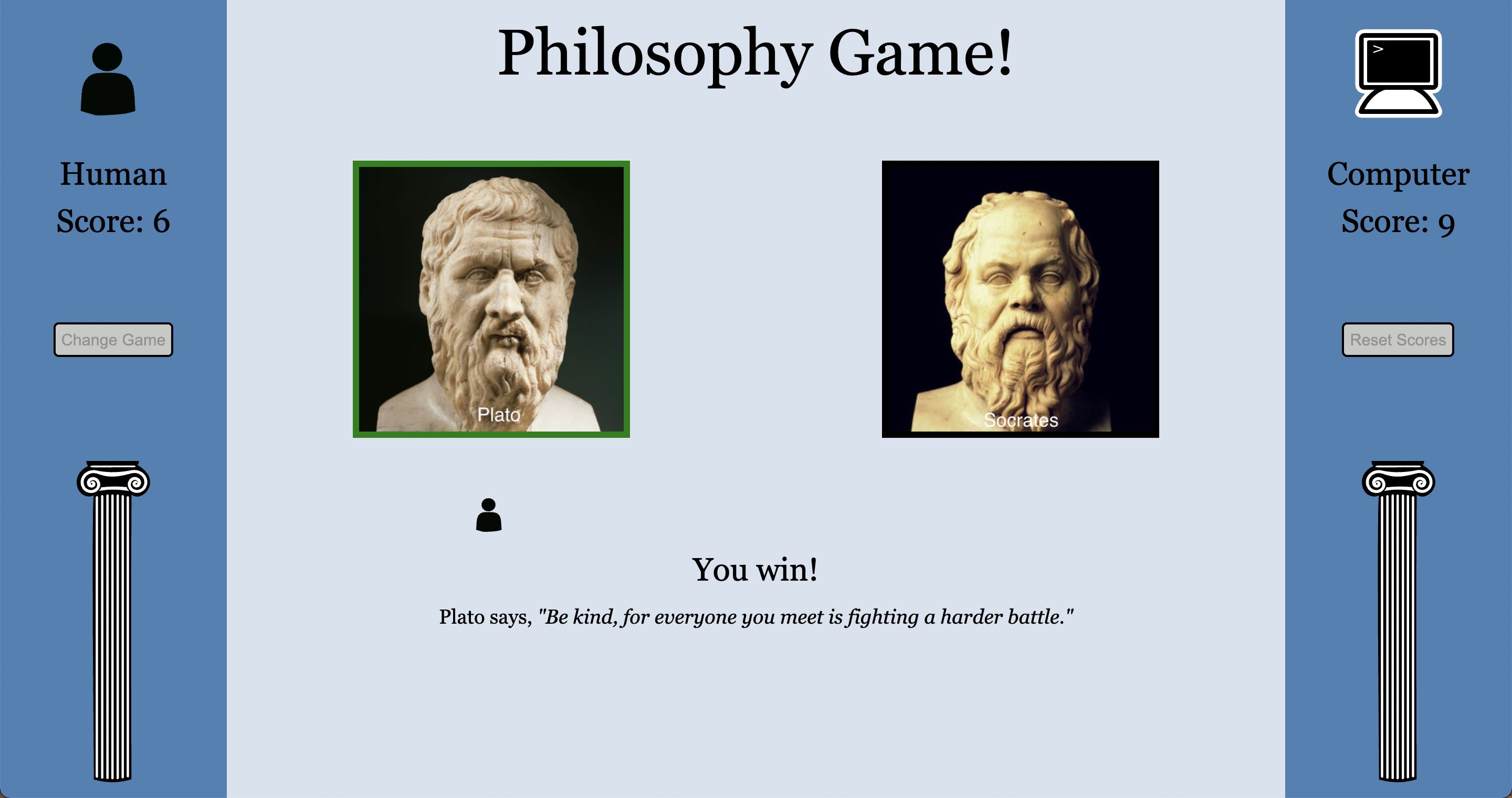
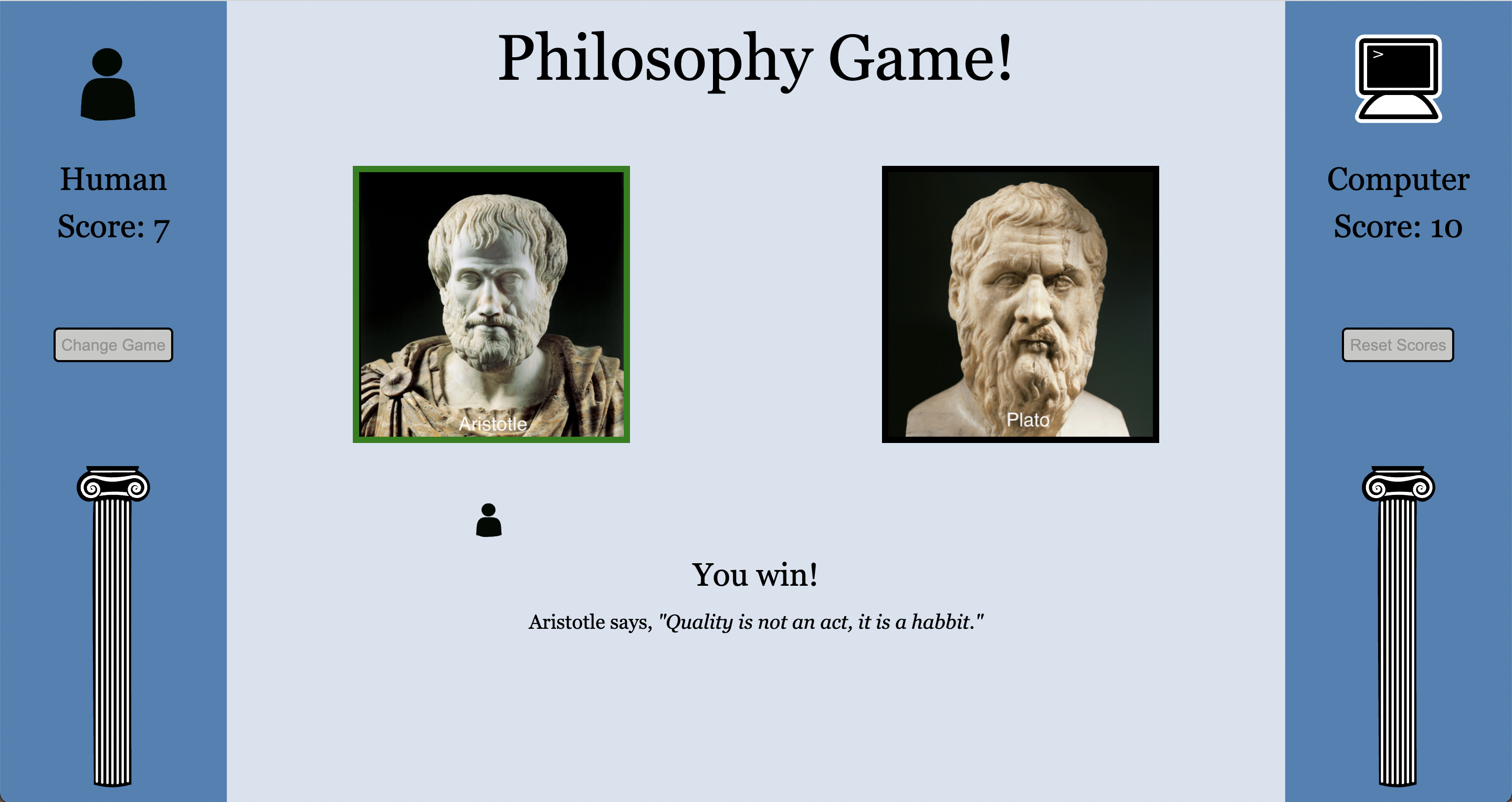
The results view tells the user whether they won, lost, or tied. If the user wins, the selection on the left is shown with a green border and the user's icon is displayed below the user's choice, showing that the user's choice did, indeed, win.
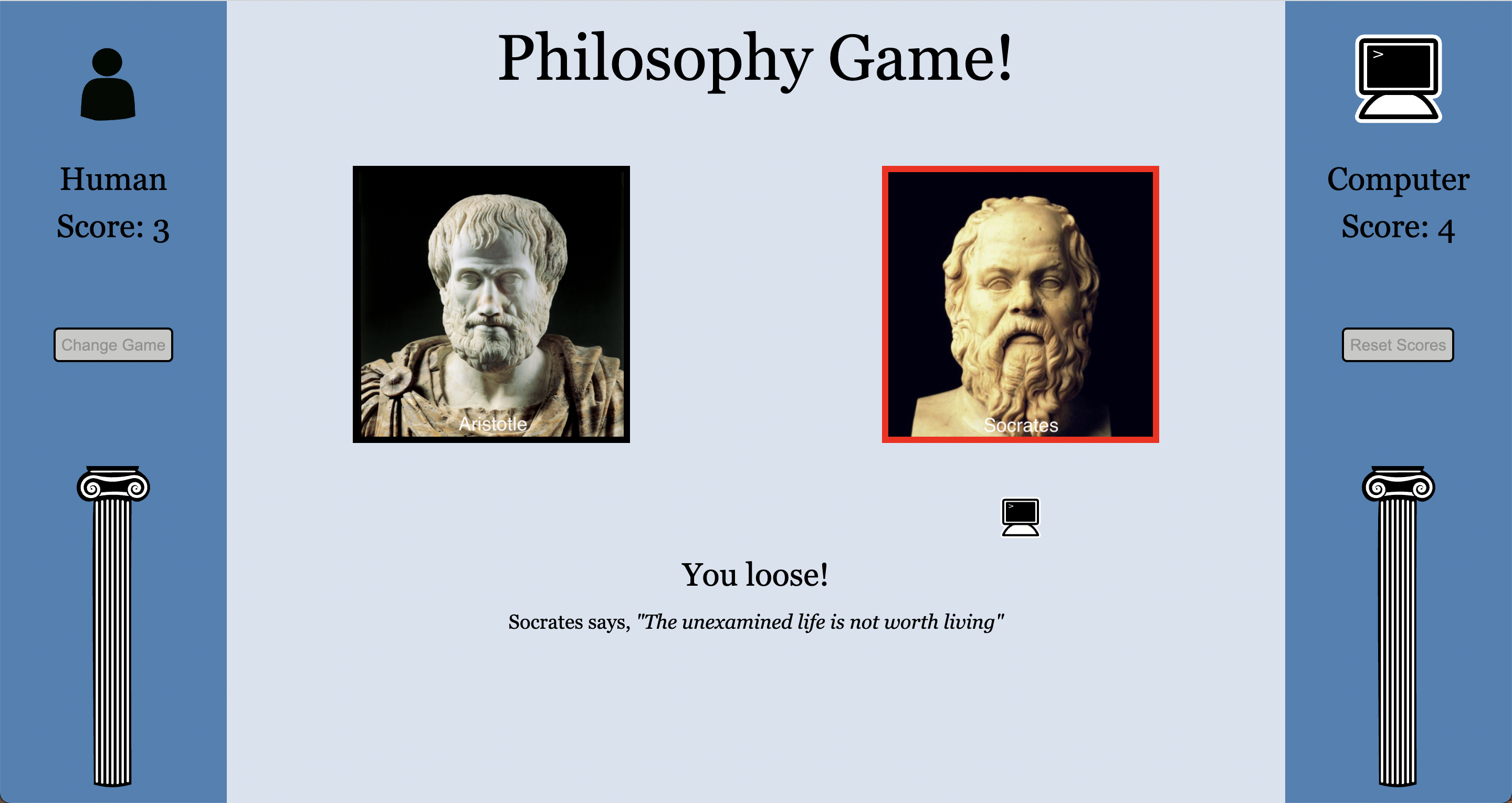
- If the computer wins, the selection on the right is shown with a red border and the computer's icon is displayed below the winning choice, indicating that the computer won, and what the computer chose.
- If the user and the computer chose the same selection, the same image is displayed twice, indicating that both players chose the same selection, both images are shown with a black border, and no icon is shown below, indicating that it was, in fact, a tie.
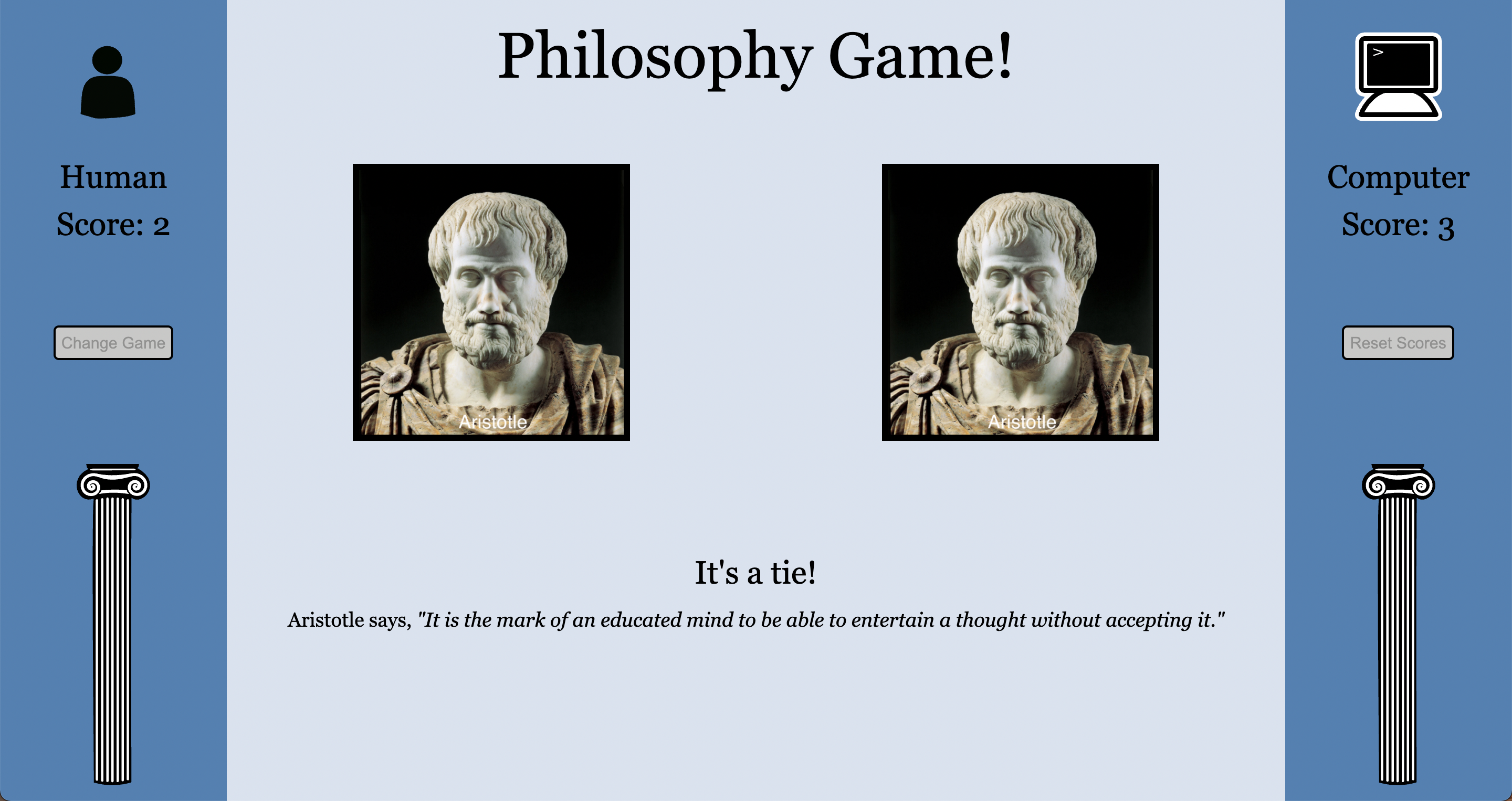
- Additionally, a quote is shown below the results, and four seconds are given for the user to read the quote. This quote corresponds with the winning choice. For instance, if the winning choice was Socrates, one of Socrates' quotes will be displayed. There are three quotes for each philosopher and are chosen according to whether the user won, lost, or tied. For example, if the user wins with Socrates, the quote will be, "The only true wisdom is in knowing that you know nothing." If the computer wins with Socrates, the quote will be "The unexamined life is not worth living." If both players choose Socrates, the quote will be "There is only one good, knowledge, and one evil, ignorance."
- Once the user has made at least one selection, a button appears on the left side of the screen, which allows the user to choose another game. Once clicked, the user is taken back to the home screen and is now able to choose a new game.
- If there is any data in local storage, a button is shown on the right side of the page that allows the user to clear local storage and set the scores back to zero. The "Reset Scores" button is hidden once clicked.
- All buttons enlarge slightly when the user hovers over them with the cursor, indicating that they are clickable. Some also change color slightly. The 'Change Game" and "Reset Scores" buttons are disabled while the results are displayed. While disabled, these buttons do not enlarge, or change color, and the cursor does not turn into a pointer, making it obvious to the user that these are not clickable.
- Turing School of Software & Design Frontend Students
- Phil Lewis
- Add more games, such as "Ethics" and "Metaphysics."
-HTML, CSS, Javascript
The spec for this project can be found here.
- Fork this project to your own Github account
- Clone the repository to your local machine
cdinto the project- Run open
index.htmlto see the app and play the game