
Personal OSX dotfiles
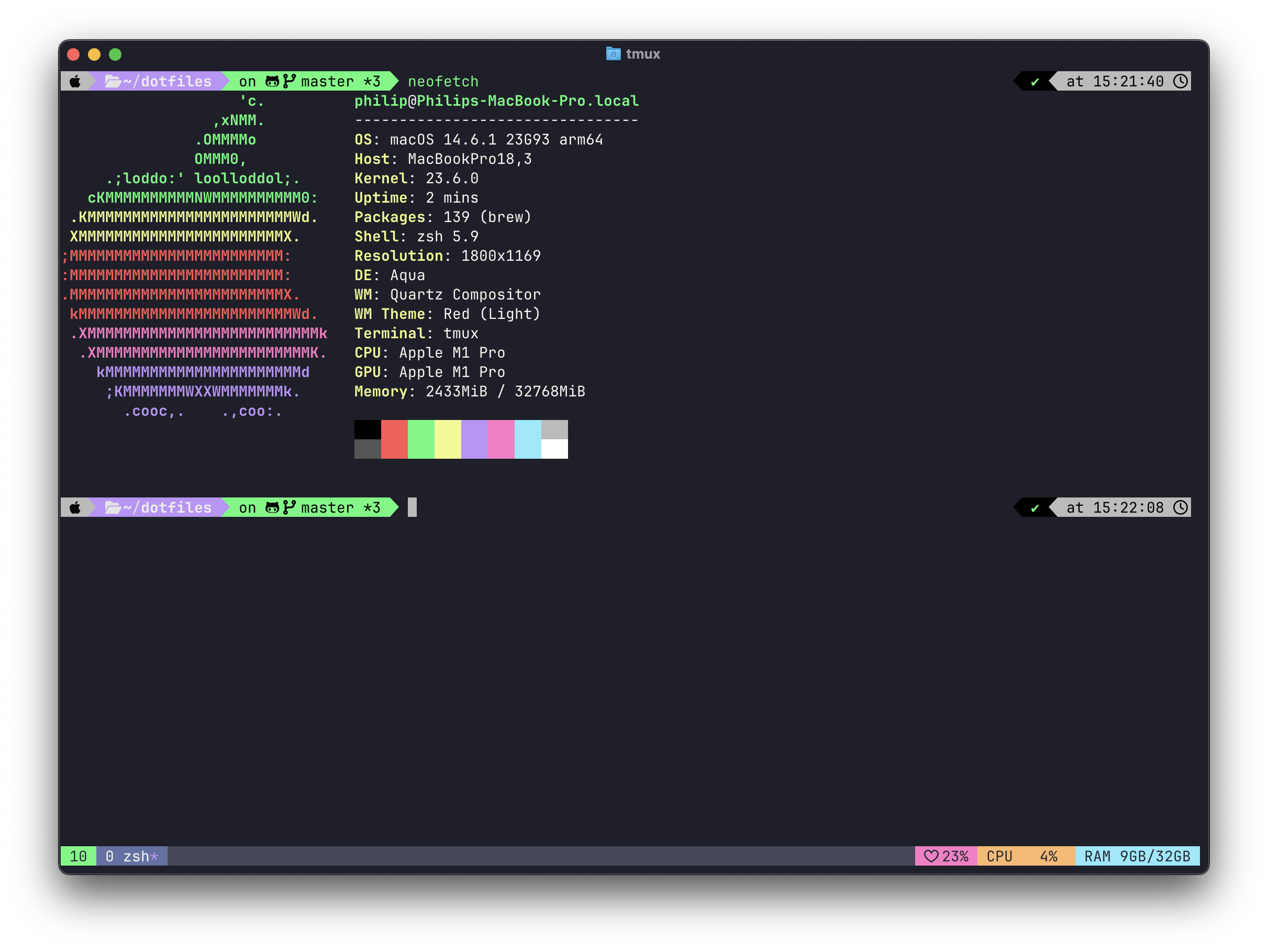
For initial installation, run the following commands in the terminal.
xcode-select --install

git clone https://github.com/phgeorgiev/dotfiles.git ~/dotfiles
cd ~/dotfiles
./dot init
The dot init command will:
- Install Homebrew (if not already installed)
- Install packages from Brewfile using
brew bundle - Install Composer PHP dependency manager
- Install Claude Code CLI for AI-powered development
- Install and configure Zsh with oh-my-zsh and powerlevel10k theme
- Stow dotfiles (create symlinks to your home directory)
- Create a global symlink for the dot script in
/usr/local/bin - Set up tab completion for the dot command
After installation, you can use the dot command from anywhere to manage your dotfiles. The command includes tab completion for all commands and subcommands.
dot help                    # Show help message
dot init                    # Initialize dotfiles setup
dot update                  # Update dotfiles and optionally upgrade packages
dot stow                    # Manage dotfiles with GNU stow
dot link # Create global symlink for dot scriptdot package add git vim # Add packages to Brewfile and install them
dot package check # Check installed vs missing packages from Brewfile
dot package outdated # Check for outdated packages from Brewfile
dot package remove git vim # Remove packages from Brewfile and uninstall them
dot package update all # Update all packages from Brewfile
dot package update git vim # Update specific packages
dot package clean # Remove packages not in Brewfile and cleanup cache
dot package link node # Switch between package versions
dot package link list # List available packages and versions# Install a new package and add it to Brewfile
dot package add neovim
# Check which packages are installed vs missing from Brewfile
dot package check
# Check which packages from Brewfile have updates available
dot package outdated
# Remove a package and remove it from Brewfile
dot package remove vim
# Update all packages from Brewfile
dot package update all
# Update specific packages
dot package update git neovim
# Clean up unused packages
dot package clean
# Switch to a specific package version
dot package link node@22
# Switch to latest version of a package
dot package link node
# List all available package versions
dot package link list
# Re-stow dotfiles after making changes
dot stow
# Update dotfiles and optionally upgrade packages
dot update