
- Clonar el repositorio
- Ejecutar
yarn install
- Tener Nest CLI instalado
npm i -g @nestjs/cli
-
Clonar el archivo
.env.templatey renombrarlo a.env.development -
Llenar las variables de entorno
-
Ejecutar la aplicacion en dev:
yarn start:dev
- Select the type of change that you're committing: feat: A new feature? (For more information see the Commitizen type changes section below)
- What is the scope of this change (e.g. component or filename): (press enter to skip)
- Write a short, imperative tense description of the change (max 82 chars):
- Provide a longer description of the change: (press enter to skip):
- Are there any breaking changes? yes/no
- Does this change affect any open issues? yes/no
Commitizen type changes
| Type | Description |
|---|---|
| feat | A new feature |
| fix | A bug fix |
| docs | Documentation only changes |
| style | Changes that do not affect the meaning of the code |
| refactor | A code change that neither fixes a bug nor adds a feature |
| perf | A code change that improves performance |
| test | Adding missing tests or correcting existing tests |
| build | Changes that affect the build system or external dependencies |
| ci | Changes to our CI configuration files and scripts |
| chore | Other changes that don't modify src or test files |
| revert | Reverts a previous commit |
The way to create and commit branches is the next:
- Create the branch indicating the type from the table above, and after the ID of the task from JIRA
git checkout -b <type>/<card-id>- Add your changes
git add .- Do conventional commit
yarn commit- Upload your changes
git push -u origin <type>/<card-id>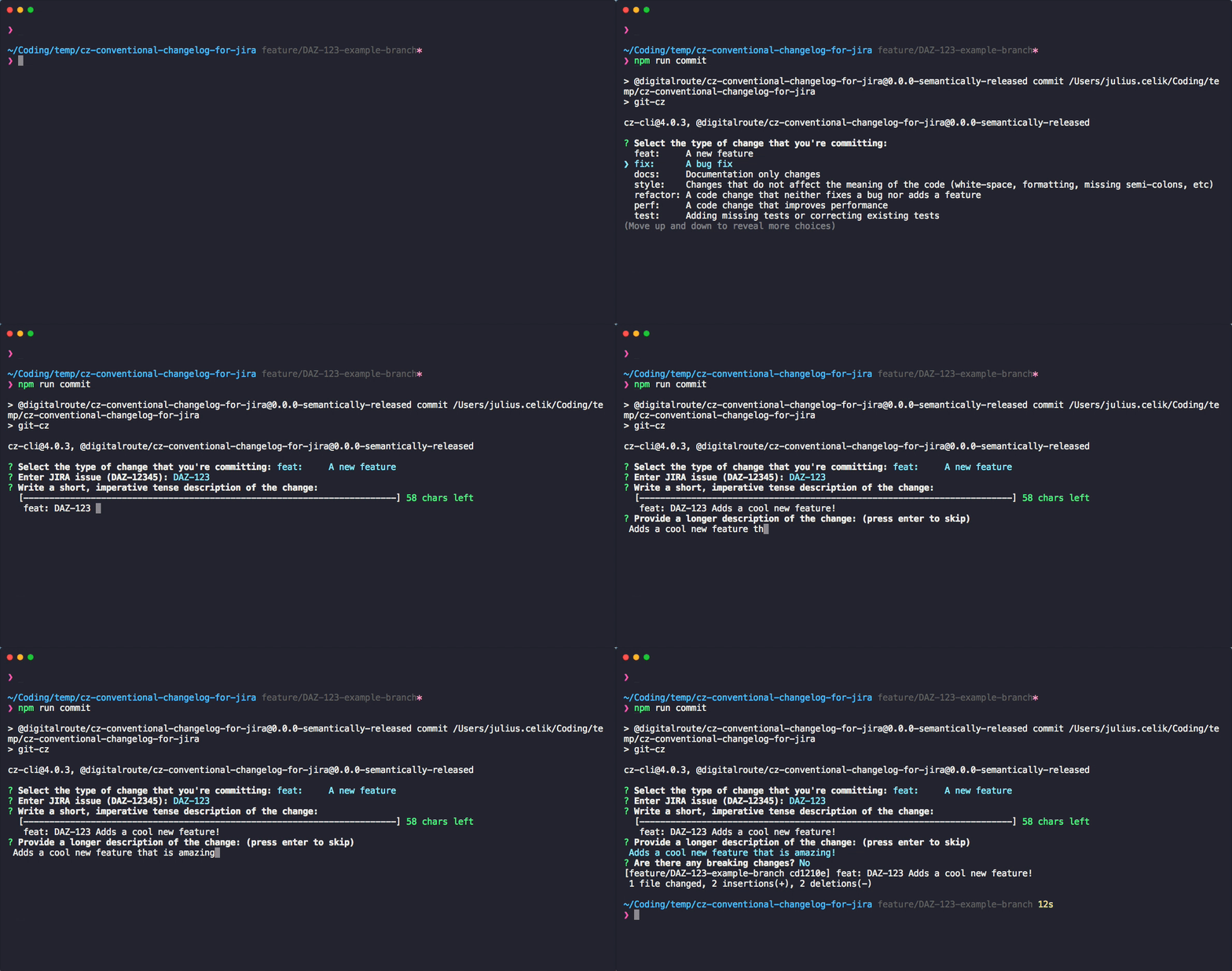
- Nest