FileRequester for Windows command line.
Repository: [https://github.com/pedromagician/CMD_FileRequester]
A lightweight Windows command‑line tool that opens native file/folder dialogs and returns the selected path. Perfect for batch scripts, automation, and tools that need interactive file selection.
Note: The latest Microsoft Visual C++ Redistributable (x86) is required to run the program. See: [https://learn.microsoft.com/en-us/cpp/windows/latest-supported-vc-redist?view=msvc-170]
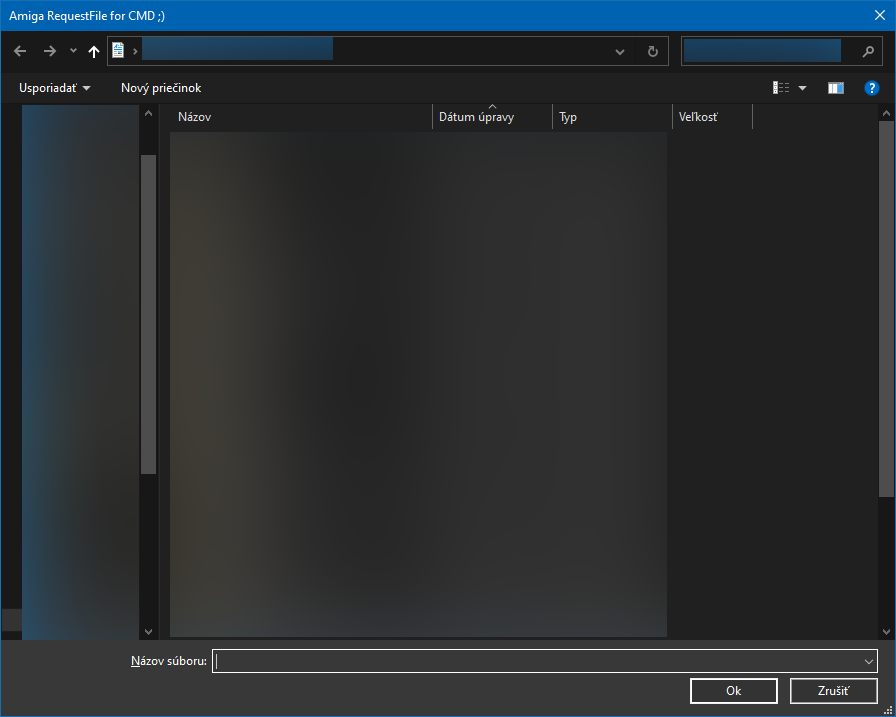
filerequester.exe launches a standard Windows dialog (Open, Save, or Folder Select) and prints the chosen path to stdout.
This makes it easy to integrate GUI file selection into batch files or console utilities.
filerequester -openfilerequester -savefilerequester -directoryStore the selected path into a variable:
@echo|set /p="@set mytmp=">1.bat
@filerequester -open>>1.bat
@call 1.bat
@echo %mytmp%| Switch | Description |
|---|---|
-open |
Show Open File dialog |
-save |
Show Save File dialog |
-directory |
Select a folder |
-path <folder> |
Initial directory |
-title <text> |
Dialog title |
-filename <name> |
Default filename |
-ok <label> |
Custom OK button text |
-filter <text> |
File filter (e.g. `"Images |
-drawersonly, -foldersonly |
Removes the File gadget, effectively turning the Open dialog into a folder‑only selector (Open mode only) |
Free to use. Amiga Rulez!