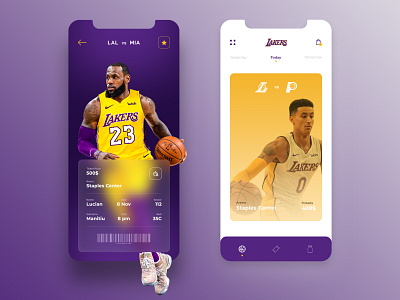
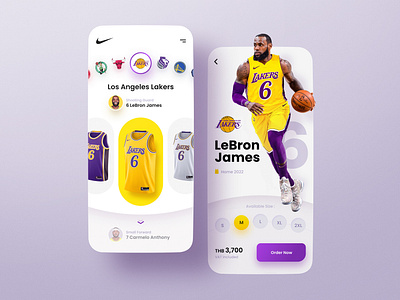
npm inpm startemulator -avd <emulator-name>npx react-native run-android/npx react-native run-ios
npm startemulator -avd <emulator-name>
npm run test:watch
npm run lint:fix
- Read Sportsdata.io NBA API docs.
- Create Sportsdata.io NBA API key.
- Create a new Screen with a
<FlatList/>component listing the active teams from the current season. - Create a new Screen with a
<FlatList/>component listing players from certain team.- Add a search bar.
- Create a new Screen with a detailed view of a player.
- Manage the state using Zustand
- Add tests using React Native Testing Library
- Tapping on a team should open the team detail screen.
- Tapping on a player should open the player detail screen.
- Updating the search box input should update the player list.