A Ticket system intended for students and TA's (Teaching Assistants) to communicate effectively using a queue based system.
- Jade (Pug)
- Javascript
- jQuery
- NodeJS
- Express
- MYSQL
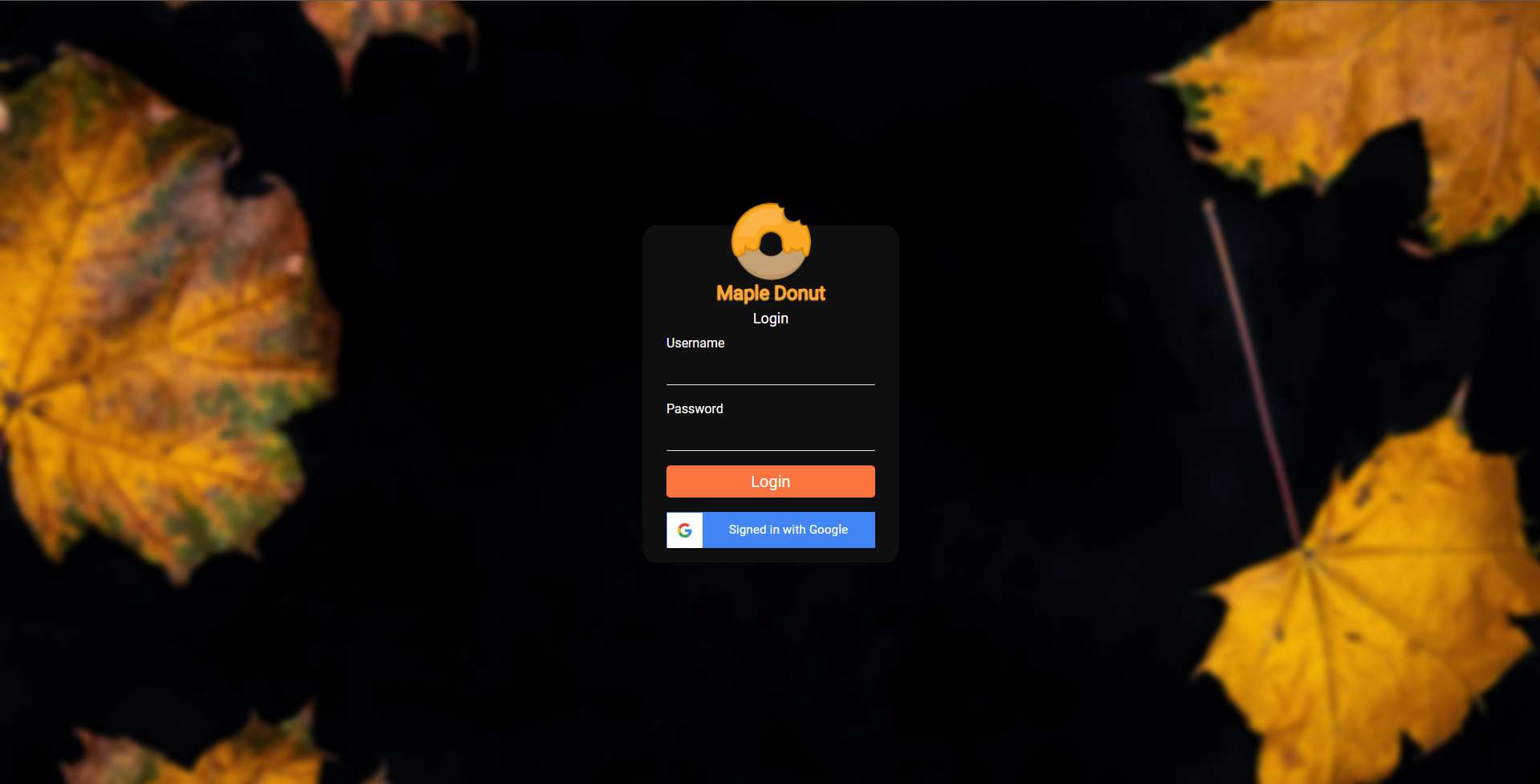
- Google sign in
- Zoom API
- OAuth 2.0
Students can:
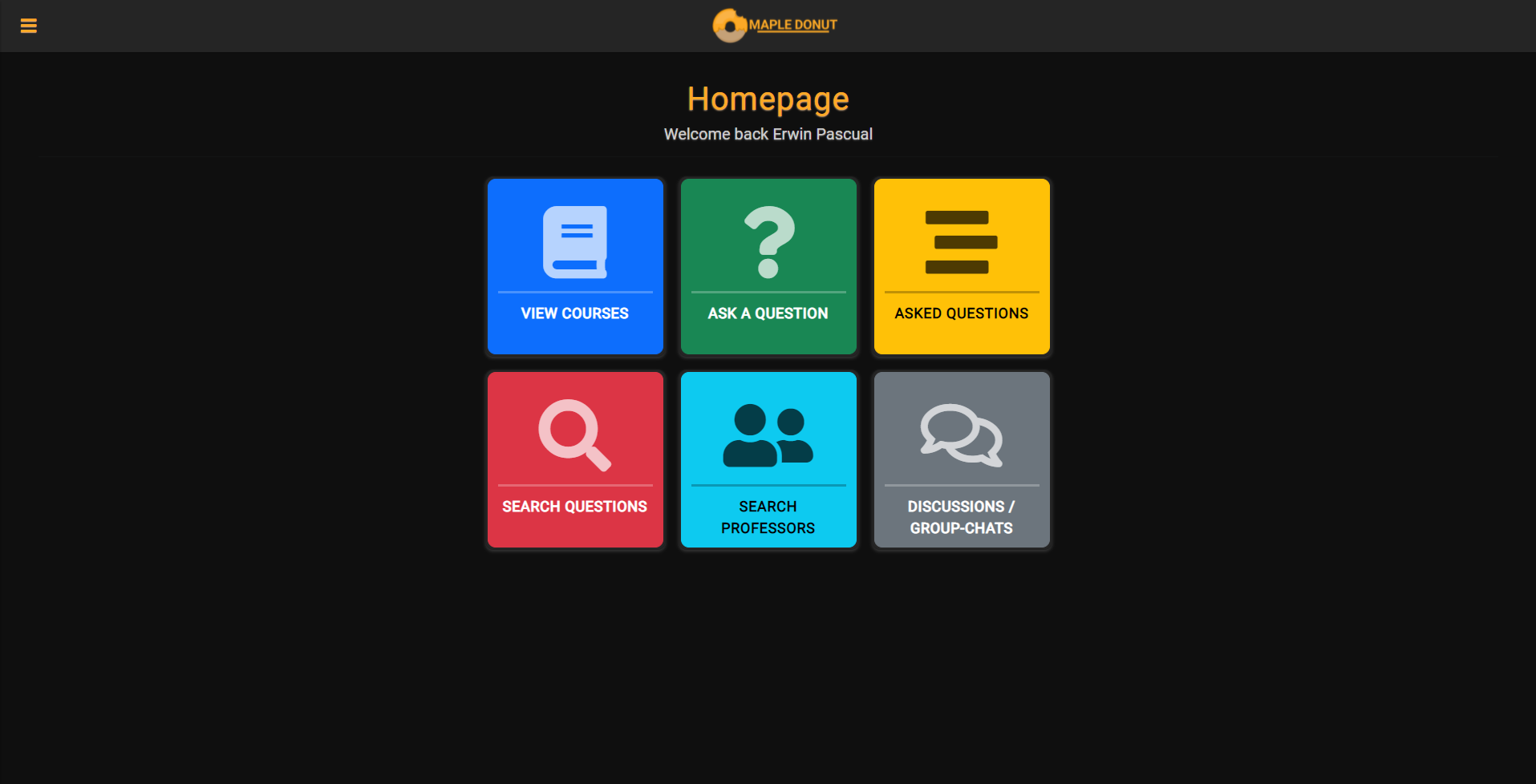
- Ask professors and academic advisors questions through a queue based system
- Join the professor's office hours to ask questions
- Join a scheduled zoom meeting
- Upvote popular questions
- Uses OAuth 2.0
- Join a professor's office hours to ask questions which is an industry-standard for authentication services
- ID tokens are used to send the profile ID to the server securely where it is decrypted using google's nodejs plugin.
- We can use a G-Suite such as MacEwan’s to verify student accounts securely.
Question asking:
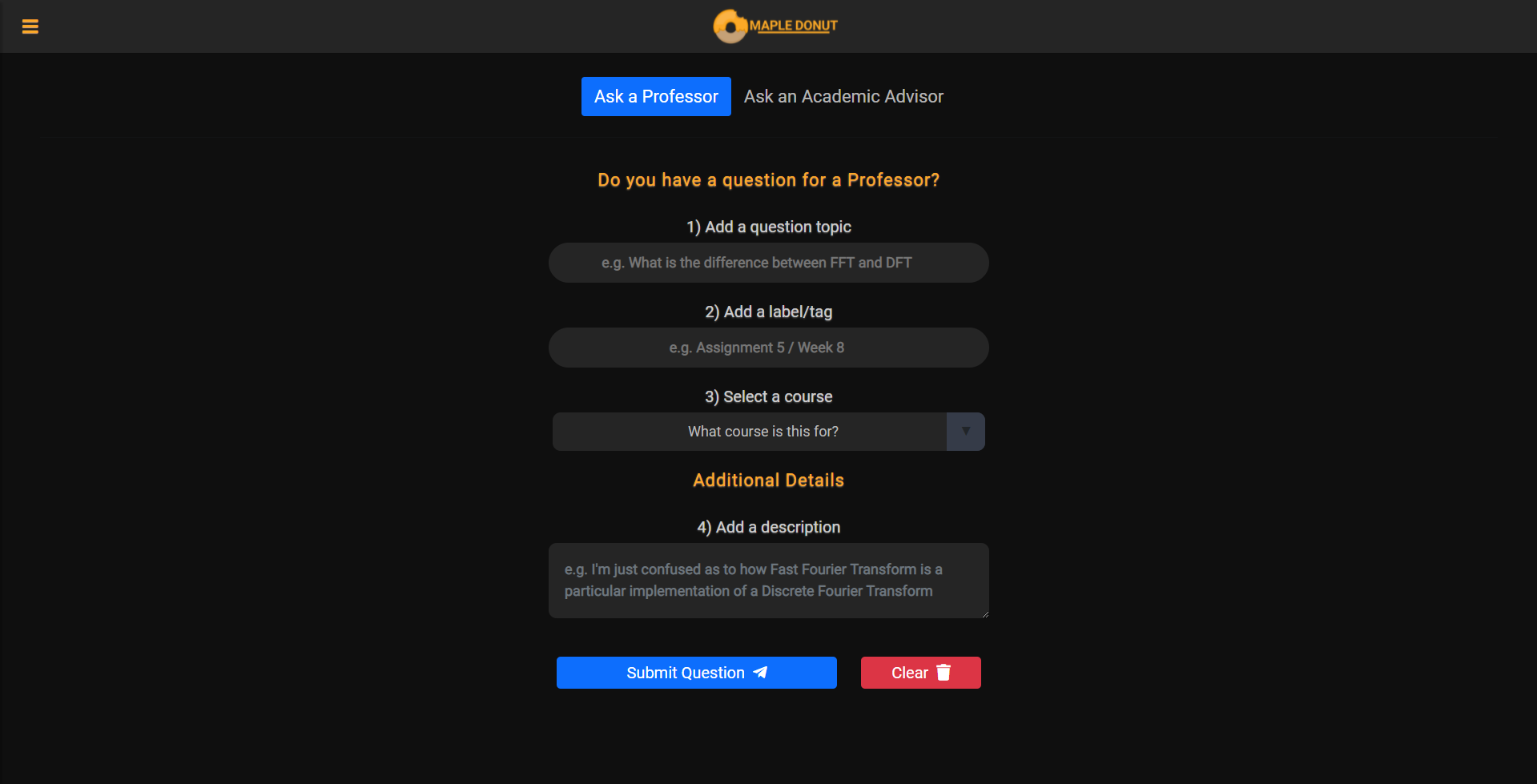
- Can ask professors and academic advisors questions with ease.
- Allows tagging to keep questions organized, such as Assignment 1, Midterm 1, etc.
- An additional description can be given.
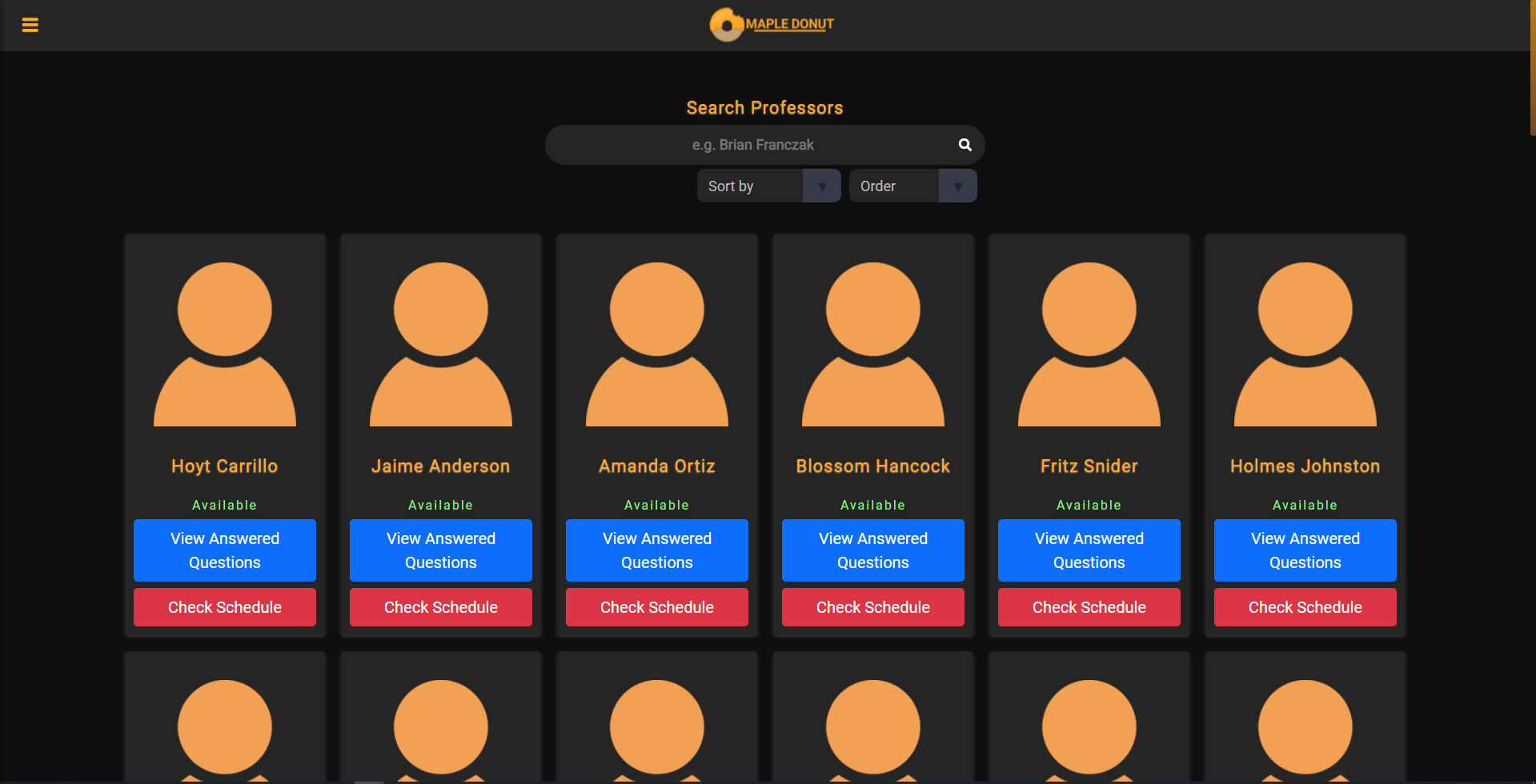
Students can easily search for any professor via this page, and are able to check their schedule along with their answered questions and may join their current answering session.
Professor functionality:
- Answer students' questions through text or a zoom call in a queue system
- Upvote popular questions
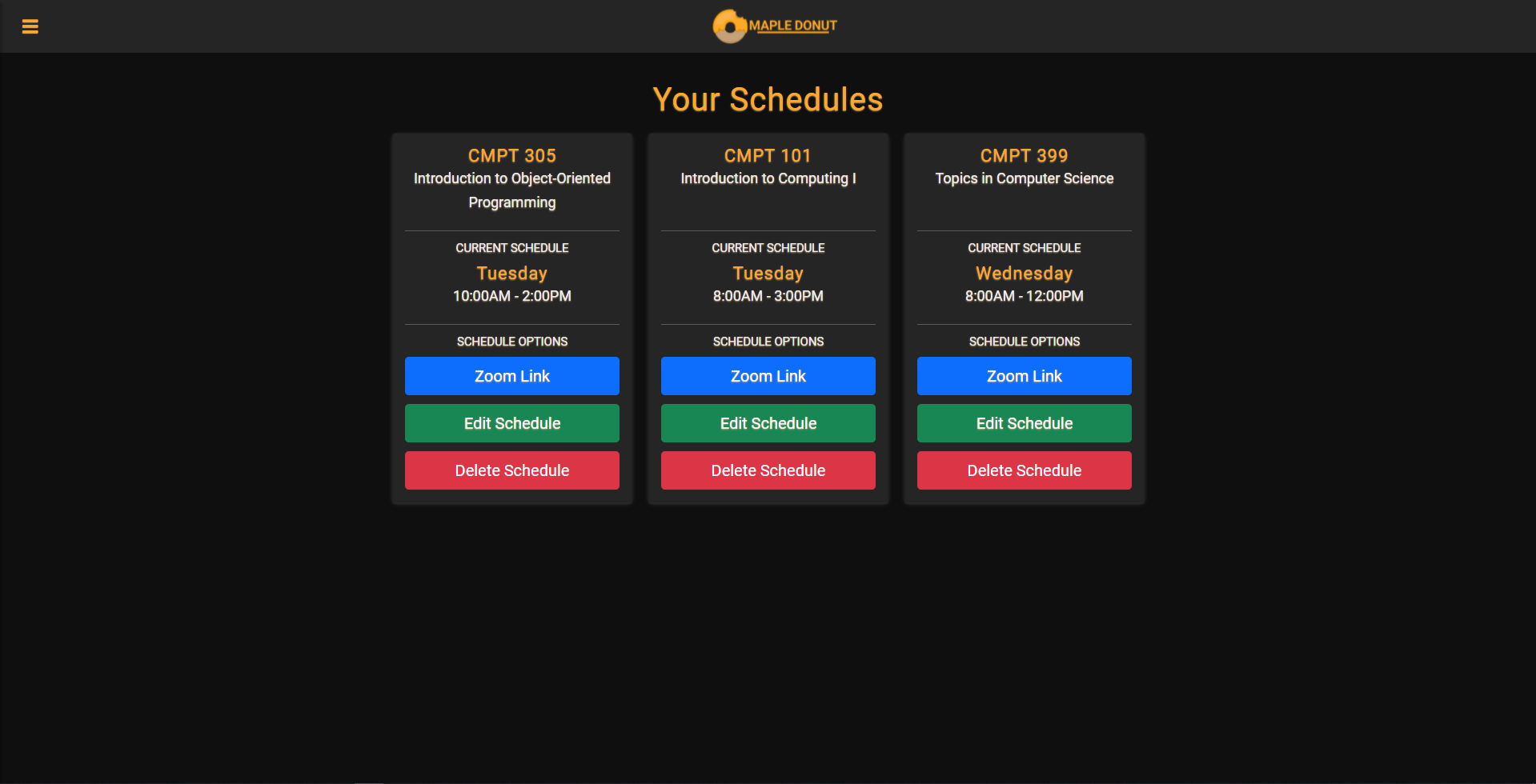
- Create, edit, or delete schedules
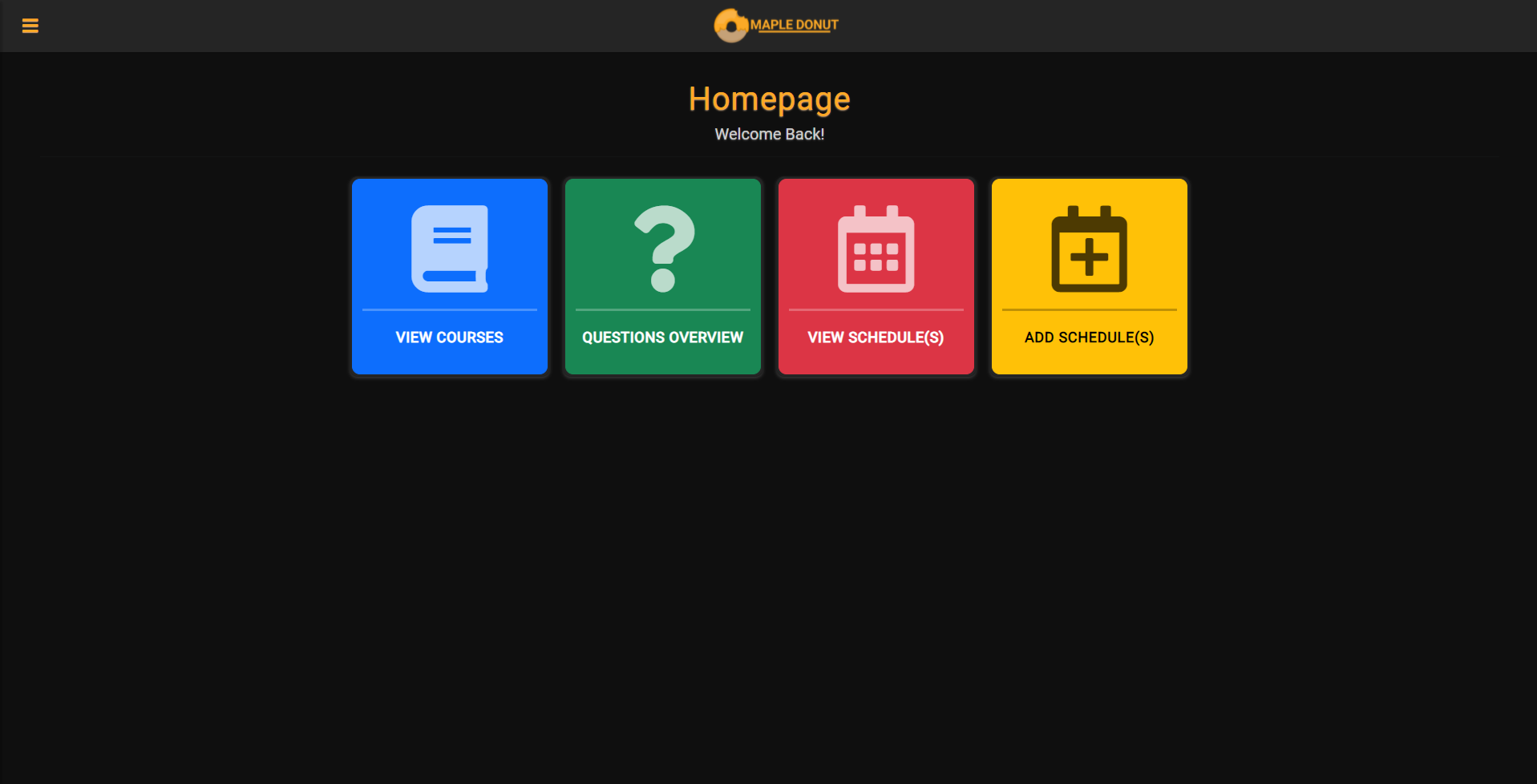
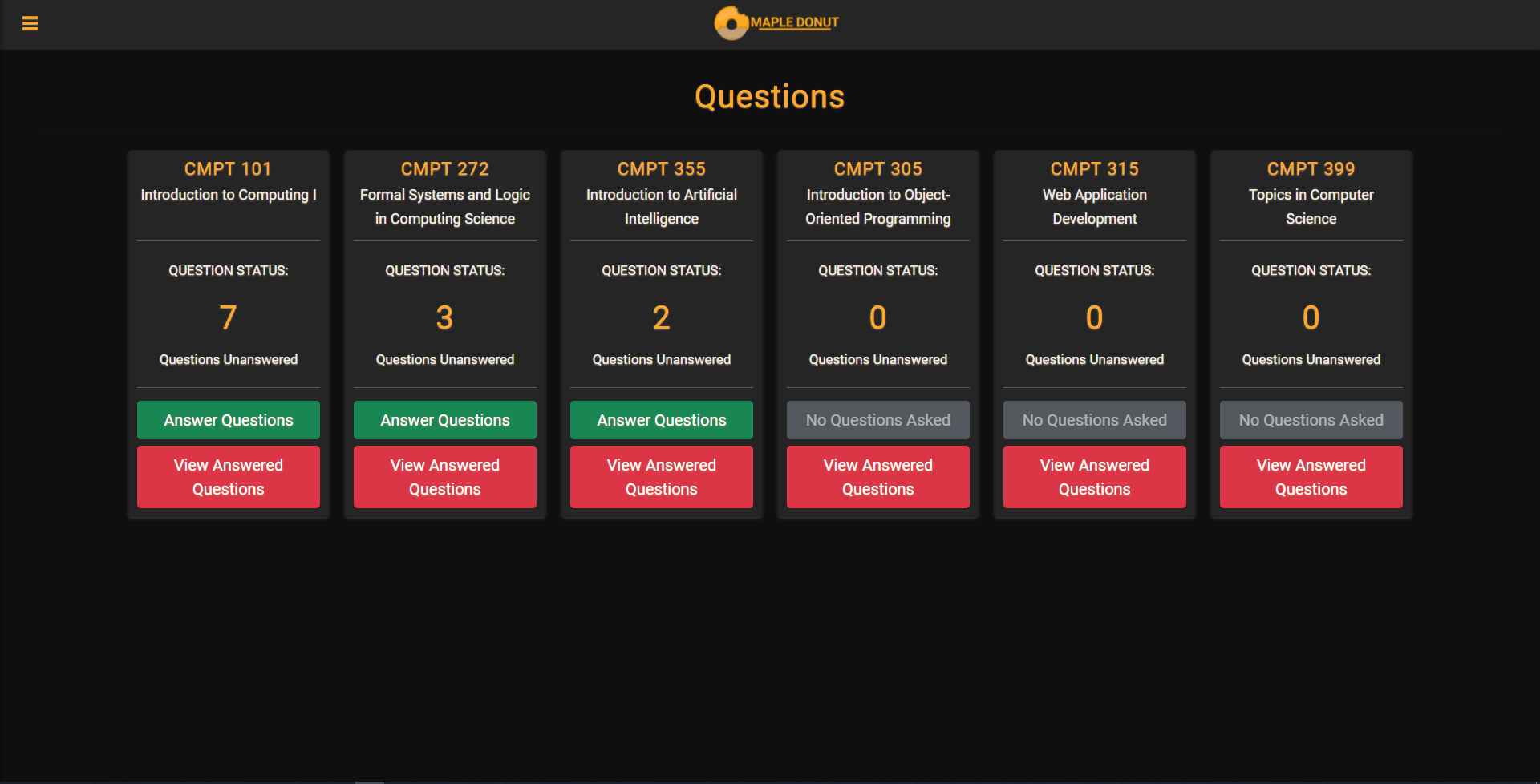
Professors can view the courses they are currently in, and can also add courses so they can receive questions from that course or delete it to stop receiving questions
Professor question overview:
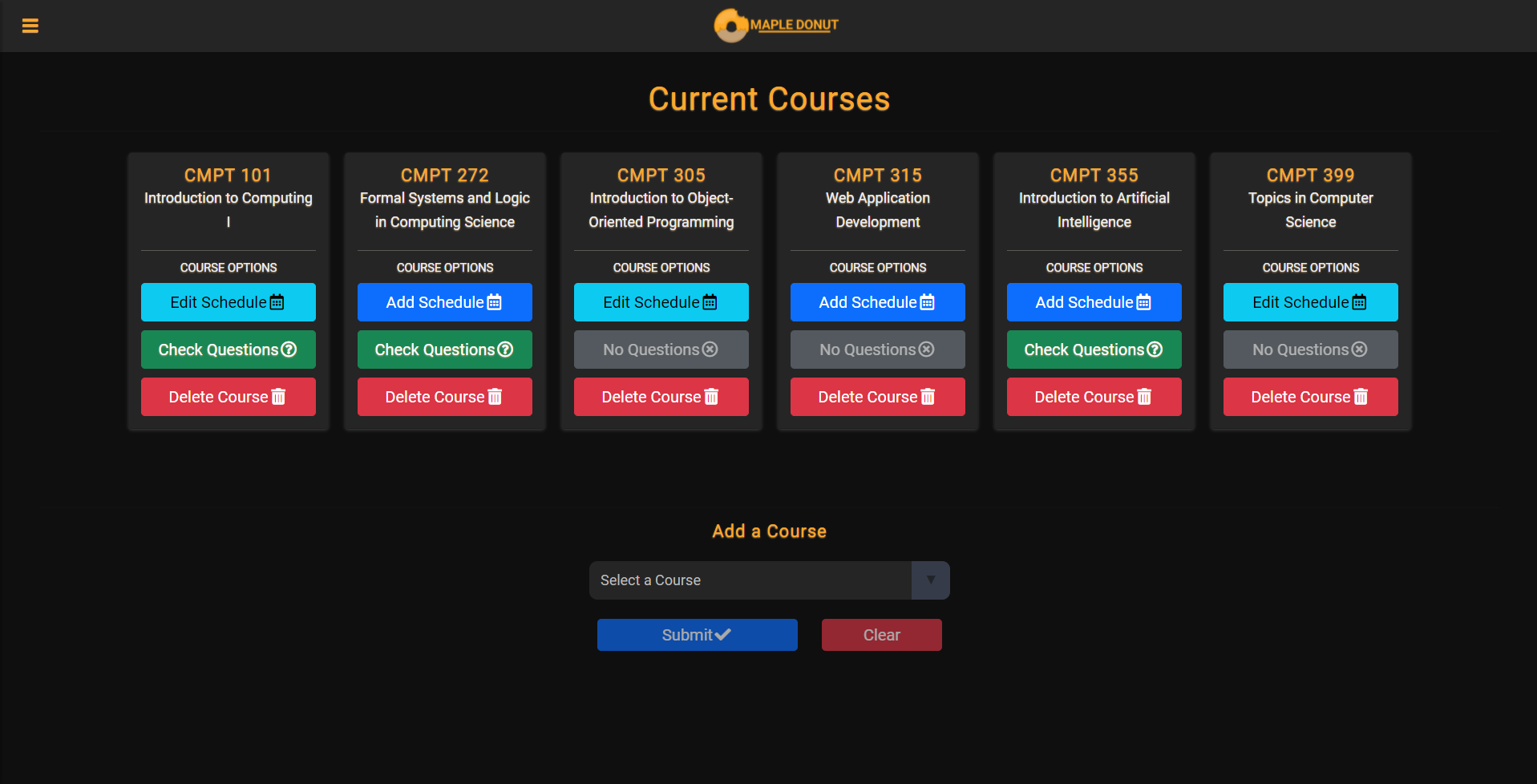
- Can see all courses that questions may be asked, and “Answer Questions” will be highlighted green if there exists unanswered questions.
- Can view already answered questions sorted by tag.
- Automatically sorted from course with the most unanswered questions to the least.
Schedule functionality:
- Students can view a professor’s up-to-date availability
- Join a scheduled office hour session through zoom