Chrome extension that surfaces Partio plans and AI agent sessions directly on GitHub.
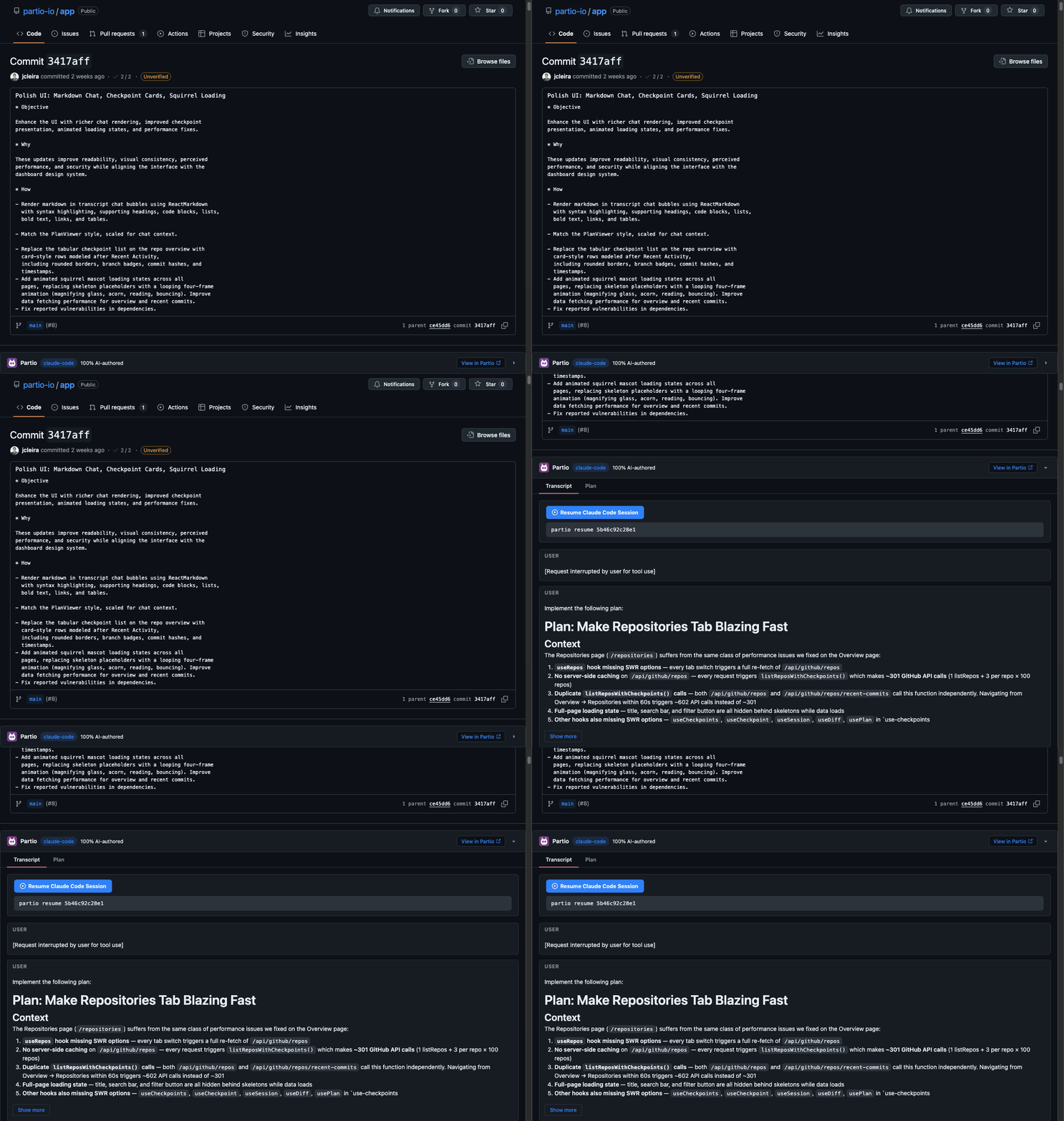
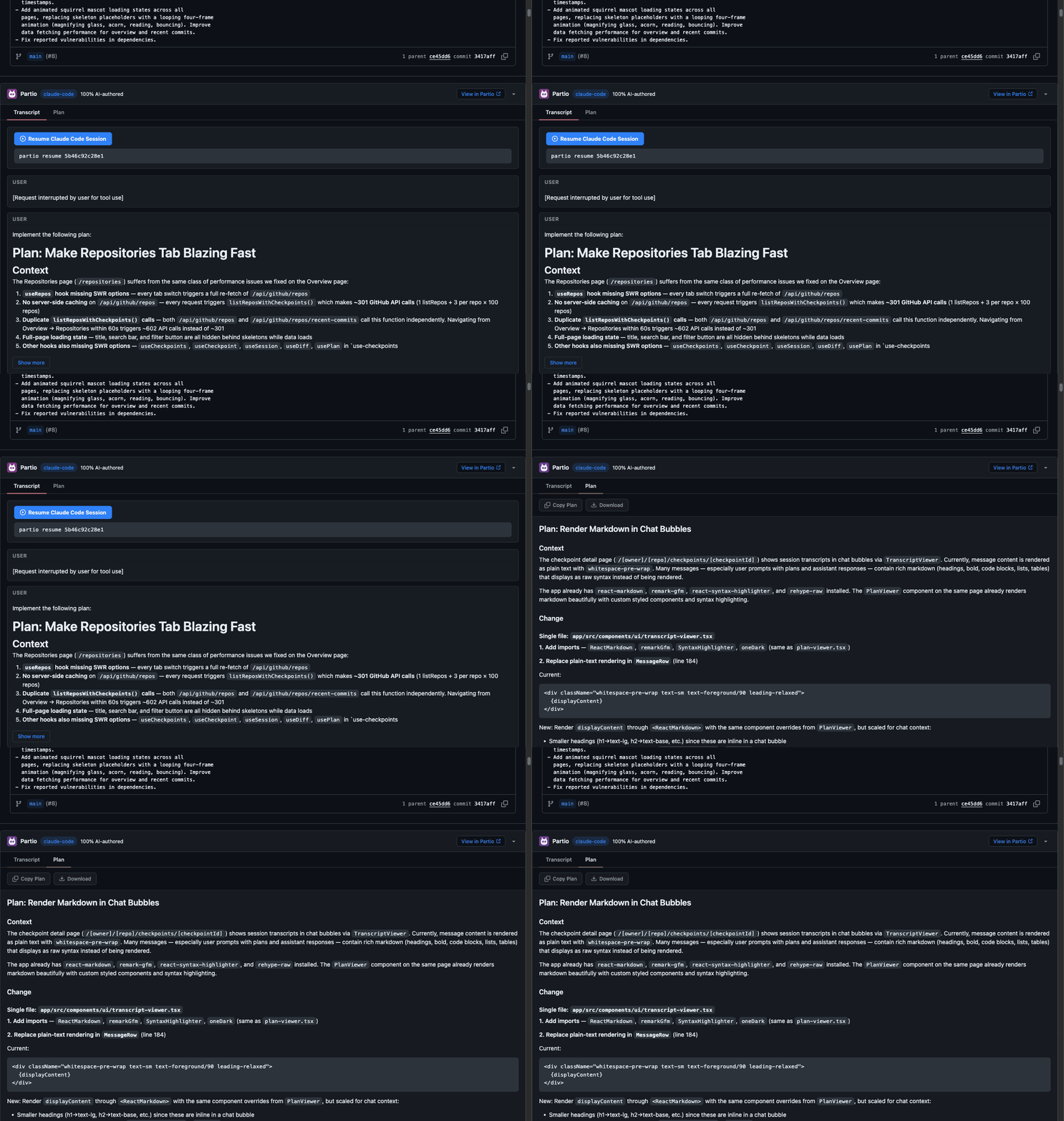
When browsing a GitHub repository that uses Partio, the extension reads checkpoint data from the partio/checkpoints/v1 orphan branch and overlays it onto the GitHub UI:
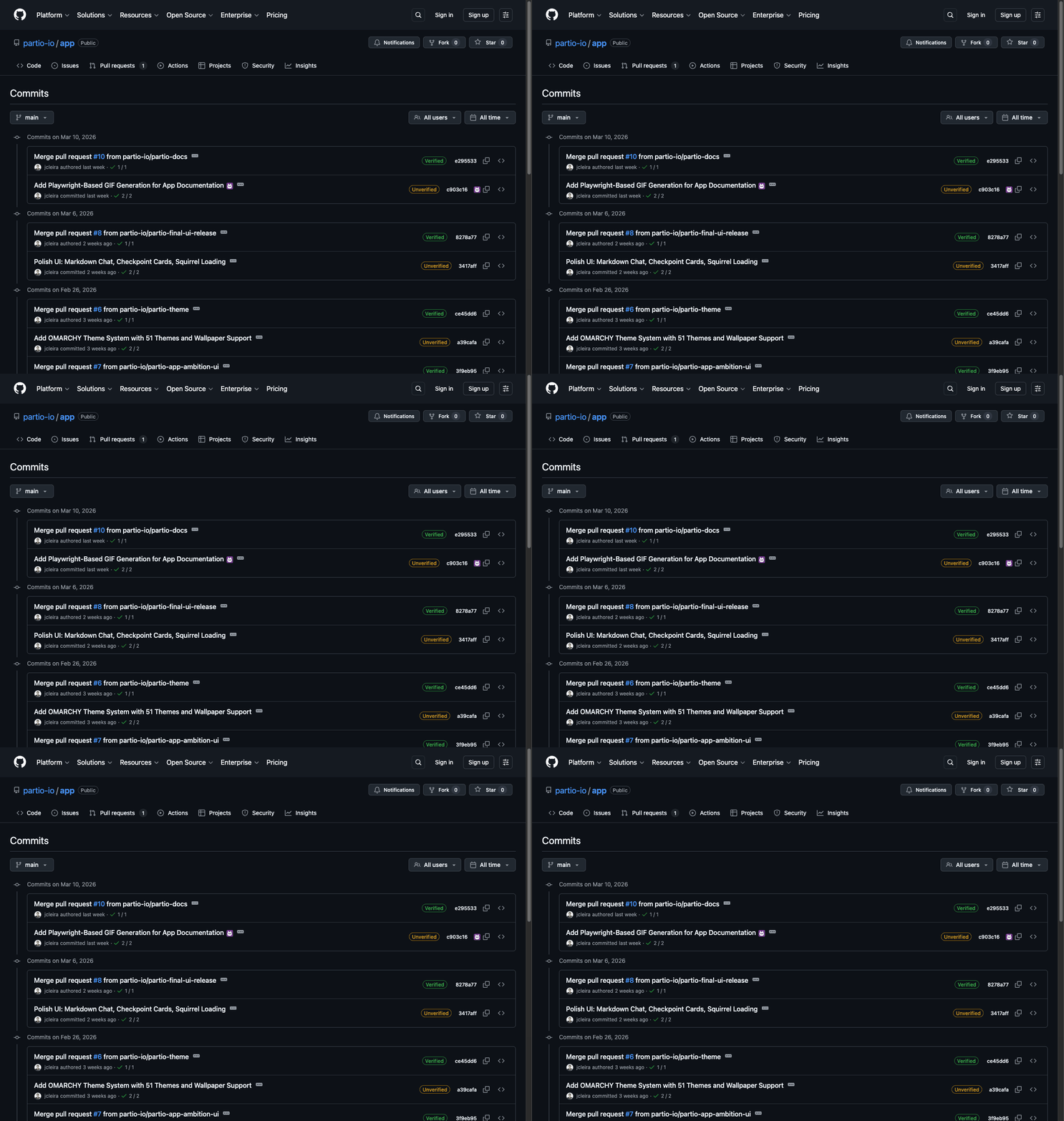
- PR & commit views — see which AI agent sessions contributed to each change, with session transcripts and attribution
- Plans — view Partio plans associated with branches and PRs
- Session transcripts — expand inline to read the full AI conversation that produced a code change
- Chrome Extension Manifest V3
- TypeScript
- GitHub REST API (via user's GitHub token)
- Node.js 20+
- Chrome or Chromium-based browser
npm installnpm run devLoad the unpacked extension from dist/ in chrome://extensions with Developer Mode enabled.
npm run buildnpm run packageProduces a .zip ready for Chrome Web Store submission.
src/
  background/        Service worker (auth, API requests)
  content/           Content scripts injected into GitHub pages
  popup/             Extension popup (settings, auth)
  lib/               Shared utilities (GitHub API, checkpoint parsing)
  types/             TypeScript type definitions
public/
  manifest.json      Extension manifest (V3)
  icons/             Extension icons
- The content script detects GitHub pages (PRs, commits, file views)
- It reads checkpoint data from the repo's
partio/checkpoints/v1branch via the GitHub API - It injects UI elements (badges, expandable panels) into the GitHub DOM to display plans and session data
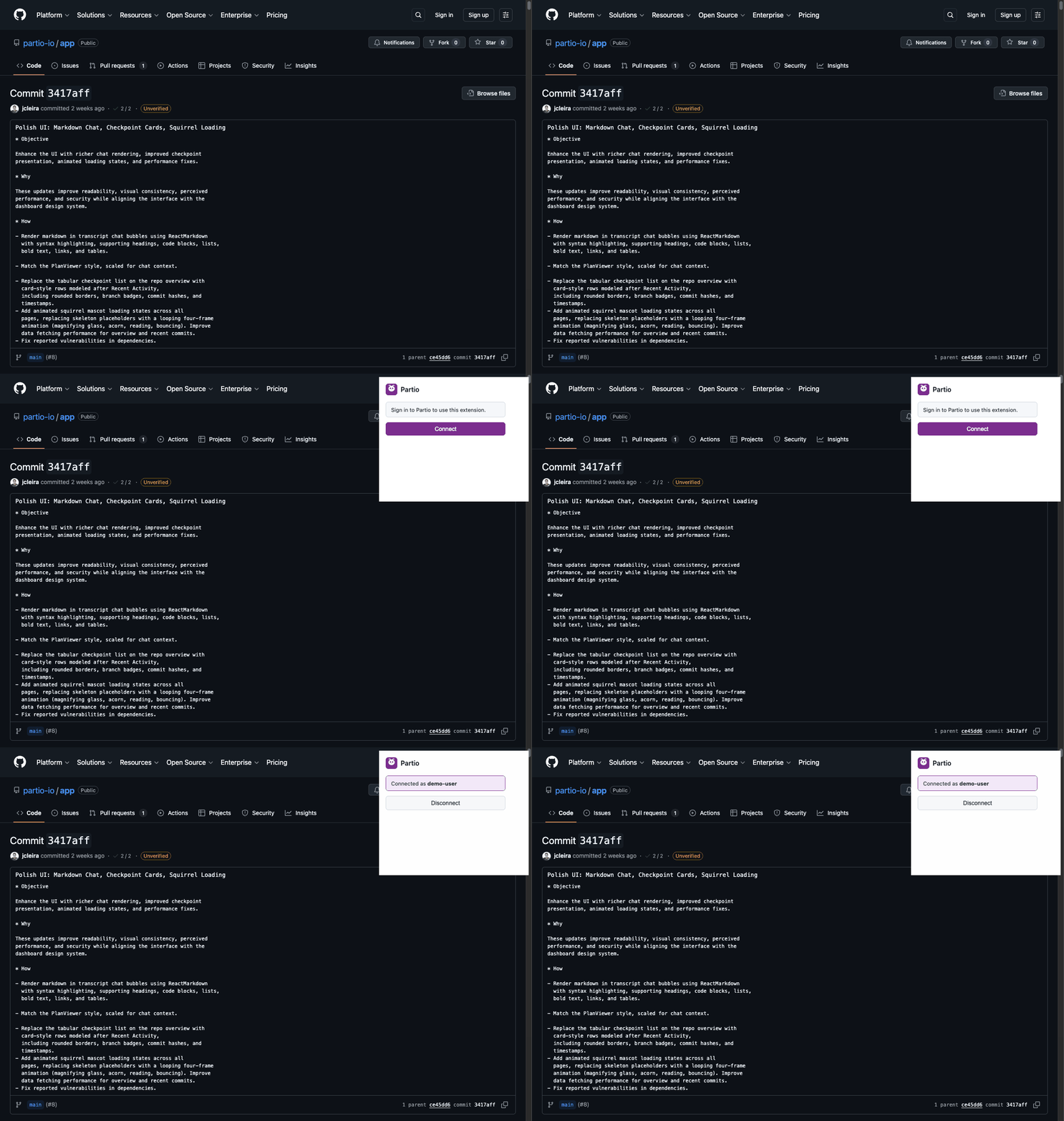
- Authentication uses a GitHub token stored in
chrome.storage(the same OAuth flow as the Partio App, or a personal access token)