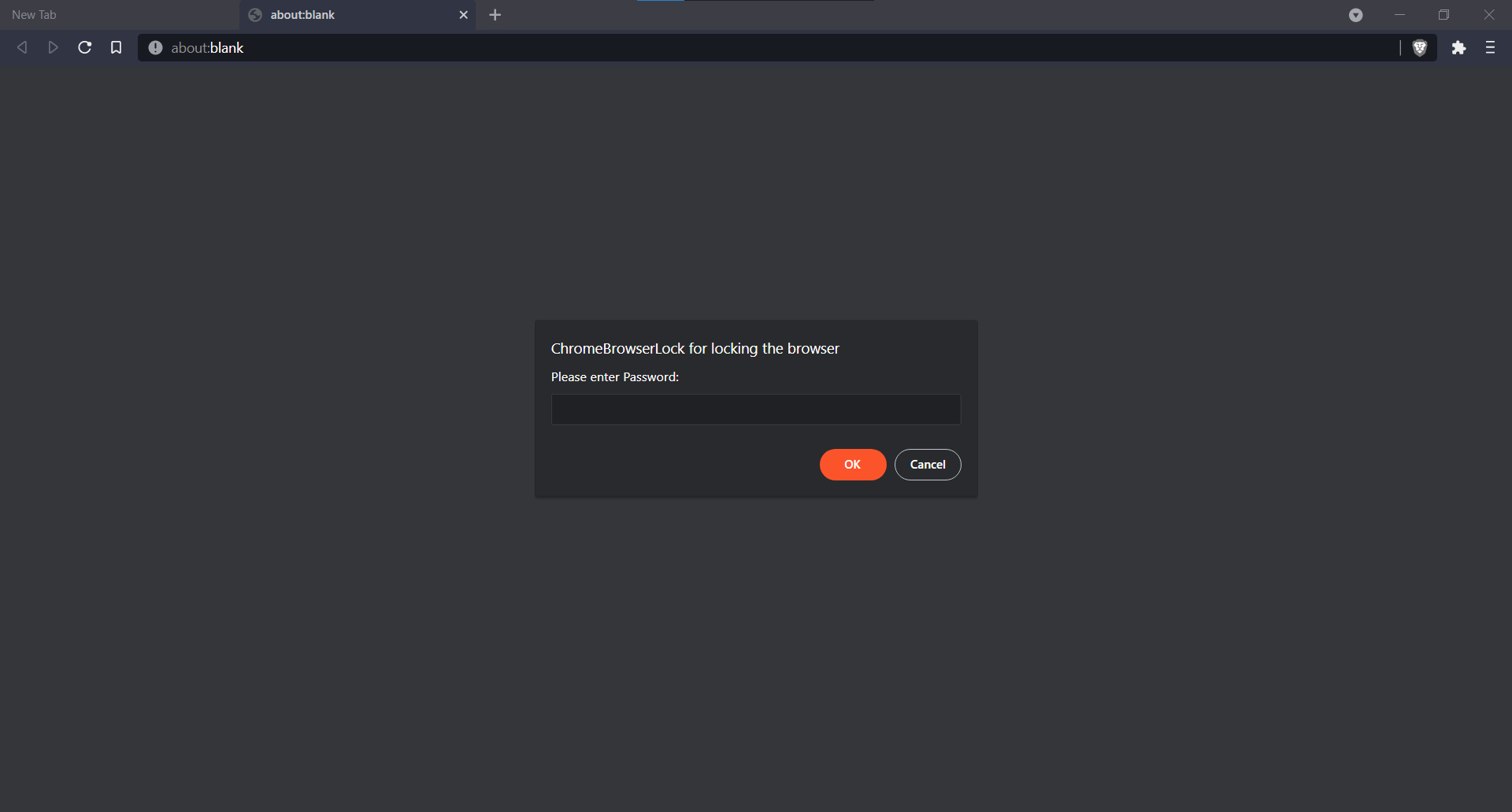
Extension for locking chromium based browsers (i.e. Chrome , Brave , edge(not tested) )
to install in your browser,
-> Download the zip or clone the repo.
-> Go to Extensions page ,switch on the developer options.
-> Select the "Load unpacked" option and load the folder containing the extension files.
-> after installing the extension , you can disable the developer options.
Note: you need to manually switch on the option for allow extension in private mode. Without this , the extension can be uninstalled by opening a private window.
-> Asks for password on every startup.
-> If wrong password is entered , Browser automatically closes.
-> Empty tab is opened behind the password asking popup to hide new tab shortcuts , bookmarkbar links.
-> password can be easily changed from options menu.