Website aims to create a platform that users can use to manage and track their time. There are two main functions that users can use.
-
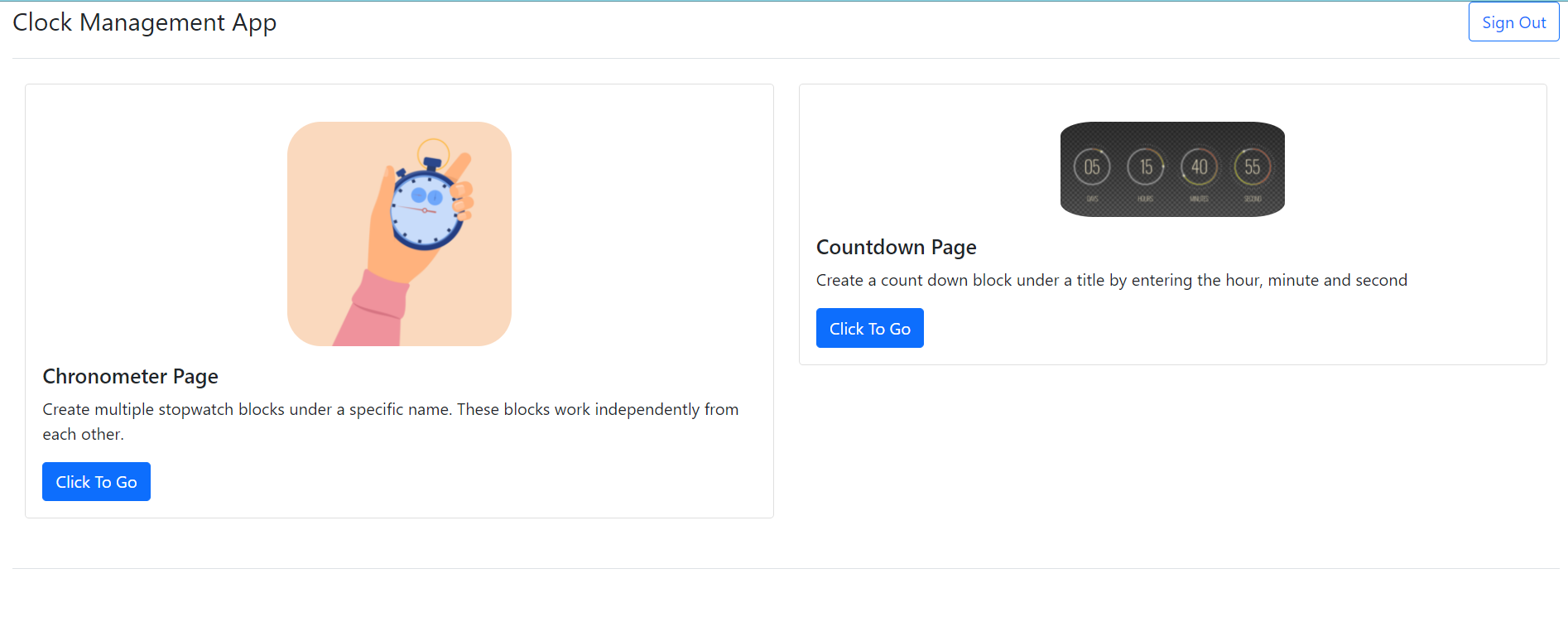
Chronometer Functionality : Users can create multiple stopwatch blocks under a specific name and use already defined stopwatches. These blocks work independently from each other. Stopped chronometers can also be deleted with one button
-
Countdown Functionality : Users can create a block under a title by entering the hour, minute and second they want to count down. By giving these blocks different names, they can create more than one countdown at the same time. In this way, the countdowns will continue independently from each other until they reach 0 after they are started.
-
mockapi.io used for generating mock up data. Endpoints of mockapi.io used with axios library
- Clone the git repository in the link Github Repo
- Run npm install command to install npm modules used in the project
- Run npm start command to start the project
- Home page will appear on the screen
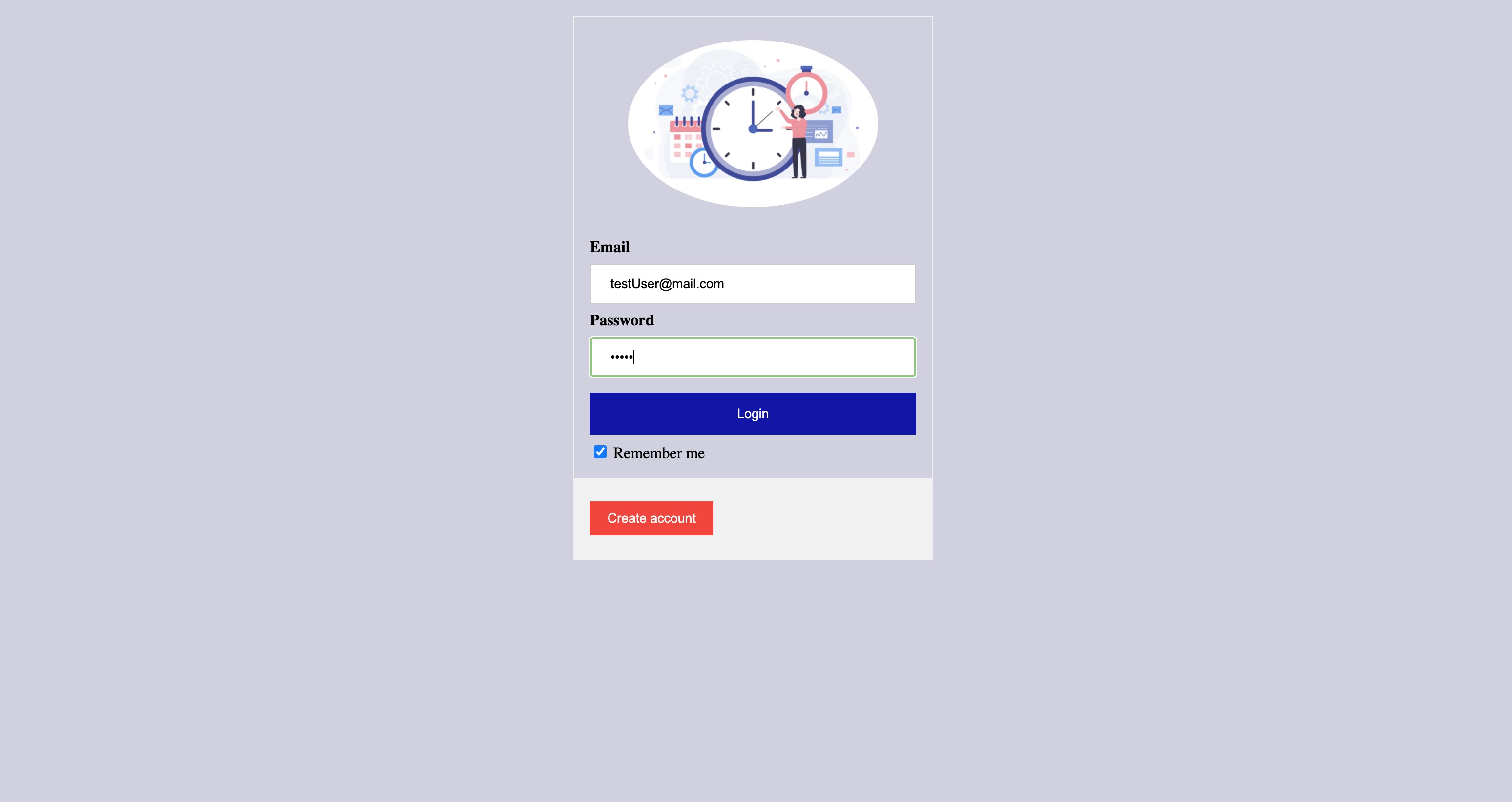
User should enter email and password and click login button to enter the main page. If user doesn't have account , new user account can be created by clicking Create Account button.
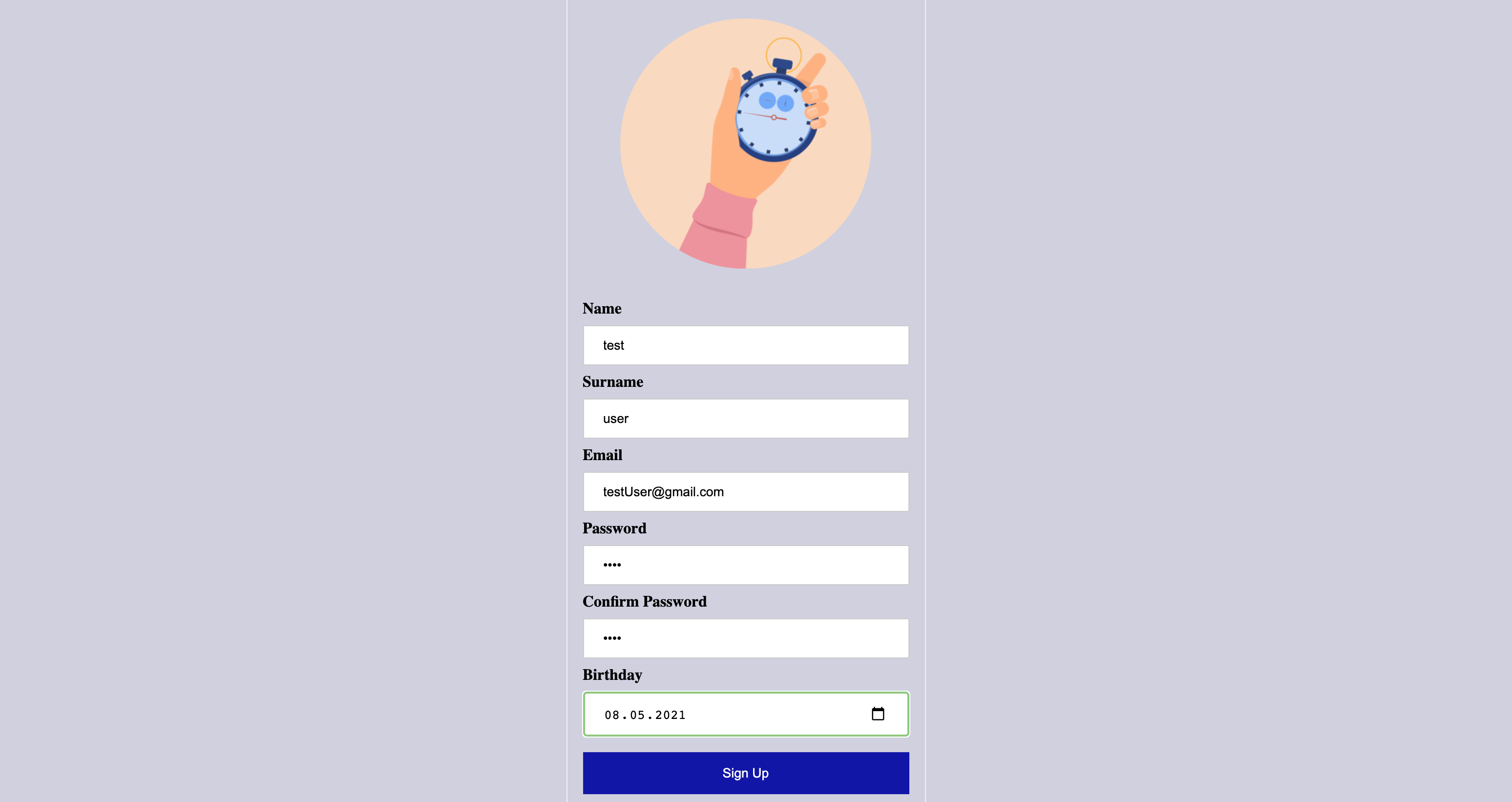
To create a new account, user should enter name, surname, email, and password. Passwords should match each other. Otherwise , system will rise an error.
User can click chronometer and countdown images on the screen. The images linked to related pages.
User should fill name, hour, minute and second areas dependent on their needs. hour, minute and seconds fields only accept integers. Otherwise, system will rise an error
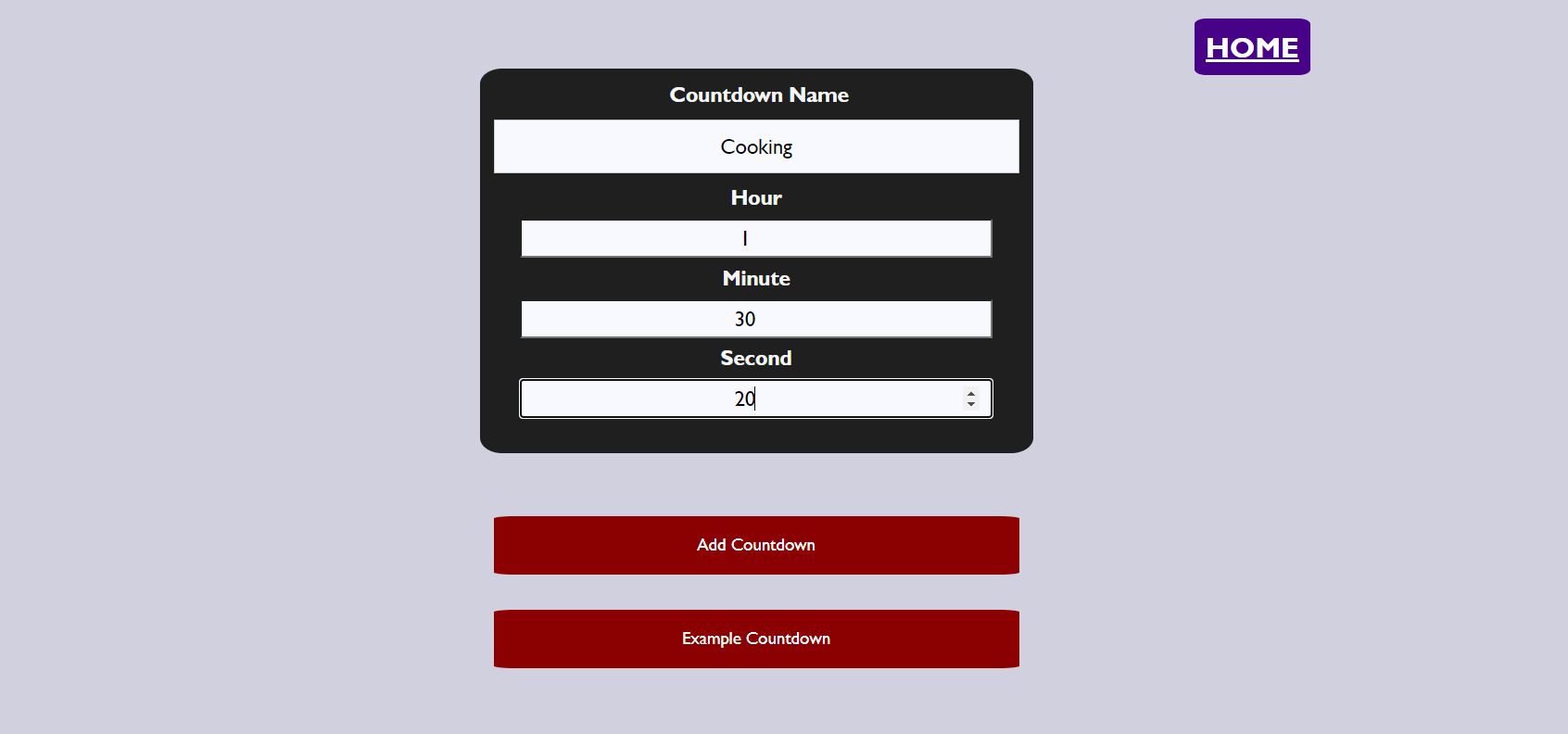
Then, User should click add countdown button, and countdown will start. If needed user can delete block by clicking delete button near to the block
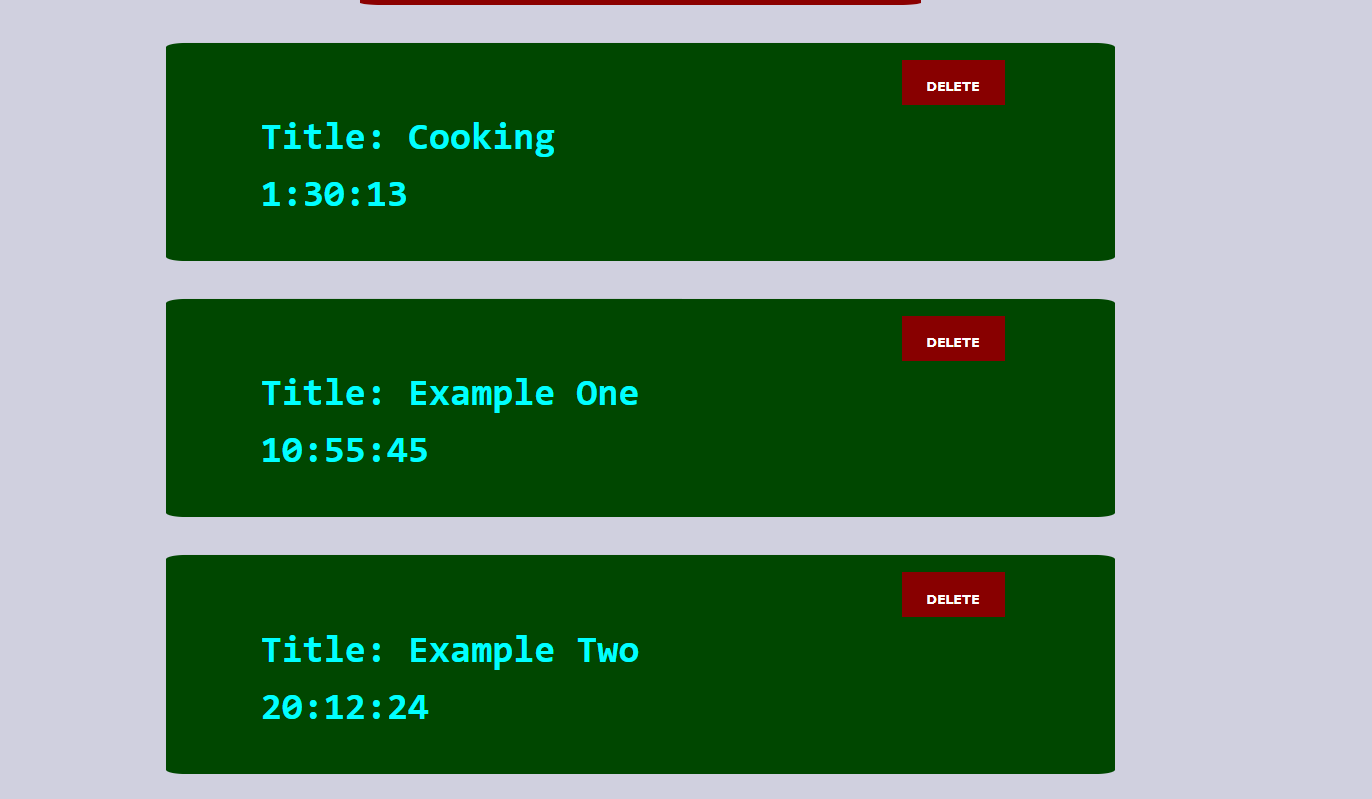
Users can also create example countdowns with already defined values.
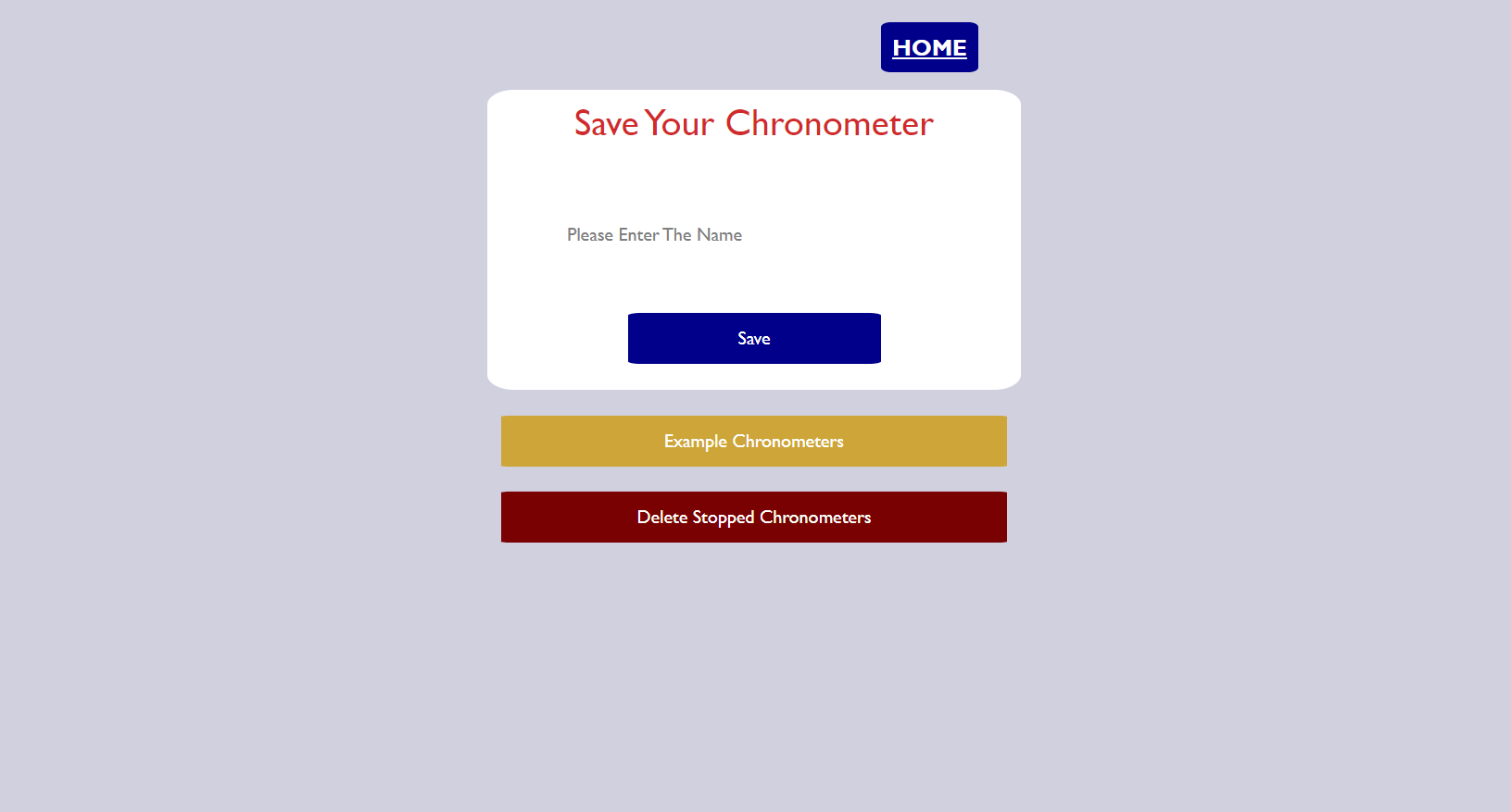
Users should fill in the name of the chronometer to their needs. If the name is empty alert dialog will be shown to the user which states that an empty string is not allowed for the chronometer name.
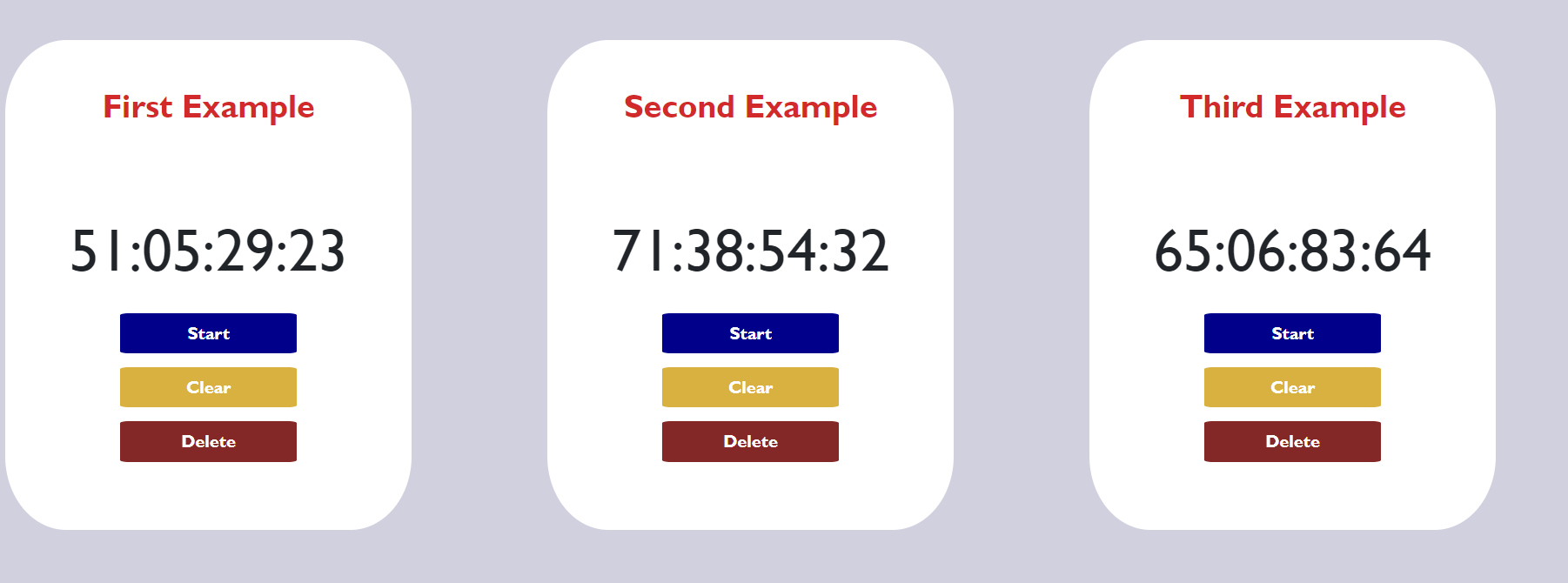
Default example chronometers can also be used.
User can delete all the stopped chronometers with "Delete Stopped Chronometers" button.
After users create chronometers each chronometer can be stopped, reset and deleted. Each chronometer works asyncronously and functions can be used seperately.
- React
- React-router
- React-bootstrap
- Axios
- Utku Özbudak : Developing login & signup page
- Onur Eker : Developing Countdown page and functionality
- Ozan Özbirecikli : Developing Chronometer page and functionality
- Batuhan Sesli : Developing main page and documentation
The project was made within the scope of Özyeğin University CS391 web development course with the contributions of the four people listed below.
- Utku Özbudak : Senior CS Student
- Onur Eker : : Senior CS Student
- Ozan Özbirecikli : Senior CS Student
- Batuhan Sesli : Senior EE Student & CS Minor