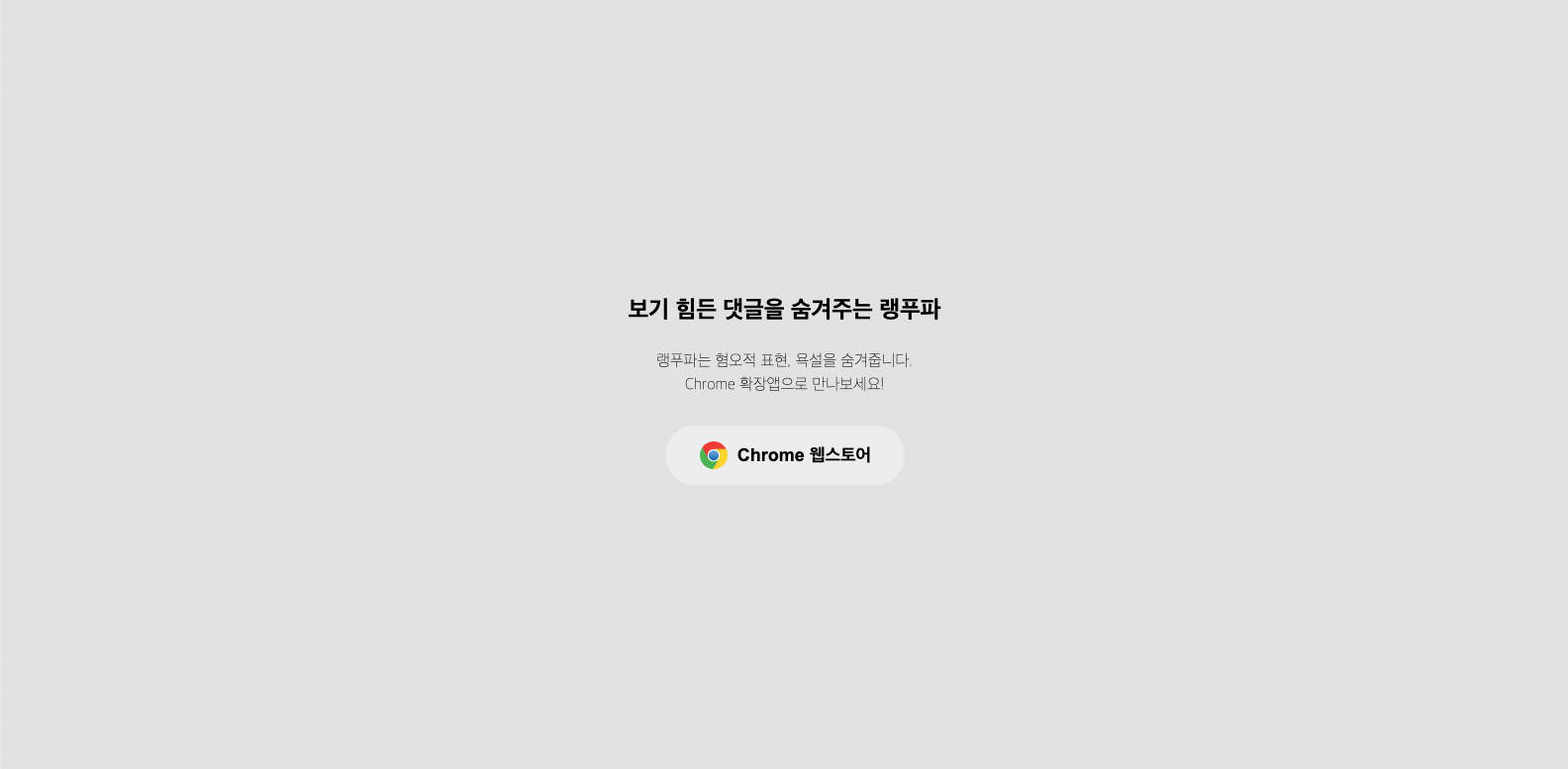
🔗 Chrome webstore LngPuFi Chrome extension
랭푸파는 유튜브 댓글에서 혐오적 표현, 욕설을 찾아내 댓글을 가려주는 서비스입니다.
WebSite 에서 직접 테스트 해볼 수 있으며, Chrome extension을 통해서 직접 서비스를 이용할 수 있습니다.
프로젝트 기간 : 23.02.10 ~ 23.02.28
- 랭푸파는 Text-Classification 기능을 가진
keras CNN모델을 기반으로 만들어졌습니다. Language-Purifier flask를 통해서 모델을 담아 Backend를 구성했습니다.test code를 통해 api test를 진행합니다.- Chrome Extension 을 만들었으며, 직접 크롬 웹스토어에서 추가하여 youtube에서 사용 가능하겠습니다.
Next.js v13.1.6
React v18.2.0
axios v1.3.3
styled-components v5.3.6
jest v29.4.3
testing-library v5.16.5
in /jonna-sick/fe
$ npm install$ npm run devnext.config.js
/** @type {import('next').NextConfig} */
const nextConfig = {
  compiler: {
    styledComponents: true,
  },
  reactStrictMode: true,
  async rewrites() {
    return [
      {
        source: "/api/predict/:path*",
        destination: `http://api.language-purifier.link:5000/predict/:path*`
      },
    ];
  },
};

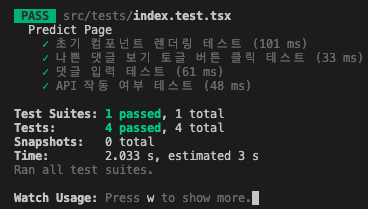
module.exports = nextConfig;$ npm run testjonna-sick/fe/src/tests/index.test.tsx 최초 setup을 위해 DOM, event를 미리 작성을 통해 test code의 가독성을 높임.
/**
 * @returns Predict Page의 테스트 설정
 */
const renderPredictPage = () => {
  /* 컴포넌트 렌더링 */
  const result = render(<Predict />);

  /* input check 를 위한 MOCK data */
  const MOCK_COMMENT = { value: "테스트용댓글" };

  /* API 작동여부 테스트 */
  const F0CK_COMMENT = { value: "씨발" };
  const CENSOR_MESSAGE = "🤖 랭푸파가 작동되었습니다. 🤖";

  /* Component 에서 DOM 을 가져온다. */
  const VideoTitle = () => result.getByText("랭푸파를 소개합니다!");
  const VideoMaker = () => result.getByText("OneJuice");
  const SubscribeCounts = () => result.getByText("구독자 5명");
  const VideoDesc = () => result.getByText("조회수 12회");
  const CommentCounts = () => result.getByText("댓글 0개");
  const BadDisplayButton = () => result.getByText("나쁜 댓글 보기");
  const GoodDisplayButton = () => result.queryByText("나쁜 댓글 숨기기");
  const CommentInput = () => result.getByPlaceholderText("댓글 추가...");
  const CommentSubmit = () => result.getByText("작성");
  const CommentTest = () => result.queryByText(MOCK_COMMENT.value);
  const CommentAPITest = () => result.queryByText(CENSOR_MESSAGE);

  /* DOM 요소와 상호작용을 담당 */
  const clickBadDisplayButton = async () => {
    await act(async () => {
      fireEvent.click(BadDisplayButton());
    });
  };

  const changeCommentInput = () => {
    fireEvent.change(CommentInput(), {
      target: {
        value: MOCK_COMMENT.value,
      },
    });
  };
  const changeF0ckCommentInput = () => {
    fireEvent.change(CommentInput(), {
      target: {
        value: F0CK_COMMENT.value,
      },
    });
  };
  const clickCommentSubmit = () => {
    fireEvent.click(CommentSubmit());
  };
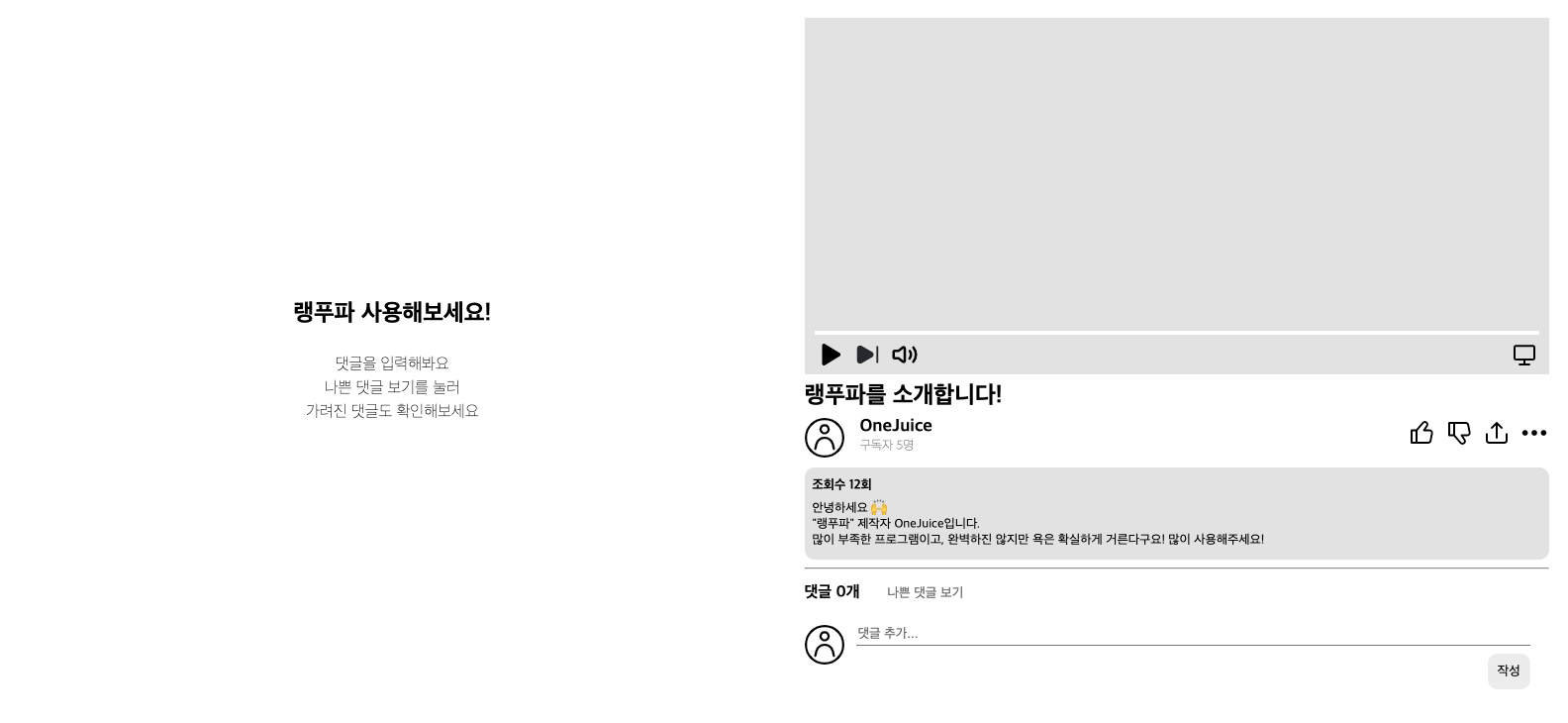
직접 테스트 가능하다.
주소 : api/language-purifier.link:5000/predict/${comment}
comment => "씨발" 등 입력 시
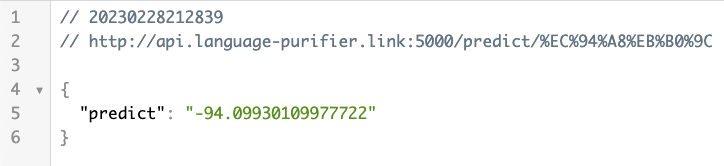
string, -100 ~ 100 값 json 형태로 GET 요청
Mixed Content Error 로 인하여 chrome 설정 필요
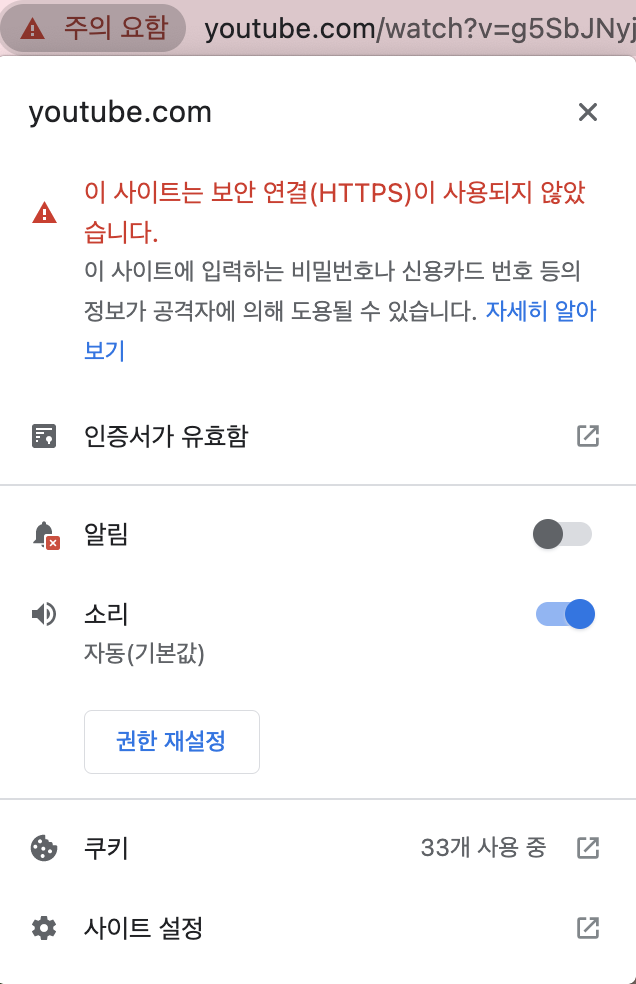
사이트 설정 클릭
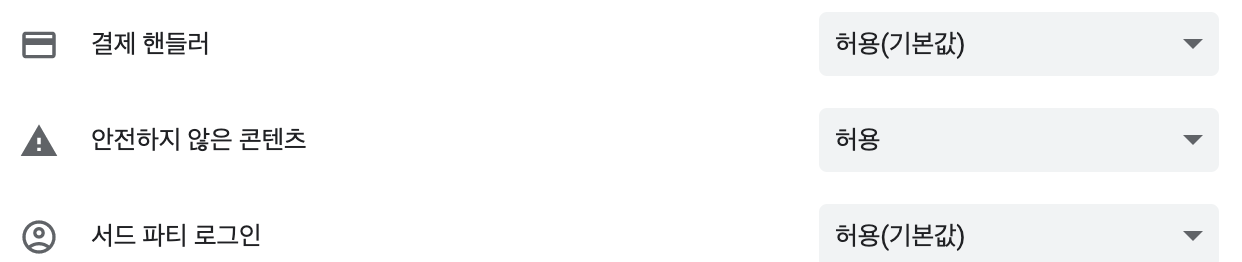
안전하지 않은 컨텐츠 허용 변경
📌 https <-> http 통신 chrome 에서는 불가능 하기에 설정 꼭 필요!
"LngPuFi" 에서 허용하고 얻는 데이터 (youtube.com 의 div tag (id : content-text))
쿠키 X, 사용자 정보 활용 X
예전에 만든 것이라 많이 부족하기도 하지만 명확한 욕, 각종 비하 표현 감지 가능