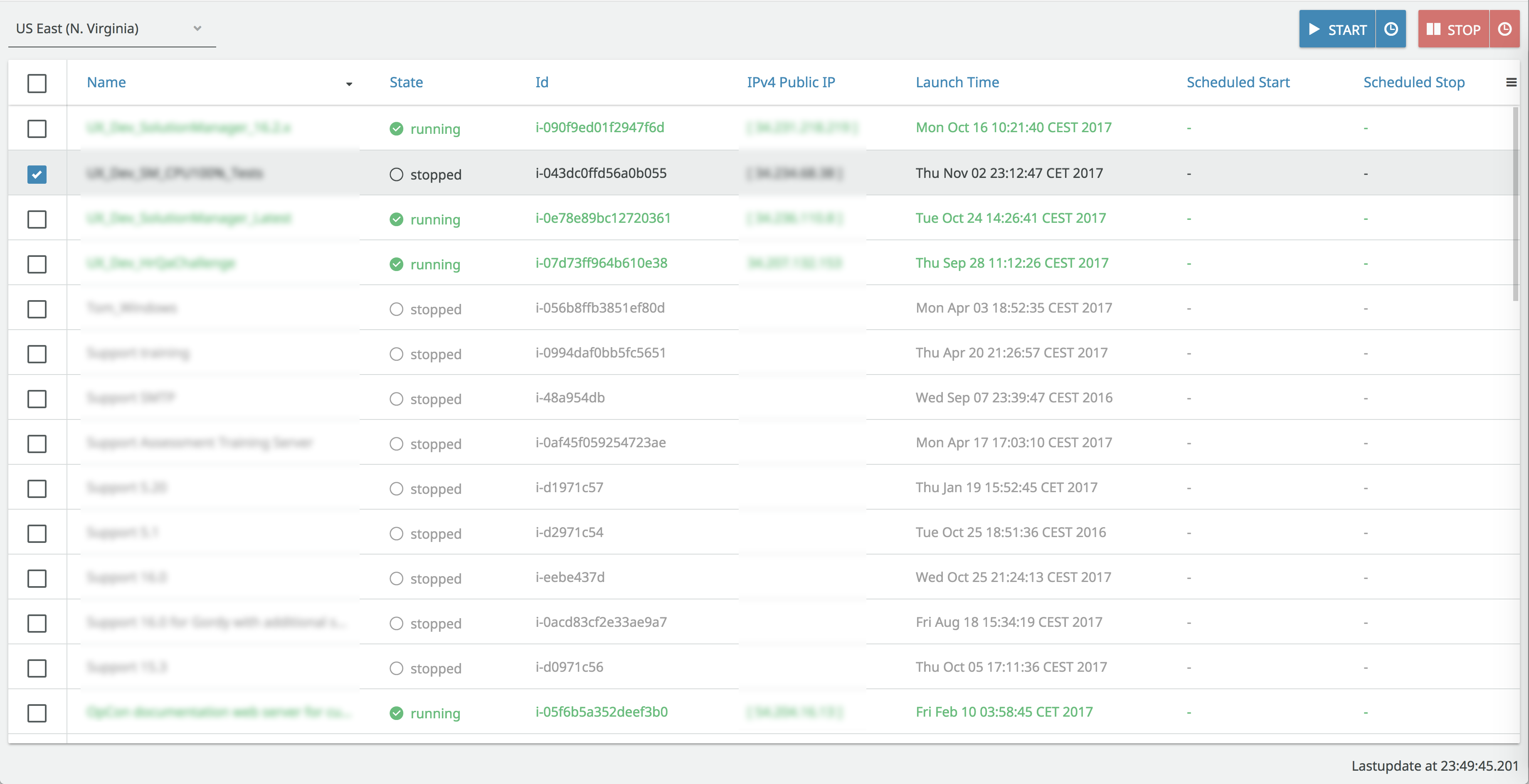
Simple AWS EC2 Web Portal to control Instances (view, start, stop ...).
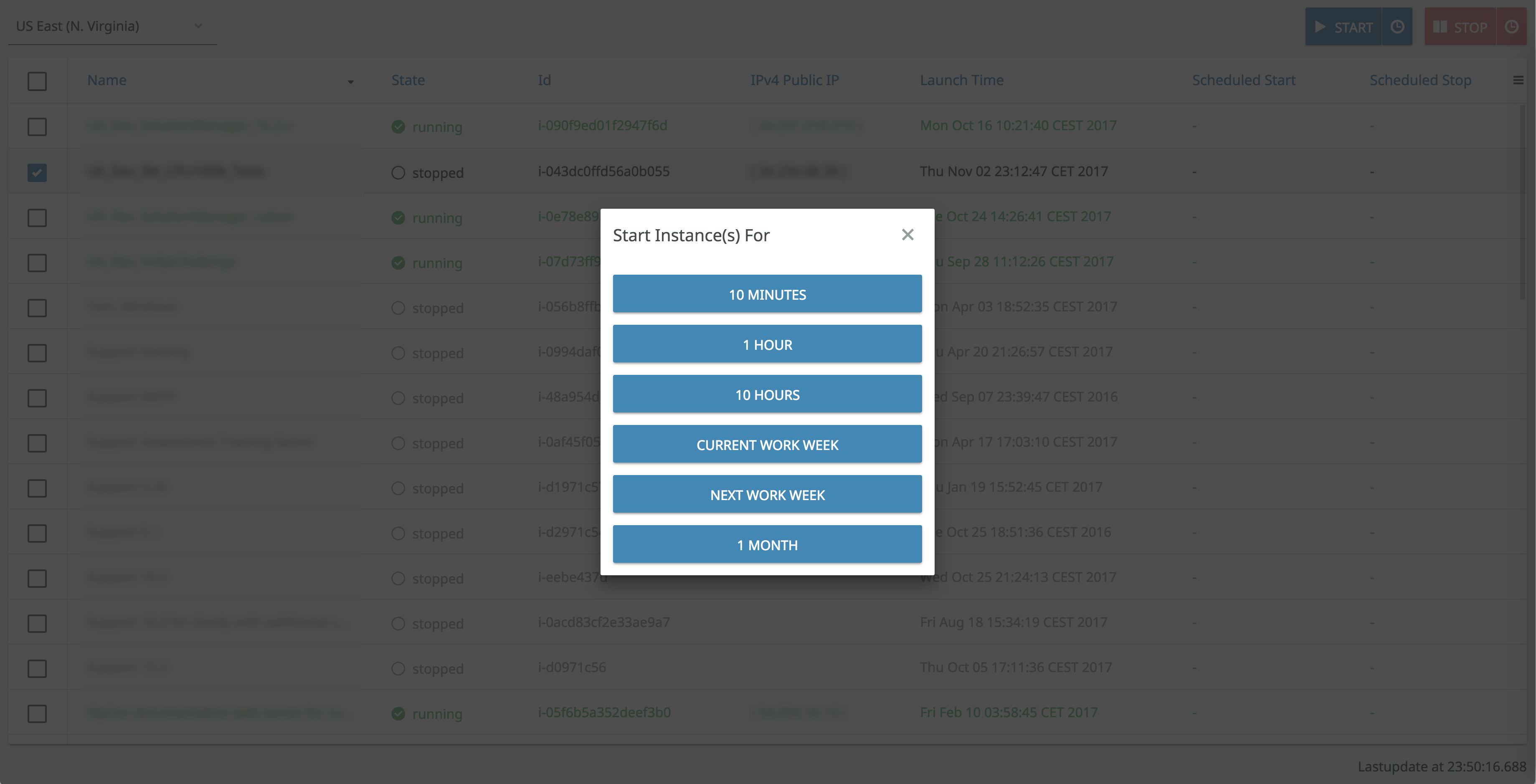
Also provide easy to use simple scheduling features to plan on starting specific ec2 instances for 1 hour, 5 hours, next week of work... And also schedule instances to stop in hour(s) ...
To run the application, run "mvn jetty:run -DAWSAccessKeyId=%AccessKeyId% -DAWSSecretKey=%SecretKey%" and open http://localhost:8080/
To produce a deployable production mode WAR:
- change productionMode to true in the servlet class configuration (nested in the UI class)
- run "mvn clean package"
- test the war file with "mvn jetty:run-war -DAWSAccessKeyId=%AccessKeyId% -DAWSSecretKey=%SecretKey%"
** Replace %AccessKeyId% and %SecretKey% with key values from your AWS Account.