This is based off the Monokai scheme from https://github.com/longcao/monokai-scala-idea
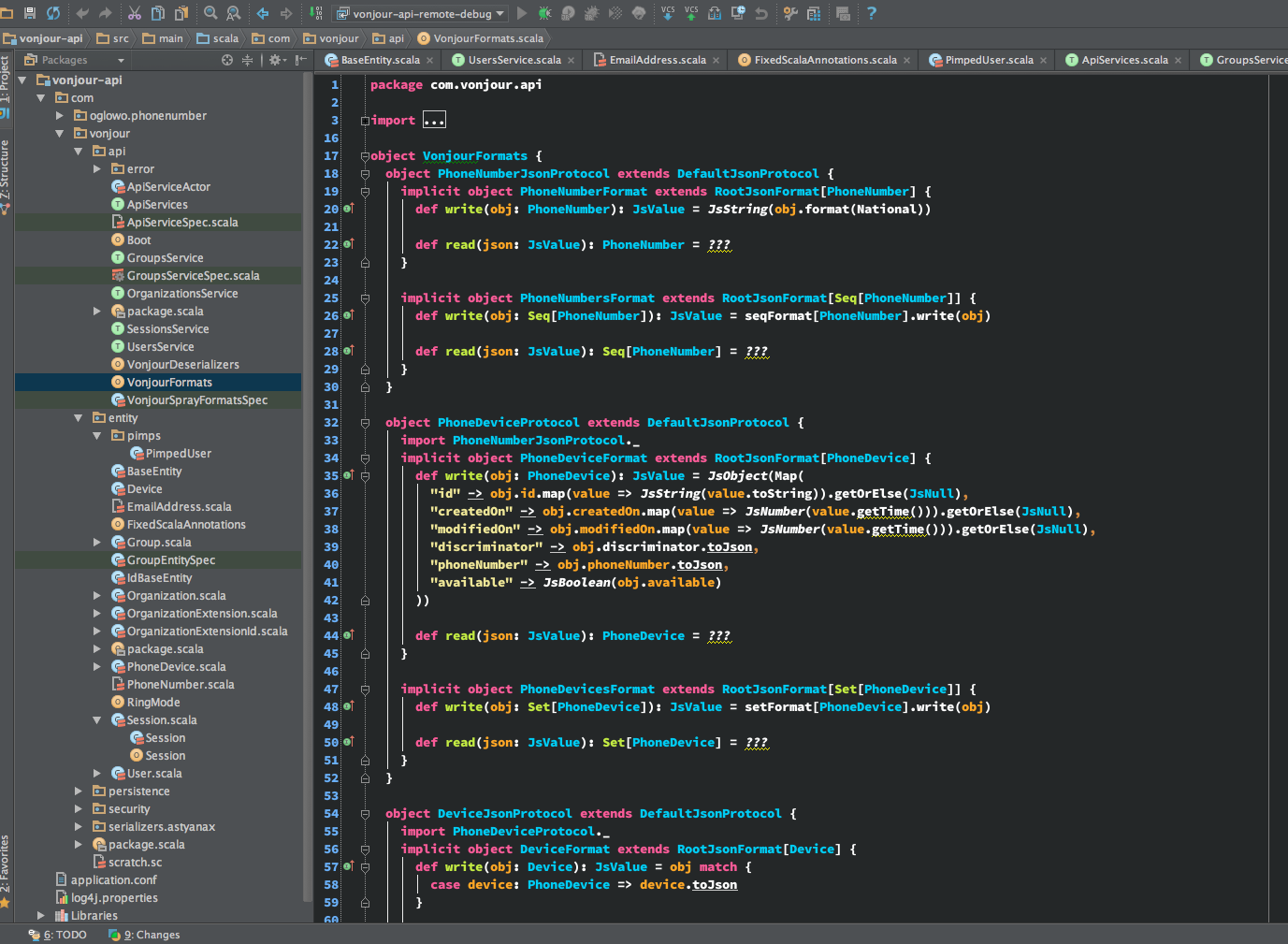
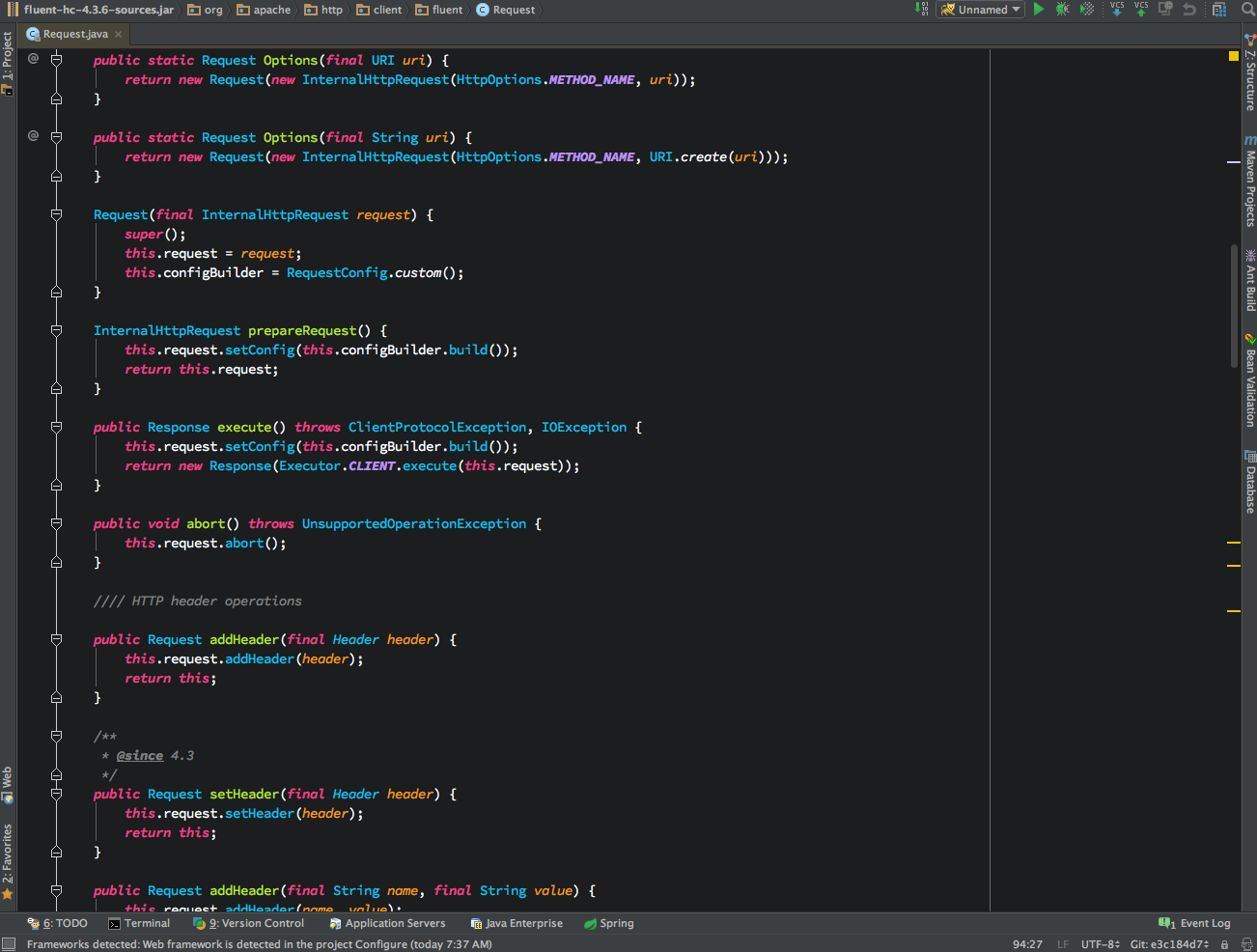
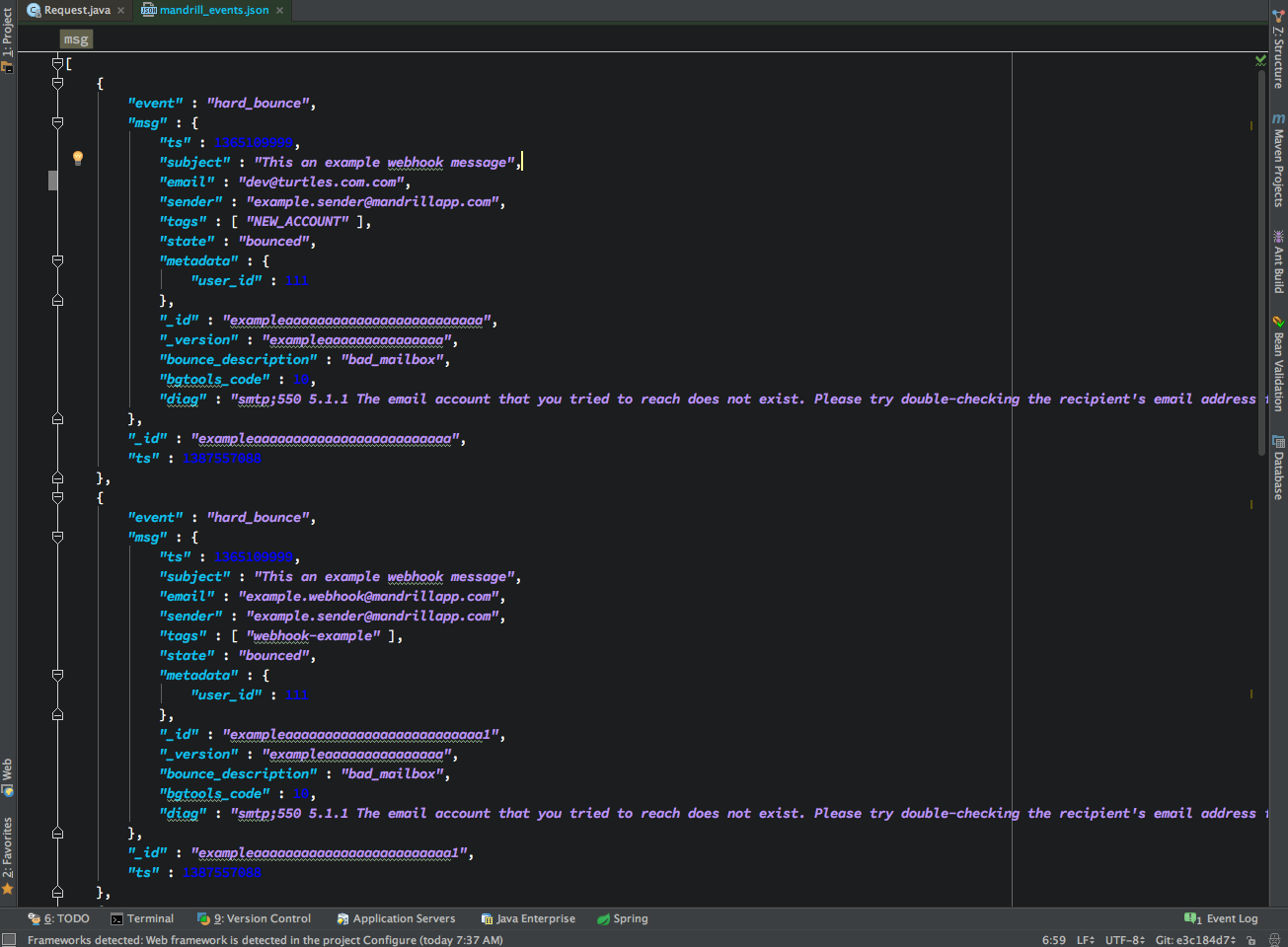
-
Quit IDEA
-
Install the Color Scheme into your system's color scheme location. See the table below for the proper location on your system. REMEMBER that I'm using version 2016.1 as an example. Don't forget to substitute 12, 13, 14, or 15 if that's what you use.
| Community Edition | Ultimate Edition------------------ | --------------------------- | --------------------------- Mac OS X |
~/Librarary/Preferences/IdeaIC2016.1/colors|~/Library/Preferences/IntelliJIdea2016.1/colorsLinux/UNIX |~/.IdeaIC2016.1/config/colors|~/.IntelliJIdea2016.1/config/colorsWindows Vista/7/8 |C:\Users\<User name>\.IdeaIC2016.1\config\colors|C:\Users\<User name>\.IntelliJIdea2016.1\config\colorsWindows XP |C:\Documents and Settings\<User name>\.IdeaIC2016.1\config\colors|C:\Documents and Settings\<User name>\.IntelliJIdea2016.1\config\colors -
This color scheme depends on the Adobe Source Code Pro font that you can download here If you don't want to use Source Code Pro, then don't worry about it and just change the font within idea to the font of your choice. Install the font onto your system. Use the OTF fonts first. If anything funny happens, then default to the TTFs. If you don't know how to install the fonts on your system, visit this page for detailed instructions
- ** Special Note for Mac OS X ** and possibly other systems when it comes to Java & Fonts...
- Installing using something like
FontBookis not enough. You'll also have to copy the fonts to$JAVA_HOME/lib/fonts. Of course you'll want to keep in mind that this may not be the$JAVA_HOMEthat you use for development. For example, Idea12 ran with JDK 6 so I had to copy the fonts to thejdk6 home/lib/fontsdirectory. Now I use 14.1 that can use jdk8 so I copy them to/Library/Java/JavaVirtualMachines/jdk1.8.0_40.jdk/Contents/Home/lib/fontseventhough I usejdk1.7.xfor my main development (I do Scala stuff...that's why I'm on 1.7.x). You may very well have to do some research and trial & error to find the jdk that Idea is using to run. Once you find it, you might need to create thelib/fontsdirectory if it isn't already there. - Copy the OTFs to the
jdk_home/lib/fontsdirectory.
-
Open IDEA.
-
Go to
Preferences/Settingsand find the section where you can change the theme to Darcula. It is most likely underAppearance->UI Options. Change the Theme to Darcula, and click Apply. -
Go to
Preferences/Settings->Editor->Colors & Fonts->Font, change the Scheme name to Euphoria, and click Apply. -
If everything went well, you can now make any customizations such as font size, font weight, selected a different font, etc.
-
Let's say you were dead set on having
Source Code Probe your font, but to your surprise, you only see one entry or maybe a few. Maybe the regular weight is missing and you only have bold and italic as choices. Well isn't this an absolute fucker? ... Don't worry. I miiiiight be able to get you through this. -
Quit IDEA and head over to the jdk's
lib/fontsdirectory. Get rid of the OTFs and replace them with the TTF versions. -
Start IDEA
-
Go see if all the
Source Code Profont weights and styles are now available. Chances are that they will be and you can now live in peace with your newEuphoriacolor scheme andSource Code Profont. This all happened to me several times so I'm pretty sure this will solve your problem (should you encounter it). If it doesn't, you will have to hit Google for answers or send me a message...I might have already figured it out, but haven't updated this README.
As of now, the focus of this scheme is only on Scala and Java and I don't have time to do much more with it. Feel free to send pull requests with support for other stuff like XML, Groovy, R, Clojure, Brainfuck, JSON, XML, or whatever you want.