- Abstract
- Technologies
- How To Use Application
- Illustrations
- Install + Setup
- Contributors
- Future Iterations
- Project Specs
This project brings together the learning objectives and goals of Module 2 including the use of OOP to drive design and application of code, working with an API to send and receive data, implementing the code review process, and creating a throuogh test suite to test all functionality of this client-side application.
- Javascript
- HTML
- CSS/Sass
- eslint
- node
- Atom
- WebPack
- API
- Mocha
- Fetch API
- Lighthouse
This application allows the user to track their travel! Users can not only view their past, present, and upcoming trips, they can book a new trip utilizing a form on their dashboard and will immediately see their trip in the "Pending Trips" section. The application adheres to a clean layout and design, following best practices for accessibility and making tracking and booking travels on this app an easy and straight-forward experience.
Upon visiting the application, user will be prompted to login. User will type in credentials (Traveler: traveler + (any number between 1 and 50); Password: travel) and select "Log in". Correct credentials will lead to the user being taken to their travel dashboard. Incorrect credentials will provide proper error messaging.
Once in the dashboard, user will now be able to see a greeting with their name, a booking form, buttons to select Pending, Past, Present, Upcoming trips, and an amount showing how much they have spent on travels in the last year (full 12 months from day of log-in). To book a trip, user can select the date, number of days, number of travelers, and location. They can then select the "Estimate Cost" button to see the amount this particular trip could cost based on inputted information and destination selection. User then can select "Submit Trip" button to book the trip and see it in their "Pending Trips" section. Trips are displayed in all sections with photographs of the specific location, name of location, duration of trip, and number of travelers.
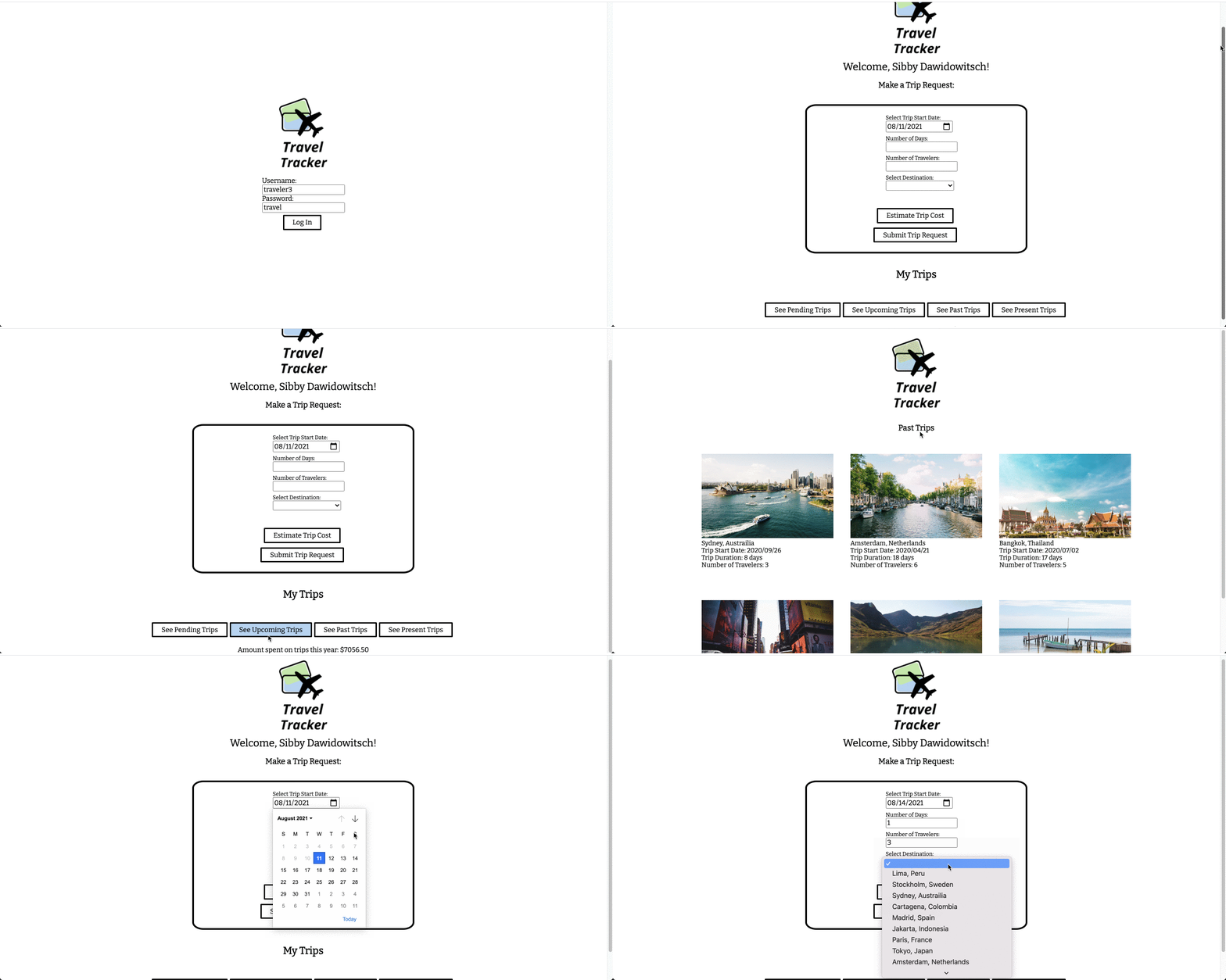
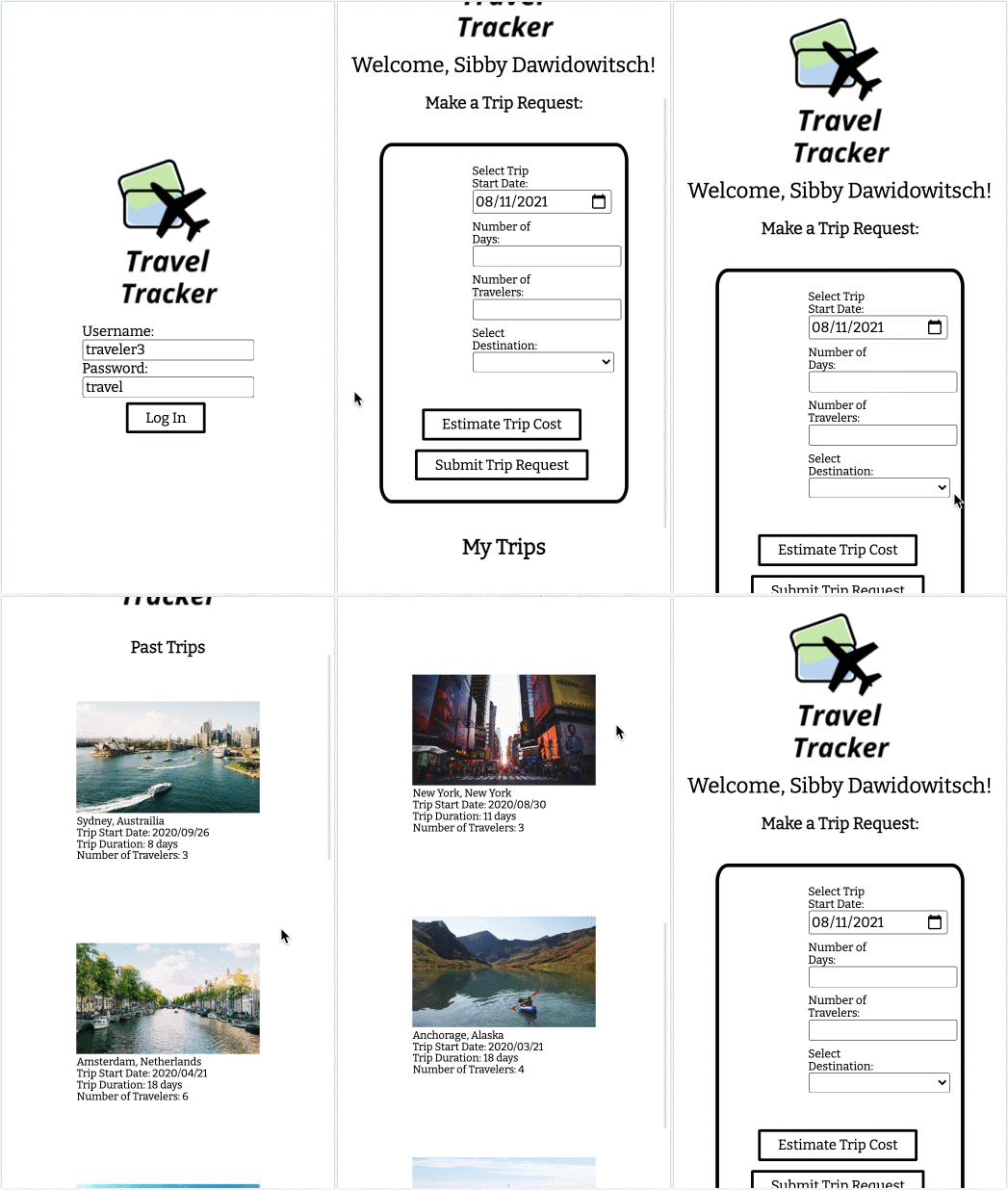
-
Clone down this repo.
-
You can use an optional argument when you run git clone (you replace the [...] with the terminal command arguments): git clone [remote-address] [what you want to name the repo]
-
Remove the default remote: git remote rm origin (notice that git remote -v not gives you back nothing)
-
Create a new repo on GitHub with the name of [what you want to name the repo] to be consistent with naming
-
Copy the address that you would use to clone down this repo - something like git@github.com:...
-
Add this remote to your cloned down repo: git remote add origin [address you copied in the previous step] - do not include the brackets
-
Install library dependencies by running npm install
-
You'll need to clone down this local server and have it running in a separate tab in your terminal each time you run your client.
-
Code Reviewers: Mae Duphorne and Maria DelSignore
-
Project Manager: Cassandra Torske
- Implement an Agent Interaction with ability to log-in to their own dashboard
- A display of countdowns to next trips
- Travel agent ability to create new destinations
- Continue to bulid a better UI/UX based on user feedback
- The project spec & rubric can be found here