
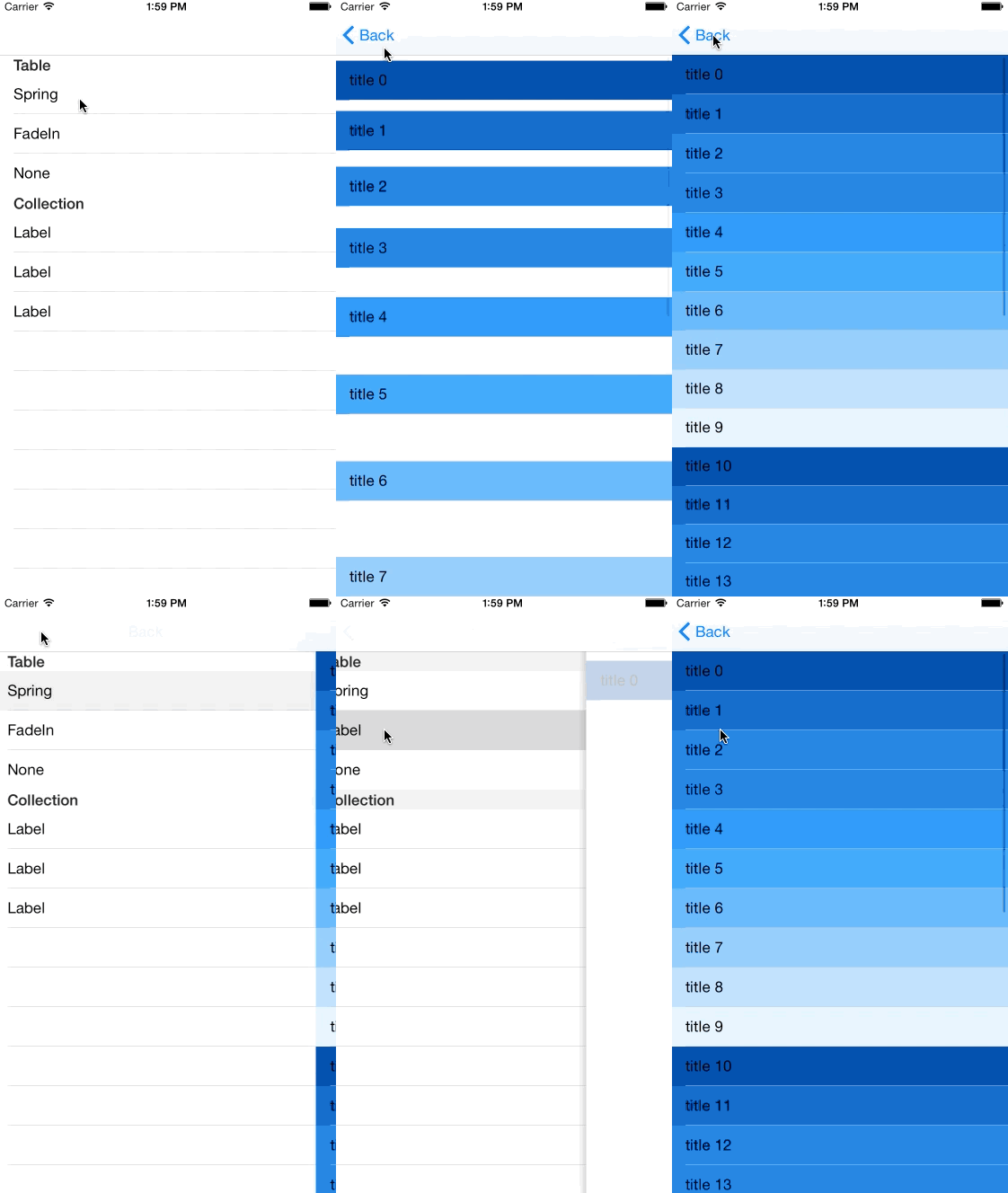
Roppongi Animated Table 👻
let vc = RPAnimatedTableViewController()
vc.animatedType = .Spring
You need to set animatedType.
class RPAnimatedTableViewController: UITableViewController {
}
You need to inherit RPAnimatedTableViewController.
class RPAnimatedTableViewController: UITableViewController {
    var animation = RPTableAnimation()

    override func viewWillAppear(animated: Bool) {
        animation.animateTable(animatedTableViewController: self, animatedType: animatedType)
    }
}enum RPAnimatedTableType {
case Spring
case FadeIn
}RPAnimationTable supports the information hierarchy. You can easily understand which cell the most important.
Check it out 🎤
Meaningful transitions - Animation - Google design guidelines
http://www.google.com/design/spec/animation/meaningful-transitions.html#meaningful-transitions-hierarchical-timing
implement for collectionView. 🙀