





Free & open source AI video platform with 3 tools in one: Clip Generator, AI Shorts (UGC videos with AI actors), and YouTube Studio. Self-hosted with Docker. No watermarks, no limits.
demo-openshorts.mp4
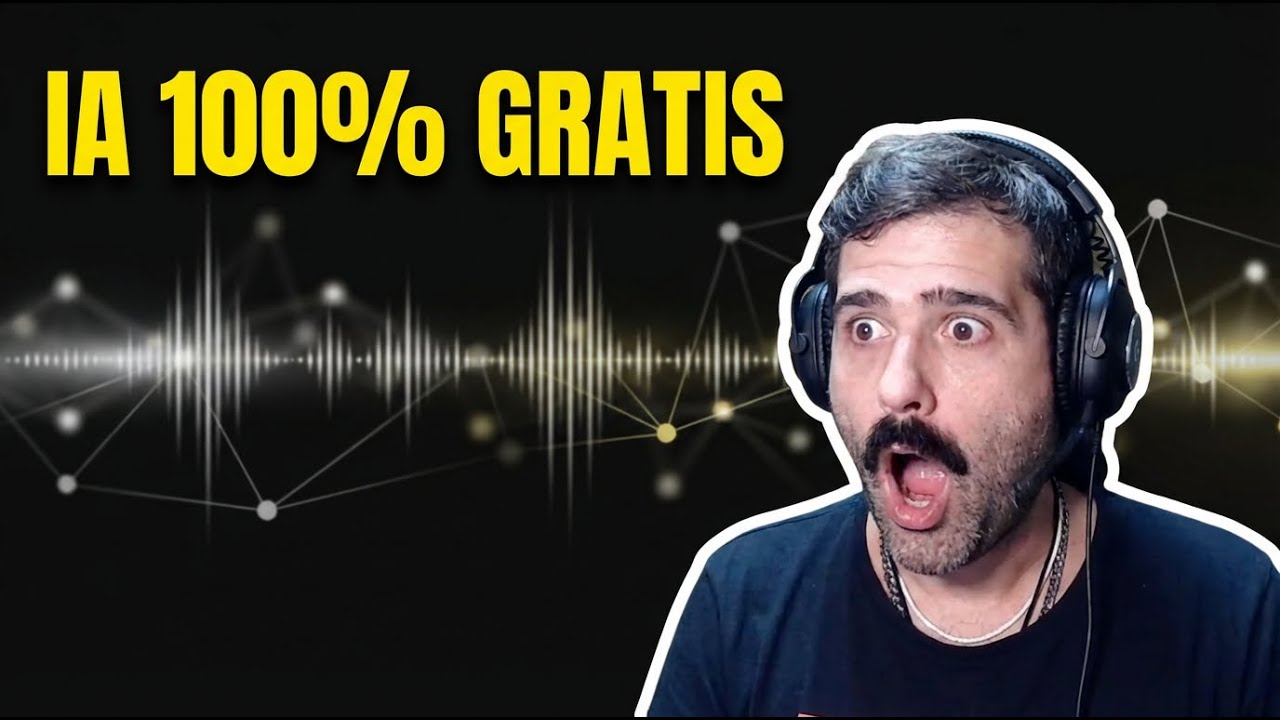


Click the image above to watch the full walkthrough.
Turn long YouTube videos or local uploads into viral-ready 9:16 shorts for TikTok, Instagram Reels, and YouTube Shorts.


Generate marketing videos with AI actors for any product or business. No camera, no studio, no influencer budget. Just describe your product or paste a URL.

- Two cost modes: Low Cost (
$0.65/video) and Premium ($2/video) - Works for any business: SaaS, restaurants, e-commerce, coaching, local businesses
- AI-generated actors with lip-sync, voiceover, b-roll, and TikTok-style subtitles
- Choose from a shared avatar gallery or upload your own photo
- Publish directly to TikTok, Instagram, and YouTube
Complete free AI YouTube toolkit: thumbnails, titles, descriptions, and direct publishing.

- AI thumbnail generator with face overlay
- 10 viral title suggestions with refinement chat
- Auto-generated descriptions with chapter timestamps
- One-click publish to YouTube
All generated videos and avatars are saved to a public gallery with SEO pages for each video.

- Public gallery page with hover-to-play (
/gallery) - Individual SEO video pages with og:video meta tags (
/video/{id}) - JSON-LD structured data for search engines
- Avatar gallery with prompt history
- Viral Moment Detection: Google Gemini 3.0 Flash analyzes transcripts and scene boundaries to detect 3-15 high-potential moments
- Smart 9:16 Cropping: Dual-mode AI reframing — TRACK mode (MediaPipe + YOLOv8 face tracking) and GENERAL mode (blurred background)
- Auto Subtitles: faster-whisper with word-level timestamps, styled and burned into clips
- AI Voice Dubbing: ElevenLabs integration for 30+ languages with voice cloning
- Hook Text Overlays: AI-generated attention-grabbing text overlays
- AI Video Effects: Gemini-generated FFmpeg filters for professional effects
- Analyze: Scrape website URL + web research, or generate from manual description
- Script: AI writes viral scripts (hook - problem - solution - CTA format)
- Actor: Generate AI actors with Flux 2 Pro or select from shared gallery
- Voice: ElevenLabs TTS voiceover (English/Spanish, male/female)
- Video: Talking head generation (Hailuo 2.3 Fast img2video + VEED Lipsync)
- B-roll: AI-generated visuals with Ken Burns effect
- Composite: FFmpeg final assembly with subtitles and hook overlays
- Publish: Direct posting to TikTok, Instagram Reels, YouTube Shorts via Upload-Post
- AI-powered title generation with 10 viral options
- Interactive refinement chat for titles
- AI thumbnail generation with custom face + background
- Auto descriptions with chapter timestamps from Whisper transcript
- Direct YouTube publishing via Upload-Post
- One-click posting to TikTok, Instagram Reels, and YouTube Shorts simultaneously
- Schedule uploads for any date and time — plan your content calendar and let OpenShorts publish automatically
- Multi-platform distribution — publish to all your social networks at once from a single interface
- Upload-Post integration with async uploads
- S3 cloud backup (private bucket for clips, public bucket for gallery/avatars)
- SEO gallery pages served by FastAPI with JSON-LD structured data
- Shared avatar gallery across all users
- Async job queue with configurable concurrency
- Content creators — Turn long videos into shorts automatically, publish to all platforms at once
- Marketing agencies — Generate UGC videos for clients at scale, no actors or studios needed
- SaaS founders — Create product demos and marketing shorts from just a URL
- E-commerce brands — Product videos with AI actors for TikTok Shop, Instagram, YouTube
- Local businesses — Restaurants, gyms, real estate, coaching — affordable video marketing
- Developers — Self-host, customize the pipeline, integrate via API
Videos generated with OpenShorts AI Shorts — no camera, no studio, no actors:
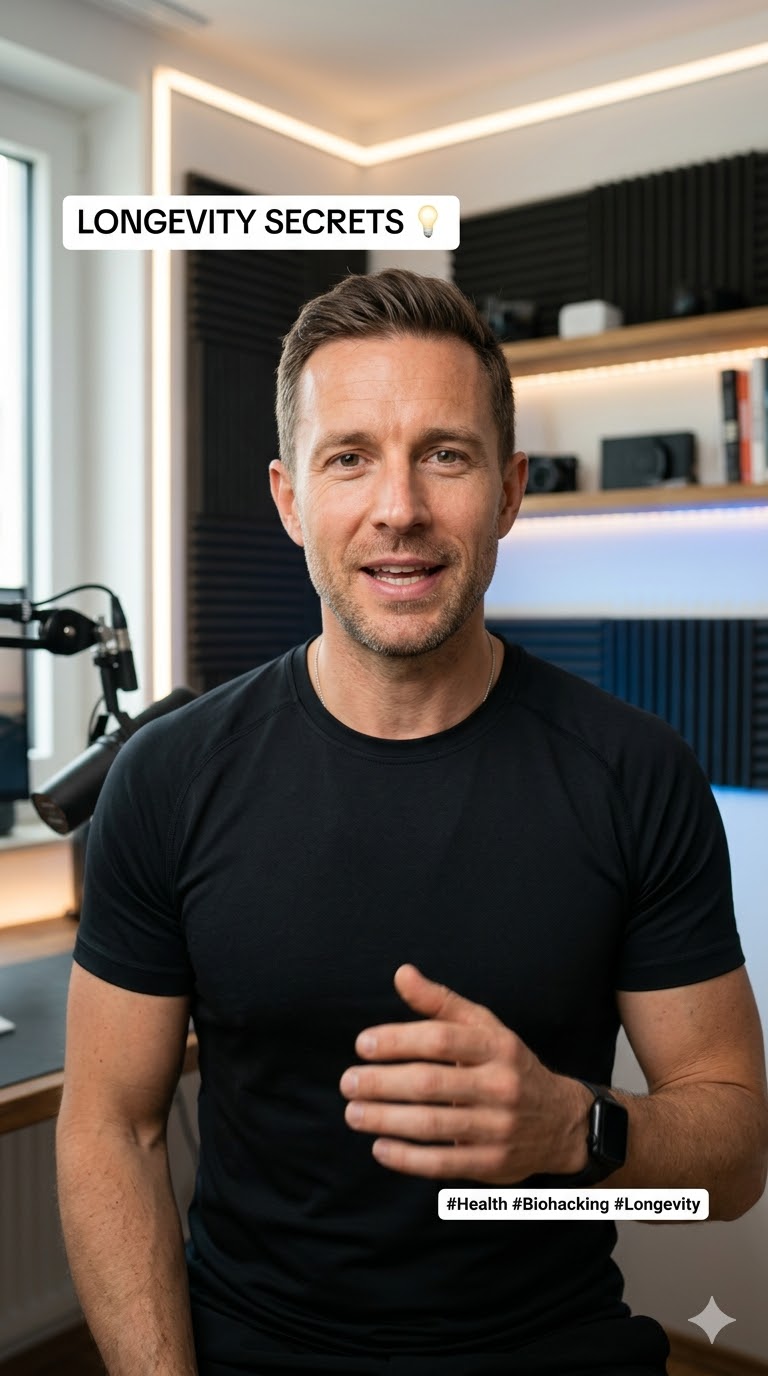 |
 |
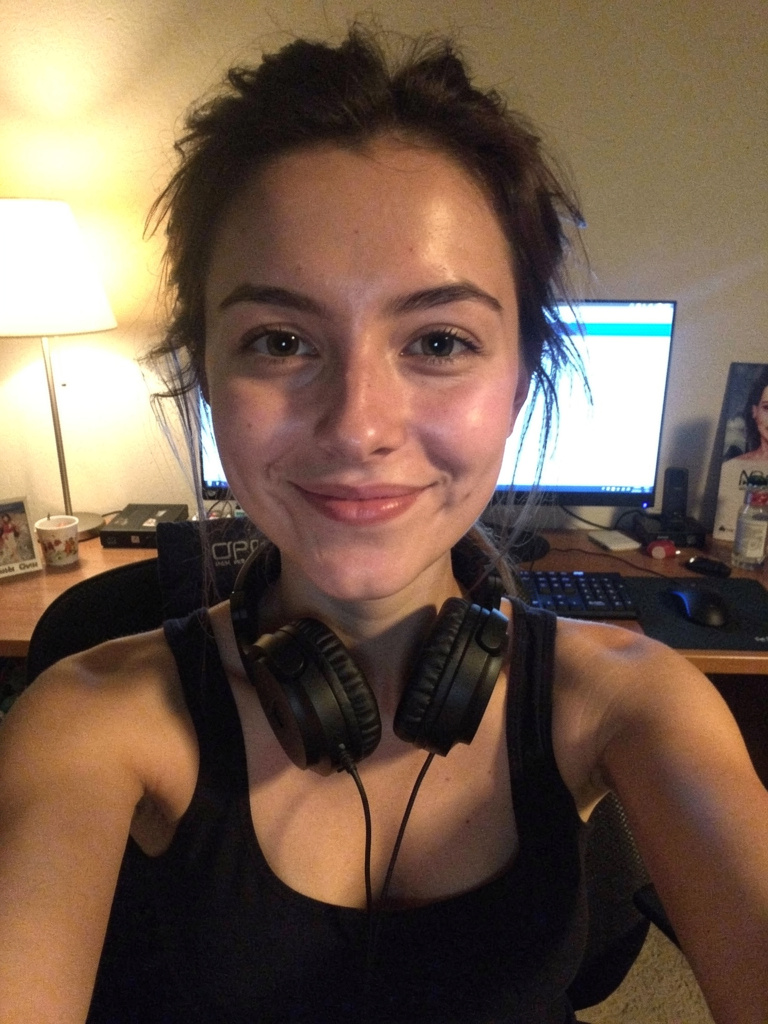 |
| Biohacking for Investors · LOW COST | Secret Weapon for Devs · LOW COST | El Secreto de los Agentes de IA · PREMIUM |
Browse all videos at openshorts.app/gallery
| Feature | OpenShorts | Opus Clip | CapCut | Vizard | Klap | Descript |
|---|---|---|---|---|---|---|
| Price | Free | $15-29/mo | $8/mo | $15-20/mo | $23-63/mo | $24-65/mo |
| Self-hosted | Yes | No | No | No | No | No |
| Open source | Yes | No | No | No | No | No |
| Watermark | Never | Free tier | Some | Free tier | Free tier | Free tier |
| Upload limits | None | 10-30GB | Credit-based | 60min-10hr | 10-100 vids/mo | 60min-40hr |
| AI clip detection | Yes | Yes | Yes | Yes | Yes | Yes |
| Smart 9:16 reframing | Yes | Yes | Yes | Yes | Yes | No |
| Auto subtitles | Yes | Yes | Yes | Yes | Yes | Yes |
| Voice dubbing (30+ langs) | Yes | No | Pro only | No | Pro only | Business only |
| AI UGC actors | Yes | No | No | No | No | No |
| AI video effects | Yes | No | Yes | No | No | No |
| Hook text overlays | Yes | No | No | No | No | No |
| YouTube Studio (titles, thumbnails) | Yes | No | No | No | No | No |
| Social auto-publishing | Yes | Pro only | TikTok only | Paid only | Paid only | No |
| Schedule uploads | Yes | Pro only | No | Paid only | Paid only | No |
| Data privacy | Your server | Their cloud | Their cloud | Their cloud | Their cloud | Their cloud |
OpenShorts is free. You only pay for the AI APIs you use — and most have generous free tiers:
| Service | Free Tier | Paid Cost | Used For |
|---|---|---|---|
| Google Gemini | Free trial with generous limits | < $0.01 per 10-min video | Viral moment detection, script generation, web research |
| fal.ai | Pay-per-use | ~$0.50-1.50 per AI Short | Actor generation, talking head video, lip-sync |
| ElevenLabs | Free tier available | Pay-per-use | Voiceover, voice dubbing |
| Upload-Post | 10 free uploads/month to all networks (no credit card) | Pay-per-use | Auto-publishing to TikTok, Instagram, YouTube |
| AWS S3 | Optional | ~$0.023/GB | Cloud backup for clips and gallery |
Bottom line: You can clip videos for practically free with Gemini, and publish 10 videos/month to all social networks at zero cost with Upload-Post.
- Docker & Docker Compose
- Google Gemini API Key (Free — get it here) — required for all AI features
- fal.ai API Key (Pay-per-use) — required for AI Shorts (actor generation, video, lip-sync)
- ElevenLabs API Key (Free tier) — required for voiceover/dubbing
- Upload-Post API Key (Optional, free tier) — for direct social posting
git clone https://github.com/your-username/OpenShorts.git
cd OpenShortscp .env.example .env
# Edit .env with your AWS keys for S3 backupdocker compose up --buildNavigate to http://localhost:5175
- Go to Settings and enter your API keys (Gemini, fal.ai, ElevenLabs, Upload-Post)
- Clip Generator: Paste a YouTube URL or upload a video to generate viral shorts
- AI Shorts: Describe your product or paste a URL to generate UGC marketing videos
- YouTube Studio: Generate thumbnails, titles, and descriptions for YouTube
- UGC Gallery: Browse all generated videos and avatars
- Ingest — YouTube download (yt-dlp) or local upload
- Transcribe — faster-whisper with word-level timestamps
- Detect — PySceneDetect for scene boundaries
- Analyze — Gemini identifies 3-15 viral moments (15-60s each)
- Extract — FFmpeg precise clip cutting
- Reframe — AI vertical cropping with subject tracking
- Effects — Subtitles, hooks, AI video effects
- Publish — S3 backup + Upload-Post social distribution
- Analyze — Website scraping + Gemini web research (or manual description)
- Script — Gemini generates viral scripts with segments
- Actor — Flux 2 Pro portrait generation (or gallery/upload)
- Voice — ElevenLabs TTS voiceover
- Video — Hailuo 2.3 Fast img2video + VEED Lipsync (Low Cost) or Kling Avatar v2 (Premium)
- B-roll — Flux 2 Pro image generation + Ken Burns effect
- Composite — FFmpeg assembly with ASS subtitles and hook overlays
- Gallery — Upload to public S3 with metadata for SEO pages
- Publish — Upload-Post to TikTok, Instagram, YouTube
| Layer | Technology |
|---|---|
| Backend | Python 3.11, FastAPI, google-genai, faster-whisper, ultralytics (YOLOv8), mediapipe, opencv-python, yt-dlp, FFmpeg, httpx |
| Frontend | React 18, Vite 4, Tailwind CSS 3.4 |
| AI APIs | Google Gemini, fal.ai (Flux, Hailuo, VEED, Kling), ElevenLabs |
| Infrastructure | Docker + Docker Compose, AWS S3 |
| Publishing | Upload-Post API (TikTok, Instagram, YouTube) |
Server-side (.env):
| Variable | Description |
|---|---|
AWS_ACCESS_KEY_ID |
AWS access key for S3 |
AWS_SECRET_ACCESS_KEY |
AWS secret key |
AWS_REGION |
AWS region (default: us-east-1) |
AWS_S3_BUCKET |
Private bucket for clip backup |
AWS_S3_PUBLIC_BUCKET |
Public bucket for gallery/avatars |
MAX_CONCURRENT_JOBS |
Concurrent processing limit (default: 5) |
Client-side (encrypted in localStorage):
| Key | Description |
|---|---|
GEMINI_API_KEY |
Google Gemini — required |
FAL_KEY |
fal.ai — required for AI Shorts |
ELEVENLABS_API_KEY |
ElevenLabs — required for voiceover/dubbing |
UPLOAD_POST_API_KEY |
Upload-Post — optional, for social posting |
- Non-Root Execution: Containers run as dedicated
appuser - Concurrency Control: Semaphore-based job queue (
MAX_CONCURRENT_JOBS) - Auto-Cleanup: Automatic purging of old jobs (1h retention)
- Encrypted Keys: API keys encrypted client-side, never stored server-side
- Upload Validation: Image uploads validated for format and minimum size
- File Limits: 2GB upload limit protection
- Register: app.upload-post.com/login
- Create Profile: Go to Manage Users
- Connect Accounts: Link TikTok, Instagram, and/or YouTube
- Get API Key: Navigate to API Keys
- Use in OpenShorts: Paste the key in Settings
Contributions are welcome! Whether it's adding new AI models, improving the lip-sync pipeline, or building new features — feel free to open a PR.
MIT License. OpenShorts is yours to use, modify, and scale.