Validating User Registration using JavaScript #1
Conversation
This file contains hidden or bidirectional Unicode text that may be interpreted or compiled differently than what appears below. To review, open the file in an editor that reveals hidden Unicode characters.
Learn more about bidirectional Unicode characters


Sign up for free
to join this conversation on GitHub.
Already have an account?
Sign in to comment

Add this suggestion to a batch that can be applied as a single commit.
This suggestion is invalid because no changes were made to the code.
Suggestions cannot be applied while the pull request is closed.
Suggestions cannot be applied while viewing a subset of changes.
Only one suggestion per line can be applied in a batch.
Add this suggestion to a batch that can be applied as a single commit.
Applying suggestions on deleted lines is not supported.
You must change the existing code in this line in order to create a valid suggestion.
Outdated suggestions cannot be applied.
This suggestion has been applied or marked resolved.
Suggestions cannot be applied from pending reviews.
Suggestions cannot be applied on multi-line comments.
Suggestions cannot be applied while the pull request is queued to merge.
Suggestion cannot be applied right now. Please check back later.
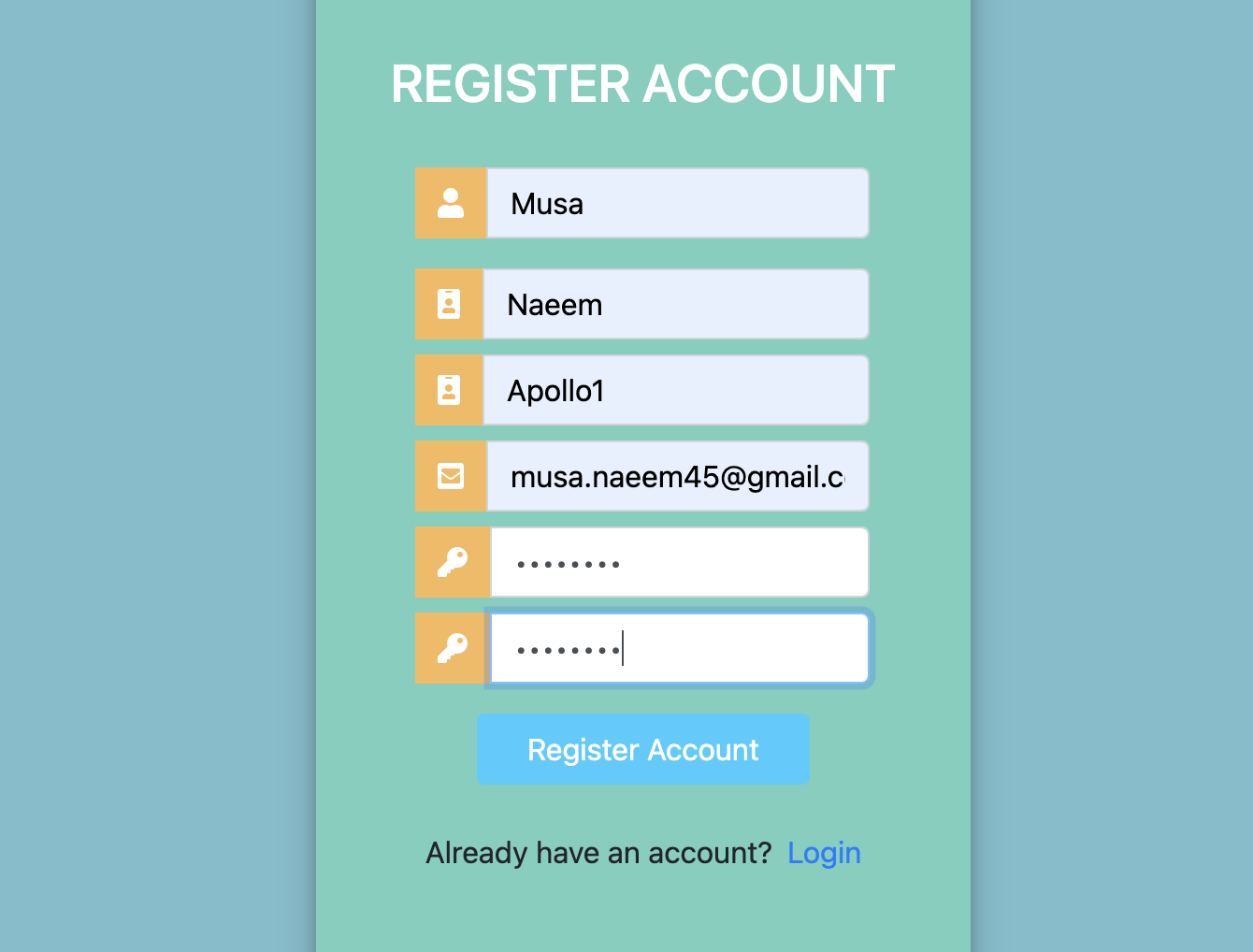
Taking pre-approved front end scripts and code of the previous Django Project, I created a user registration validation in javascript by writing validations function in a .js file and linking it to the register.html file in a script tag.
Validations were made using regex matching and if conditions checking if criteria of the field's validation were met.
ID tags were added in html to get elements from document to manipulate using JavaScript.
Success is shown in green and errors are shown in red. each case throws it's own specific error.
A function "validate_username_or_name" was created to shorten code as username and name had very similar validation functions.
Note: The errors added were dynamically added using "small" tags if the validation failed. The "clear_errors()" function is responsible for clearing all previous error messages that are displayed on the page before a validation step begins.
Important:
Following code snippet was added to avoid multiple error outputs in html file:
<old_small = form_control.querySelector("small");
if (old_small)
old_small.remove();>
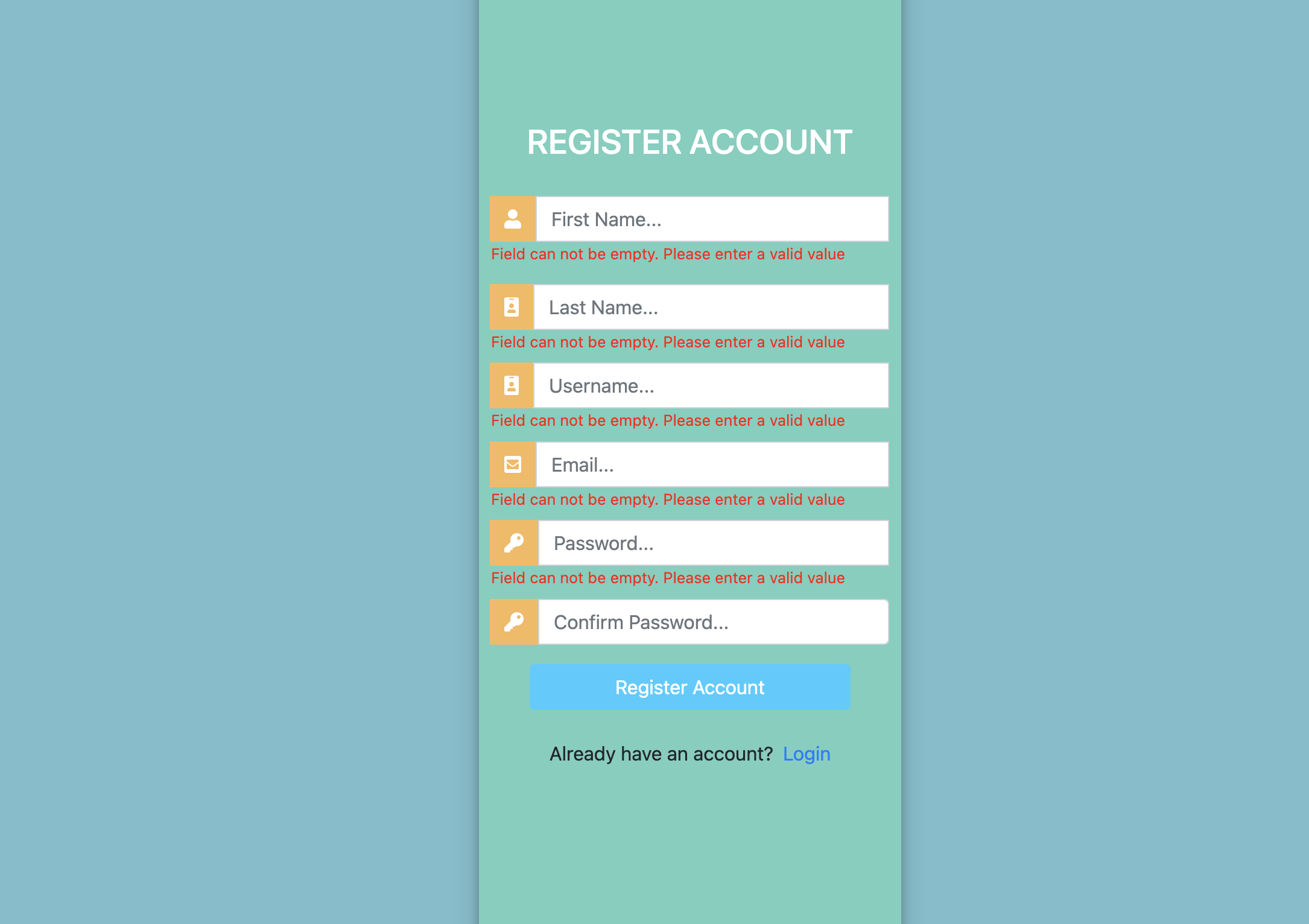
Screenshots of errors
All fields empty:
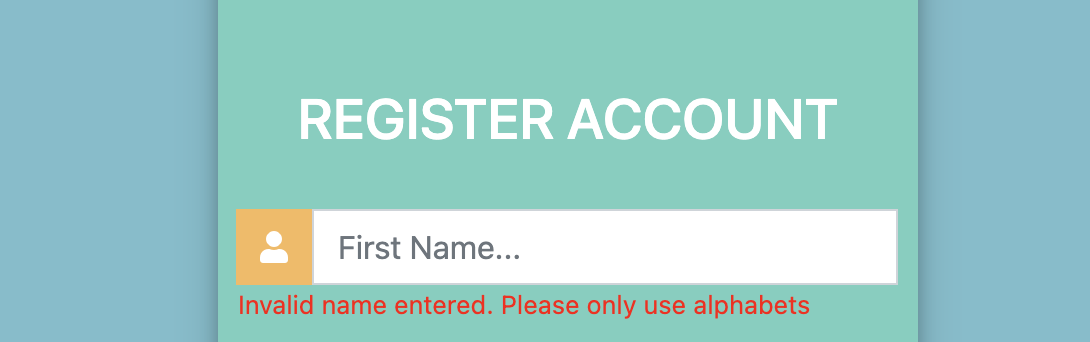
Name has something other than alphabets:
Name doesn't meet required length:

Incorrect email format:

Passwords not matching:

Password length not met:
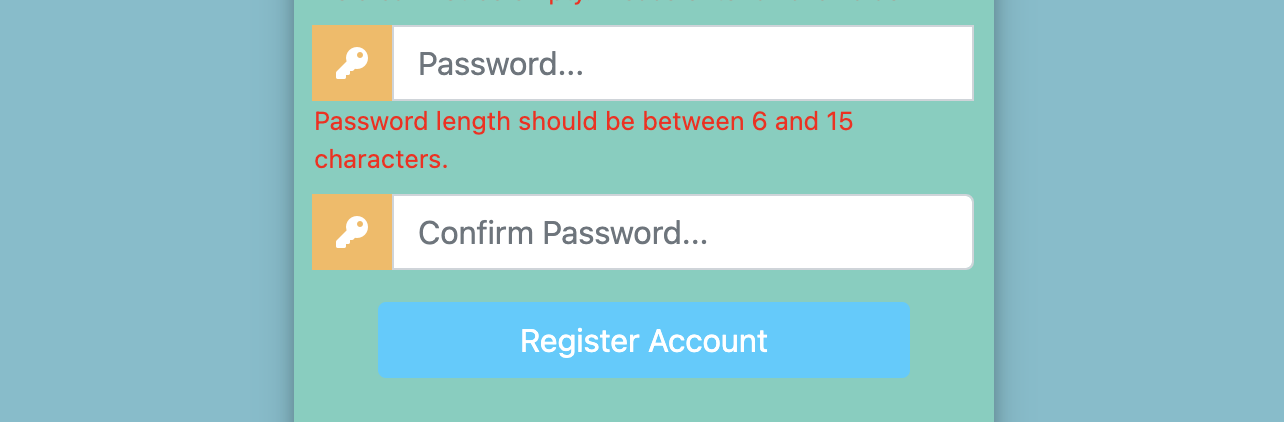
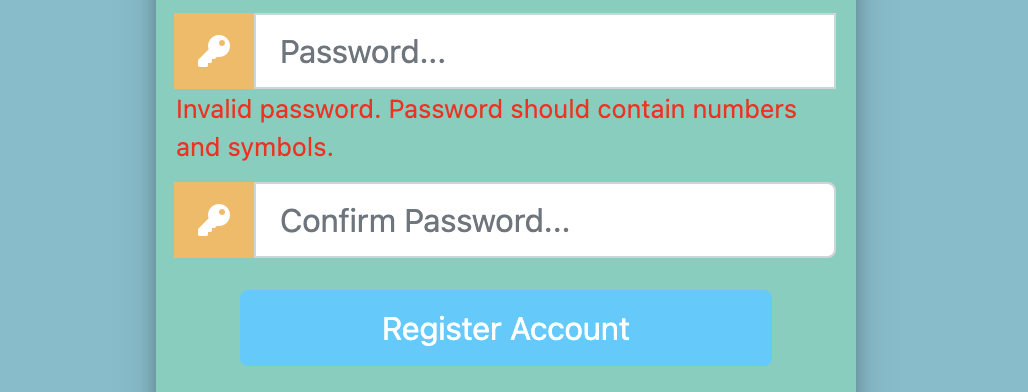
Password doesn't contain both number and symbol:
Valid Input: