


A Python RPG framework built on Arcade with seamless Tiled map editor integration. Build Zelda-like games with dialog systems, NPC interactions, inventory management, and event-driven scripting. Built with a plugin-based architecture that lets you replace or extend core systems without forking the engine.
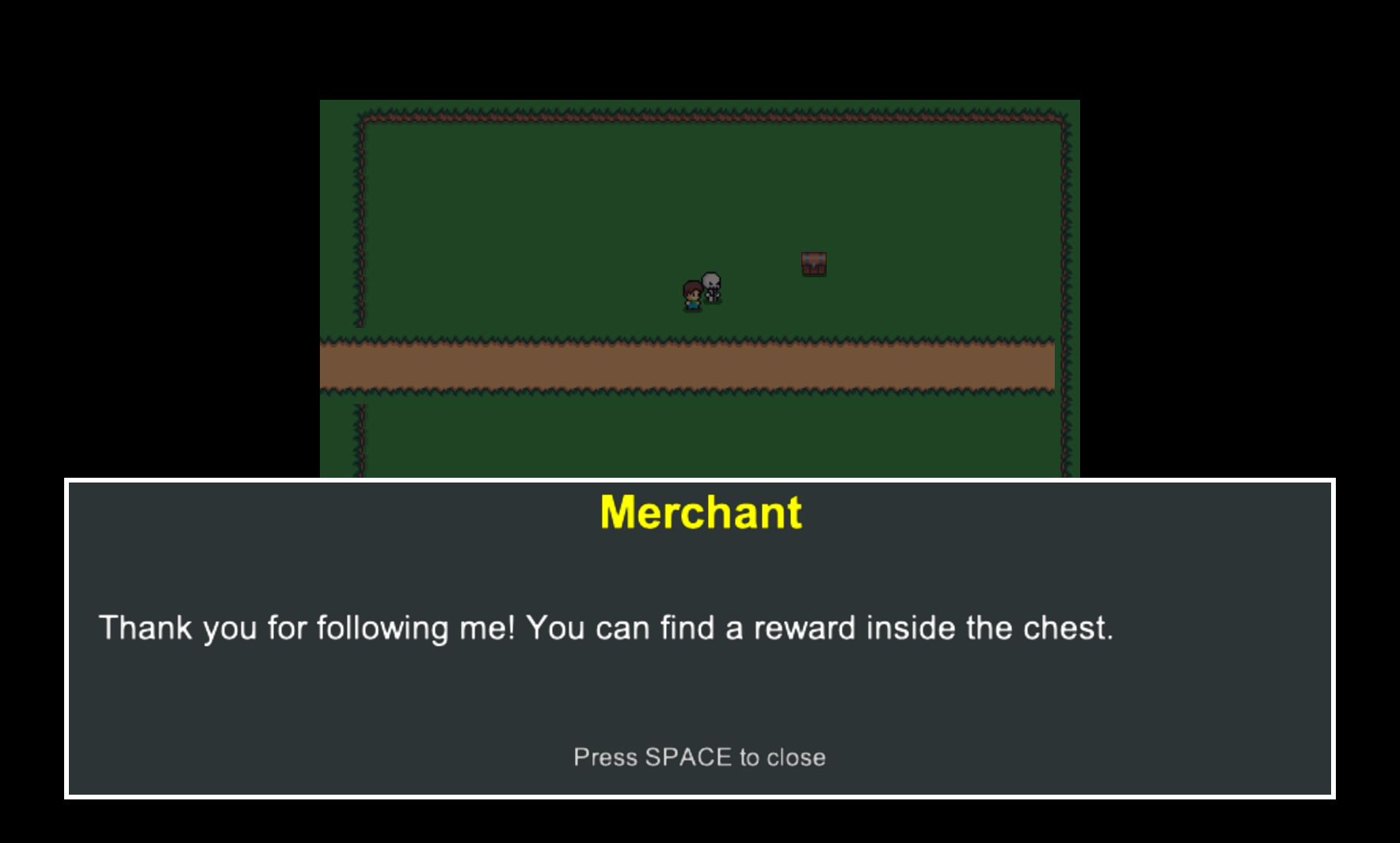
Pedre is designed for:
- Developers who want to build 2D RPGs in Python
- Projects using Arcade + Tiled
- Games with dialog, NPCs, and scripted events
Pedre may not be a good fit if:
- You need a visual editor like Unity/Godot
- You want a low-level engine rather than a framework
- You are targeting mobile or web
- Tiled Map Integration - Load .tmx maps with automatic layer detection and object parsing
- Event-Driven Scripting - JSON-based cutscenes, triggers, conditions, and actions
- NPC System - Animated NPCs with dialog trees, pathfinding, and state management
- Dialog System - Multi-page conversations with character names and text reveal animation
- Inventory System - Item collection, categorization, and photo viewing
- Portal System - Map transitions with conditional triggers and waypoint spawning
- Save/Load System - Multi-slot game state persistence with auto-save
- Pause Menu - In-game overlay with save/load, new game, and resume options
- Player Control - Animated player sprite with 8-directional movement and collision
- Camera System - Smooth camera following with target switching and bounds
- Audio System - Background music and sound effects with volume control
- Particle Effects - Visual feedback for interactions (sparkles, hearts, trails, bursts)
- Interaction System - Distance-based object and NPC interaction detection
- Physics System - Collision detection with configurable wall layers
- Pathfinding - A* pathfinding for NPC movement around obstacles
- Input Handling - Normalized movement vectors with customizable key bindings
- Debug Mode - Development overlay showing coordinates and NPC states
- Resource Caching - Efficient loading and caching of sprites, audio, and maps
- Python 3.14+
- Arcade 3.x
- Tiled Map Editor (for map creation)
- Windows, macOS, or Linux
Install from PyPI:
pip install pedreOr with uv:
uv add pedreProject structure example:
my_game/
├── main.py
├── settings.py
└── assets/
    ├── audio/
    │   ├── music/
    │   └── sfx/
    ├── data/
    │   ├── dialogs/
    │   ├── inventory-items.json
    │   └── scripts/
    ├── images/
    │   └── characters/
    └── maps/
from pedre import run_game

if __name__ == "__main__":
    run_game()
This will start your game with the default configuration. Configure your game using settings.py in your project root:
SCREEN_WIDTH = 1280
SCREEN_HEIGHT = 720
WINDOW_TITLE = "My RPG"
INITIAL_MAP = "my_map.tmx"
See the Getting Started Guide for a complete step-by-step tutorial covering NPCs, dialogs, scripts, portals, and more.
Want to see a complete working example? Check out msaizar/pedre-demo - a fully functional RPG demo showcasing the framework's features including NPCs, dialogs, inventory, portals, and scripted events.
Pedre uses a plugin-based architecture where plugins communicate via a central GameContext:
- GameView - Single view managing gameplay (pause menu and inventory are plugin overlays, not separate views)
- GameContext - Central coordinator providing plugins access to each other
- EventBus - Powers the event-driven scripting system (triggers and actions)
- Plugins - Modular, replaceable components for different game aspects
- See Plugin Reference for complete list
- Extensible scripting system - Create custom actions, events, and conditions
- Sprites - AnimatedPlayer and AnimatedNPC with multi-directional sprite sheet support
All core plugins can be replaced or extended to customize your game's behavior.
Want to contribute or run from source?
# Clone the repository
git clone https://github.com/msaizar/pedre.git
cd pedre

# Install with dev dependencies
uv sync

# Run quality checks
just qa

# Run quality checks with fixes
just qa-fix

# Run tests
just test
This project uses modern Python tooling:
- uv - Fast Python package manager
- ruff - Linter and formatter
- ty - Type checker
- pytest - Testing framework
- just - Command runner
See CONTRIBUTING.md for detailed guidelines.
Full documentation is available at msaizar.github.io/pedre
Key guides:
- Getting Started - Step-by-step tutorial
- Configuration - Settings and customization
- Tiled Integration - Creating maps in Tiled
- Scripting System - Event-driven gameplay
- Plugin Reference - Complete plugin documentation
- API Reference - Python API docs
BSD 3-Clause License - See LICENSE for details.
Contributions are welcome! Please read CONTRIBUTING.md before submitting pull requests.
Built with:
- Python Arcade - 2D game framework
- Tiled Map Editor - Level design tool