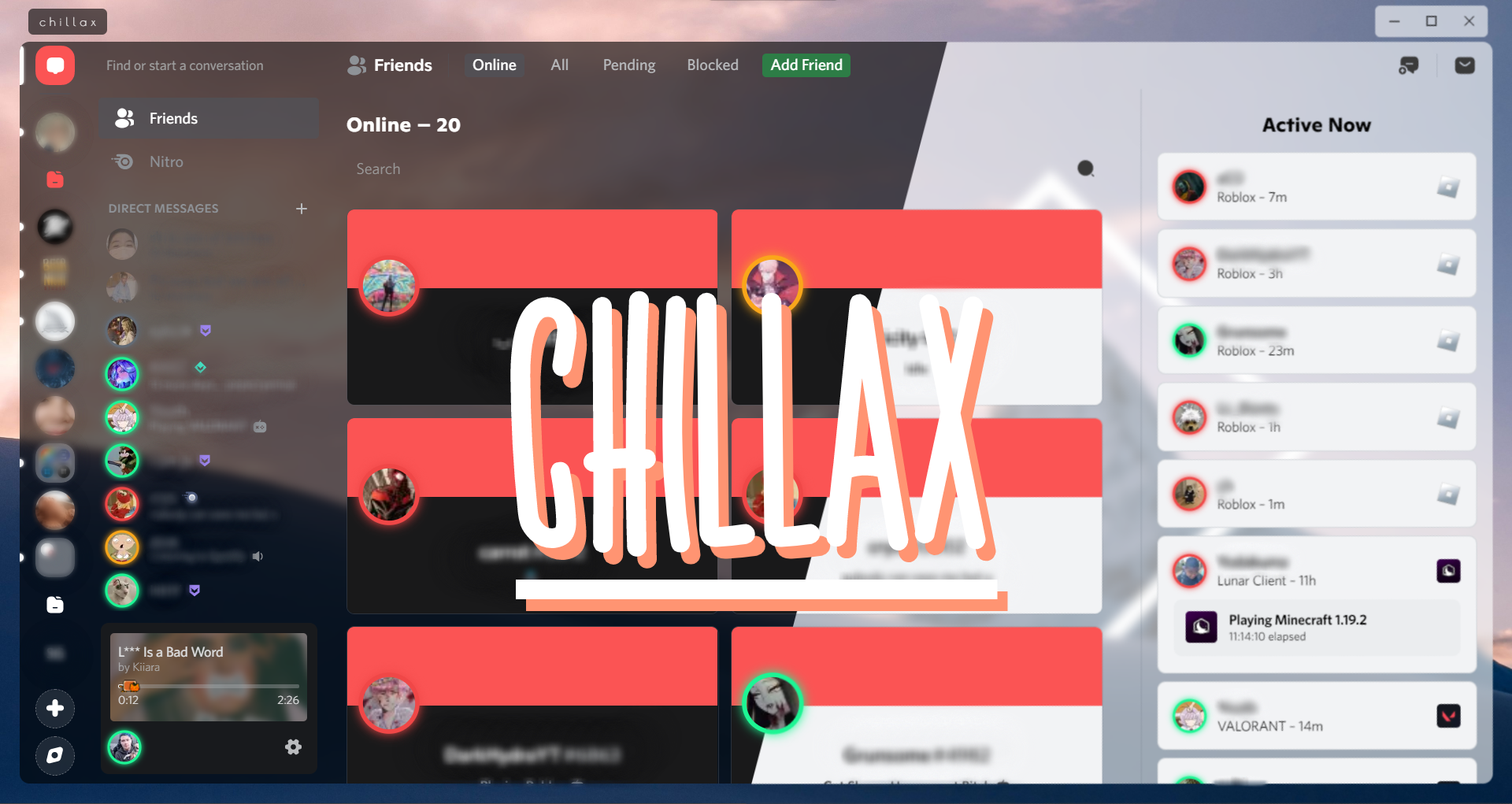
To download the theme in Better Discord Site:
- Press the download button.
- Open your Discord and go User Settings > Themes > Open Themes Folder.
- Drag the theme.css file you just downloaded into the theme folder that opened.
- Go back to Discord and enable the theme and VOILA you did it.
To download the theme in Github:
- Go to chillax.theme.css
- Press the copy raw contents button.
- Edit the theme.css in your Discord.
- Select everything and paste in the copied code.
And if you want a YouTube tutorial, go to this link: "https://youtu.be/U0tTENsBS4w"
As where you are right now, you should be at the Better Discord site so just redownload the theme and open your themes folder remove the old one and add the new one you just downloaded.
For problems installing or using the theme join the support server [https://discord.gg/DrfX6286kF] and ask for help.


- › Wq
- › Demented Elmo