
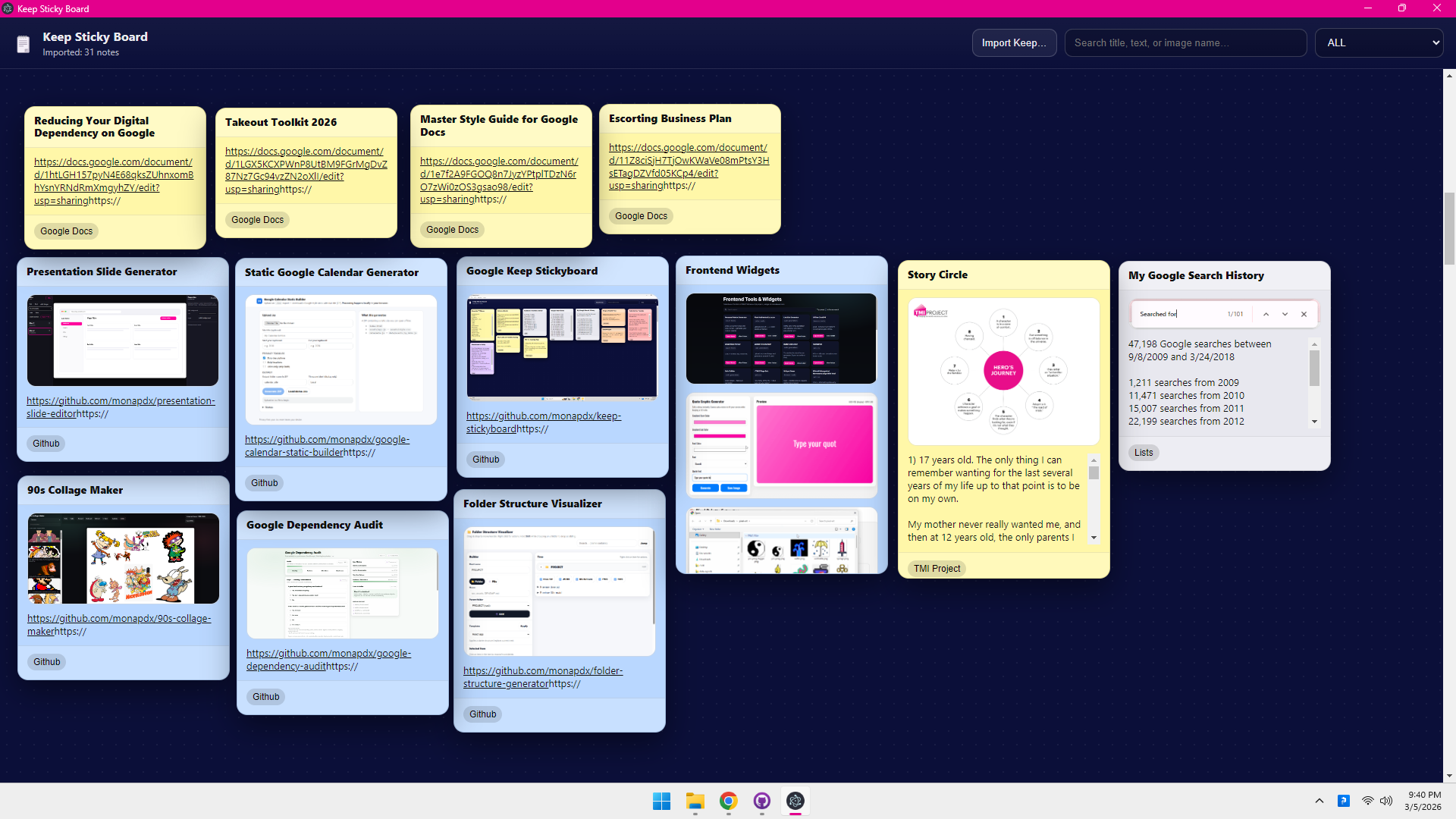
Desktop app that imports your Google Keep export (Google Takeout) and visualizes your notes as draggable sticky notes—like a big infinite board you can rearrange.
- Import Google Keep exports (
.json/.html) from Google Takeout - Draggable sticky notes (drag by the header)
- Search by title/text
- Filter by Keep labels
- Saves your board layout locally (persists positions between launches)
- Go to Google Takeout and export Keep
- Download the export ZIP and extract it.
- In the app, click Import Keep… and select either:
- the extracted Takeout folder (recommended), or
- the Keep folder inside it
The importer will automatically detect Takeout/Keep or Keep.
- Node.js 18+ recommended
- npm
npm installnpm run devIn one terminal:
npm run devIn another terminal:
npm run electron:devnpm run buildnpm run electron:buildOutput goes to release/.
Board state is stored in Electron's userData directory as board_state.json (positions, imported notes metadata).
Your Keep export is only read during import.
MIT — see LICENSE.