A minimal Hugo theme inspired by Hexo theme Murasaki, with responsive grid system and markdown style, powered by GitHub Primer CSS.
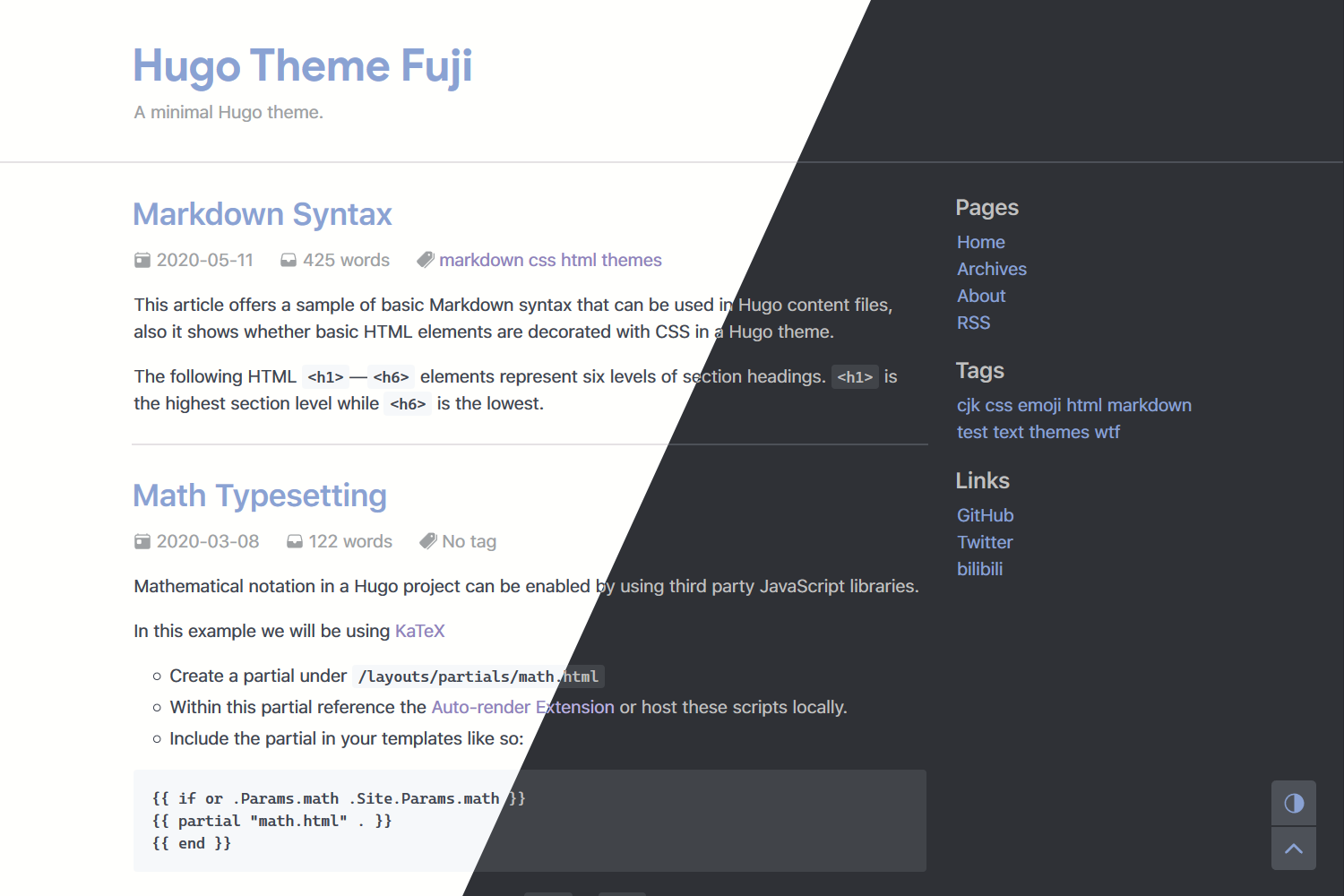
- Custom pagination
- Archive page
- Analytics
- SEO optimization
- Better mobile devices support
- Multilingual
Inside the folder of your Hugo site run:
$ git submodule add https://github.com/amzrk2/hugo-theme-fuji.git themes/fujiFor more information read the official setup guide of Hugo.
Copy the config.toml in the exampleSiteto the root of your Hugo site. Change strings as you like.
Run Hugo's built-in local server:
$ hugo serverIf you want to generate your site, just run hugo or hugo --minify.
You can set variables below in post's front matter to disable it:
noLicense = true # Do not show license in this postAPlayer support both global left-bottom-fixed or in-post, you can set these variables in site's config.toml or in post's front matter:
playerName = "..." # Audio title or name
playerArtist = "..." # Audio artist
playerURL = "..." # Audio URL, support aac, mp3, wav and ogg
playerCover = "..." # Audio cover
Lazyload images in posts, for example in content/post/test.md:
{{< lazyimg "This is alt text" "/img/sample.png" >}}
{{< lazyimg-row "This is alt text" "/img/sample.png" >}}
{{< lazyimg-col "This is alt text" "/img/sample.png" >}}
lazyimg will show a 16x9 placeholder before image is loaded, so lazyimg-row will show a 32x9 placeholder and lazyimg-col will show a 8x9 placeholder. You can choose different aspect ratios you want for different images. The placeholder image can be set in site's config.toml.
Note that if you use the origin markdown syntax to add images such as , it will not become a lazy image.
You can create the files below in your site to adjust the markdown render hook, see Hugo's Official Docs.
You can use layouts/_default/_markup/render-link.html to decide whether or not links in the markdown content will open in new tab:
<a href="{{ .Destination | safeURL }}"{{ with .Title }} title="{{ . }}"{{ end }}{{ if strings.HasPrefix .Destination "http" }} target="_blank"{{ end }}>{{ .Text | safeHTML }}</a>Inside the folder of your Hugo site run:
$ git submodule update --remote --mergeDid you found a bug or got an idea for a new feature? Feel free to use the issue tracker to let me know.
The theme is released under the GNU General Public License v3.0, for more information read the License.
Thanks to ress for some great help and printempw for the origin idea of theme.
Thanks to developers for creating Hugo, Primer CSS, Font Awesome, APlayer and Lazysizes with the awesome community around these project.