-
Task-level
Maze enables fine-grained, task-level management, enhancing system flexibility and composability while supporting task parallelism to significantly improve the end-to-end performance of agent workflows.
-
Resource Management
Maze supports resource allocation for workflow tasks, effectively preventing resource contention both among parallel tasks within a single workflow and across multiple concurrently executing workflows.
-
Distributed Deployment
Maze supports not only standalone but also distributed deployment, allowing you to build highly available and scalable Maze clusters to meet the demands of large-scale concurrency and high-performance computing.
-
Multi-Agent Support
Maze can serve as a runtime backend for other agent frameworks.For example, it allows LangGraph to be seamlessly migrated to Maze and automatically gain task-level parallelism without modifying original logic. Example
From PyPI (Recommended)
pip install maze-agentFrom source
git clone https://github.com/QinbinLi/Maze.git
cd Maze
pip install -e .Launch Maze Head as maze server. The maze server can receive the workflow of the agent.
maze start --head --port HEAD_PORT
If there are multiple machines, you can connect other machines as maze workers to the maze head.
maze start --worker --addr HEAD_IP:HEAD_PORT
from typing import Any
from maze import MaClient,task

#1.Define your task functions using the @task decorator
@task(
    inputs=["text"],
    outputs=["result"],
)
def my_task(params):
    text: Any = params.get("text")
    return {"result": f"Hello {text}"}

#2.Create the maze client
client = MaClient("http://localhost:8000")


#3.Create the workflow
workflow = client.create_workflow()
task1 = workflow.add_task(
    my_task,
    inputs={"text": "Maze"}
)

#4.Submit the workflow and get results
run_id = workflow.run()
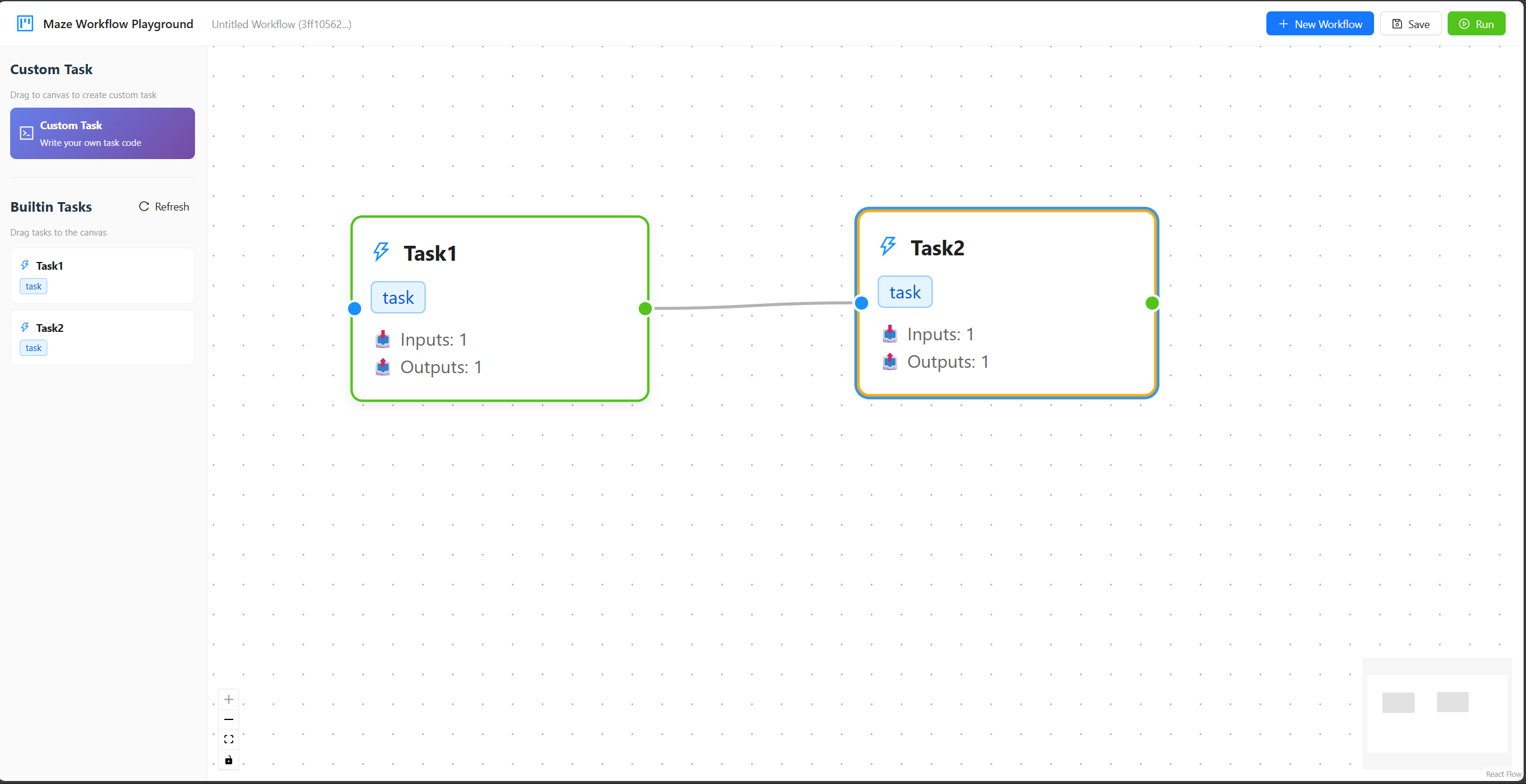
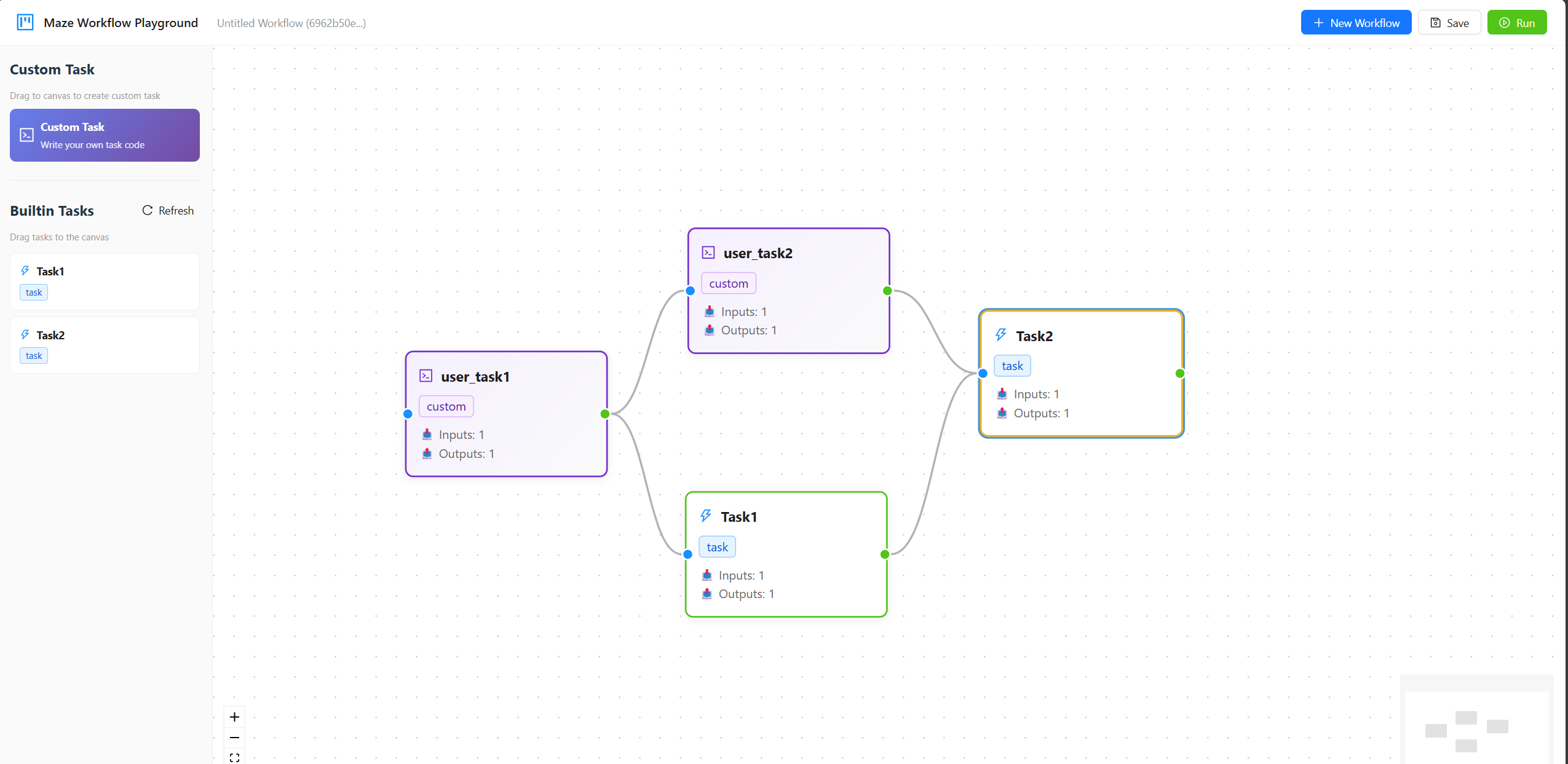
workflow.show_results(run_id)We support building workflows through a drag-and-drop interface on the Maze Playground.You can start the playground with the following command option.
maze start --worker --addr HEAD_IP:HEAD_PORT --playground
Here are two vedios which show the process of using builtin tasks and uploading user-defined taks in maze playground. For detailed usage instructions, please refer to the Maze Playground.