View shows and applies different filters in iOS app.
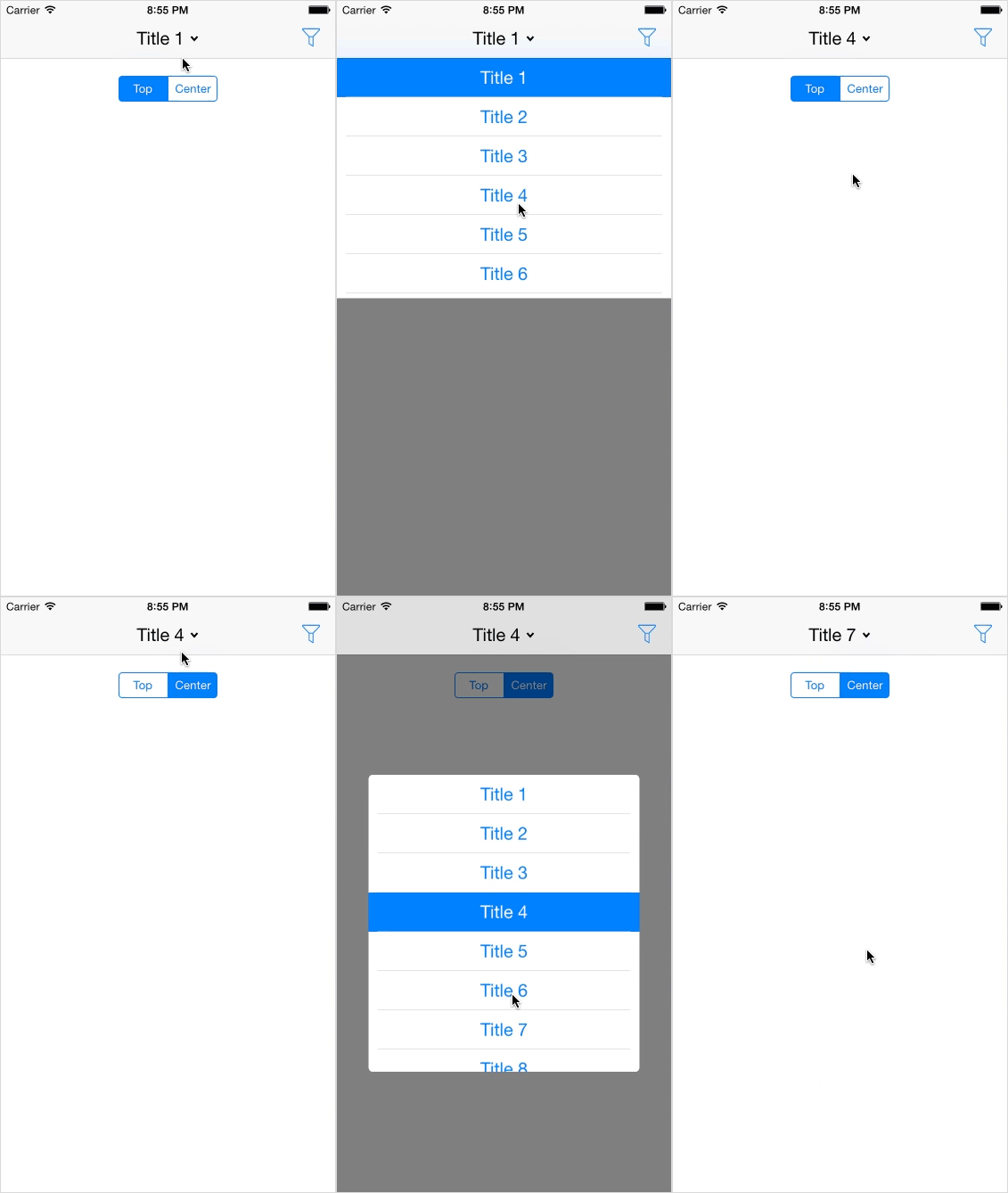
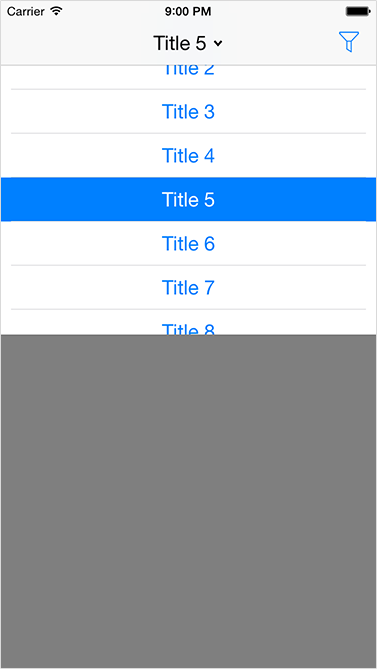
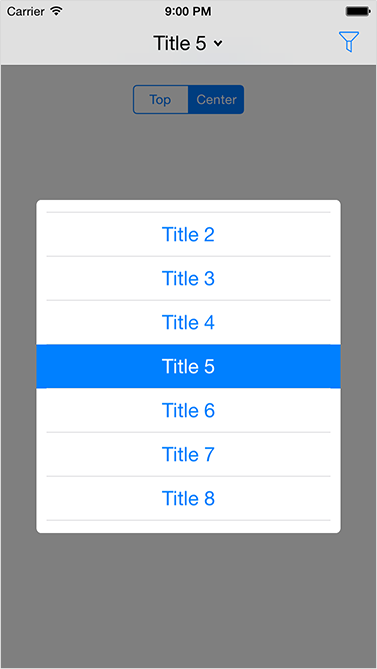
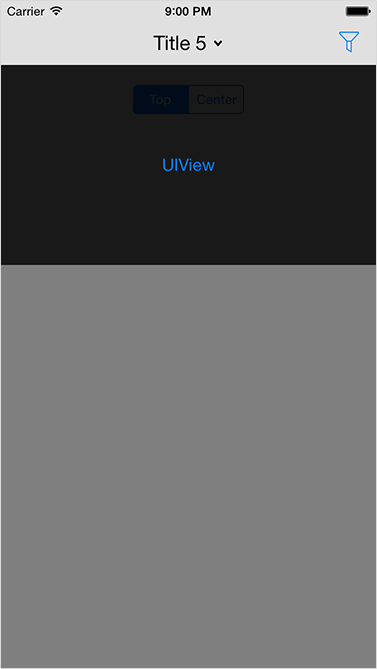
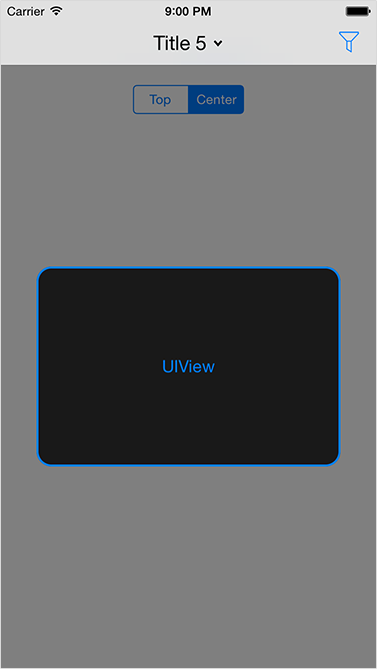
Download repository, then add LGFilterView directory to your project.
CocoaPods is a dependency manager for Objective-C, which automates and simplifies the process of using 3rd-party libraries in your projects. See the "Get Started" section for more details.
platform :ios, '6.0'
pod 'LGFilterView', '~> 1.0.0'
In the source files where you need to use the library, import the header file:
#import "LGFilterView.h"You have several methods for initialization:
- (instancetype)initWithView:(UIView *)view;
- (instancetype)initWithTitles:(NSArray *)titles;
More init methods you can find in LGFilterView.h
To handle actions you can use initialization methods with blocks or delegate, or implement it after initialization.
@property (assign, nonatomic) id<LGFilterViewDelegate> delegate;

- (void)filterViewWillShow:(LGFilterView *)filterView;
- (void)filterViewWillDismiss:(LGFilterView *)filterView;
- (void)filterViewDidShow:(LGFilterView *)filterView;
- (void)filterViewDidDismiss:(LGFilterView *)filterView;
- (void)filterView:(LGFilterView *)filterView buttonPressedWithTitle:(NSString *)title index:(NSUInteger)index;
- (void)filterViewCancelled:(LGFilterView *)filterView;@property (strong, nonatomic) void (^willShowHandler)(LGFilterView *filterView);
@property (strong, nonatomic) void (^willDismissHandler)(LGFilterView *filterView);
@property (strong, nonatomic) void (^didShowHandler)(LGFilterView *filterView);
@property (strong, nonatomic) void (^didDismissHandler)(LGFilterView *filterView);
@property (strong, nonatomic) void (^actionHandler)(LGFilterView *filterView, NSString *title, NSUInteger index);
@property (strong, nonatomic) void (^cancelHandler)(LGFilterView *filterView);Here is also some notifications, that you can add to NSNotificationsCenter:
kLGFilterViewWillShowNotification;
kLGFilterViewWillDismissNotification;
kLGFilterViewDidShowNotification;
kLGFilterViewDidDismissNotification;For more details try Xcode Demo project and see LGFilterView.h
LGFilterView is released under the MIT license. See LICENSE for details.