plist-services provides two macOS Quick Actions for quickly converting property list files (.plist) between XML and binary encodings. These can be added to Finder, Touch Bar or the Services menu, and can be managed in System Preferences. The services are built with Automator and use the command-line plutil program to perform the conversion process.
Install using Homebrew:
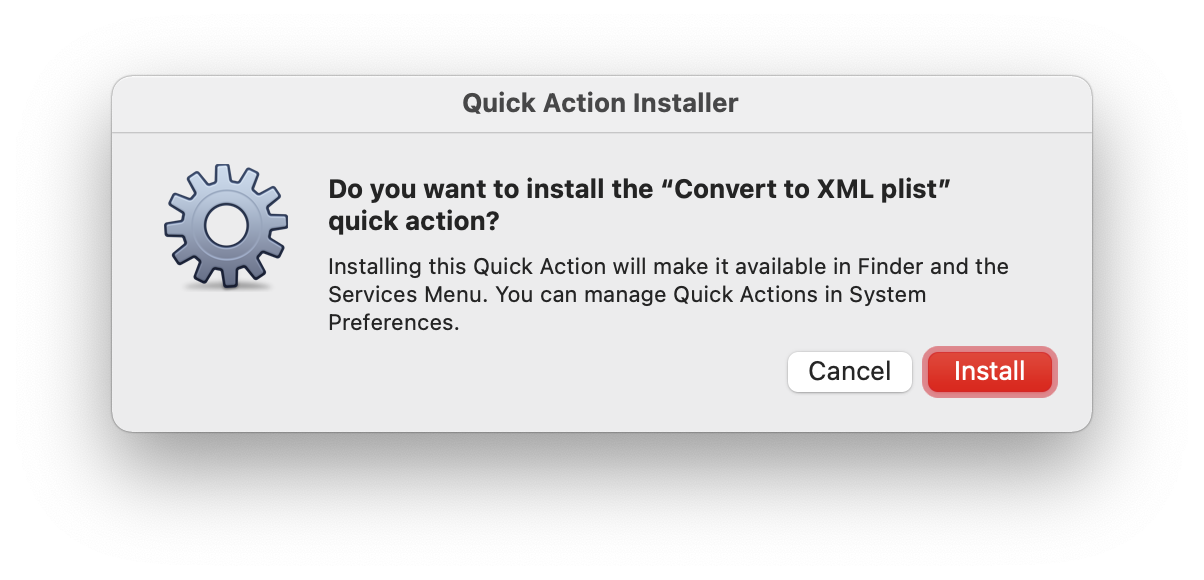
brew install marcransome/tap/plist-servicesAlternatively, download the latest release package, extract the files, then double-click each of the two workflow files in turn, accepting the installation prompts as they appear:
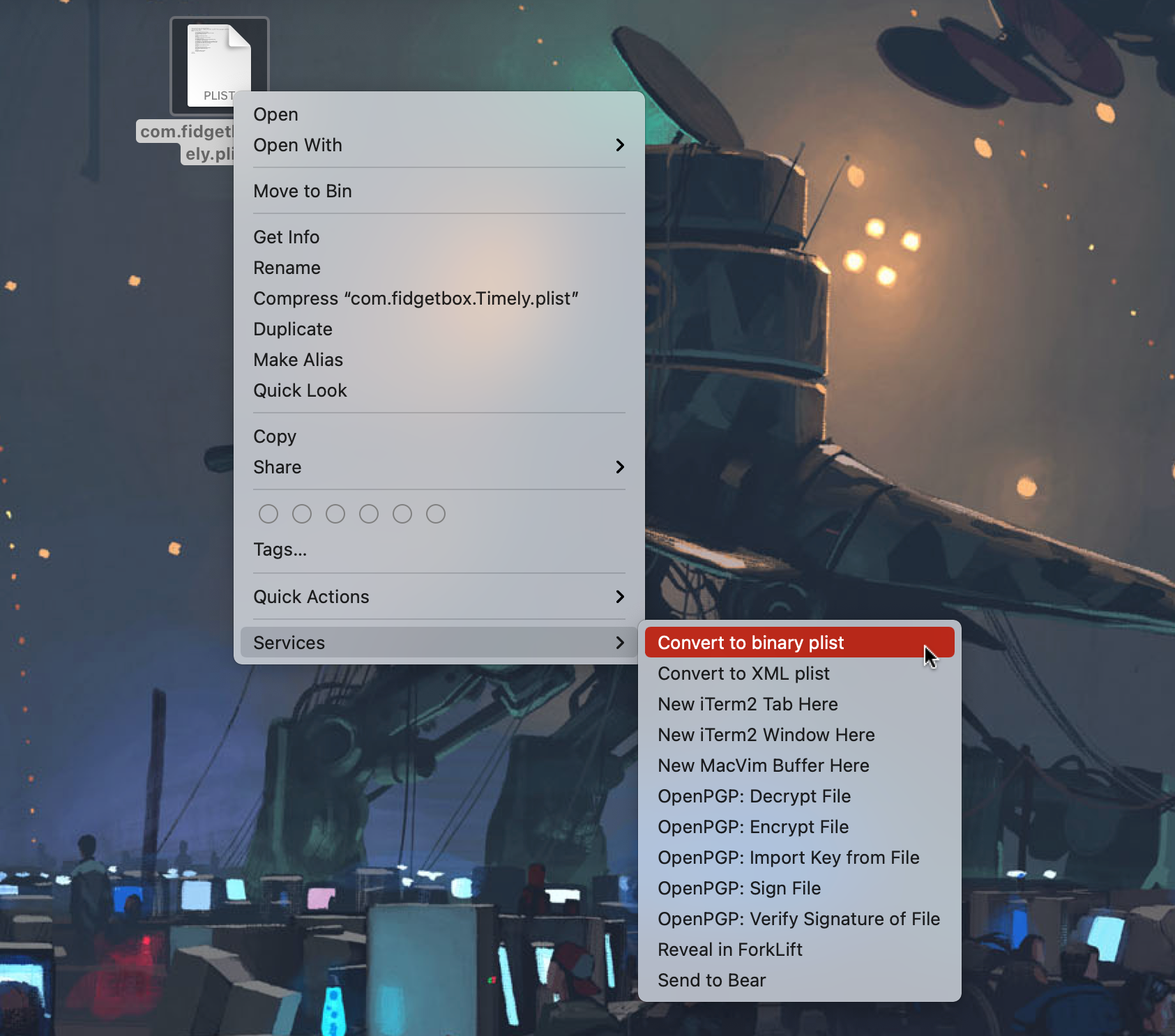
To perform in-place file conversions, select one or more files in a Finder window then right-click to open the contextual menu and choose the appropriate conversion service:
plist-services is provided under the terms of the MIT License.
Email me at marc.ransome@fidgetbox.co.uk or create an issue.