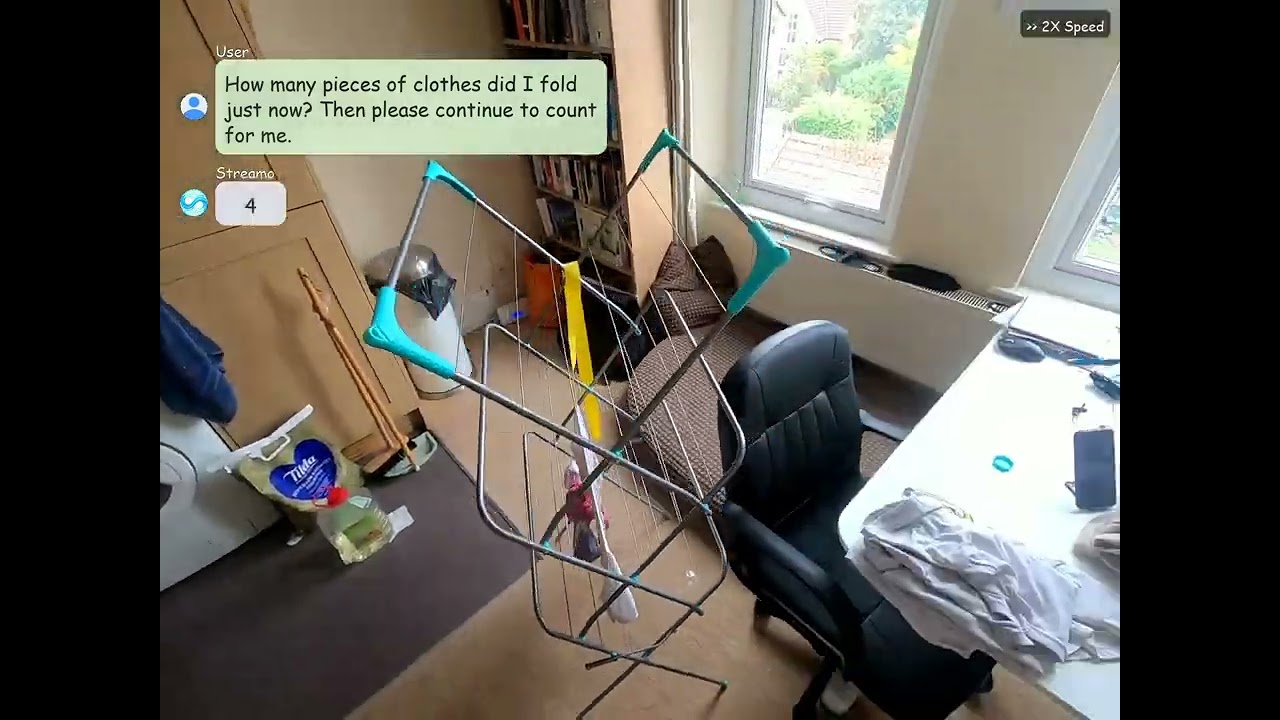
A real-time streaming video LLM that serves as a general-purpose interactive assistant.
📑 Paper | 🌐 Web | 🤗 Huggingface
This is the official implementation of the paper 'Streaming Video Instruction Tuning'.
[2026/1/27]:🔥We have released the Streamo-Instruct dataset.[HF].[2026/1/22]:🔥We have released our training code.[2026/1/6]:🔥We have released our website with more interesting demos [Web].[2025/12/24]:🔥We have released our paper [Arxiv].
Note: Due to some restrictions, we are unable to publicly release the model weights at this time. If you have any request, please feel free to contact us.
pip install -r requirements.txtThe example raw annotation format in raw_data.json:
{
  "video_name": "video1.mp4",
  "video_path": "/path/to/video.mp4",
  "task_type": "QA",
  "source": "custom",
  "question": [
    {"content": "What happens in the video?", "time": "5"}
  ],
  "response": [
    {"content": "A person walks into the room.", "st_time": 5.0, "end_time": 6.0, "time": ""}
  ]
}| Field | Description |
|---|---|
question.time |
The second when the question appears (e.g., "5" means <4s-5s>) |
response.st_time |
Start time of the event (standby begins) |
response.end_time |
End time of the event |
response.time |
Response time for instant response |
The training data uses a multi-turn conversation format, where each turn corresponds to one video frame (1fps):
{
  "messages": [
    {"role": "system", "content": "System prompt for streaming video assistant"},
    {"role": "user", "content": "Your question\n<0s-1s>\n<stream>"},
    {"role": "assistant", "content": "</Silence>"},
    {"role": "user", "content": "<1s-2s>\n<stream>"},
    {"role": "assistant", "content": "</Standby>"},
    {"role": "user", "content": "<2s-3s>\n<stream>"},
    {"role": "assistant", "content": "</Response> Your answer here"}
  ],
  "videos": ["/path/to/video.mp4"]
}Use scripts/convert_streaming_video.py to convert raw data to training format:
# Convert raw_data.json to stream format
python scripts/convert_streaming_video.py to-stream \
    --input raw_data.json \
    --output stream_format.json \
    --video-prefix /path/to/videos \
    --fps 1.0
See dataset/example/ for example files.
| Token | Description |
|---|---|
</Silence> |
No relevant event or current input is irrelevant |
</Standby> |
Event is in progress but not yet completed |
</Response> |
Event has completed, start outputting the answer |
<stream>is a placeholder for the current frame, replaced with<image>during training<Xs-Ys>indicates the timestamp interval of the current frame- Videos are sampled at 1fps, each
<stream>corresponds to one frame
bash train.shThis project is built upon ms-swift. We thank the authors for their excellent work.
@article{xia2025streaming,
  title={Streaming Video Instruction Tuning},
  author={Xia, Jiaer and Chen, Peixian and Zhang, Mengdan and Sun, Xing and Zhou, Kaiyang},
  journal={arXiv preprint arXiv:2512.21334},
  year={2025}
}