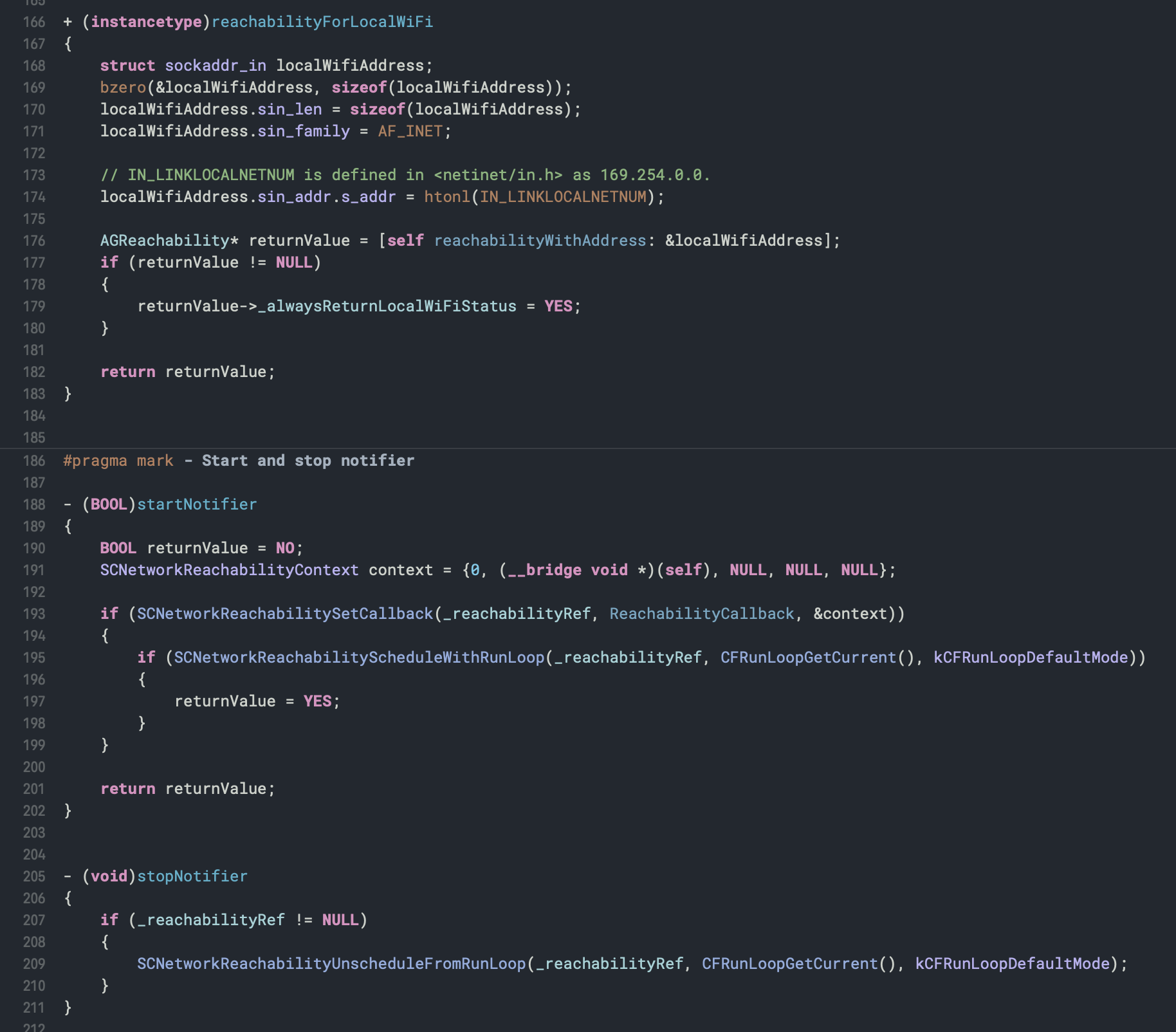
A darkened version of the default Xcode theme - it uses similar colors to the default syntax highlighting but with a dark background, making it much easier on the eyes. Compatible with Xcode 9+.
- Close Xcode
- Place theme file in:
~/Library/Developer/Xcode/UserData/FontAndColorThemes/(if the last folder doesn't exist, create it) - Open Xcode >
Preferences>Fonts & Colorsand selectChalkboard