SWT Final Project
This is just part of the SWT final project. This project query on the Foodista dataset with SPARQL query and also parse some important information which wasn't included in the dataset to provide a complete & useful recipe information for the client. The client side is programmed in an android app by other teammates. Hence, here you only get the python scripts. If you are interested in the Android client app, please clone the code here
- Download the latest jena-fuseki-*-distribution
- Unpack the file
- Run the Apache Fuseki server
./fuseki-server --update --mem /ds - Open your Browser with the adress below:
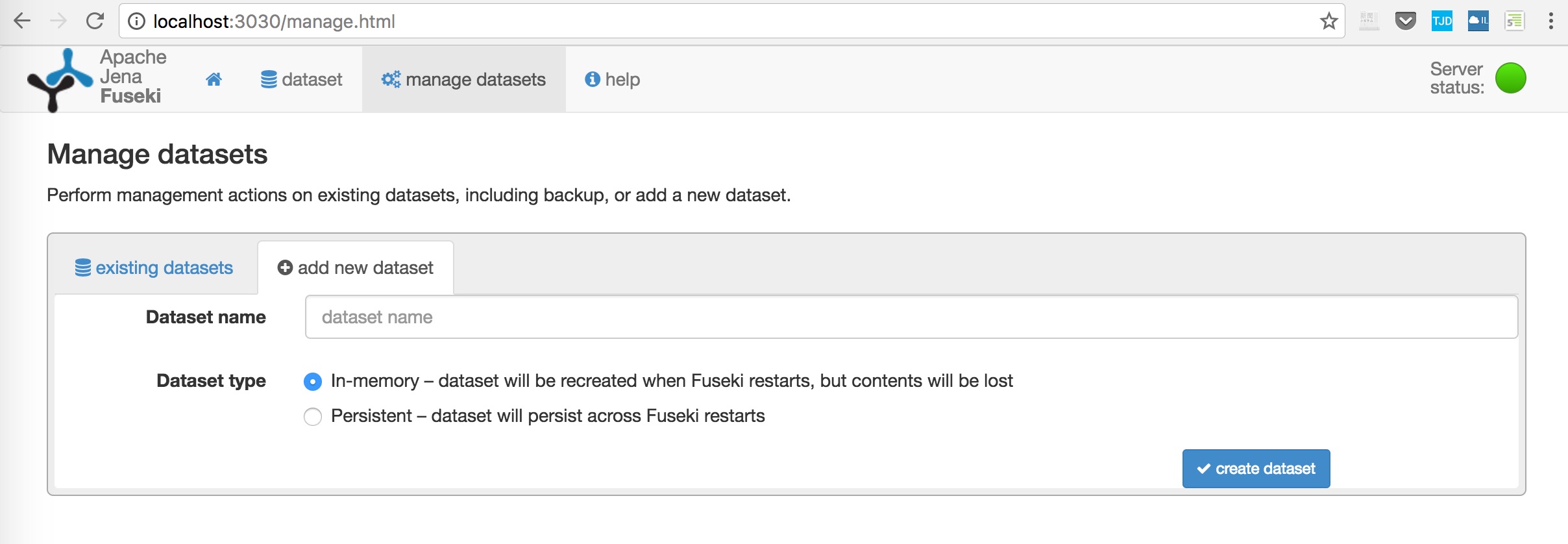
localhost:3030 - Load the dataset(F1, F2 is in dataset.zip folder) into your Apache Fuseki server
- Install all the required dependencies
pip install -r requirements.txtIf you don't have pip in your computer, download the script here Then, runpython get-pip.py - Execute the hws16_swt.py script by running
Edit your IP in hws_swt.py first
python hws_swt.py - Execute Client side Python script to see result
Edit your IP in client.py first
python client.py