Recreates the feel of Quantum with its squared tabs and menus. No rounded corners to be seen.
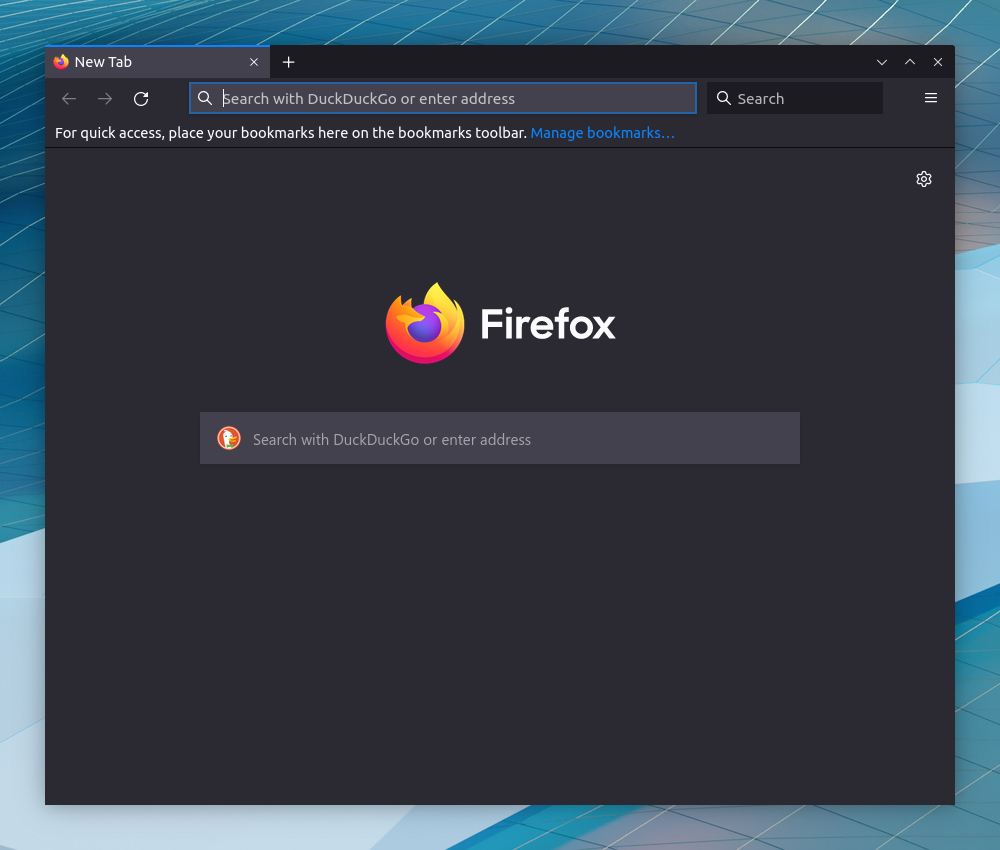
If you hate rounded corners like me, this is for you. Only square corners.
These tweaks attempt to recreate the feel of Quantum with its squared tabs and menus, but in the Proton UI. As of FF91, the about:config option to disable proton has been deprecated, leaving CSS as the main way to revert the UI.
Tab & Menu Design
- Square corners
- Colored context line above selected tab
- Divide Line between tabs
Custom Accent Color
- Consistent, customizable accent color across Firefox
Customizable
- User customizable variables can be found in the
userVariables.cssfile for easy access - Static file retains saved preferences, does not need to be updated
- Enable
userChrome.cssSupport.- Go to
about:config toolkit.legacyUserProfileCustomizations.stylesheetstotrue
- Go to
- Find Profile Directory.
- Go to
about:support - Open Profile Directory
- Go to
- Copy Files
- create
chromedirectory at profile - download the
userChrome.css,userContent.css, anduserVariables.cssfiles from the latest release - copy the files into the
chromedirectory
- create
- Restart Firefox
To update, repeat steps 2-4. userVariables.css does NOT need to be replaced.
Thunderbird is also supported.
userVariables.css
- Custom color controlled by
--custom-accent-color: <insert color here>; - Tab divider color controlled by
--custom-tab-divider-color: <insert color here>; - Use hex color code or color name
- set divider color = none, to disable dividers
- Set height of the tabs
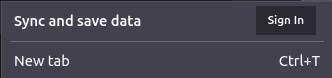
- Scale the size of sync avatar
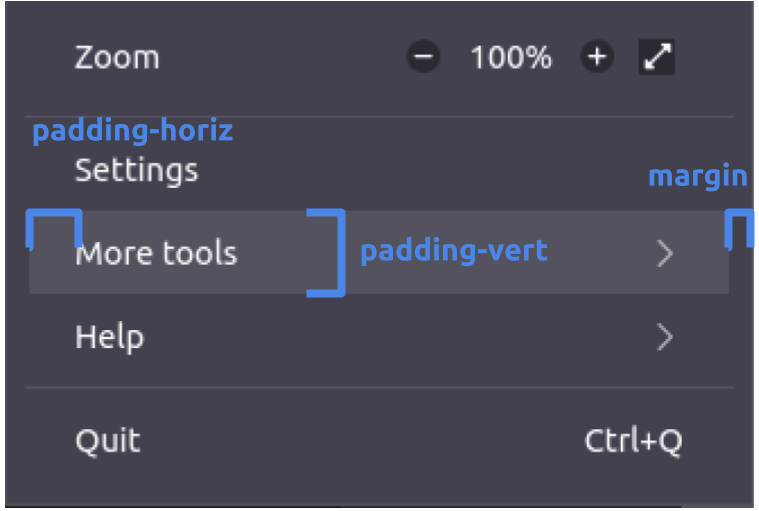
- Custom padding/margin for menu items
-
about:config
Add the following preferences in the about:config page as a boolean (true/false) to set the desired behavior
browser.windowcontrolbuttons.overwrite: Toggles default window controls in title bar (linux only) by creating the pref- default buttons with light/dark theme (
 ) vs. OS themed buttons (
 )
)
- default buttons with light/dark theme (
browser.syncavatar.roundRe-rounds the sync profile picture on the nav barbrowser.appmenugradient.overwriteColors the separator in the app menubrowser.lefttabspacer.enableToggles more padding on left side of tab barbrowser.unifiedextensions.hideToggles the Unified Extensions button on the nav bar- Hide Extensions Dot (
 ) by creating the pref
 browser.extensionsdot.hide=true
- Hide Extensions Dot (
browser.tabcontextline.match_container_colorToggles the color of the tab context line (top line of the active tab) between matching the container color and the user color

about:config
browser.tabs.tabMinWidth150px or desired width
widget.non-native-theme.gtk.scrollbar.round-thumbfalsesquares the scrollbar (linux only)
layout.css.devPixelsPerPx- scale the whole browser (1.0 represents 100% scaling)
Addons
- Stylus or similar for editing webpage CSS
- create custom rules to apply
*{border-radius: 0 !important}to square most elements on webpages - may result in webpage breakages, apply at own risk
Operating System
- Linux/all: add this to
~/.config/gtk-3.0/gtk.css, squares popups in Firefox (and GTK apps):
decoration, window, window.background, window.titlebar, * {
border-radius: 0px;
}
- Linux/KDE: Klassy with 0 titlebar radius