This AutoHotKey script is built to help development of Microsoft PowerApps (Canvas app).
There functions uses hot key instead of mouse movement.
The enchanced formula bar option has to be turned on to some of the functions to work.
I am using a full-size keyboard with function keys with number pad on right side.
Number row on the left are used for hot keys so when typing numbers, always used from the right number pad.
Some of the functions (i.e. PAProperty) have hardcoded location for a mouse click. Change as requred.
When using laptop or keyboard without dedicated numpad, you can use F12 and number combination to enter number.
Current Setup:
- Keyboard: Logitech G213
- Mouse: Corsair SCIMITAR RGB ELITE
- Macropad: Taobao 12E3 macro pad
- Monitor: 1920 * 1080 resolution. Windows scaling 100%
It directly goes to a properties value within given property name
PAProperty(PropertyName)
- PropertyName - Required. Property to access.
PAProperty("Fill")
It opens PowerApps formula bar.
ExpendFormulaMenu()
ExpendFormulaMenu()
Corsiar iCUE
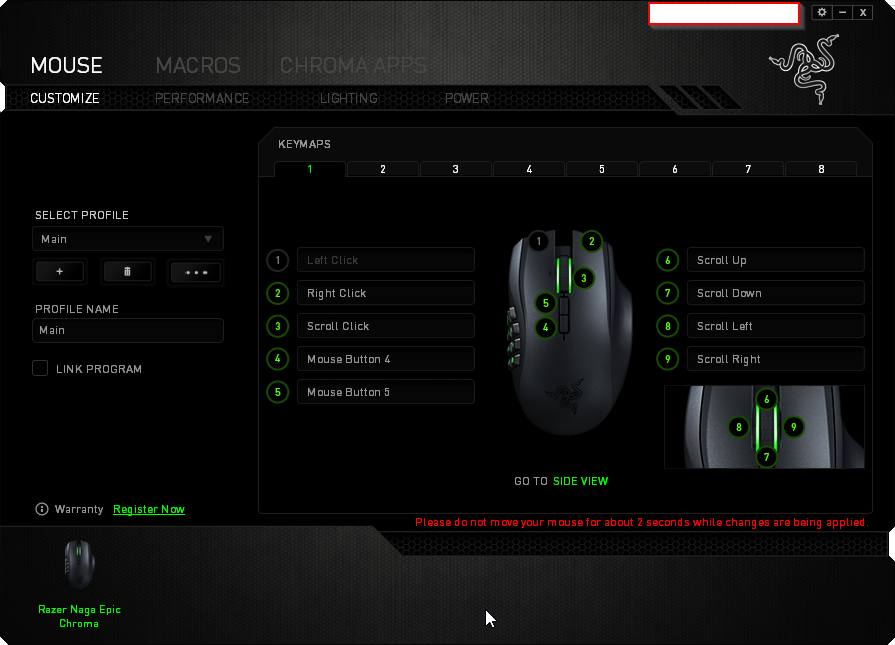
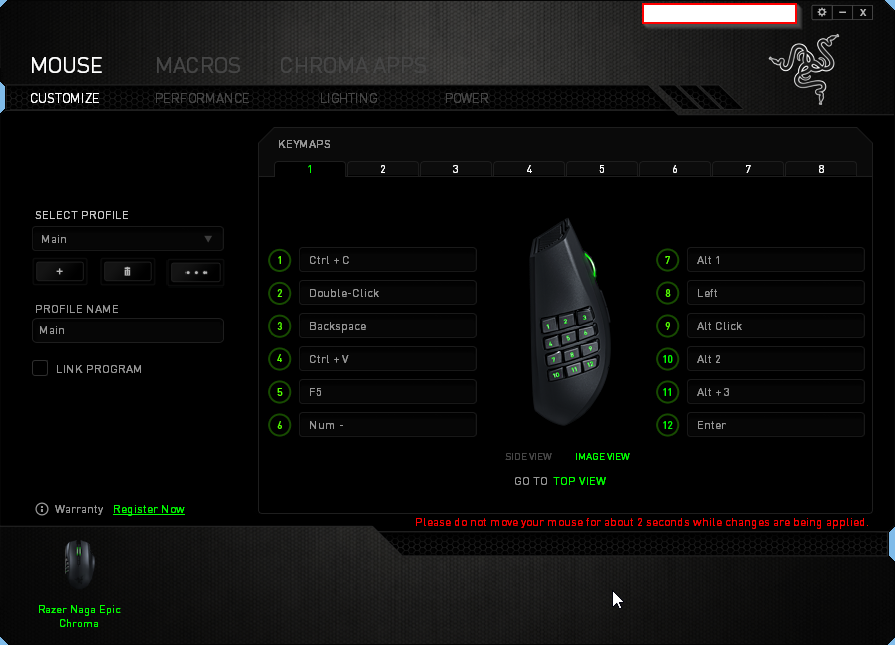
Naga Epic Chroma