Added Grade Select Filter Tool #2
Open
Conversation
This file contains hidden or bidirectional Unicode text that may be interpreted or compiled differently than what appears below. To review, open the file in an editor that reveals hidden Unicode characters.
Learn more about bidirectional Unicode characters


Sign up for free
to join this conversation on GitHub.
Already have an account?
Sign in to comment


Add this suggestion to a batch that can be applied as a single commit.
This suggestion is invalid because no changes were made to the code.
Suggestions cannot be applied while the pull request is closed.
Suggestions cannot be applied while viewing a subset of changes.
Only one suggestion per line can be applied in a batch.
Add this suggestion to a batch that can be applied as a single commit.
Applying suggestions on deleted lines is not supported.
You must change the existing code in this line in order to create a valid suggestion.
Outdated suggestions cannot be applied.
This suggestion has been applied or marked resolved.
Suggestions cannot be applied from pending reviews.
Suggestions cannot be applied on multi-line comments.
Suggestions cannot be applied while the pull request is queued to merge.
Suggestion cannot be applied right now. Please check back later.
Add Grade Select Filter Tool
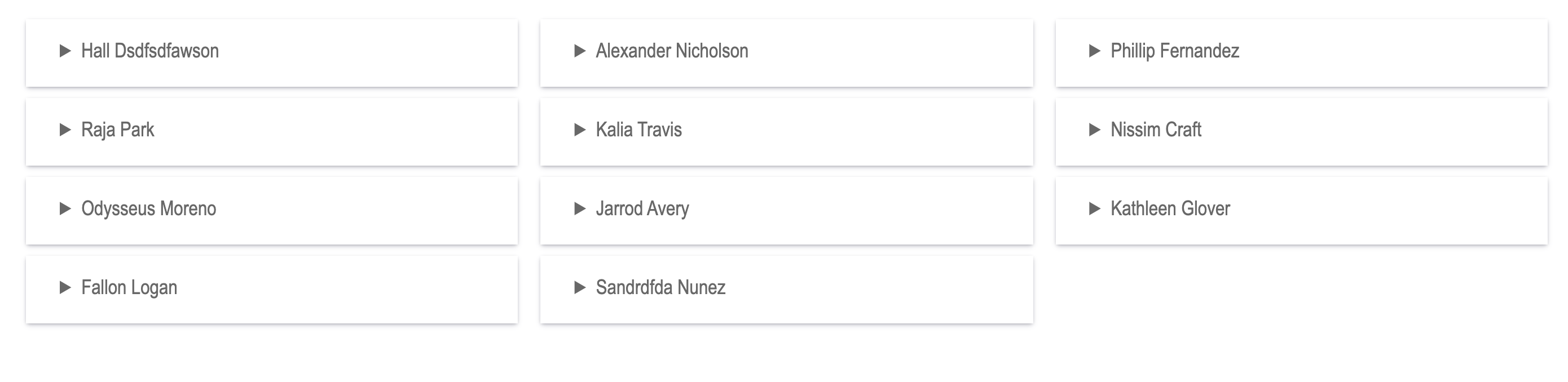
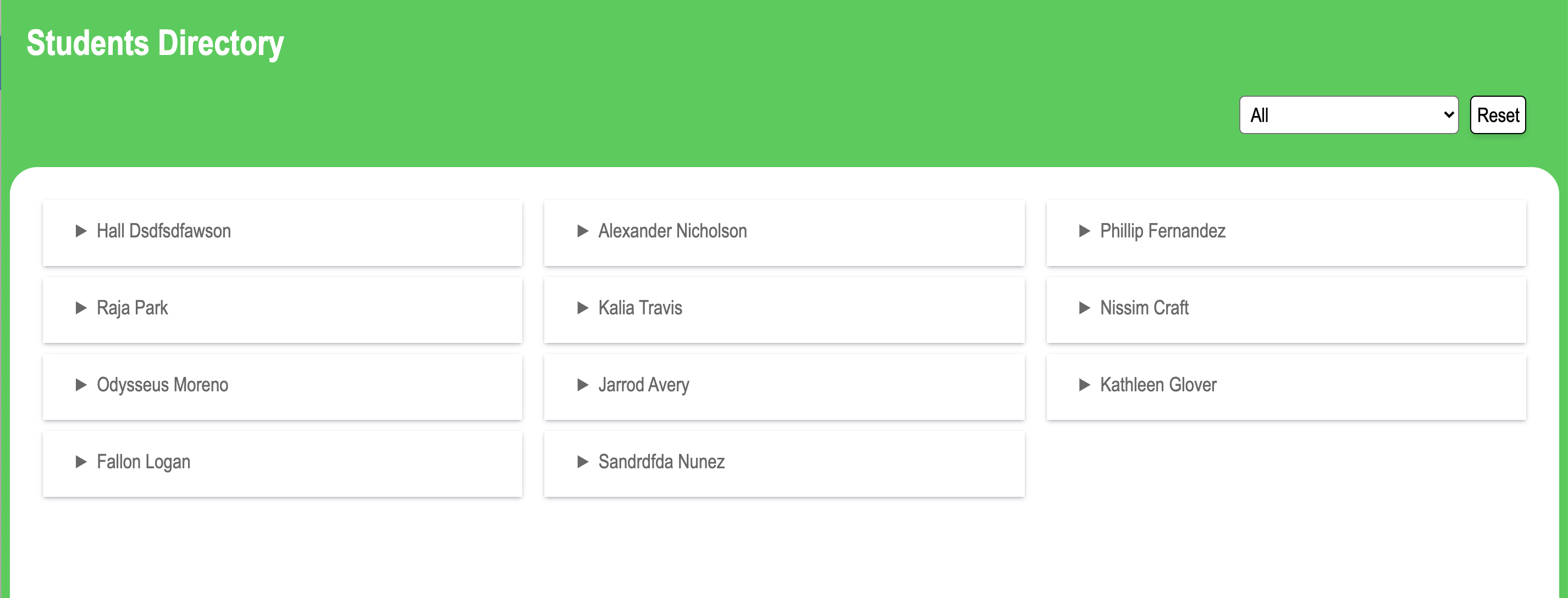
The goal of this feature was to add functionality that will allow the user to quickly filter the students by their grades. I also added a reset button that clears the filter and reverts back to seeing all students. In addition to those functionality changes, I have also updated the UI to be a little more dynamic and interesting for the user.
Before Screenshot:
After Screenshot:
Testing
In order to test this feature, we need to verify that all previous functionality is still working as expected and then we also need to test the new filter and reset buttons. Please follow the below steps to test.
Previous functionality remains
New features work as expected
Notes:
I decided to filter out the student card by adding and removing classes of "show" and "hide" so that I could easily target the elements in CSS. Also, I think it makes the most logical sense when reading the code as to what each class does.