2D simulation of our solar system using pygame.
Based on the YouTube tutorial by @techwithtim and inspired by tweaks and additions by @zerot69.
- Orbits of inner and outer planets of our solar system
- Uses real astronomical data from NASA
- Interactive navigation: Mouse wheel zoom and left-click drag to move view
- Orbit tracking: Real-time orbit counter for each planet with completion indicators
- Enhanced visuals: Single orbit trail per planet with fade effects
- Professional UI: Tabular display of controls and planet information
- Time tracking: Real-time simulation time display in years/days/hours/minutes
- Screenshot support: Press F12 to capture screenshots directly
- Adjustable simulation speed with keyboard controls
- Frame-rate independent physics
- Color-coded planets with authentic astronomical colors
- Modular code architecture for easy extension
New in Version 1.6:
- Asteroid belt implementation: Realistic distribution of procedurally generated asteroids between Mars and Jupiter with configurable density, randomized sizes and orbital parameters, and optimized rendering for performance.
Previous in Version 1.5:
- Mouse drag navigation: Left-click and drag to pan around the solar system
- Orbit counter system: Track completed orbits for each planet with visual indicators
- Enhanced orbit trails: Only current orbit shown with smooth fade effect
- Professional UI redesign: Clean tabular layout for all information
- Time elapsed display: Real-time simulation time tracking
- Built-in screenshots: F12 key to save simulation images
- Improved visual feedback: Flash effects for orbit completions
Previous in Version 1.4:
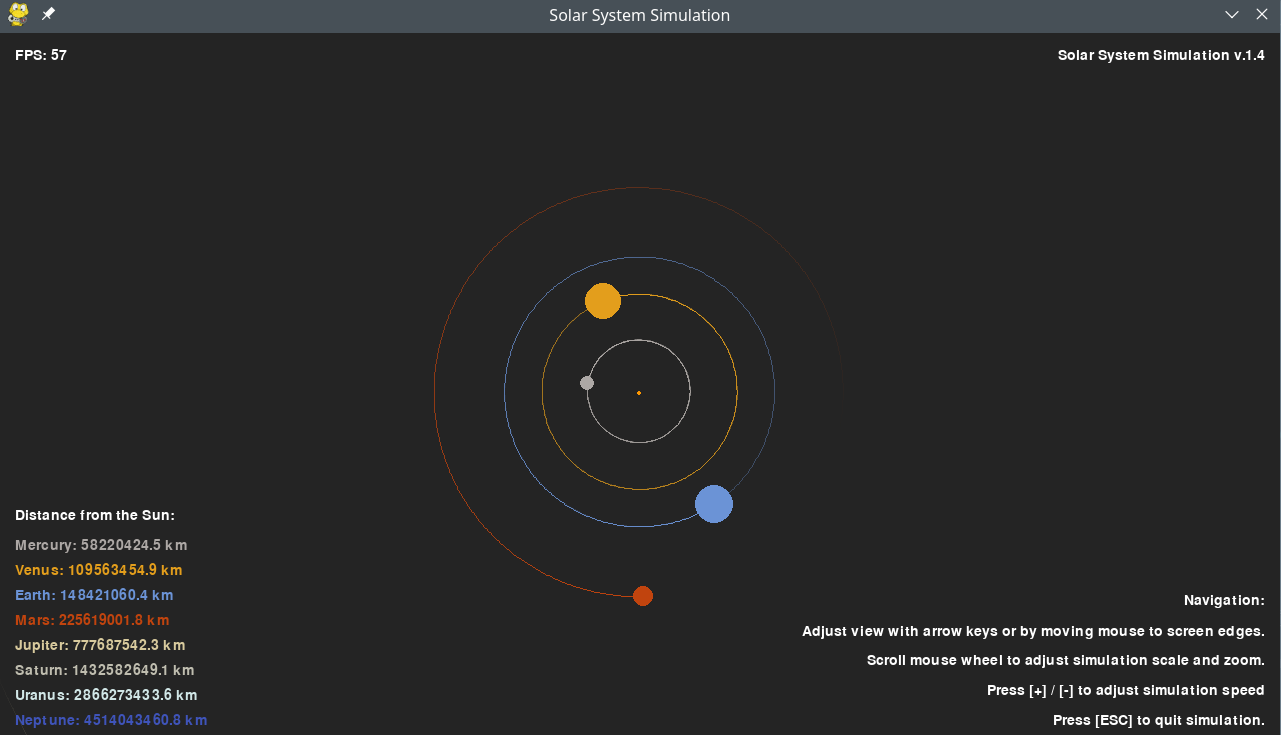
- Mouse wheel zoom: both orbits and planet visuals scale with zoom
- Improved planet scaling logic and modular scaling functions
- Orbit trail fade effect for clearer visualization
- Cleaner, more extensible code structure
| Control | Action |
|---|---|
| Mouse Wheel | Zoom In/Out |
| Left Click + Drag | Move View |
| [+] / [-] | Adjust Speed |
| F12 | Take Screenshot |
| [ESC] | Quit Simulation |
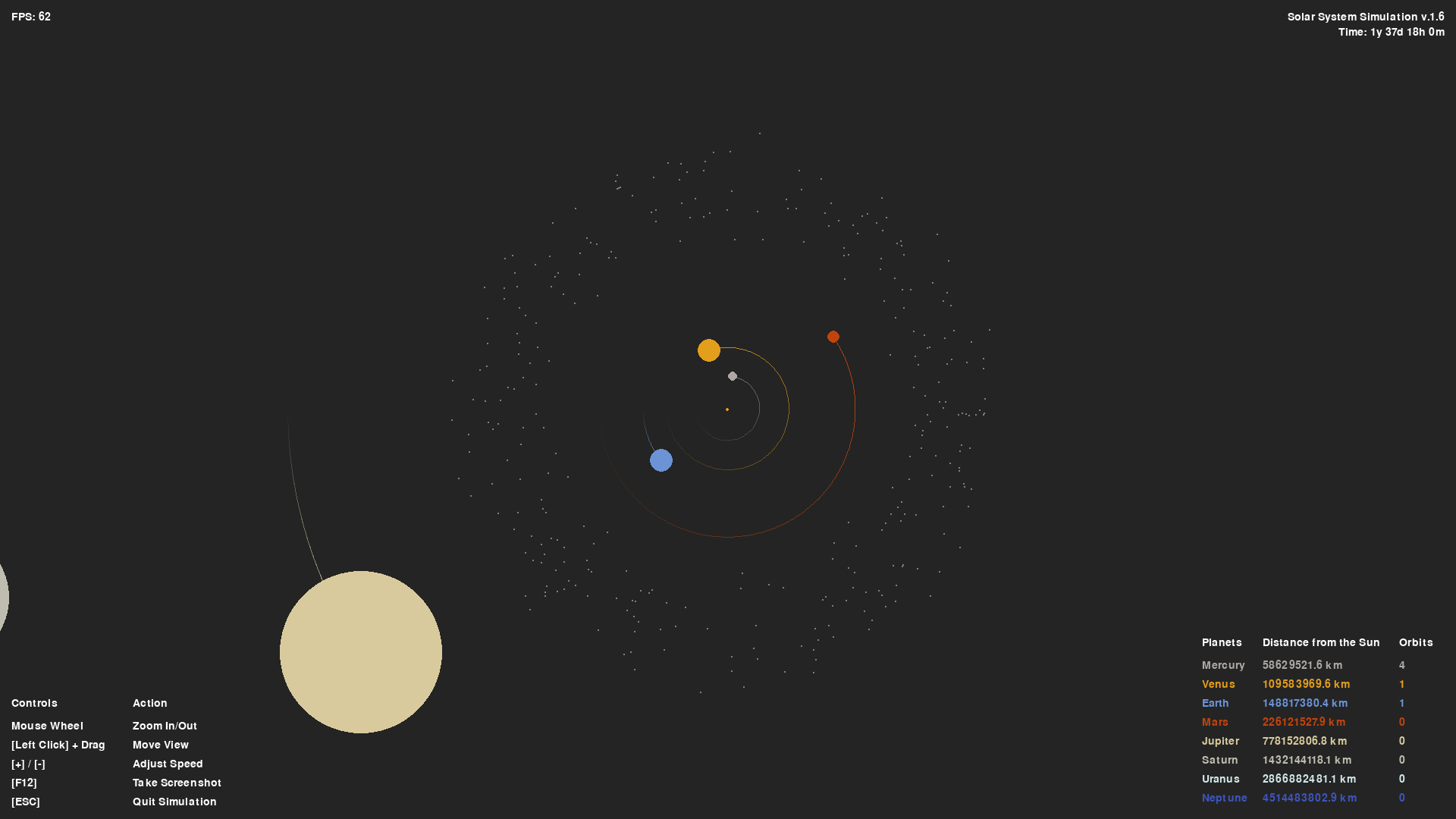
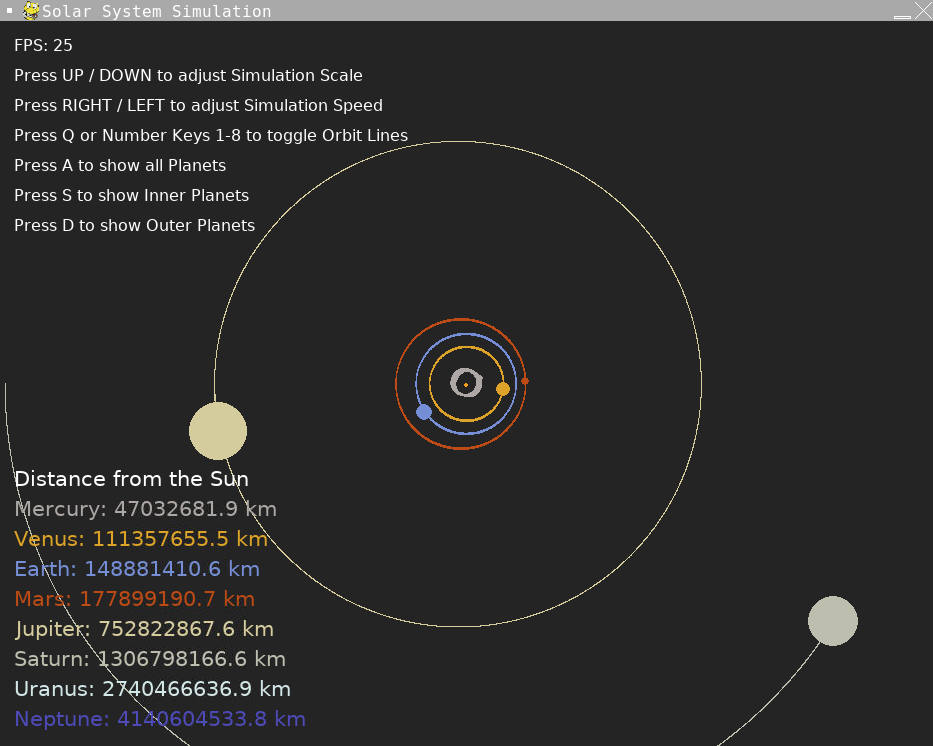
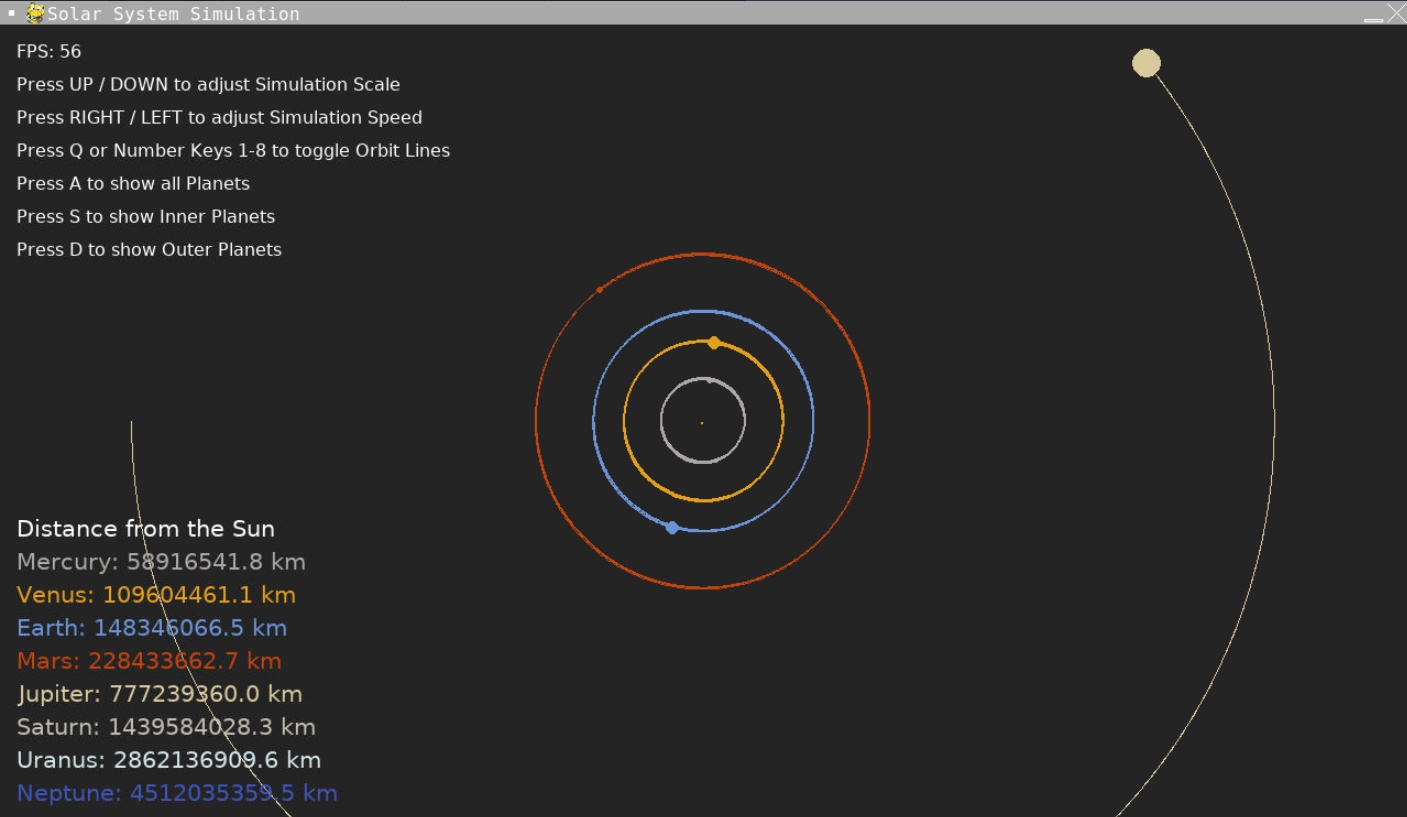
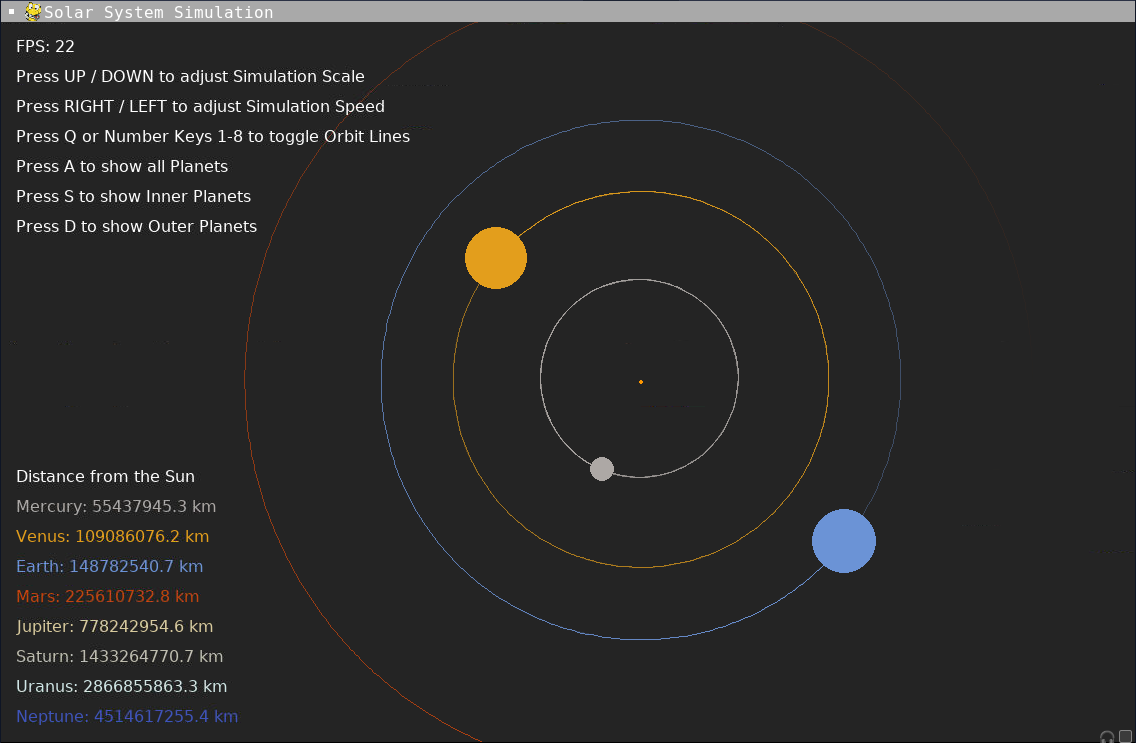
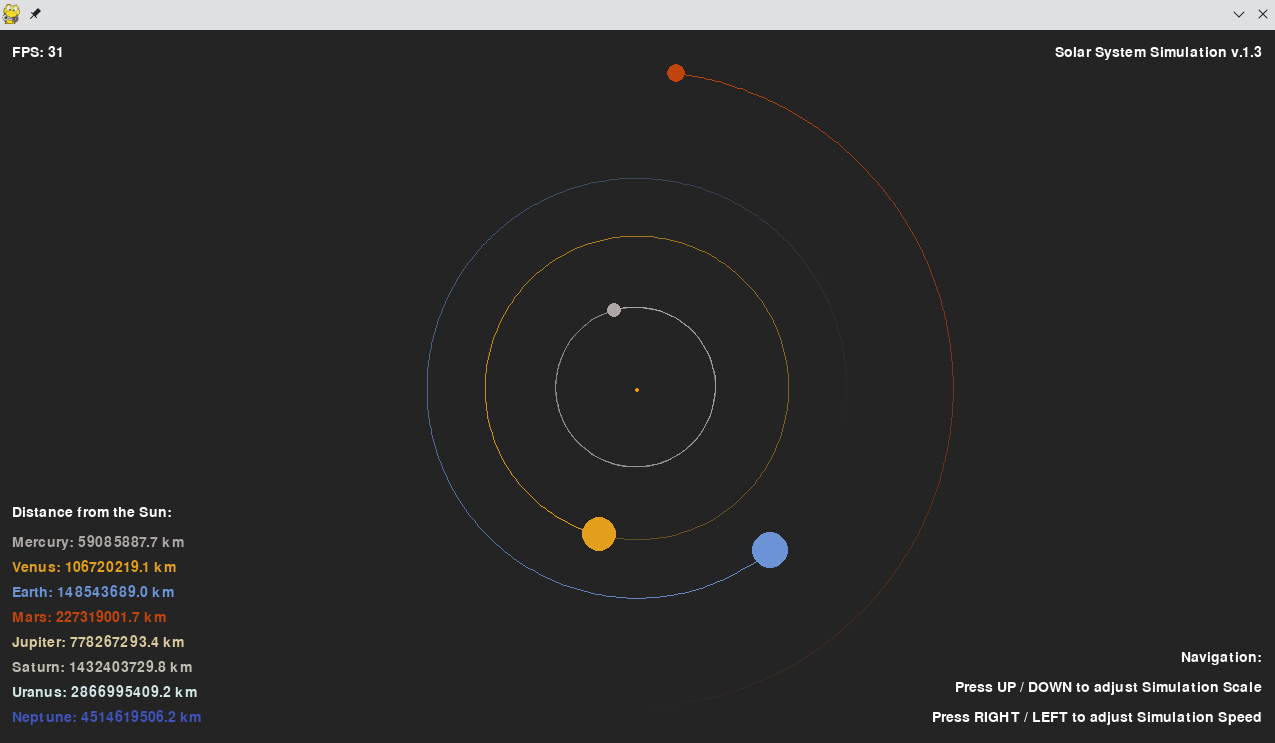
| v.1.0 | v.1.1 | v.1.2 | v.1.3 | v.1.4 | v.1.5 |
|---|---|---|---|---|---|
 |
 |
 |
 |
 |
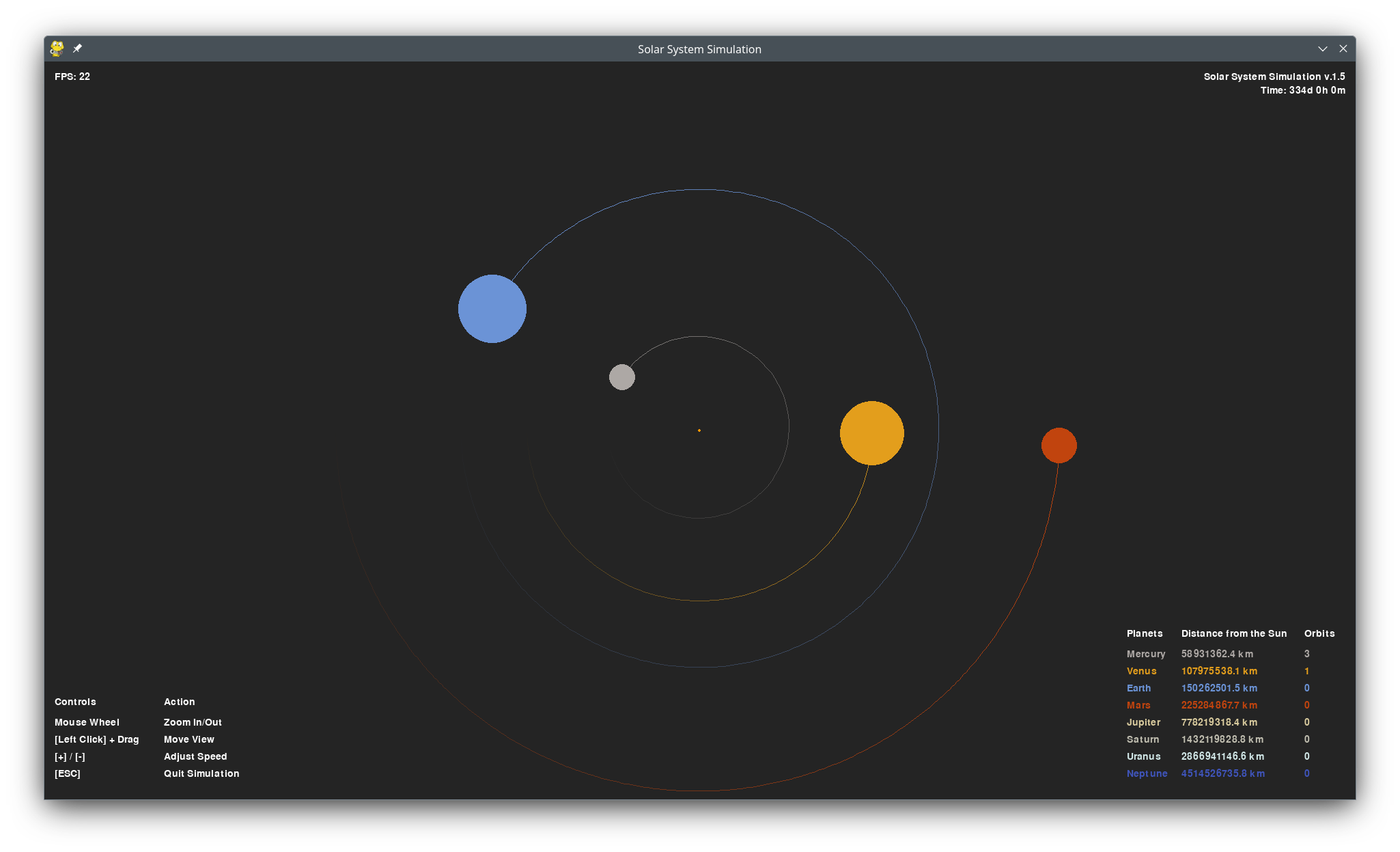 |
| Features & Changes | Features & Changes | Features & Changes | Features & Changes | Features & Changes | Features & Changes |
| - Simulation of Inner & Outer Planets | - Simulation of Inner & Outer Planets | - Simulation of Inner & Outer Planets | - Simulation of Inner & Outer Planets | - Simulation of Inner & Outer Planets | - Simulation of Inner & Outer Planets |
| - Adjust Scale & Speed with Keyboard | - Adjust Scale & Speed with Keyboard | - Adjust Scale & Speed with Keyboard | - Adjust Scale & Speed with Keyboard | - Adjust Scale & Speed with Keyboard | - Adjust Scale & Speed with Keyboard |
| - Toggle Orbits & Planets | - Toggle Orbits & Planets | - BUGGY: Toggle Orbits & Planets | - Pan view with arrow keys or mouse edges | - Pan view with arrow keys or mouse edges | - NEW: Adjust view with mouse drag |
| - Display Planet Distances to the Sun | - Display Distances to the Sun | - Display Distances to the Sun | - Display Distances to the Sun | - Display Distances to the Sun | - Display Distances to the Sun |
| - NEW: Adjusted Planet & Orbit Sizes | - NEW: Overhauled Solar System Creation | - NEW: Improved menu texts | - NEW: Mouse wheel zoom: both orbits and planet visuals scale with zoom | - NEW: Mouse drag navigation | |
| - NEW: 720p resolution | - NEW: Overhauled Scaling & Zoom (Additional variables) | - NEW: Frame rate independent physics | - NEW: Improved planet scaling logic and modular scaling functions | - NEW: Orbit counter and improved orbit trails | |
| - NEW: Improved Orbit Visuals (Orbit Trail Fade) | - NEW: Removed buggy orbit/planet toggles | - NEW: Orbit trail fade effect for clearer visualization | - NEW: Time display | ||
| - NEW: Cleaner, more extensible code structure | - NEW: Screenshot function |
Install Python packages and run main.py, or fork and run a copy on replit.com.
Dependencies:
- pygame
- sys
- datetime
- itertools
Planned Features
- ✅ Mouse control navigation (Added in v.1.5)
- ✅ Orbit tracking and counters (Added in v.1.5)
- ✅ Enhanced orbit drawing (Added in v.1.5)
- Use of different planet distances from the sun and real value comparison
- Further visual and code optimizations
- Web version: Refactor rendering logic to support a JavaScript/Pyodide frontend.
- Additional Objects: Asteroid belt and transneptunian objects
main.py— Main loop, event handling, rendering with enhanced interactive controlsconstants.py— Physical constants, colors, planetary datasolarsystem_sim.py— Enhanced Sun, Planet, and Body classes with orbit trackingsolarsystem_scale.py— Scaling and planet size calculationsCHANGELOG.md— Detailed version changesDOCUMENTATION.md— Full documentation for current version
- Tech With Tim's tutorial: YouTube
- Article by rastr-0: teletype.in
- Zerot69's Solar System Simulation: GitHub
- Planetary Data from NASA: nssdc.gsfc.nasa.gov
Pull requests, bug reports, and feature requests are welcome!