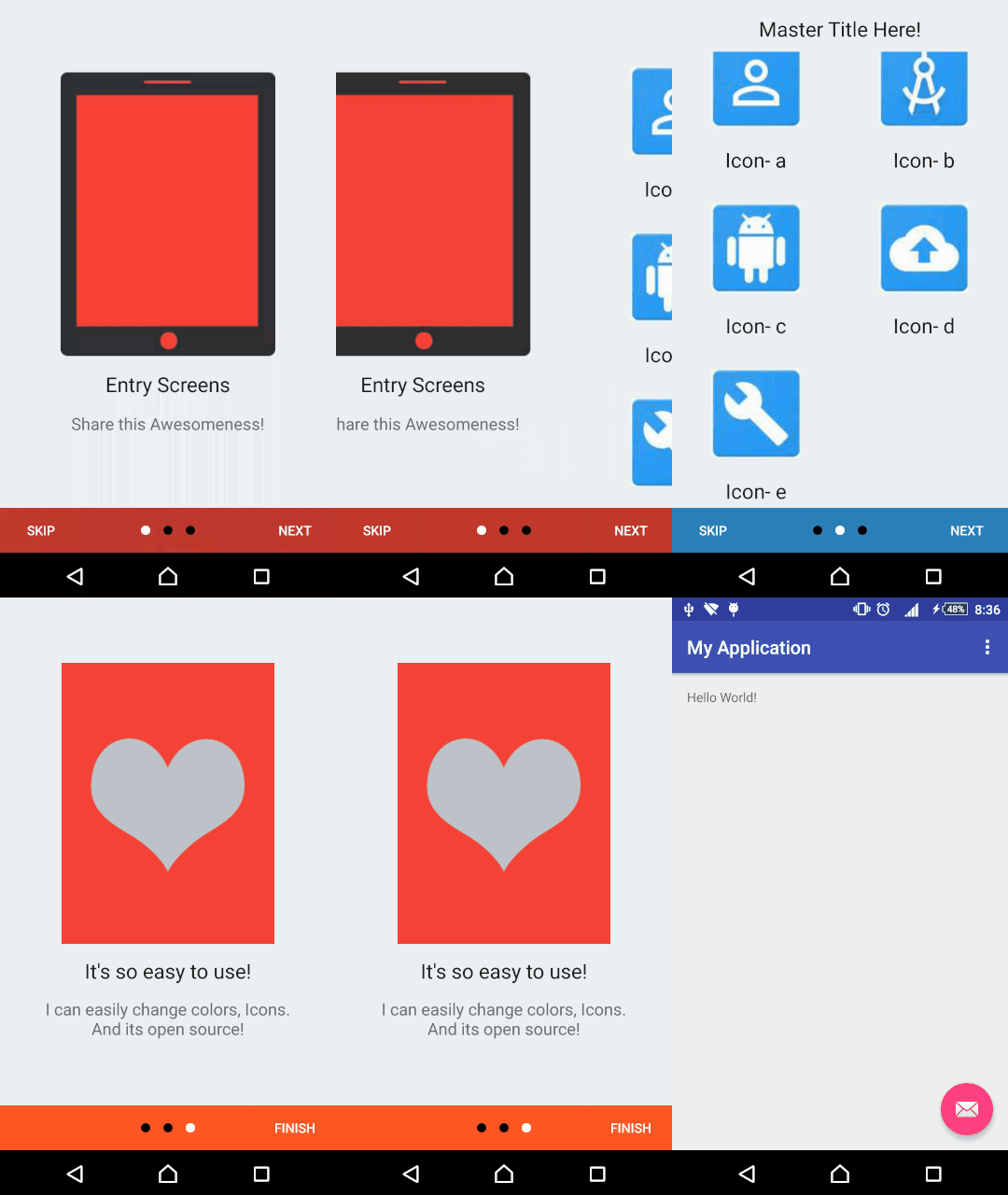
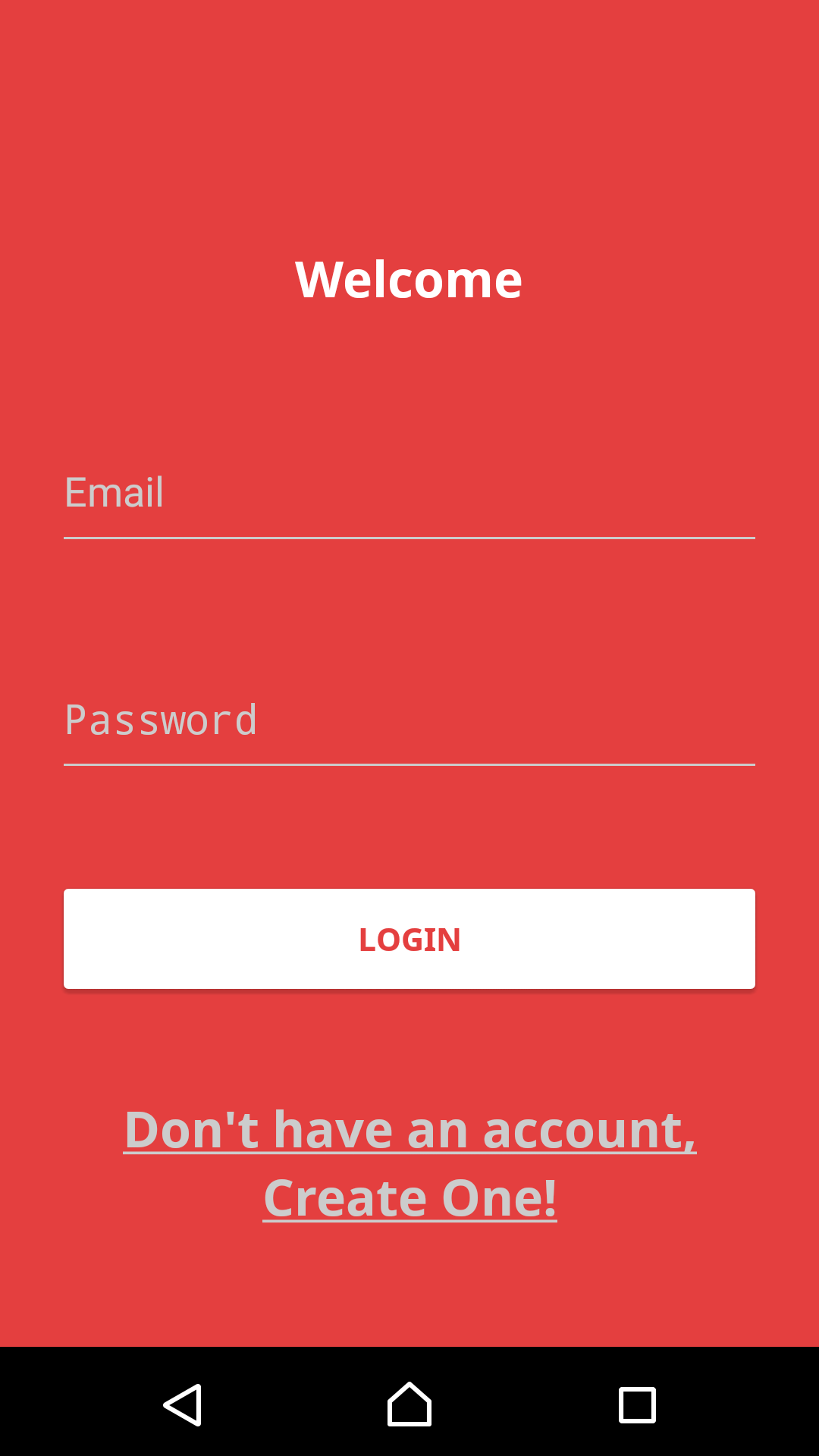
Love to see those descriptions of swipe screens in android apps? Here is a library for you!
If you are starting from scratch
- Import complete project into Android studio.
- Customize the screens in the entryScreen module.
- Rename the package name and folders according to your preference!
If you want to import to your existing Project
- Import entryScreens library into your existing project (File->New Module->Import Gradle Project) And select the source folder as the entryScreens library in this project.
- Now add (To add library to your gradle)
compile project(':entryScreens')
to your gradle of existing application (:app) module.
- And Use this code to your activity you want to start these screens! (To load this library in start of your activity!)
    private static int REQUEST_CODE = 435;
    @Override
    protected void onActivityResult(int requestCode, int resultCode, final Intent data) {

        if (requestCode == REQUEST_CODE) {
            setContentView(R.layout.activity_main);

            if (resultCode == Activity.RESULT_OK) {
                //Write your code if result is OK
                FloatingActionButton fab = (FloatingActionButton) findViewById(R.id.fab);
                fab.setOnClickListener(new View.OnClickListener() {
                    @Override
                    public void onClick(View view) {
                        Snackbar.make(view, data.getStringExtra("SomeValues"), Snackbar.LENGTH_LONG)
                                .setAction("Done!", null).show();
                    }
                });
            }
            if (resultCode == Activity.RESULT_CANCELED) {
                //Write your code if there's no result
            }
            Toolbar toolbar = (Toolbar) findViewById(R.id.toolbar);
            setSupportActionBar(toolbar);
        }

    }

    @Override
    protected void onCreate(Bundle savedInstanceState) {
        super.onCreate(savedInstanceState);
        Intent i = new Intent(MainActivity.this, com.kunall17.entryscreenmanager.Activities.MainActivity.class);
        startActivityForResult(i, REQUEST_CODE);

    }
- And finally add this to your existing (:app) Module AndroidManifest.xml (To define a activity in your manifest!)
<activity
            android:name="com.kunall17.entryscreenmanager.Activities.MainActivity"
            android:configChanges="orientation|keyboardHidden|screenSize"
            android:label="@string/title_activity_main"
            android:screenOrientation="portrait"
            android:theme="@style/AppTheme.NoActionBar">

            <action android:name="com.kunall17.entryscreenmanager.Activities.MainActivity.LAUNCH" />
</activity>
- Fork it!
- Commit your changes: git commit -am 'Add some feature'
- Push to the branch: git push origin my-new-feature
- Submit a pull request :D
More templates to come!