BROGX allows playing on Xbox completely wirelessly with all Bluetooth gamepads supported by BlueRetro.
Build from 2 parts
- one ESP-WROOM-32 chip/ESP32-WROOM32d DevkitC V4. module
- max.4 ATMEGA32U4 / Arduino pro micro/leonardo
This project combines BlueRetro by DarthCloud and OGX360 by Ryzee119.
Based on code and concept by netham45: https://github.com/netham45/BlueRetro.
An ESP32 allows connecting Bluetooth gamepads, and with modified BlueRetro software, data is sent over I2C to an Arduino.
The Arduino communicates with the Xbox over USB. A modification to the OGX360 software removes the master device and sets all as slaves.
- Bluetooth gamepads supported by BlueRetro
- Web Config
(https://konwektor.github.io/BlueRetroWebCfg/)
Added OGX360 to the game system list to unlock more functions (key bindings, combo shortcuts, etc.) - works same way as orginal webcfg for BlueRetro Port detection via Current Trigger- Port detection via isolated port Shield
Detects when a physical controller is connected and disconnects the Bluetooth controller on this port to make room for a wired one. - Xbox Power ON/OFF with Bluetooth Controller
Allows turning the console on and off with the controller (only in HW2 internal builds under specific conditions). - Port Status LED
Indicates the current status of each controller port.- Solid - BT controller connected,
- Pulsing - Bluetooth inquiry mode enable (new pairing).
- Off - no controller or port occupied by wired gamepad
- Global Status LED
Indicates the overall status of the ESP.- Solid: An error occured, try power cycle, check serial logs for detail.
- Pulsing: Bluetooth inquiry mode enable (new pairing).
- Off: No error and Bluetooth inquiry mode disabled.
User manual — Information about the adapter, programming, and hardware build details.
quick info:
Based on BlueRetro v25.04
Tweak hw2 internal support
Tweak behavie of port detection in hw2
hw2 power on/off using gamepad combo
hw2 DVD tray eject using gamepad combo
hw2 DVD tray button :
push = tray eject
1sec < hold = BT pairing if no controller connected,or disconnect all connected already BT devices alreaady connected
3sec < hold = start BT pairing ,
6sec < hold = esp32 firmware reset

Added "virtual menu" with rumble feedback for simple debug i2c bus -
push Xbox button and gamepad will rumble shortly,- enters in V-menu
Then Dpad-L/R/U/D do :
ping(legacy driver) / disconnect(legacy driver)/ping (low level i2c driver) / disconnect(low level i2c driver)
Start is for double rumble,
A - initialize legacy i2c driver, B,X,Y - sending  1byte to output(xbox).
During staying inside V-menu only A,B,X,Y are sending bytes to adapter, all other buttons are invisible for console.
Back button - quit V-menu, and bring back support for all buttons.
This function is  for checkin in i2c communication how arduinos modules react for connect/disconnect overflow and how xbox see it.
This version need also updating arduino firmware in case of use hw2, use mine fork at https://github.com/konwektor/ogx360. If You already got software for BlueRetro support in arduino, and staying by hw1 - no update is needed.
This can be compiled the same as BlueRetro.
Copy /configs/hw1/ogx360 to Your /Blueretro/sdkconfig start esp-idf (v5.1.2) and rund "esp.py build".
Or just go to Releases, and download already compiled files.
-
All Xbox one x/s series x/s controllers working with rumble, no delay no stuck.
-
Wiiu pro rumble tested and working
-
Ps4 , ps5 rumble tested and working
-
All other bluetooth gamepads supported by Blueretro should work - not tested - got any???? Give me feedback.

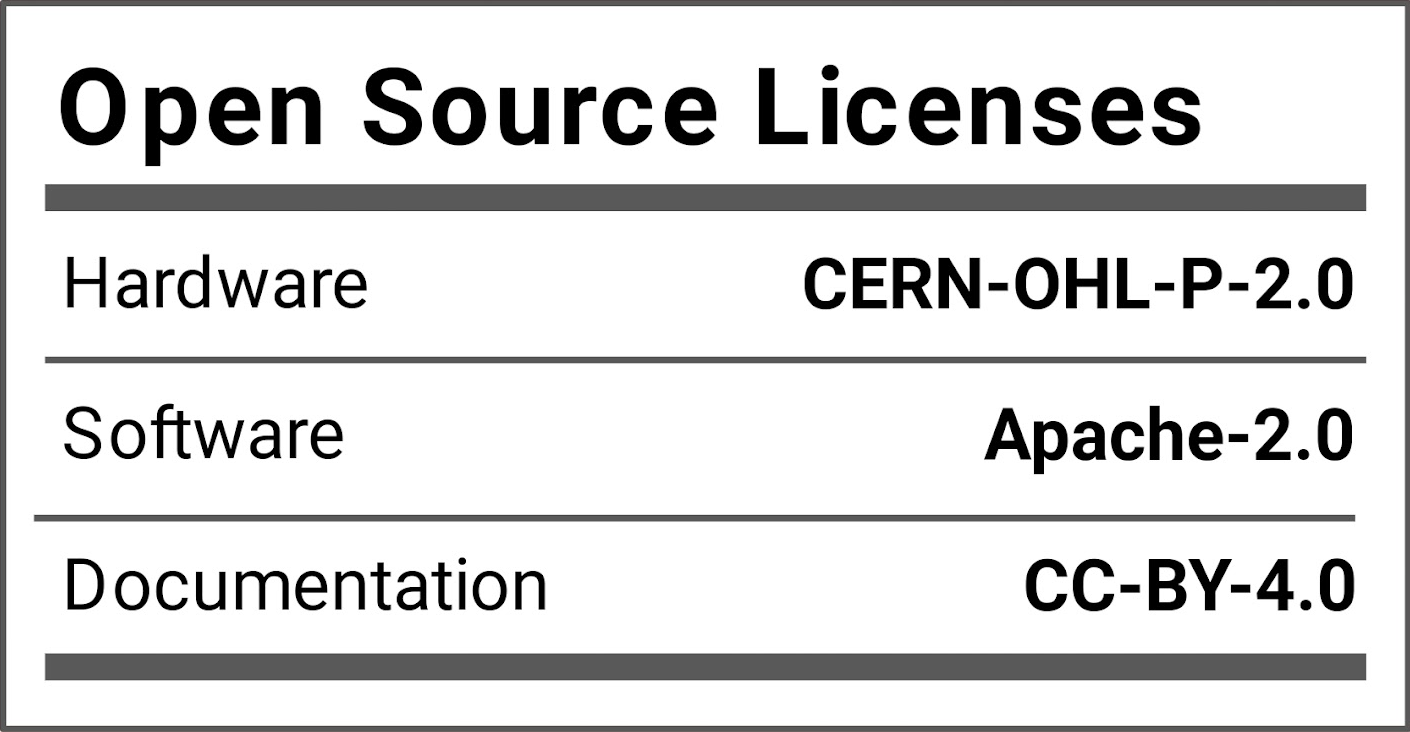
BlueRetro is a multiplayer Bluetooth controllers adapter for various retro game consoles & computers. Lost or broken controllers? Reproduction too expensive? Need those rare and obscure accessories? Just use the Bluetooth devices you already got! The project is open source hardware & software under the CERN-OHL-P-2.0 & Apache-2.0 licenses respectively. It's built for the popular ESP32 chip. Wii, Switch, PS3, PS4, PS5, Xbox One, Xbox Series X|S & generic HID Bluetooth (BR/EDR & LE) devices are supported. Parallel 1P (Computers, NeoGeo, Supergun, JAMMA, Handheld, etc), Parallel 2P (Atari 2600/7800, Master System, Computers, etc), NES, PCE / TG16, Mega Drive / Genesis, SNES, CD-i, 3DO, Jaguar, Saturn, PSX, PC-FX, JVS (Arcade), Virtual Boy, N64, Dreamcast, PS2, GameCube & Wii extension are supported with simultaneous 4+ players using a single adapter.
Buying BlueRetro adapters from these makers helps support the continued development of the BlueRetro firmware!
Thanks to all sponsors!
- BlueRetro PS1/2 Receiver by mi213: 3D printed case & PCB for building DIY PS1/2 dongle.
https://github.com/Micha213/BlueRetro-PS1-2-Receiver - N64 BlueRetro Mount by reventlow64: 3d printed mount for ESP32-DevkitC for N64.
https://www.prusaprinters.org/prints/90275-nintendo-64-blueretro-bluetooth-receiver-mount - BlueRetro Adapter Case by Sigismond0: 3d printed case for ESP32-DevkitC.
https://www.prusaprinters.org/prints/116729-blueretro-bluetooth-controller-adapter-case - BlueRetro AIO by pmgducati: BlueRetro Through-hole base and cable PCBs.
https://github.com/pmgducati/Blue-Retro-AIO-Units - BlueRetro HW2 internal guides by Nostalgic Indulgences: Internal install guides
https://github.com/nostalgic-indulgences/BlueRetro_Internal_Installation - BlueRetro latency test by GamingNJncos: Documentation on how to run BlueRetro latency test
https://github.com/GamingNJncos/BLE-3D-Saturn-Public/tree/main/BlueRetro_Latency_Testing - BR4N64 by TharathielCB: Internal BlueRetro Flex-PCB for Nintendo 64
https://github.com/TharathielCB/BR4N64 - BlueMemCard by ChrispyNugget: Replacement PCB for PSX memory card that incorporates PicoMemcard and BlueRetro support
https://github.com/ChrispyNugget/BlueMemCard - BlueRetro HW2 QSB for GameCube by Arthrimus: Internal Blueretro PCB with CurrentTrigger for GameCube
https://github.com/Arthrimus/BlueRetro-HW2-GameCube