Portket is a web application designed to provide a platform for users to share and discover creative content. Whether you're an artist, photographer, designer, or any other type of creative individual, Portket aims to connect you with a community of like-minded people and showcase your work to the world.
🌐 website : https://portket-ed8f173e9326.herokuapp.com/
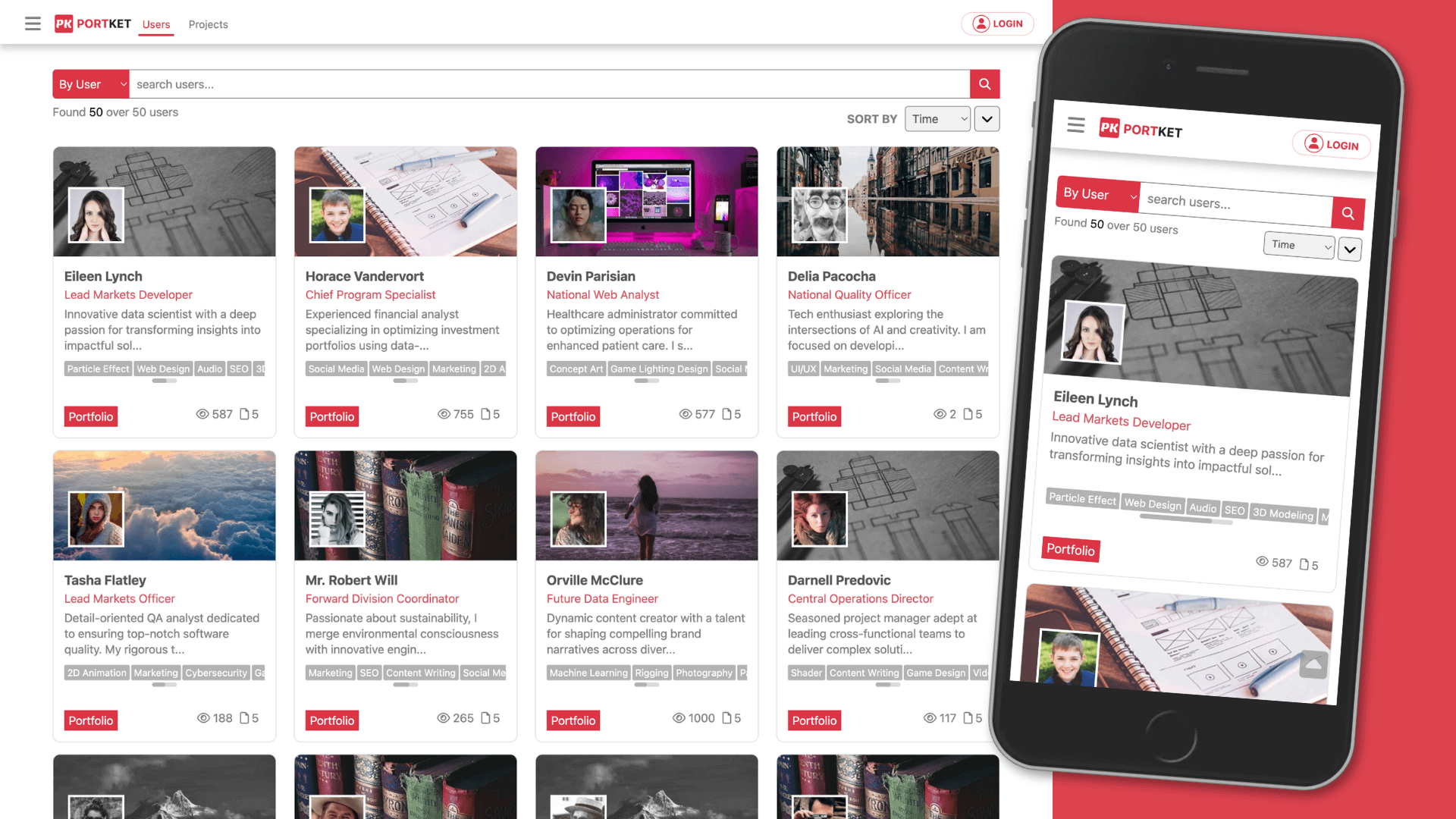
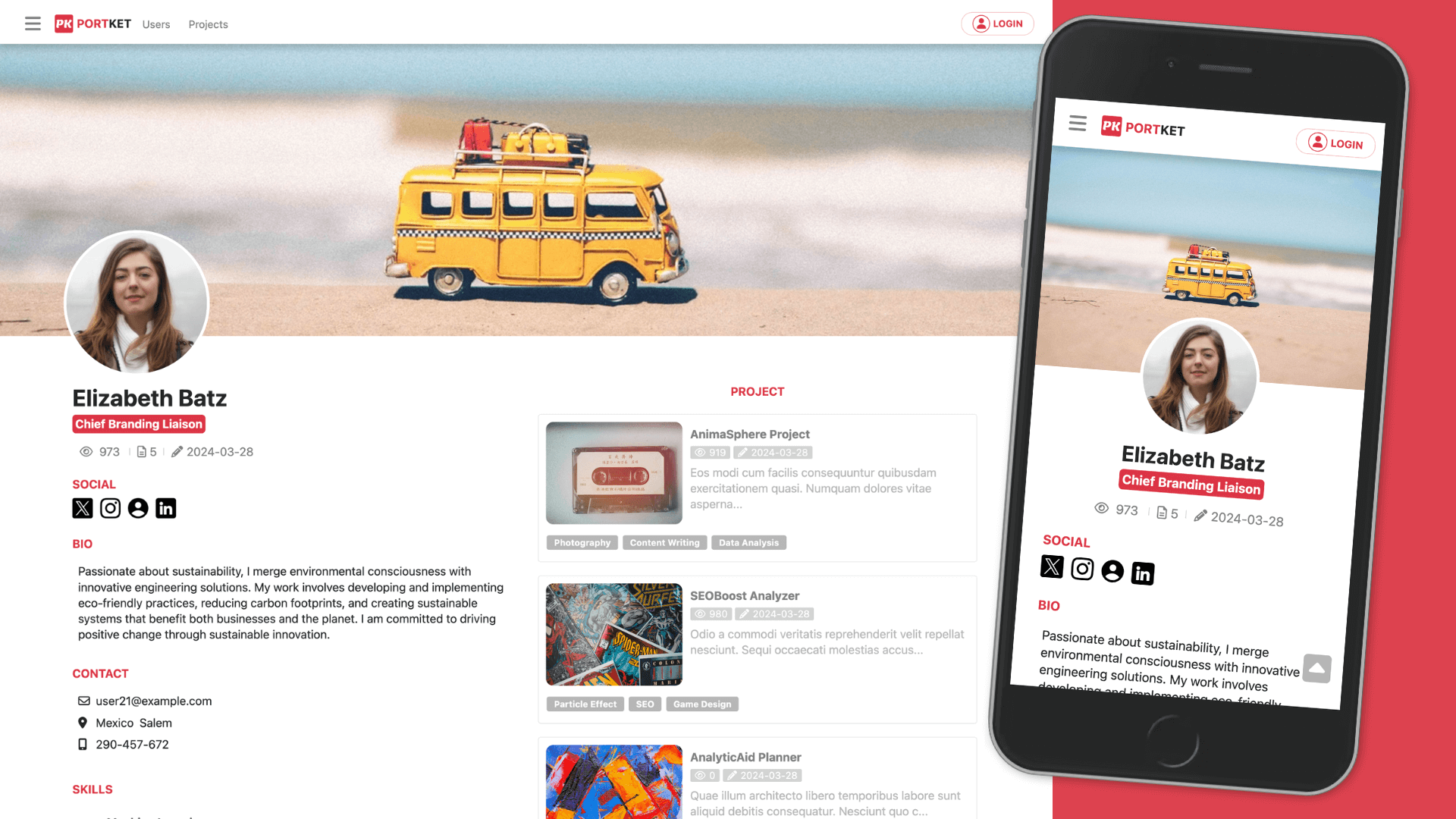
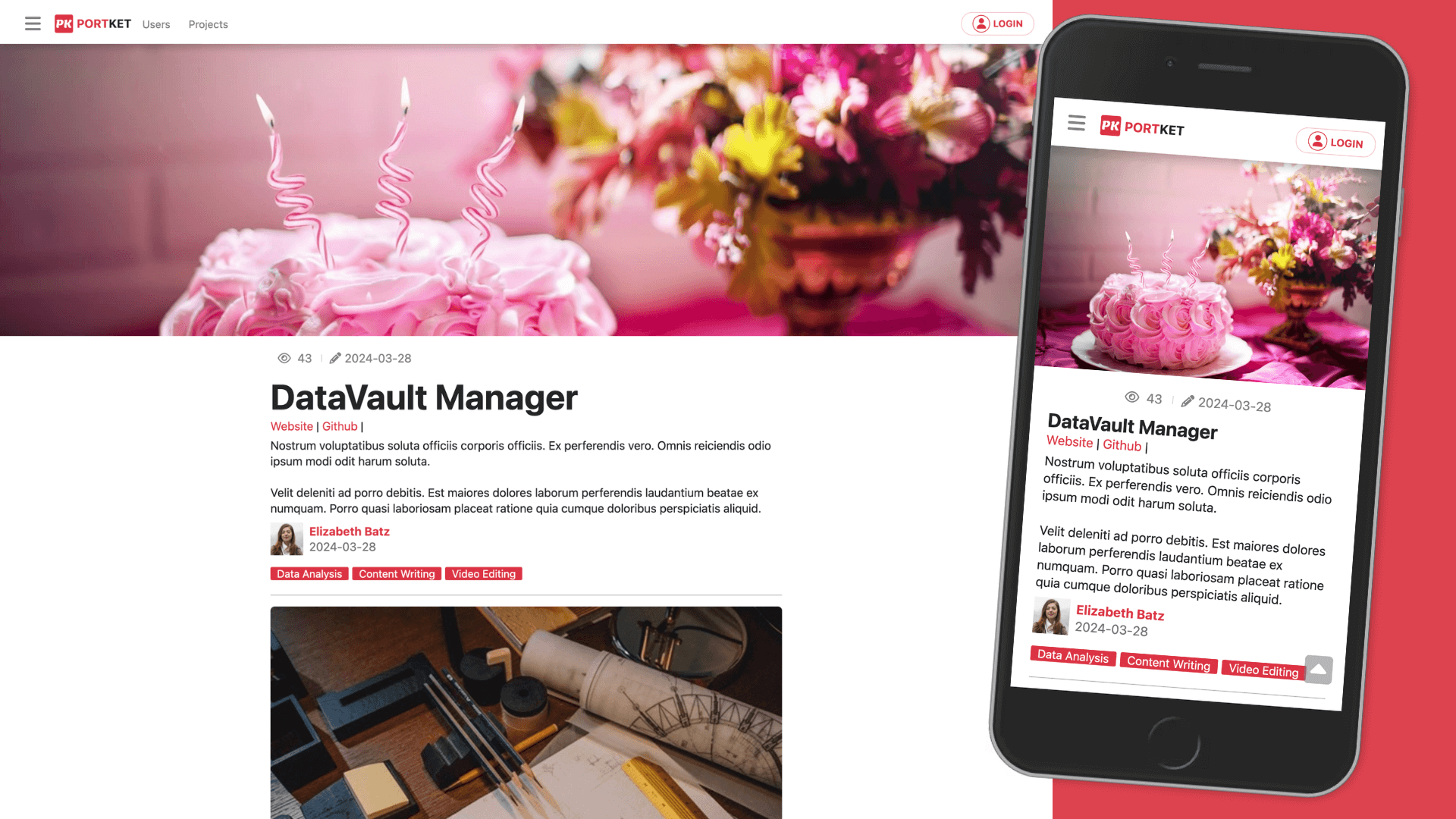
- User Authentication: Users can create accounts, log in, and log out securely.
- Social Authentication: Users can log in using their Facebook or Google accounts.
- Content Sharing: Users can upload and share their creative content, including images and other media files.
- Content Discovery: Users can explore and discover creative content shared by other users.
- Interactive Experience: The application provides an interactive and engaging user experience, with features such as likes, comments, and more.
- Google Authentication: Users can log in using their Google accounts for streamlined access and security.
- Responsive Design: Portket is designed to be responsive and accessible across various devices, including desktops, tablets, and smartphones.
- Backend: Express.js, Sequelize (with MySQL database), Passport.js for authentication, dotenv for environment variables
- Frontend: HTML, CSS, JavaScript, Handlebars.js for template
- Image Processing: Sharp.js for image processing
- API Integration: Imgur API for image uploading
- Development Tools: Nodemon for automatic server restart, ESLint for code linting, Prettier for code formatting, Webpack for bundling assets
- Node.js installed on your machine
- MySQL database server
- Clone the repository:
git clone https://github.com/klu0926/portket.git
- Navigate to the project directory:
cd portket
- Install npm modules
npm install
- Create a
.envfile in the root directory based on the provided.env.examplefile. Fill in the required values, such as database credentials and API keys.
MESSAGE=
SESSION_SECRET=
GOOGLE_ID=
GOOGLE_SECRET=
GOOGLE_CALLBACK=
FACEBOOK_ID=
FACEBOOK_SECRET=
FACEBOOK_CALLBACK=
IMGUR_CLIENT_ID=
JAWDB_HOST=
JAWDB_USER=
JAWDB_PASSWORD=
JAWDB_DATABASE=
- Create SQL database portket
- Migrate database
npx sequelize db:migrate:all
- Seeding database
npx sequelize db:seed:all
npm run dev
If you have any questions, feedback, or suggestions, feel free to reach out:
- Email: lukuoyu@gmail.com
- GitHub: klu0926