This is a collection of useful configs and tools i use daily, so better have it here to not loose them up.
Features • Installation • Usage • Themes • Roadmap • Contributing



- 🔍 Complete Rule Validation: Every character choice validated against official rules
- 📚 Source Citations: Every validation includes book and page references
- ⚡ Build Optimization: MinMax strategies and synergy suggestions
- 🤖 Intelligent PDF Processing: Automatically extract rules from uploaded rulebooks
- 🎯 Multi-System Support: D&D 5e, Pathfinder, and more
- 🔌 VTT Integration: Export to Roll20, FoundryVTT, and other platforms
Important
This is my personal dotfiles, if you want to give it a try you should first fork this repo. The scripts here are highly opinionated and are expected to change your settings. Use it at your own risk!
This script uses sh and bash to install most of the tools.
If you choose to use this script using git on mac you might need to enable xcode tools
xcode-select --installgit clone https://github.com/kerbaras/dotfiles ~/.dotfiles
cd ~/.dotfiles
./scripts/bootstrap.sh# Exclude individual apps from configuration
./scripts/bootstrap.sh --exclude warp
# Select the OS platform and the Package Manager tool
./scripts/bootstrap.sh --platform macos --package brew


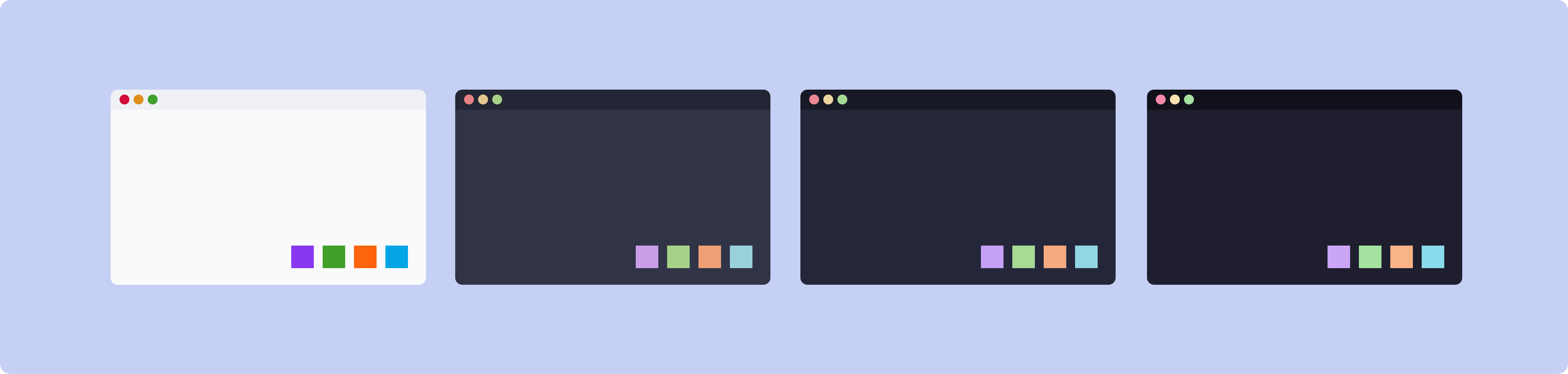
Catppuccin is a community-driven pastel theme that aims to be the middle ground between low and high contrast themes. It consists of 4 soothing warm flavors with 26 eye-candy colors each, perfect for coding, designing, and much more!
We welcome contributions! Please see our Contributing Guide for details.
- Fork the repository
- Create a feature branch (
git switch -c feature/amazing-feature) - Commit your changes (
git commit -m 'feat: Add amazing feature') - Push to the branch (
git push origin feature/amazing-feature) - Open a Pull Request
- Respect for publisher copyrights
This project is licensed under the MIT License - see the LICENSE file for details.
- Mathias Bynens and his amazing dotfiles repository
- Denis Gruzdev's configs at his dotfiles repository
- All contributors who help make my Dotfiles better

Made with ❤️ for the Dev Community by Kerb!