
Shows the Number corresponding to each Tab. This can help you navigate between Tabs faster by pressing Cmd + Number of the Tab. (or Ctrl + Number on Windows)
- Ensured the tab counter is incremented only for tabs that are considered essential or within an active workspace.
- see issue 16
- Nicer Design for Expanded Tabs Mode
- Ability to Change Background Colour, Background Shape
- Tab Numbers' Side (left or right)
Install my theme on Zen Browser: Tab Numbers Theme
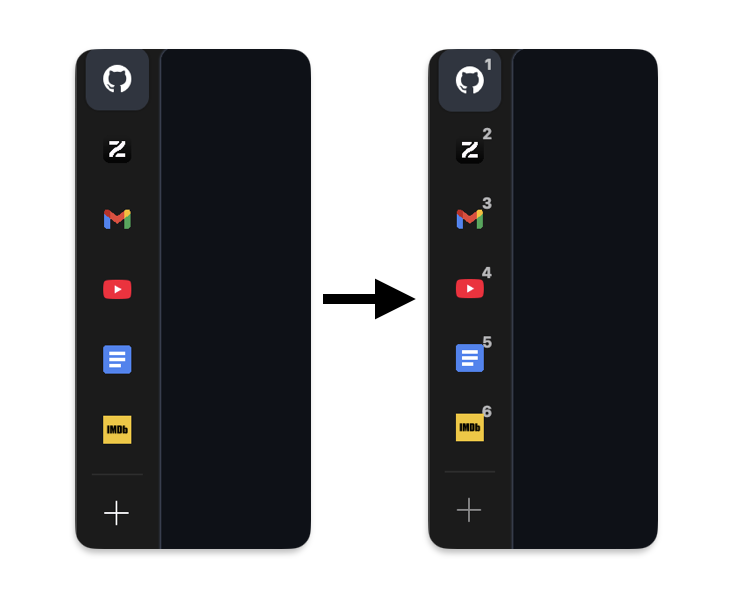
Expanded Tabs Examples:
(example 1: blue background, rectangular)

(example 2: orange background, round)

(example 3: grey, left side)

What the preferences menu looks like:

- Set Custom Color for Tab Numbers (w/ Hex Code)
- Change Size of Tab Numbers
- Bold or Normal
Thank you for using my theme!