


This is a personal clone of https://github.com/dracula/visual-studio-code/
The comments didn't quite have enough contrast for me -- probably due to my protan issue. Otherwise, this is the same as dracula, just with a comment color tweak.
git clone https://github.com/jplusc/dracula-theme-vscode.git %HOMEDRIVE%%HOMEPATH%\.vscode\extensions\theme-dracula
cd /d %HOMEDRIVE%%HOMEPATH%\.vscode\extensions\theme-dracula
npm install
npm run build$ git clone https://github.com/jplusc/dracula-theme-vscode.git ~/.vscode/extensions/theme-dracula
$ cd ~/.vscode/extensions/theme-dracula
$ npm install
$ npm run buildafter the npm build you will have dracula.json under \theme
and it can be selected from File -> Preferences -> Color Theme. (Dracula and Dracula Soft)
choco upgrade git -y
choco upgrade nodejs -ySeriously, if you have to use windows, use a package manager to make it less painfull. https://chocolatey.org/
from powershell:
Set-ExecutionPolicy Bypass -Scope Process -Force; [System.Net.ServicePointManager]::SecurityProtocol = [System.Net.ServicePointManager]::SecurityProtocol -bor 3072; iex ((New-Object System.Net.WebClient).DownloadString('https://chocolatey.org/install.ps1'))update your local copy:
cd /d %HOMEDRIVE%%HOMEPATH%\.vscode\extensions\theme-dracula
git pull
or if needed:
cd /d %HOMEDRIVE%%HOMEPATH%\.vscode\extensions\theme-dracula
git reset --hard
git pull
not showing up in vscode?
do you have one of the other clones of dracula installed? or even Dracula Official?
you'll have to uninstall it first since this uses the same name.
after uninstall, exist vscode and rebuild it so vscode sees it as new.
original README.md follows:
Dracula for Visual Studio Code
A dark theme for Visual Studio Code.
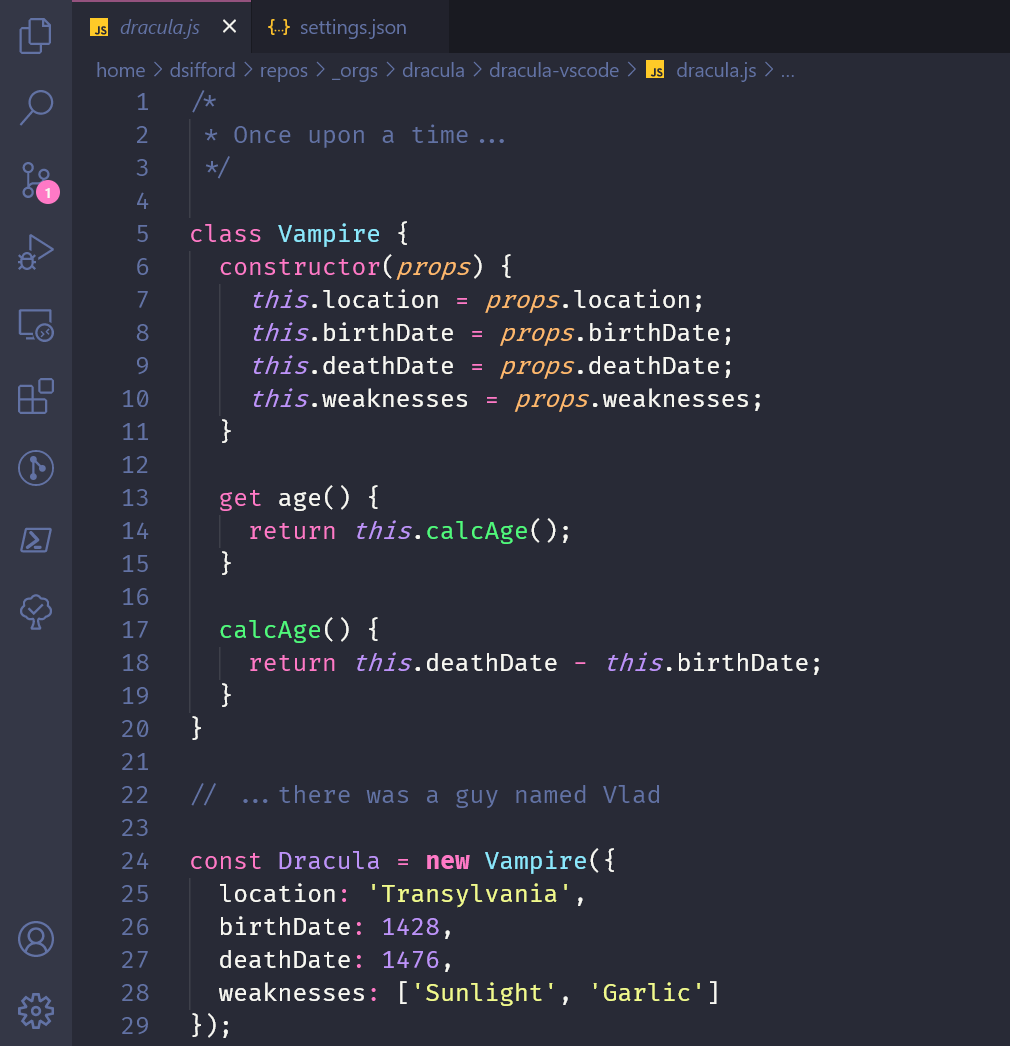
All instructions can be found at draculatheme.com/visual-studio-code.
This theme is maintained by the following person(s) and a bunch of awesome contributors.
 |
|---|
| Derek S. |
- Twitter - Best for getting updates about themes and new stuff.
- GitHub - Best for asking questions and discussing issues.
- Discord - Best for hanging out with the community.
If you'd like to contribute to this theme, please read the contributing guidelines.
