"Lumpat" or "Mlumpat" in Javanese means "jump."
A VS Code extension that enhances text navigation with quick jump-to-highlight functionality.
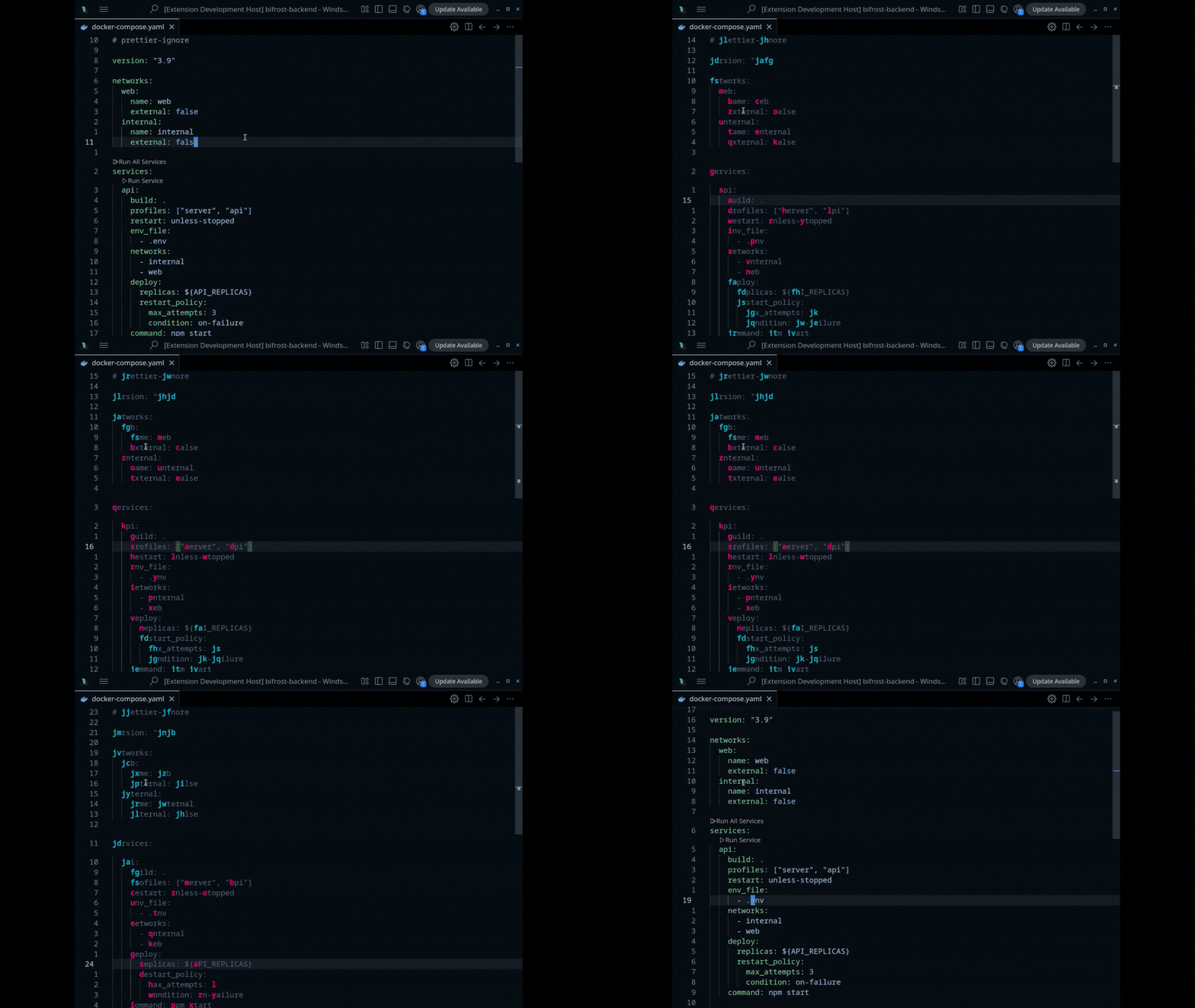
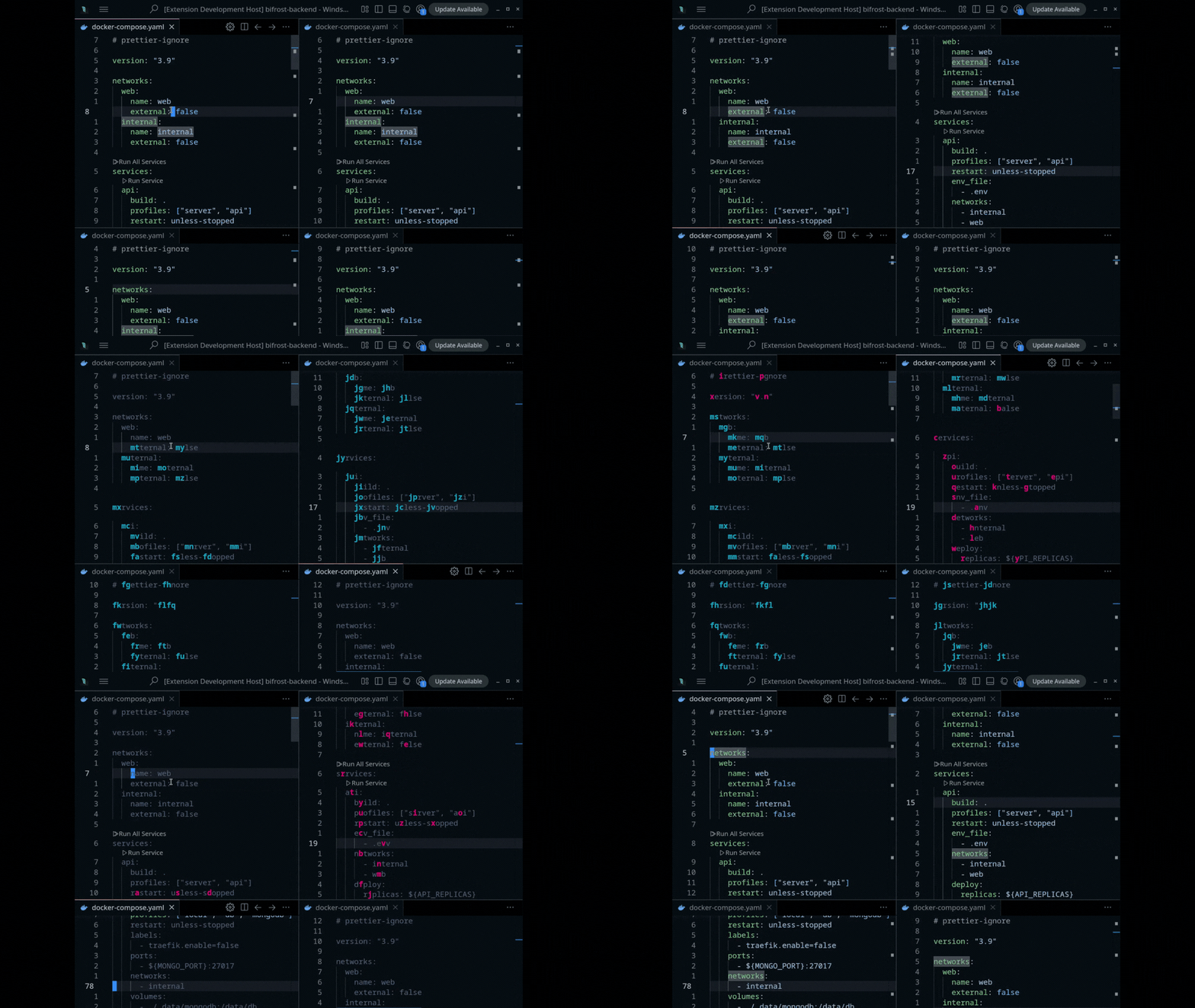
- Quick navigation through text using keyboard shortcuts
- Visual highlighting system that shows jump targets, multiple columns are supported
- Efficient movement without using the mouse
- Support vim extension
- Trigger the jump mode using
Shift + Enter(or run commandlumpat.jump) for single column orCtrl + Shift + Enter(or run commandlumpat.jumpMulti) for multiple columns - Visual highlights will appear in your text
- Type the highlighted character to jump to that location
| Shortcut | Command | Description |
|---|---|---|
Shift + Enter |
lumpat.jump |
Activate jump mode and highlight jump targets |
Ctrl + Shift + Enter |
lumpat.jumpMulti |
Activate multiple columns jump mode and highlight jump targets |
Escape |
lumpat.close |
Exit jump mode |
a-z |
lumpat.[key] |
Jump to the highlighted location marked with that letter when jump-mode is active |
Lumpat provides several customization options through VSCode settings:
| Setting | Description | Default |
|---|---|---|
lumpat.chars |
Characters used for jump labels | "asdghklqwertyuiopzxcvbnmfj" |
lumpat.backgroundColor |
Background color for jump mode | "#515878" |
lumpat.highlightColor |
Highlight color for jump labels | "#0db3d0" |
lumpat.highlightColorPriority |
Priority highlight color for jump labels | "#f70078" |
lumpat.regexPattern |
Regular expression pattern for matching jump positions | "(\b\w) |
You can customize these settings in your VSCode settings.json file or through the Settings UI.
This is currently in beta. Please report any issues you encounter!
This extension is highly inspired by:
MIT