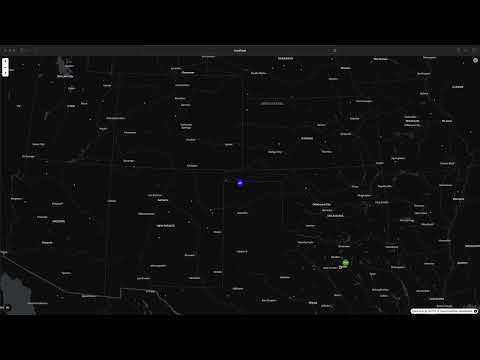
See what the map looks like in the video above!
This project displays a map of all Starlink satellites, along with your currently connected satellite and the Starlink Point of Presence (PoP) you are connected through. You must be connected to your Starlink via Wi-Fi or Ethernet for this to show personalized data.
-
Build the Docker image:
docker build -t starlink-map:latest . -
Run the Docker container:
Replace
<your_latitude>,<your_longitude>, and<your_altitude>with your actual location coordinates.docker run --rm -it -p 3000:3000 -p 3001:3001 --name starlink-map -e LAT="<your_latitude>" -e LON="<your_longitude>" -e ALT="<your_altitude>" starlink-map:latest
--rm: Automatically remove the container when it exits (e.g., when you press CTRL+C).-it: Run in interactive mode and allocate a pseudo-TTY. This allows you to stop the container with CTRL+C.-p 3000:3000: Map host port 3000 to container port 3000 (for the web UI).-p 3001:3001: Map host port 3001 to container port 3001 (for the backend API).--name starlink-map: Assign a name to the container.-e LAT="...": Set your latitude environment variable.-e LON="...": Set your longitude environment variable.-e ALT="...": Set your altitude environment variable.starlink-map:latest: The name and tag of the image to run.
-
Access the map: Open your web browser and navigate to http://localhost:3000.
Note: It might take up to 30 seconds for satellite and connection data to populate after the container starts.
This project utilizes data and code from the following open-source repositories:
- LEOViz: Used for satellite visualization and determining which satellite the user is connected to.
- starlink-grpc-tools: Used for interacting with the Starlink user terminal to get connection data.
Without the above two projects, this project would not have been possible.
src/: Contains the Next.js frontend code for the map interface.starlink/: Contains modified code fromLEOVizandstarlink-grpc-toolsfor querying the dish.Dockerfile: Defines the Docker image build process.supervisord.conf: Configuration for supervising the backend and frontend processes within the container.
Contributions are welcome! Feel free to open an issue or submit a pull request.