
We are building a real-time motion capture system for the body using mobile devices such as phones and AR/VR headsets.
It's important to us that this kind of technology not be locked within walled gardens as the ability to interact and express with our bodies is most interesting when that can include everyone.
Our rendering pipeline (for generating training data) is based on open source projects including Blender and Makehuman, and all our code for training and runtime motion capture is under the permissive MIT license.
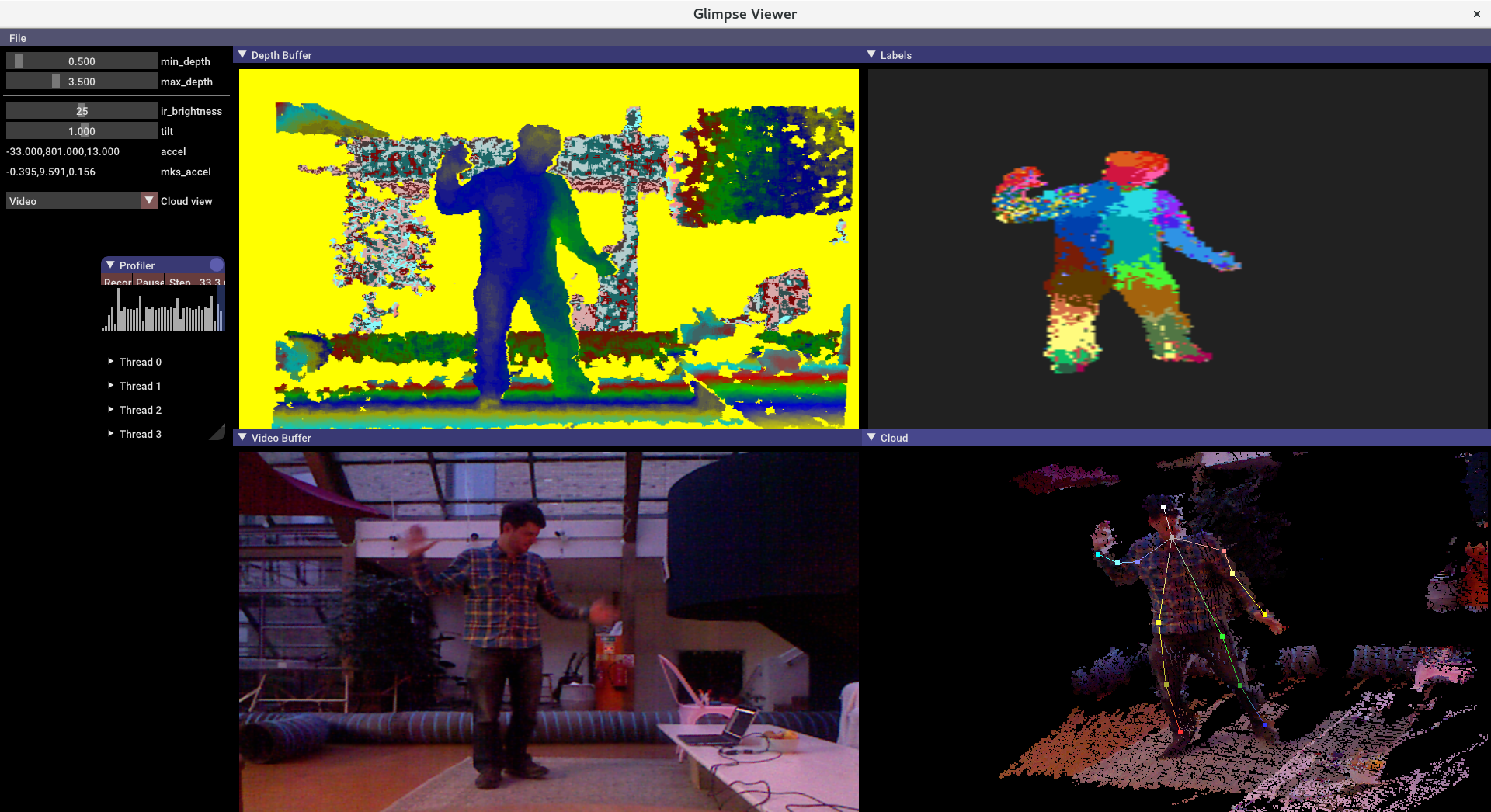
The early direction of this project has been to implement some of the capabilities demoed in our 'Glimpse — a sneak peek into your creative self' teaser video.
The current focus is on skeletal tracking and on reproducing the capabilities of Microsoft's Kinect based skeletal tracking, but using mobile phones instead of the Kinect sensor.
See this paper on Real-Time Human Pose Recognition in Parts from Single Depth Images before delving into the code for more details on our initial approach.
Along with this repository you'll also need to fetch the Glimpse Training Data and/or the Glimpse Pre-Trained Models as follows:
git clone https://github.com/glimpse-project/glimpse
git clone --depth=1 https://github.com/glimpse-project/glimpse-training-data
git clone --depth=1 https://github.com/glimpse-project/glimpse-models
Note: We recommend you clone the later repositories with --depth=1 since they contain large resources whose history is rarely required so you can save a lot of time/bandwidth this way
Once cloned, please check the respective README.md files in each repo for the latest instructions but it's expected you will need to also run:
cd glimpse-training-data
./unpack.sh
cd blender
./install-addons.py
(to decompress the CMU motion capture data that we use in our rendering pipeline and to configure Blender with all the required addons for rendering via blender/glimpse-cli.py)
and in the glimpse-models repo run:
cd glimpse-models
./unpack.sh
(to decompress the CMU motion capture data)
Further instructions assume the following environment variables are set
GLIMPSE_TRAINING_DATA is set to the absolute path for the
glimpse-training-data repository cloned above.
GLIMPSE_MODELS is set to the absolute path for the glimpse-models repository
above.
Currently we only support building and running Glimpse on Linux and/or cross-compiling for Android. If someone wants to help port to Windows or OSX, that would be greatly appreciated and probably wouldn't be too tricky.
We're using Meson and Ninja for building. If you don't already have Meson, it can typically be installed by running:
pip3 install --user --upgrade meson
Make sure you have Meson >= 0.44.0 if you want to try cross-compiling Glimpse:
By default Meson will compile without optimizations and with debug symbols:
mkdir build-debug
cd build-debug
meson ..
ninja
An optimized build can be compiled as follows:
mkdir build-release
cd build-release
CFLAGS="-march=native -mtune=native" CXXFLAGS="-march=native -mtune=native" meson.py --buildtype=release ..
ninja
We've only tested cross-compiling with NDK r16 and have certainly had problems with earlier versions so would strongly recommend using a version >= r16.
For ease of integration with Meson we create a standalone toolchain like so:
$ANDROID_NDK_HOME/build/tools/make_standalone_toolchain.py --install-dir ~/local/android-arm64-toolchain-21 --arch arm64 --api 21 --stl libc++
export PATH=~/local/android-arm64-toolchain-21:$PATH
(We've only been targeting arm64 devices so far)
Make sure you have Meson >= 0.44.0, since earlier versions had a bug when building subprojects whose directory didn't exactly match the subproject name.
meson --version
Then to compile Glimpse:
mkdir build-android-debug
cd build-android-debug
meson.py --cross-file ../android-arm64-cross-file.txt --buildtype=debug -Ddlib:support_gui=no ..
ninja
or release:
mkdir build-android-release
cd build-android-release
meson.py --cross-file ../android-arm64-cross-file.txt --buildtype=release -Ddlib:support_gui=no ..
ninja