Kirby block preview plugin to directly render block fields, allowing for inline editing.
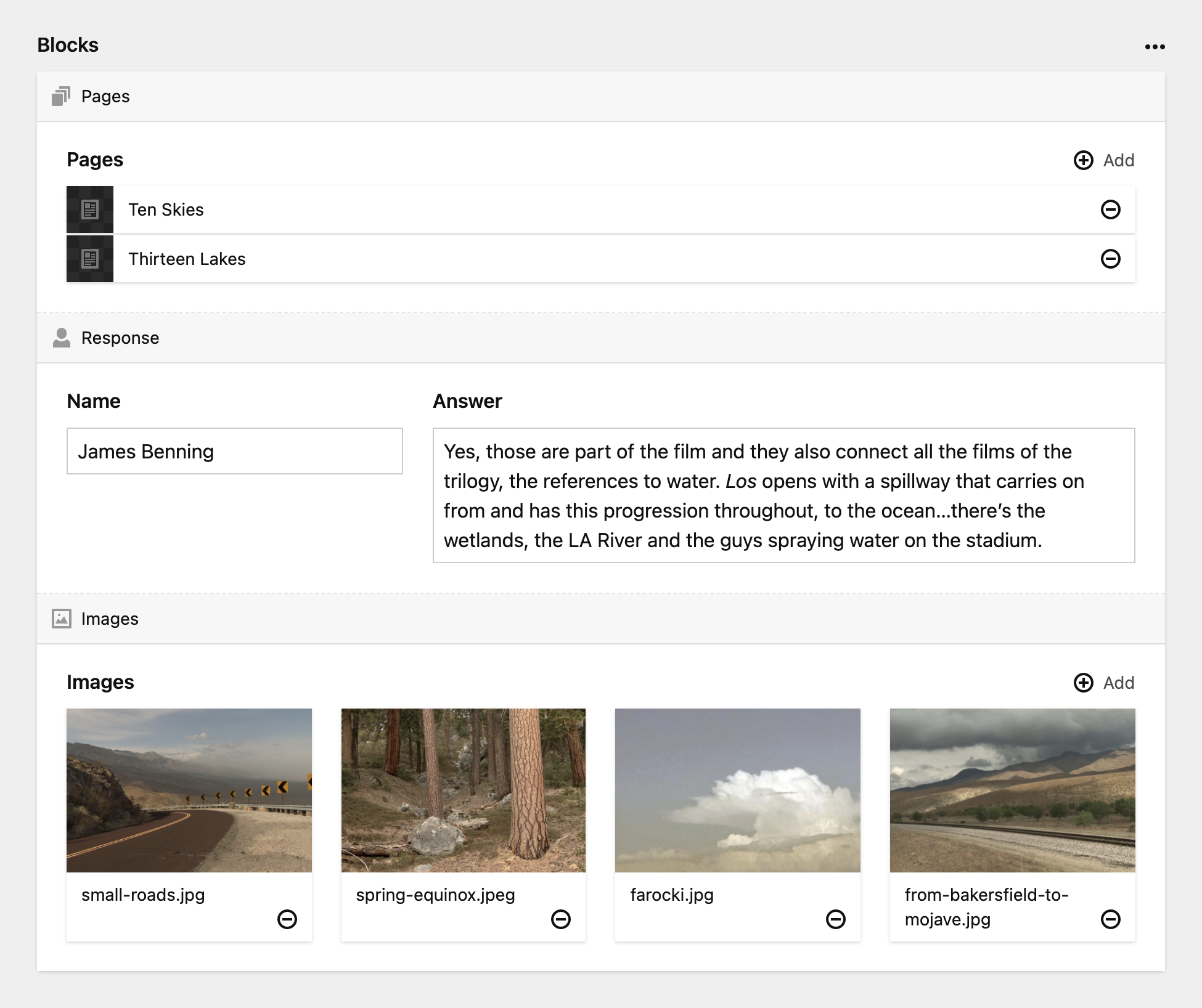
When creating a custom block in your blueprints, pass preview: fields to utilize this plugin
blockname:
  name: Block Name
  preview: fields # required
  wysiwyg: true # recommended
  fields:
    text:
      label: Text
      type: text
Setting wysiwyg: true prevents drawer from automatically opening when creating a new block.
You can disable the block title bar by passing label: false
blockname:
  name: Block Name
  preview: fields
  wysiwyg: true
  label: false # disables block title bar
  fields:
    text:
      label: Text
      type: text
Example
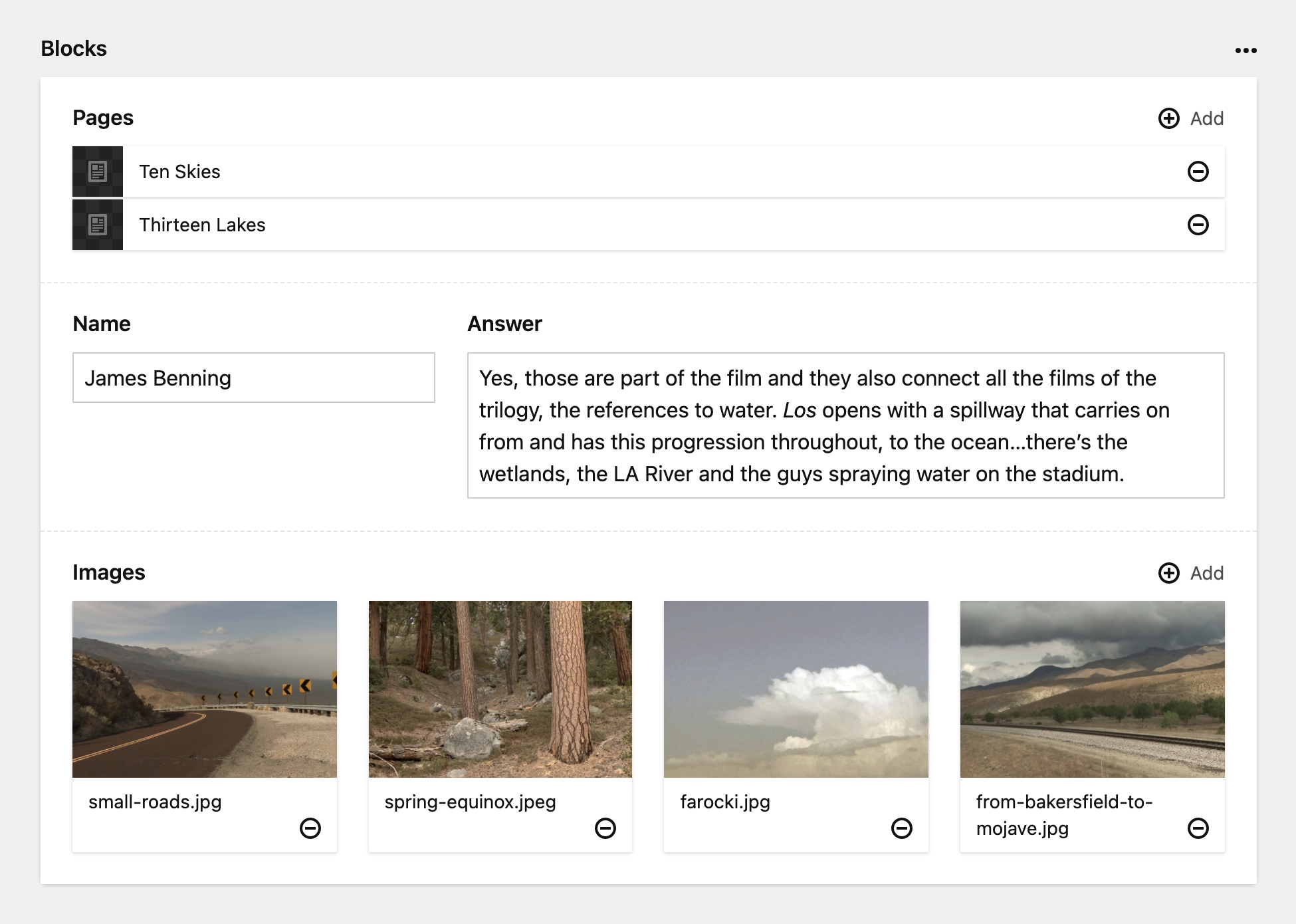
You can collapse or expand the block preview by clicking on the arrow icon or double clicking the block title bar.
- The block
iconwill appear in the title bar. - Currently does not support blocks with tabs.
composer require jg/kirby-fields-block